Most large language models (LLMs) produce free-form text by default. While natural for conversation, unstructured responses are brittle when you need machine-readable results. Common problems include:
  • Difficulty reliably extracting structured fields (IDs, statuses, severities).
  • Inconsistent severity labels (low/medium/high) across responses.
  • Unpredictable formats that break downstream integrations (databases, APIs, analytics).
These are exactly the issues we face in our help desk ticketing workflow: model replies are stochastic and freeform, so we can’t dependably populate ticket fields.
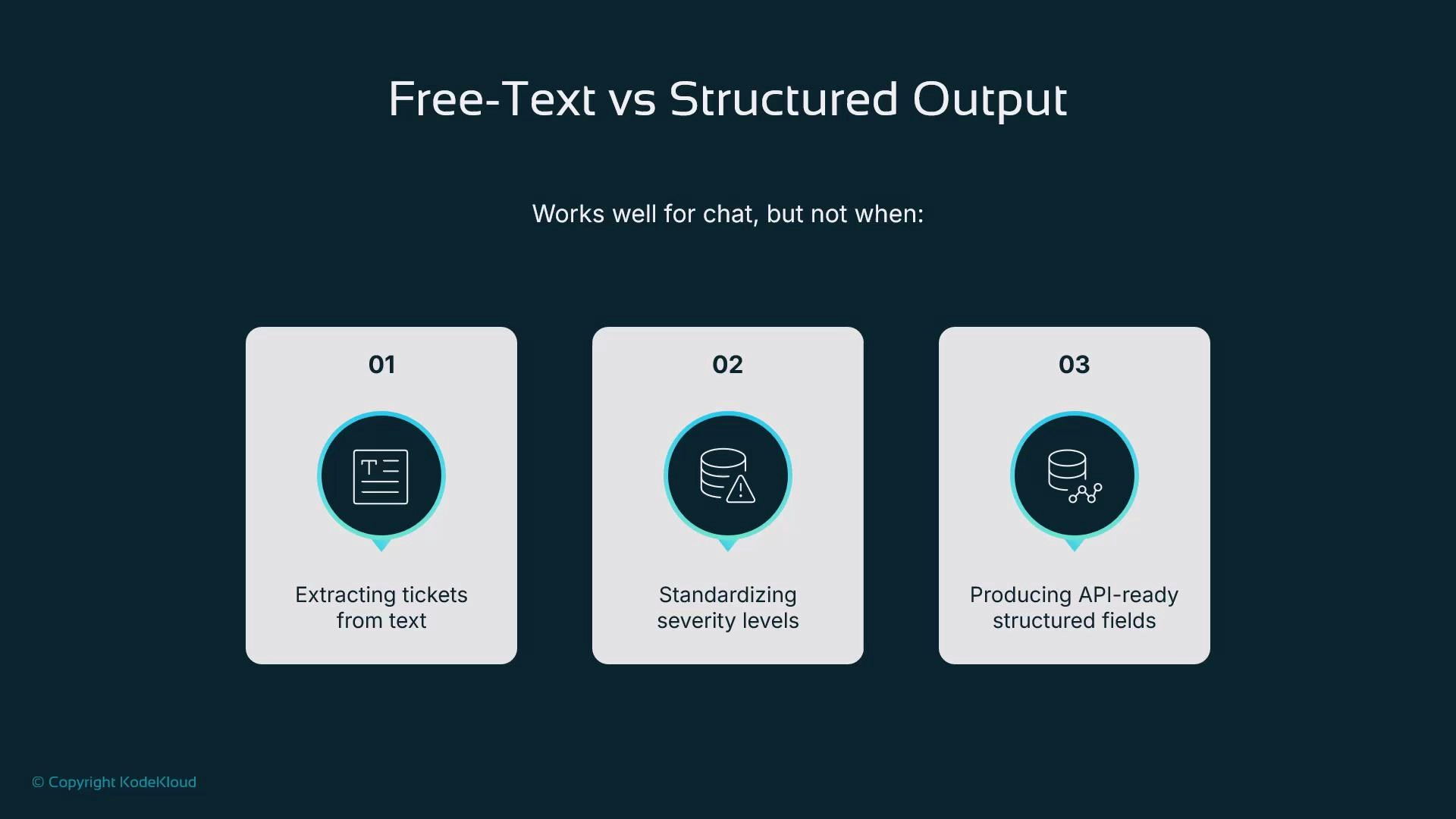
A presentation slide titled "Free-Text vs Structured Output" showing three numbered panels. Each panel lists a use case where free-text is weak: extracting tickets from text, standardizing severity levels, and producing API-ready structured fields.
ADK provides two primary ways to get structured outputs instead of raw text:
  1. Agent-level schemas (input and output models).
  2. Tool-level structured results (tools that return typed objects).
This guide compares both approaches and shows why we’ll use tool-level structured outputs for our help desk assistant.
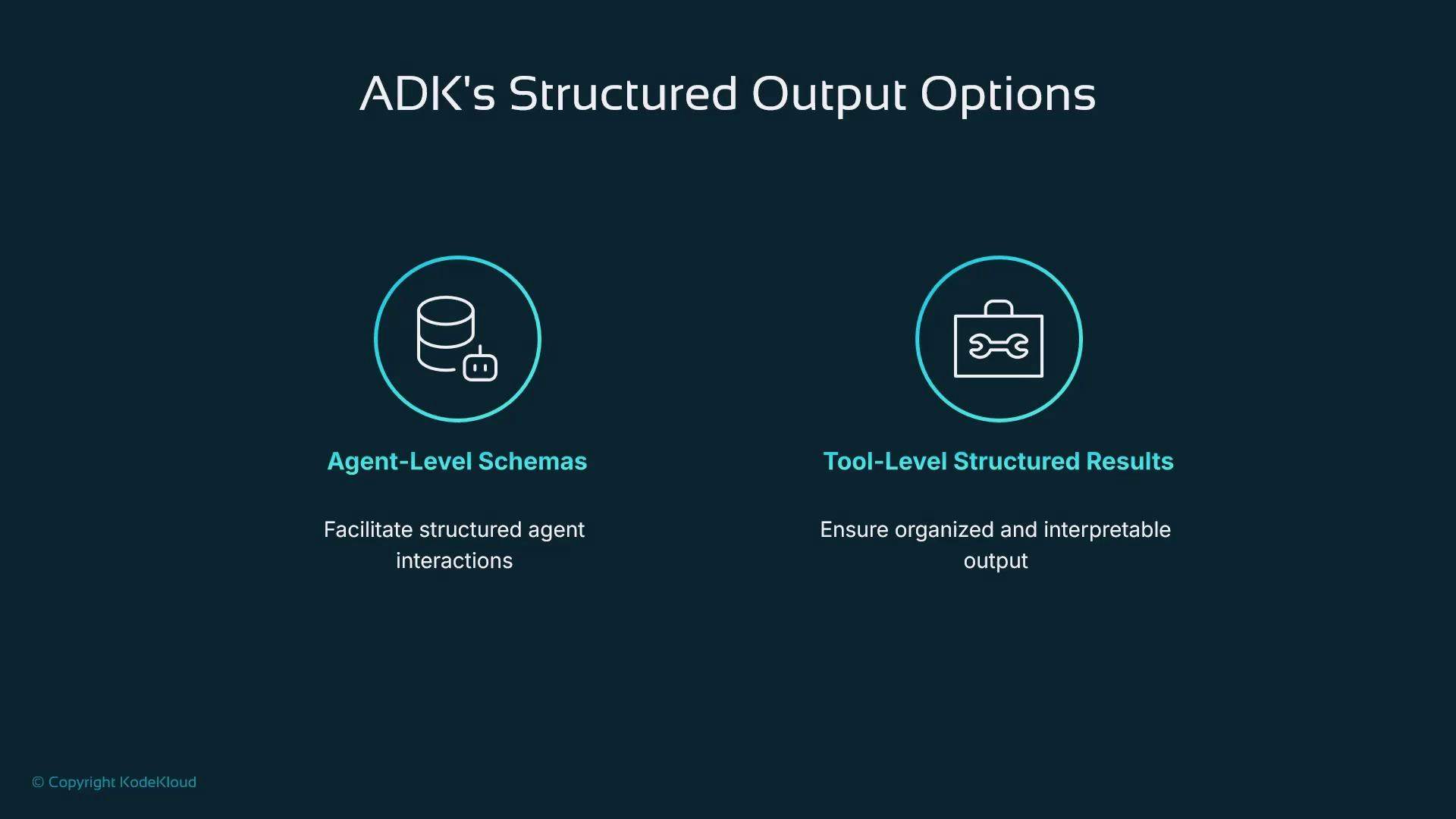
A dark-themed slide titled "ADK's Structured Output Options" showing two circular icons and labels: "Agent-Level Schemas" (database icon) with the caption "Facilitate structured agent interactions," and "Tool-Level Structured Results" (toolbox icon) with the caption "Ensure organized and interpretable output."
ApproachBest forKey tradeoffs
Agent-level schemasSingle-step, deterministic lookups or function-like agentsStrongly typed outputs but limited tool use and orchestration
Tool-level structured resultsMulti-step workflows that call tools, use RAG, or integrate with servicesFlexible orchestration; requires each tool to guarantee its return shape

Agent-level schemas (typed agents)

Agent-level schemas let you give an ADK agent explicit input and output models (for example, Pydantic classes). This makes the agent behave like a typed function: it accepts structured inputs and is guided to return a fixed JSON shape.
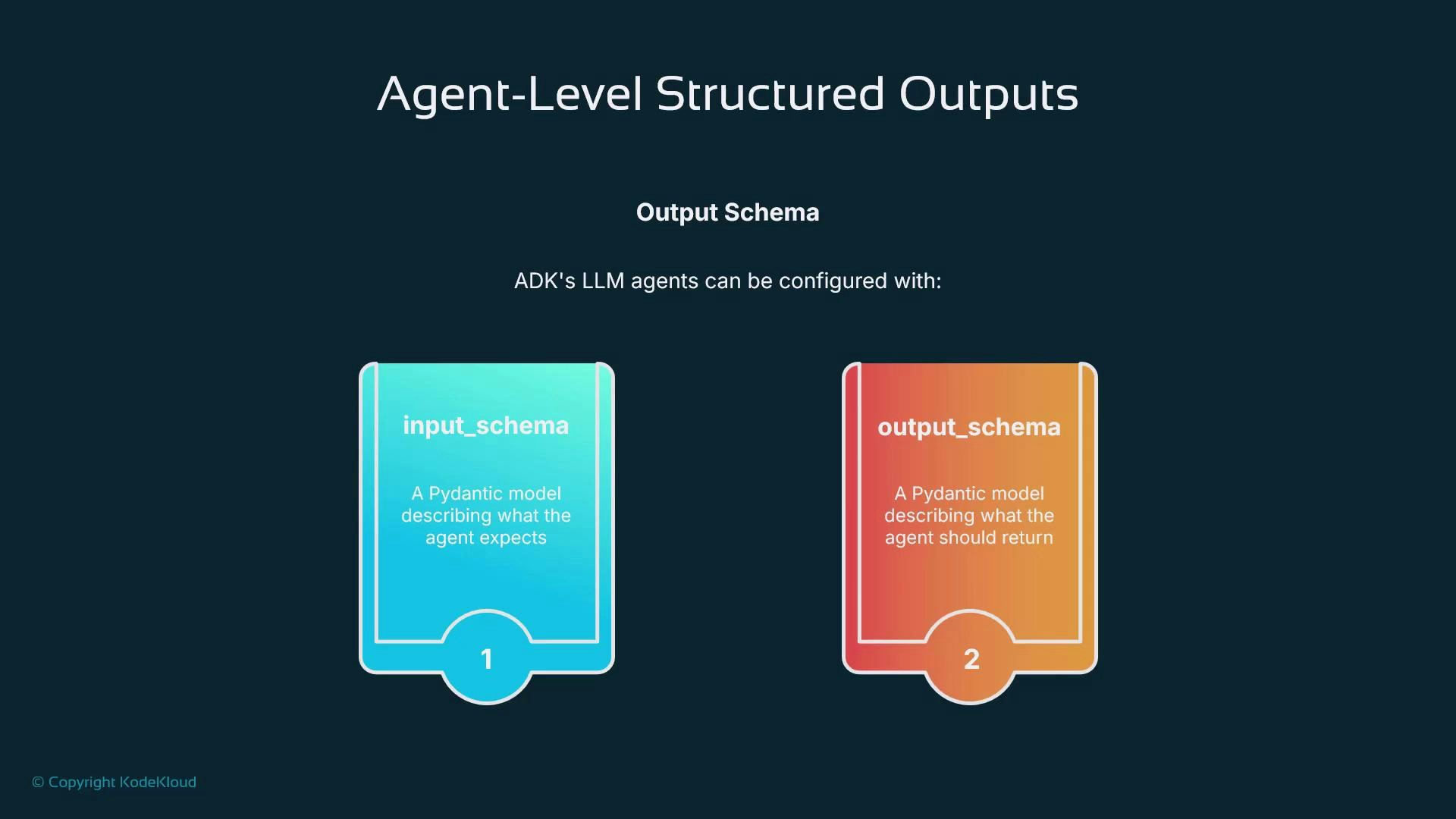
A presentation slide titled "Agent-Level Structured Outputs" showing two colorful cards labeled "input_schema" (teal) and "output_schema" (orange), which describe Pydantic models for what an agent expects and should return.
Example — an agent that returns the capital of a country. We define a small Pydantic model for the output and pass it as the agent’s output_schema. ADK steers the model to emit JSON matching that schema so the system reliably receives a capital field instead of a paragraph.
from pydantic import BaseModel, Field
from google.adk.agents import Agent

class CapitalOutput(BaseModel):
    capital: str = Field(description="The capital of the country.")

capital_agent = Agent(
    name="capital_agent",
    model="gemini-2.5-flash",
    instruction="Return the capital of the requested country.",
    output_schema=CapitalOutput,
)
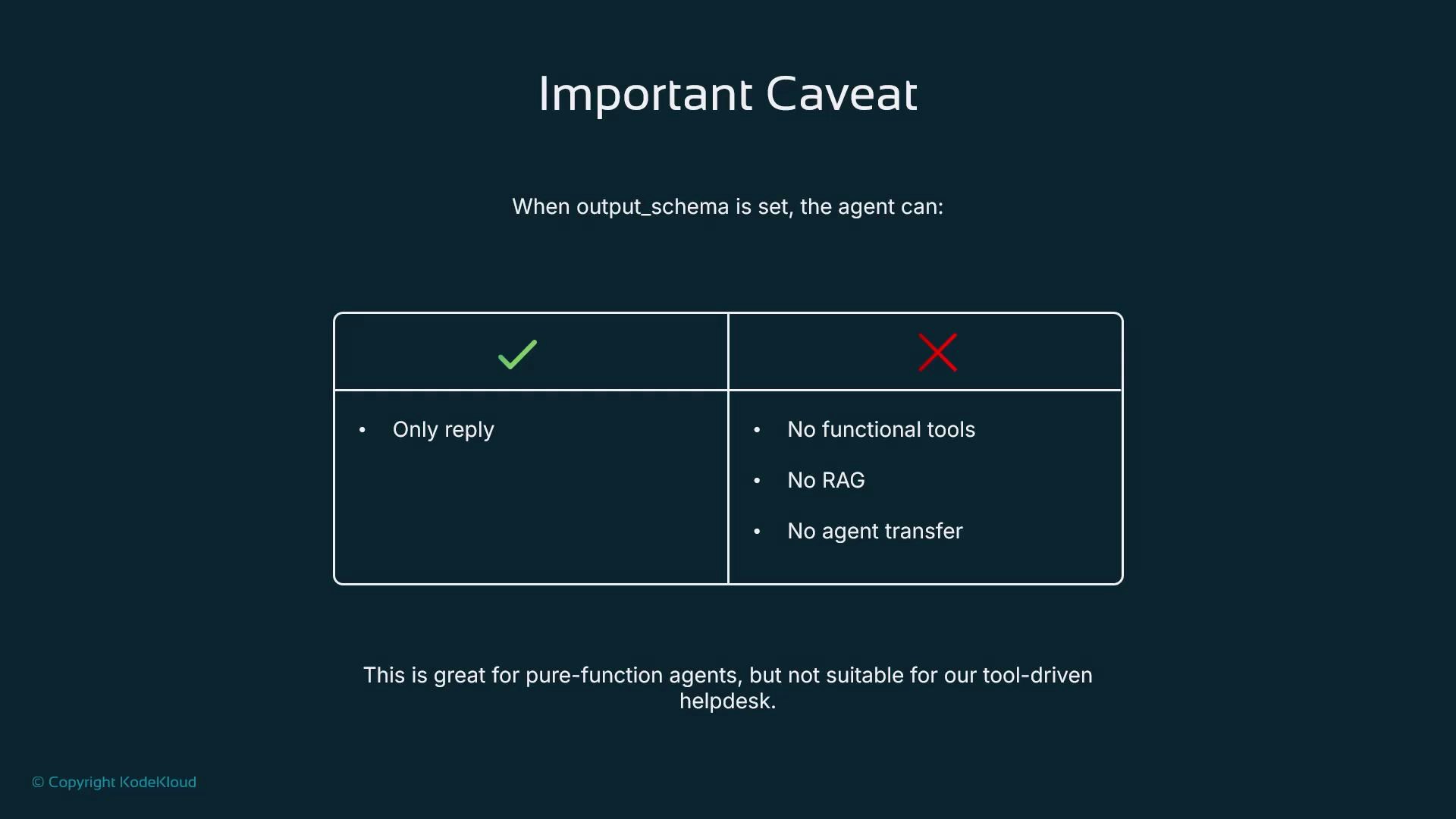
There is an important limitation: agent-level output schemas are intended for single-step, reply-style agents. Agents constrained by an output schema often cannot:
  • invoke tools,
  • perform retrieval-augmented generation (RAG),
  • or hand off to other agents.
That makes agent-level schemas great for pure lookups or deterministic functions, but unsuitable for workflows needing tool calls or orchestration.
A slide titled "Important Caveat" showing a two-column table with a green check for "Only reply" and a red X listing "No functional tools, No RAG, No agent transfer." A footer notes this is fine for pure-function agents but not suitable for a tool-driven helpdesk.
Agent-level output schemas are excellent when your agent should behave like a deterministic function and return a fixed schema. If your workflow requires calling tools or RAG, prefer structured tool outputs instead.
The second approach is to make each tool return a strictly structured object (dict or Pydantic model). ADK can generate schemas from type hints and docstrings so the LLM sees tools as reliable, JSON-shaped building blocks. This is the pattern we’ll use for ticket creation. Benefits:
  • Tools guarantee the return shape (e.g., ticket fields), making downstream integration deterministic.
  • Agents remain free to orchestrate multiple tools, call external services, and perform RAG.
  • Easier to log, persist, and analyze outputs because the shape is standardized.
For a help desk, the create_ticket tool should return a ticket object with fields like ticket_id, summary, severity, service, user_email, and status. Once that contract is enforced, other systems (databases, dashboards, external platforms) can consume tickets without extra parsing.
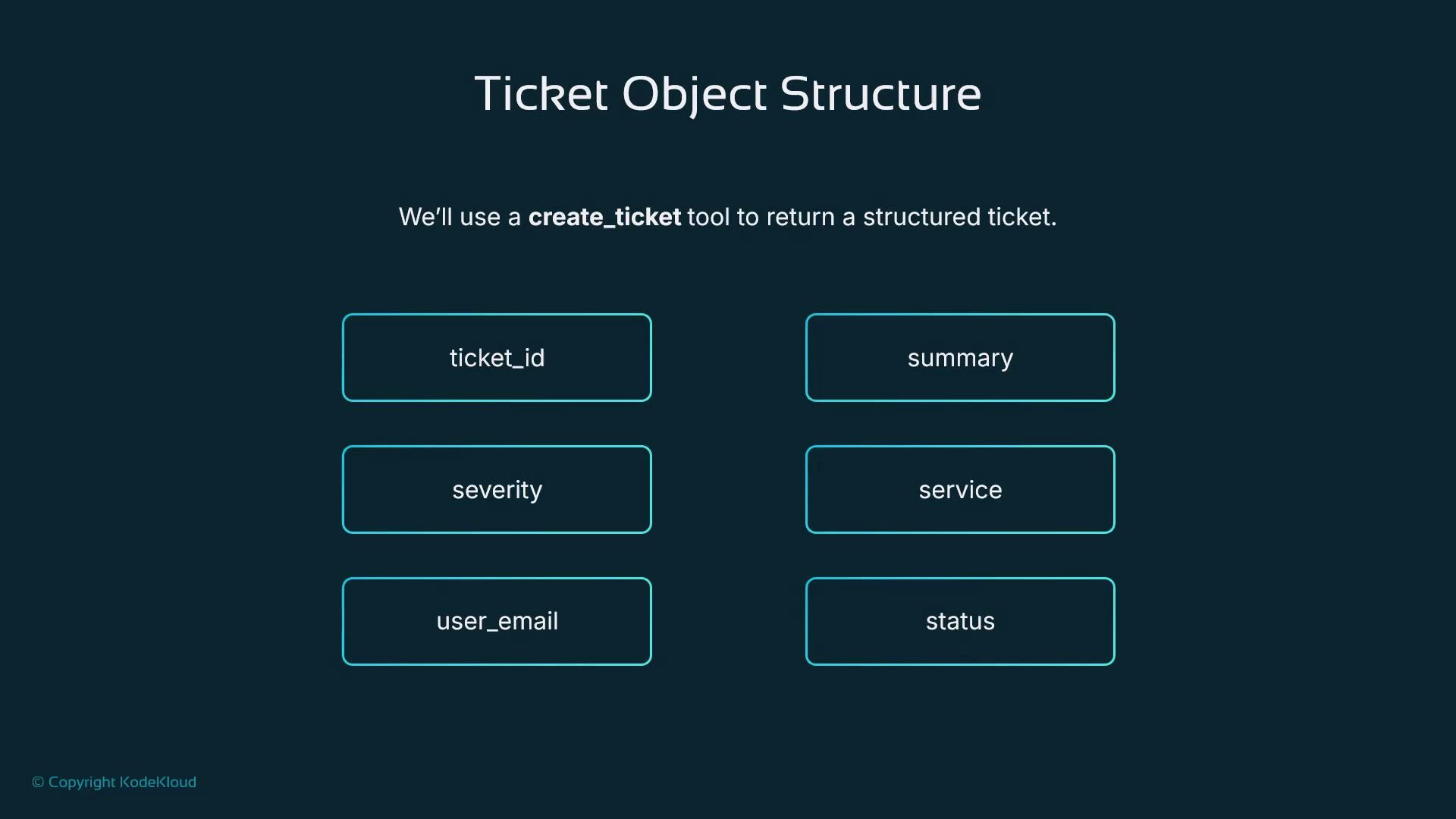
A slide titled "Ticket Object Structure" showing fields for a create_ticket tool, with labeled boxes for ticket_id, summary, severity, service, user_email, and status.
Because the ticket is a well-defined object, integration is straightforward: log it, write it to the DB, push it to an external helpdesk, or feed it to analytics and dashboards. We want a smart IT help desk assistant that:
  • decides whether a ticket is needed,
  • calls the create_ticket tool when appropriate,
  • receives a structured ticket object back, and
  • responds to the user with a clear confirmation such as: “I’ve created ticket IT-1234 with severity high for the VPN outage.”
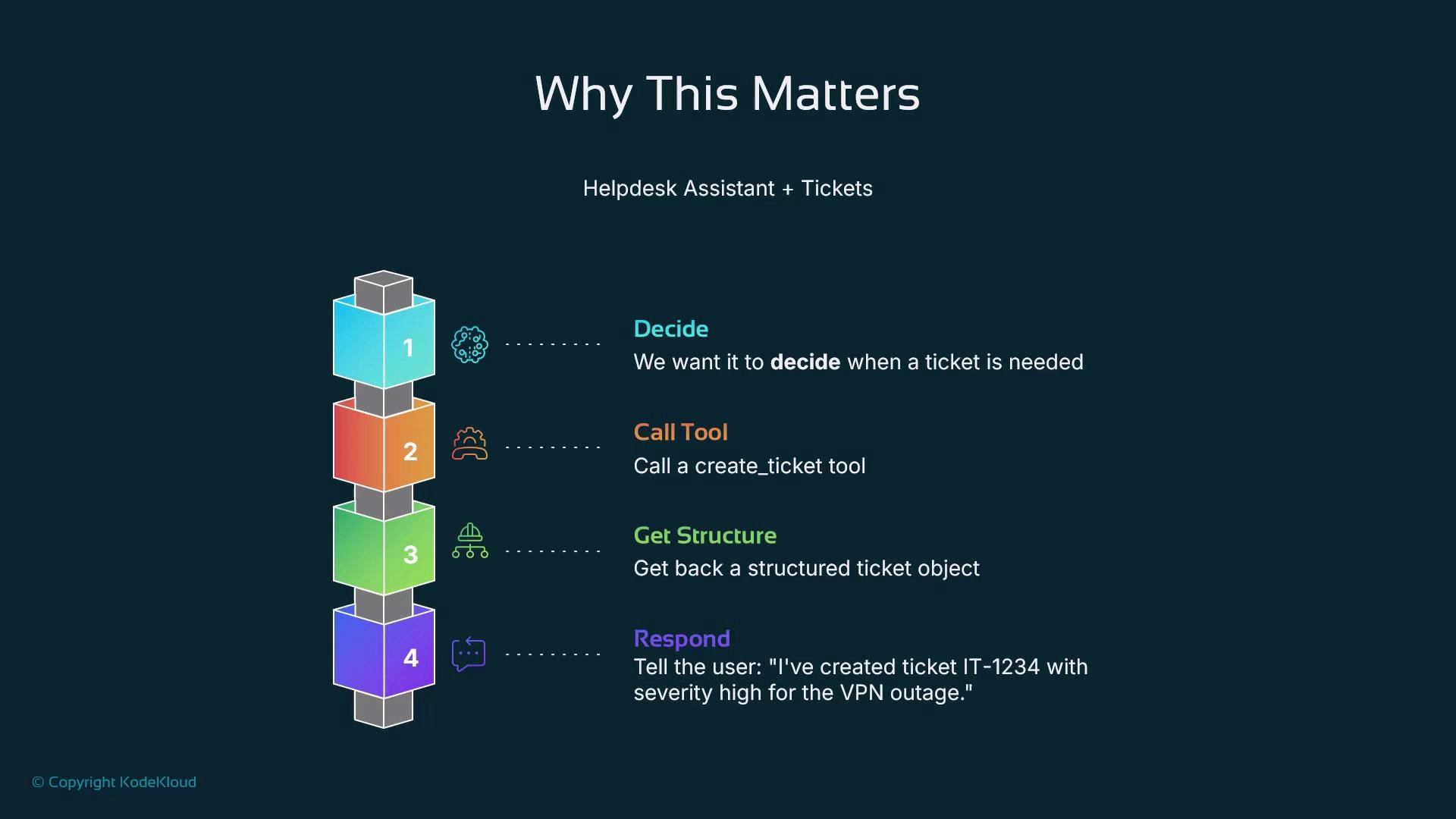
That structured ticket is the bridge between conversation and operations.
A presentation slide titled "Why This Matters" that outlines a four-step helpdesk assistant + tickets workflow: Decide, Call Tool, Get Structure, Respond. Each step is shown as a colored stacked block with a brief action description (e.g., call create_ticket and tell the user "I've created ticket IT-1234...").

Implementation plan — concrete next steps

To move from concept to working ADK code, we’ll:
  • define the ticket Pydantic schema,
  • implement the create_ticket function tool that returns a typed ticket object,
  • register and wire that tool into the help desk agent flow so the agent can open tickets when needed,
  • log and persist tickets (DB / external API / analytics).
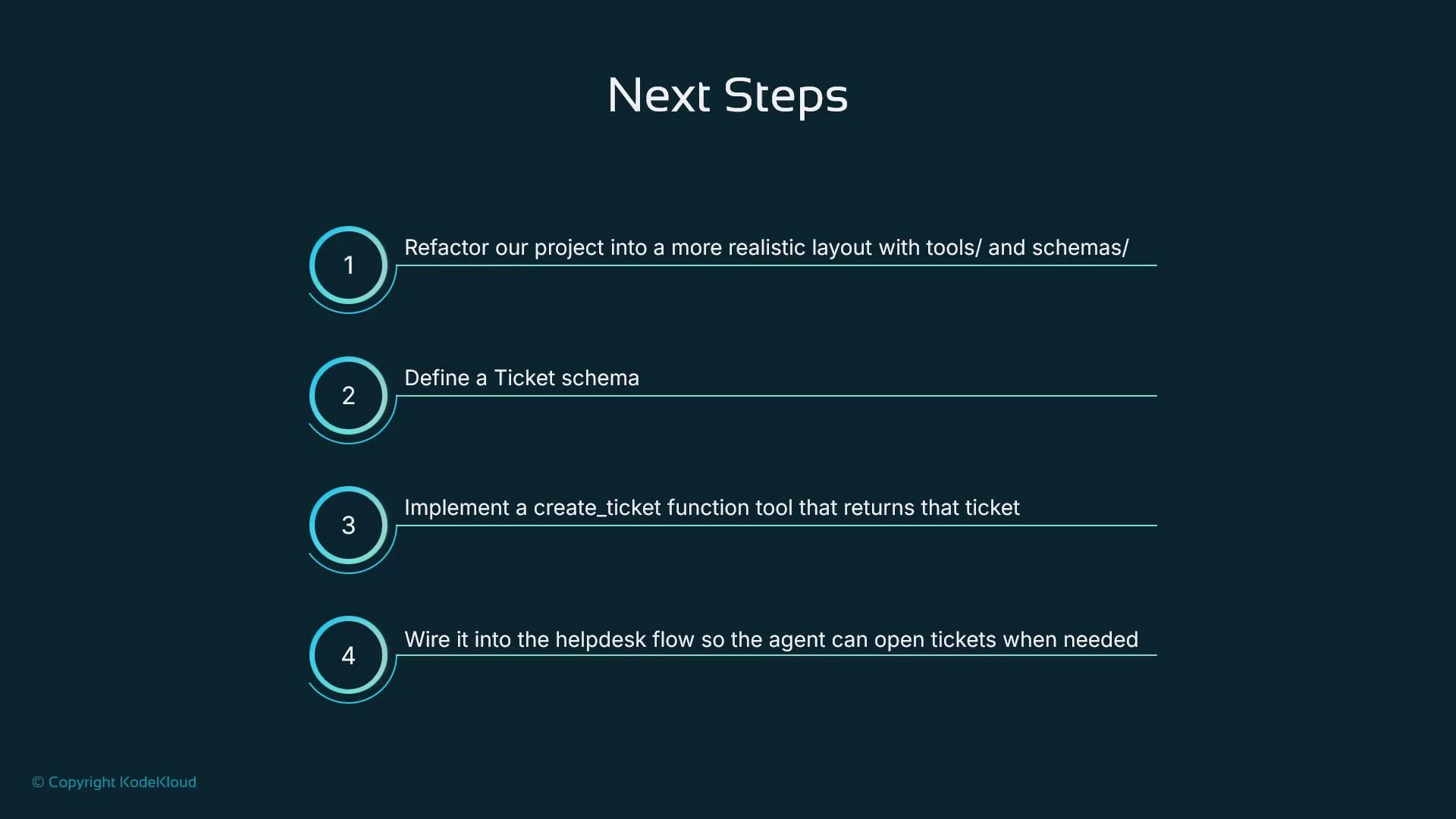
This refactor makes our assistant both intelligent and reliably integrated.
A presentation slide titled "Next Steps" showing four numbered items: refactor the project, define a ticket schema, implement a create_ticket function tool, and wire it into the helpdesk flow. The design uses teal circular number icons and thin horizontal lines on a dark background.

References and further reading

When you choose agent-level schemas, remember you trade off orchestration and tool calls. For help desk workflows that must interact with services or perform multi-step logic, use tool-level structured outputs.