

Traditional Kubernetes Ingress
In a traditional Kubernetes setup, an Ingress resource manages incoming traffic by defining specific routing rules. For instance, any traffic arriving with the hostname “bookinfo.app” can be directed to the product service. Below is an example of a Kubernetes Ingress configuration: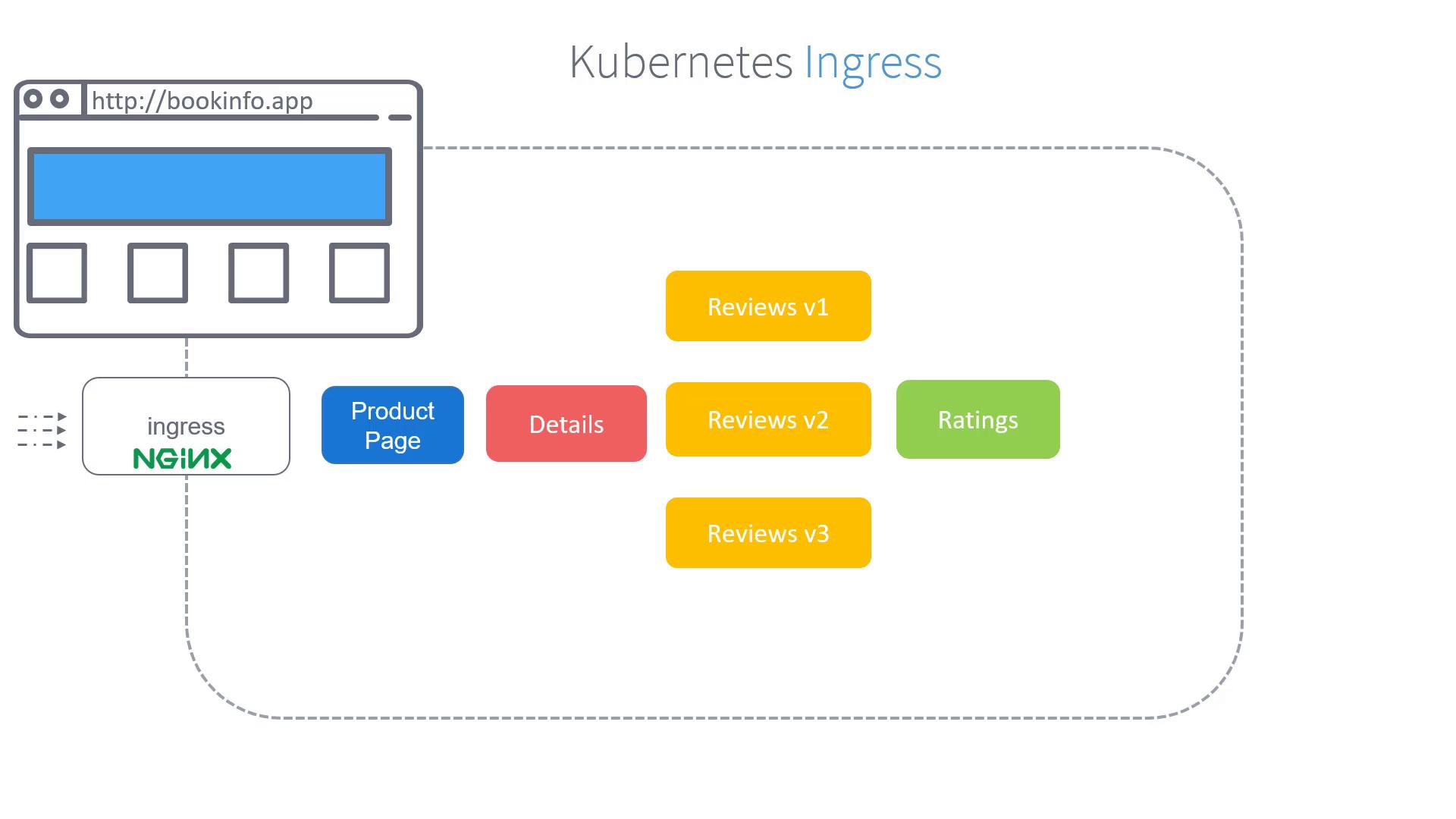
Kubernetes Ingress is an effective way to manage incoming traffic. However, Istio enhances monitoring and provides advanced routing capabilities by leveraging its native Gateway features.
Istio Gateways for Advanced Traffic Management
Istio Gateways function as load balancers at the edge of the mesh, handling both inbound and outbound traffic. When Istio is deployed on a cluster, it automatically installs both the Istio Ingress Gateway and Istio Egress Gateway.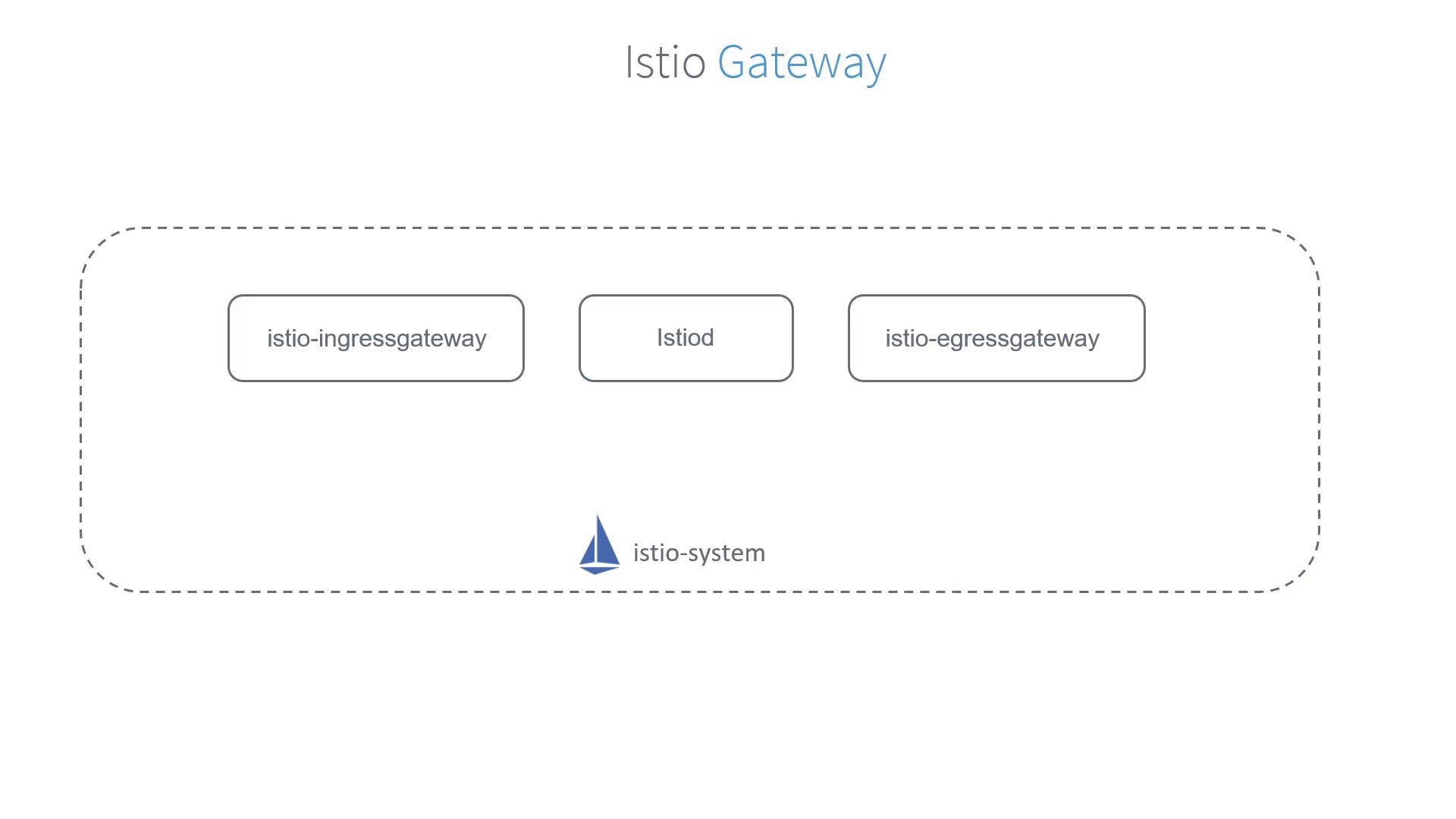
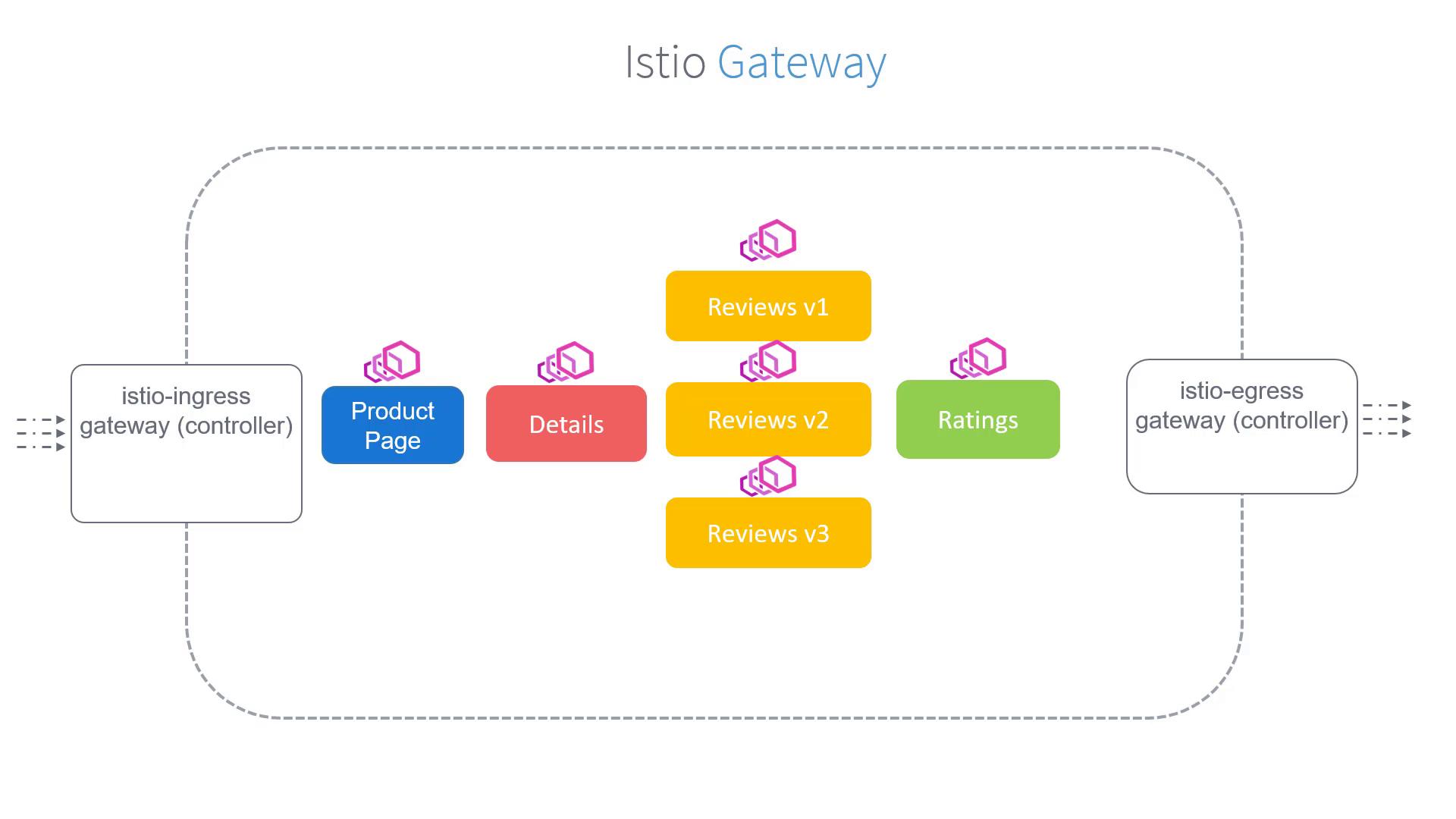
Creating a Gateway Object
To achieve this, you first create a Gateway object that accepts HTTP traffic on port 80 for the specified hostname. Use the following configuration as a starting point:bookinfo-gateway.yaml) and create the Gateway in your cluster with the following command:
At this point, the bookinfo Gateway is configured to capture traffic coming through the default Istio Ingress Gateway for the URL “bookinfo.app”. The following step is to define Virtual Services to correctly route this traffic to the product page service, which will be covered in a subsequent article.