

This lesson emphasizes practical labs alongside conceptual material so you can quickly apply MCP concepts to real use cases.
What we’ll cover
We’ll begin with the fundamentals—the building blocks and how prompts and tools interact in MCP.
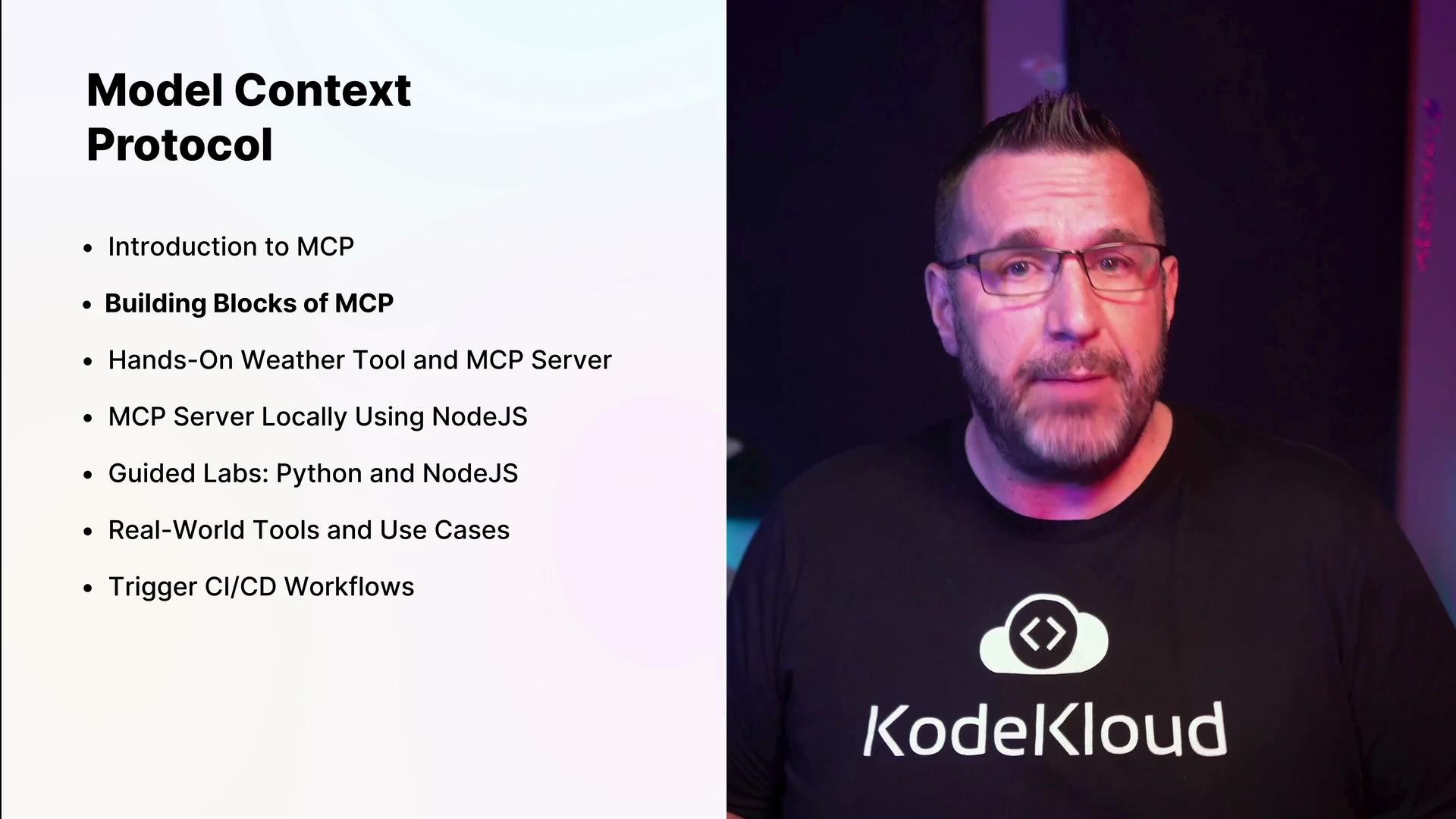
Getting hands-on: your first MCP tool and a minimal server
Early in the course you’ll run your first MCP tool (the Weather tool) and build a minimal MCP server so you can see how the protocol accepts tool invocations and returns structured responses. Example: install Node dependencies- Declare tools and schemas the model can call.
- Format structured responses that the MCP client expects.
- Log, test, and debug tool invocations locally.
Setting up a Python development environment
If you prefer Python, use this compact workflow to create and activate a virtual environment, install the MCP package, and inspect project files:Core concepts and connection methods
After the basics you’ll dive deeper into running MCP servers locally and the connection options available:
Hands-on labs will guide you through both methods and best practices for testing and debugging.
Leveraging MCP in daily workflows
This course shows concrete examples of integrating MCP with tools and platforms developers use every day:- Claude (Anthropic) for advanced LLMs: Claude
- Google Calendar for scheduling and event lookups: Google Calendar
- Postman for testing HTTP-connected MCP servers: Postman
- CI/CD and GitHub Actions for automated tests and deployments: GitHub Actions
- Terraform for provisioning cloud resources as triggers or data sources: Terraform
Never commit credentials or OAuth files to source control. Store sensitive values in secure stores or CI secrets and reference them via environment variables.
Example lab flow (high level)
- Run the Weather tool locally and observe the model calling the tool.
- Build a minimal MCP server that accepts tool requests and returns structured responses.
- Switch connection modes (stdio → HTTP) and validate behavior with Postman or curl.
- Add authentication and secure credentials using environment variables or secret managers.
- Integrate a third-party adapter (e.g., Google Calendar) and test end-to-end.
Community and support
At KodeKloud we encourage collaboration—ask questions, share discoveries, and learn with others in the forums and resource hubs. These channels are ideal for getting help, exchanging MCP patterns, and finding real-world examples you can adapt.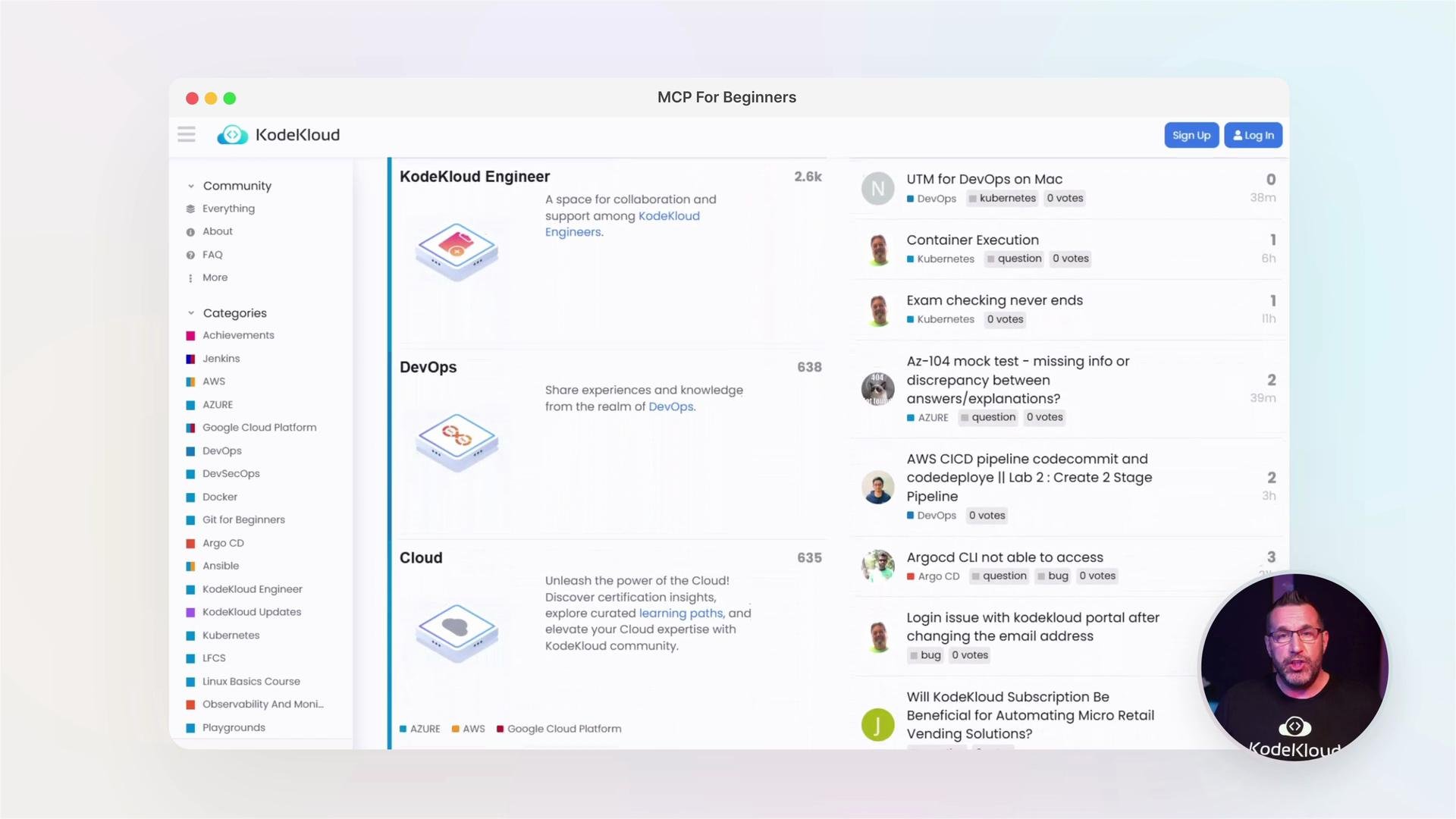
Links and references
- MCP best practices and protocol patterns (covered in course labs)
- Claude (Anthropic)
- Google Calendar
- Postman
- Terraform
- GitHub Actions