

latitude / longitude or the hourly parameters to request different fields. Open-Meteo uses simple HTTP GET queries and returns JSON.
Repository and local server
I built a small Node.js MCP server (Weather-MCP-Server) that calls Open-Meteo and exposes three MCP tools:
get_current_weather— current conditions for a latitude/longitudeget_weather_forecast— hourly forecast for a location (optionally specify days)get_weather_summary— a natural-language summary that combines current + forecast
server.js) locally. The server advertises the three tools so an MPC-capable assistant can discover and call them.
Tools overview
Inspecting server.js
Below is the consolidated Node.js MCP server used in this lesson. It defines the tool metadata (name, description, input schema), implements the Open-Meteo calls, maps tool names to handlers, and exposes MCP request handlers for
tools/list and tools/call.
server.js as the command to launch when Postman starts the MCP connection:
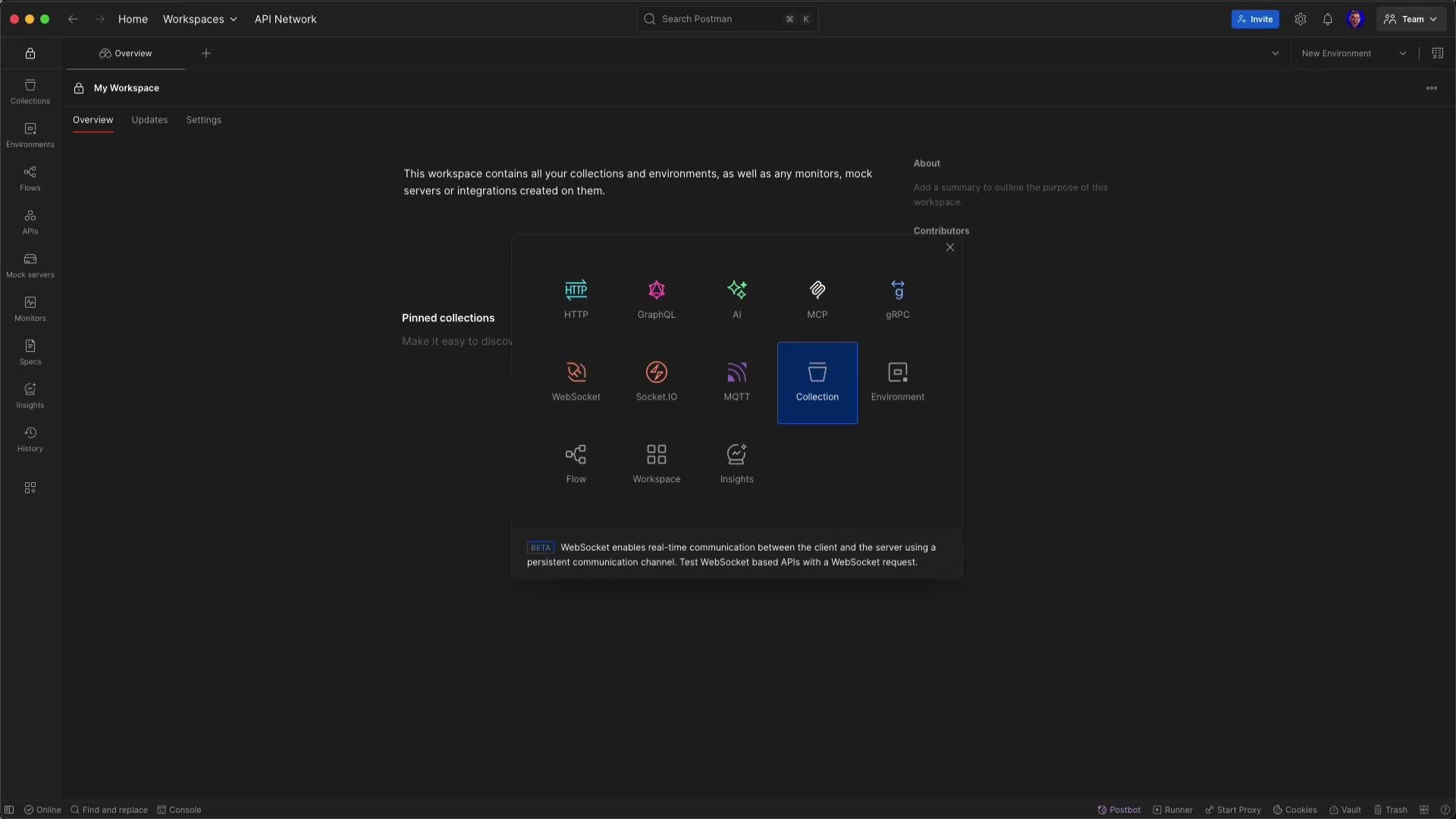
get_current_weather, get_weather_forecast, and get_weather_summary.
Example MCP call (tool invocation)
Here’s a minimal MCP request body to call get_current_weather for latitude 45.4318 and longitude -123.1426:
time, temperature_2m, and relativehumidity_2m. MCP wraps that low-level API behind simple tool interfaces so an assistant can use names, inferred parameters, and validated inputs instead of constructing queries manually.
Integrating the MCP server with Claude
To allow Claude to call your local MCP server, add the server entry in Claude’s Developer settings (MCP servers list). Example config.json snippet (used for Claude’s local MCP entries):
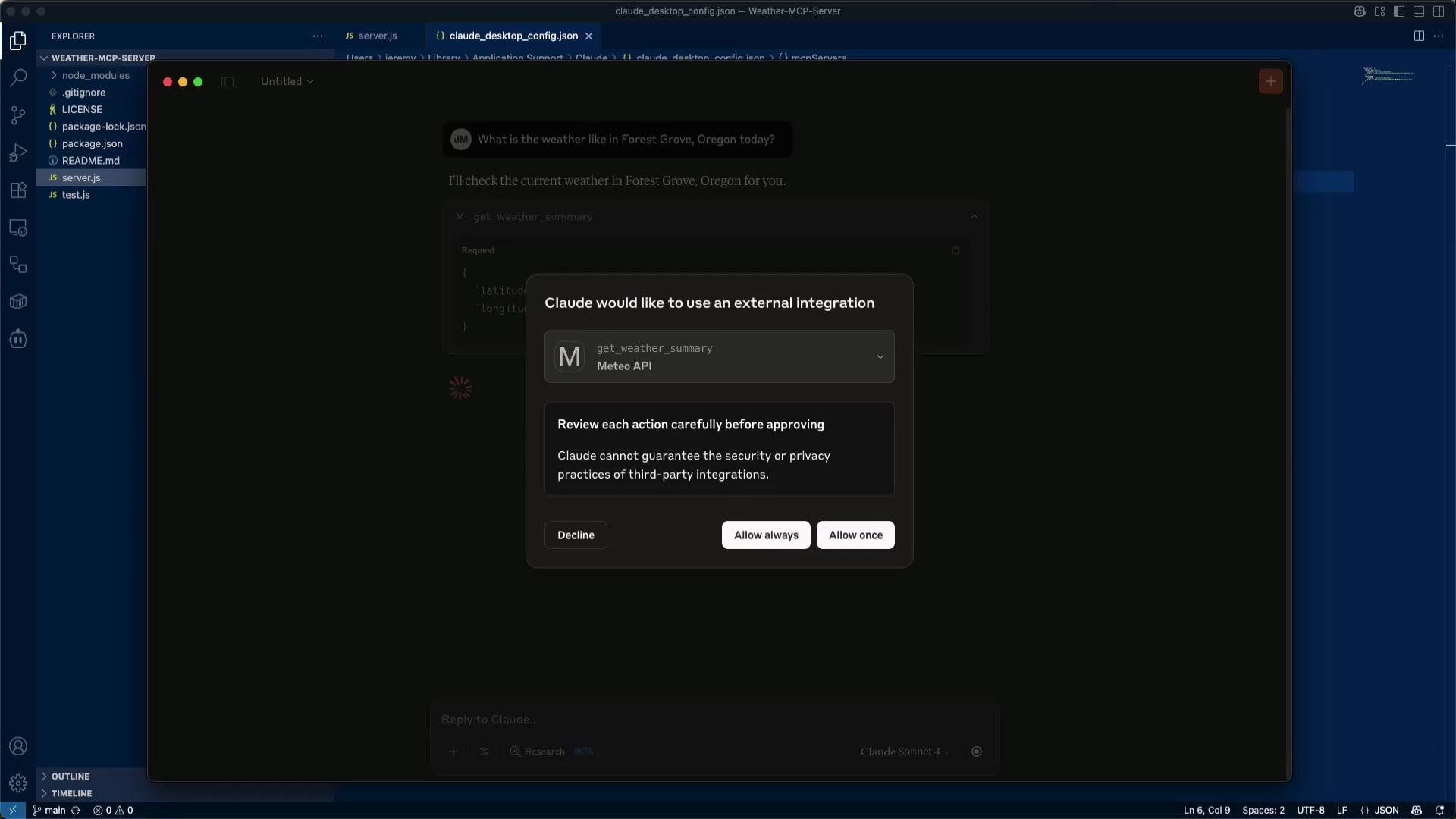
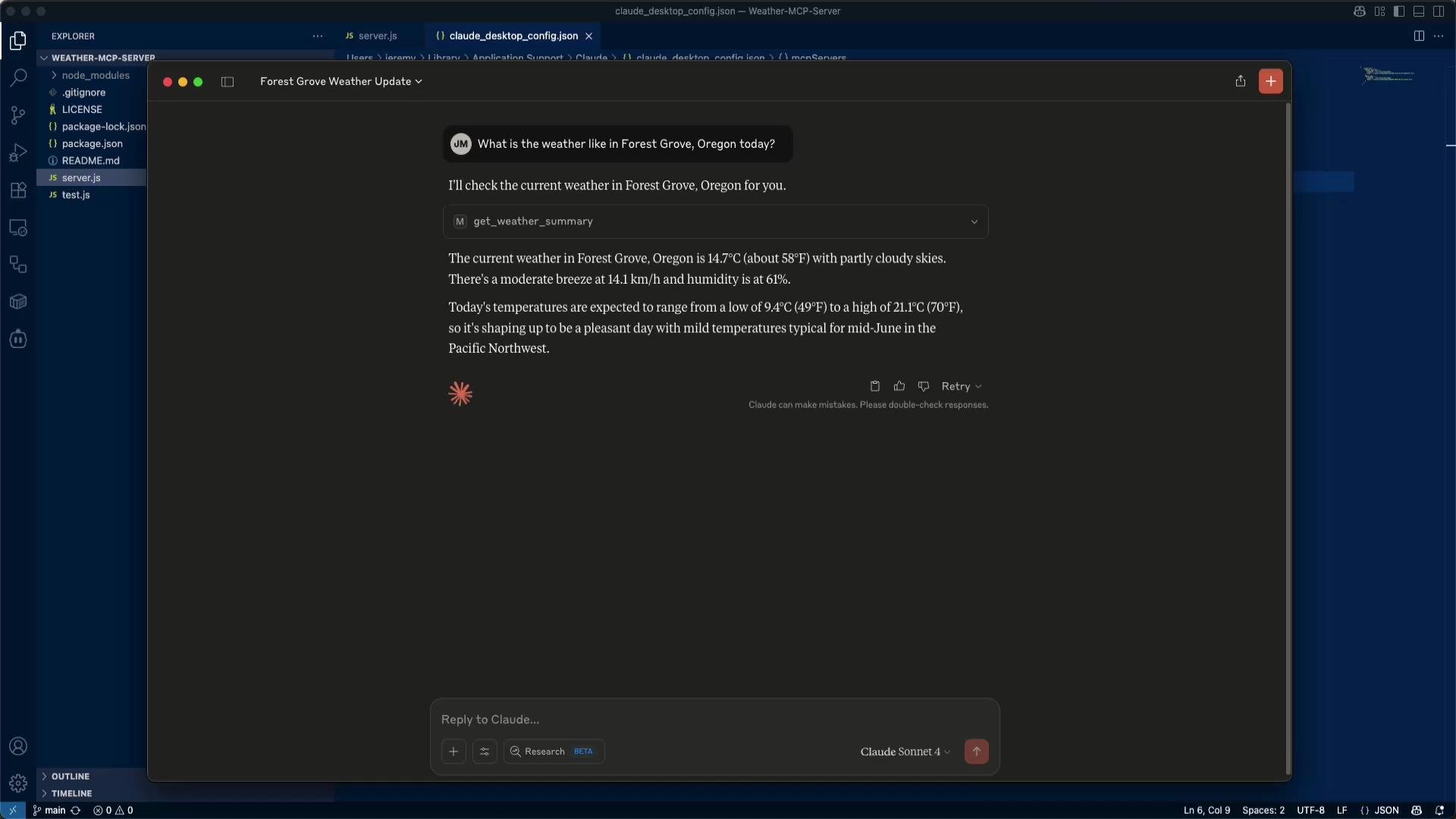
- Use input schemas to validate tool arguments and keep tool behavior explicit. That helps assistants choose tools appropriately.
- Prefer to keep MCP servers local or behind strict access controls. Don’t expose your local testing server directly to the public Internet without proper authentication.
- Use the
get_weather_summarytool as a compact text response for chat UIs, whileget_current_weather/get_weather_forecastprovide structured data for downstream logic.
Do not expose local MCP servers publicly without authentication or firewall rules. MCP tools can access external APIs — treat them like any other backend service when it comes to security.
- LLMs supply natural-language understanding, reasoning, and parameter inference (e.g., mapping a place name to lat/long).
- An MCP server provides an explicit, auditable set of tools that call up-to-date external APIs.
- Combined, this is a simple Retrieval-Augmented Generation (RAG) pattern: a model reasons and generates while external APIs provide current facts.
- Open-Meteo API: https://open-meteo.com/
- Postman: https://www.postman.com/
- Claude: https://claude.ai
- Retrieval-Augmented Generation: https://en.wikipedia.org/wiki/Retrieval-augmented_generation
Start small: run the server locally, test with Postman, and then connect your assistant. Once you have the basic flow working, extend the server to support geocoding (resolve names → lat/long), caching, or rate-limiting for production use.