

Setting Up MySQL and Creating the Database
Begin by installing MySQL on your system and logging into the MySQL console. Once logged in, create a database named “learning” with the following commands:data that includes two fields:
- An integer
idas the primary key. - A
namecolumn of typeVARCHAR(255)used for storing strings.
The
data table consists of an id (primary key) and a name field. This structure is suitable for basic storage, demonstration purposes, or further expansion in your applications.Inserting and Verifying Data
Insert some sample records into the table using the following SQL commands:SELECT query:
Installing the SQL Package and Setting Up Your Project
To work with MySQL in Go, install the third-party driver package with:constants.go to store your database connection details as constants. For example, if your database is named “learning” and your username is “root”, define the constants as follows (remember to properly secure sensitive information in a real project):
Establishing a Database Connection in Go
In yourmain.go file, import the MySQL driver for its side effects and open a new MySQL connection:
sql.Open accepts a driver name and a corresponding data source name. For more details, refer to the Go documentation:
Querying the Database
Selecting Data
To retrieve rows from thedata table, use the Query method as shown below:
Query method, see the Go documentation:
Next and Scan methods to print each row:
Next method prepares the next row for reading, while Scan copies the column values into the provided variables. Their official documentation includes:
Inserting Data via Go
After validating your SELECT query, insert a new row into the table using theExec method:
Conclusion
With these instructions, you now have a solid understanding of how to integrate MySQL with Go using the SQL package. You have learned to create a database and table, insert data, and perform both SELECT and INSERT operations programmatically. Use these techniques to build robust database operations in your Go projects.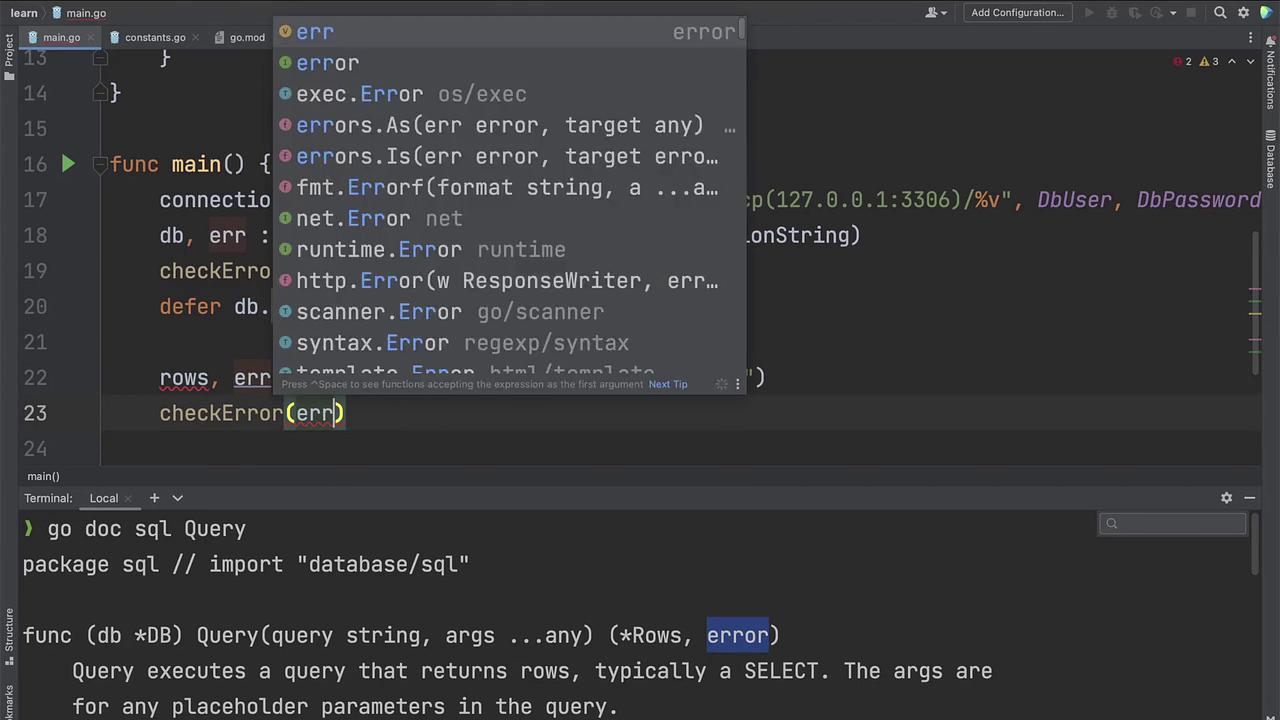
Always ensure that your database credentials are stored securely and consider using environment variables or secret management tools for production applications.