

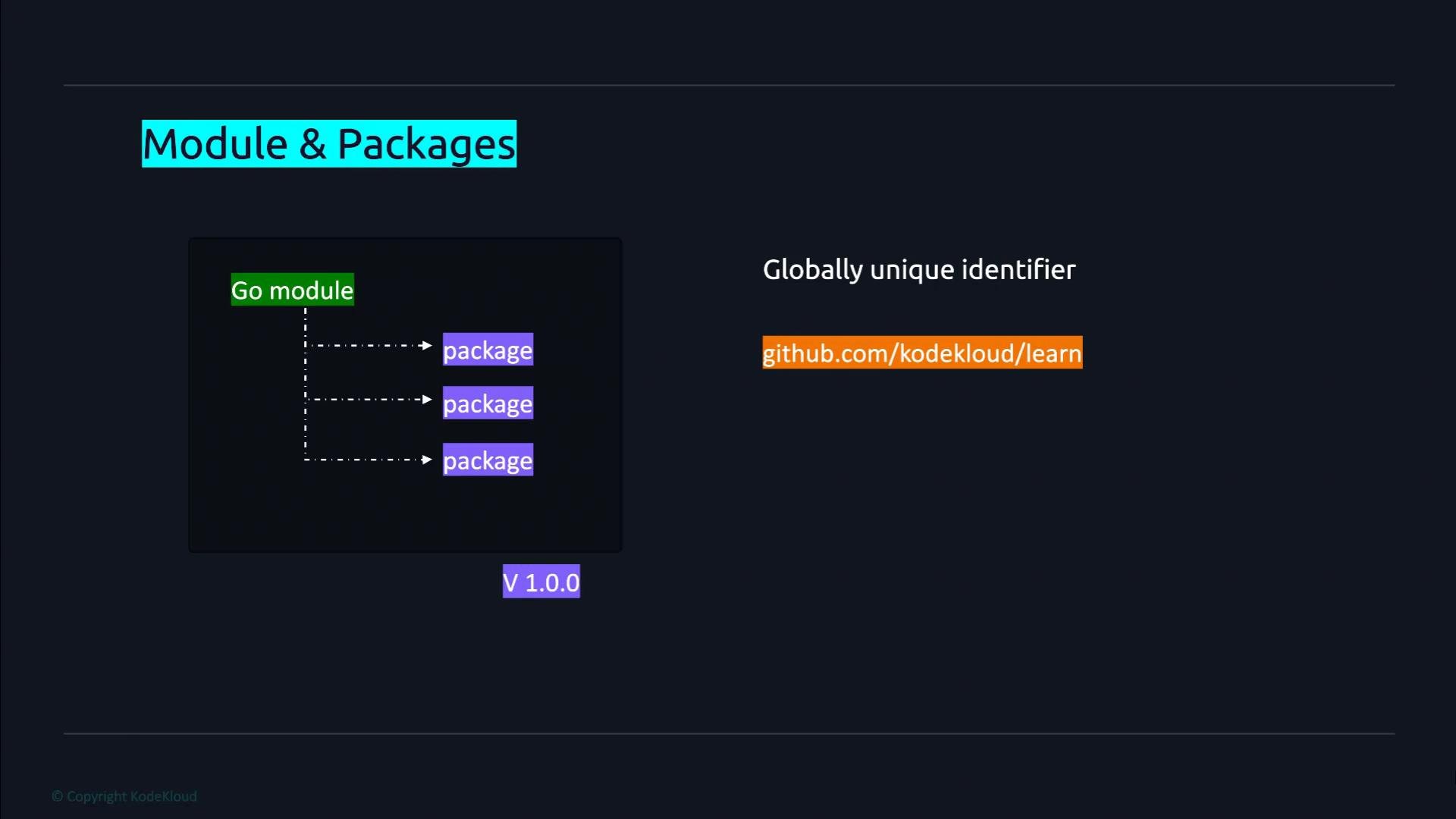
go.mod file at its root. The module is the unit of versioning and distribution in modern Go — it represents a library or an application. A module may contain one or more packages; packages are how Go organizes code into reusable units.
The module is identified by its module path (import path). For published modules, this should be a globally unique path (commonly the repository import path, e.g., github.com/youruser/yourrepo). For private modules you can use a private repository path or configure your tooling to resolve private hosts.
go.mod records:
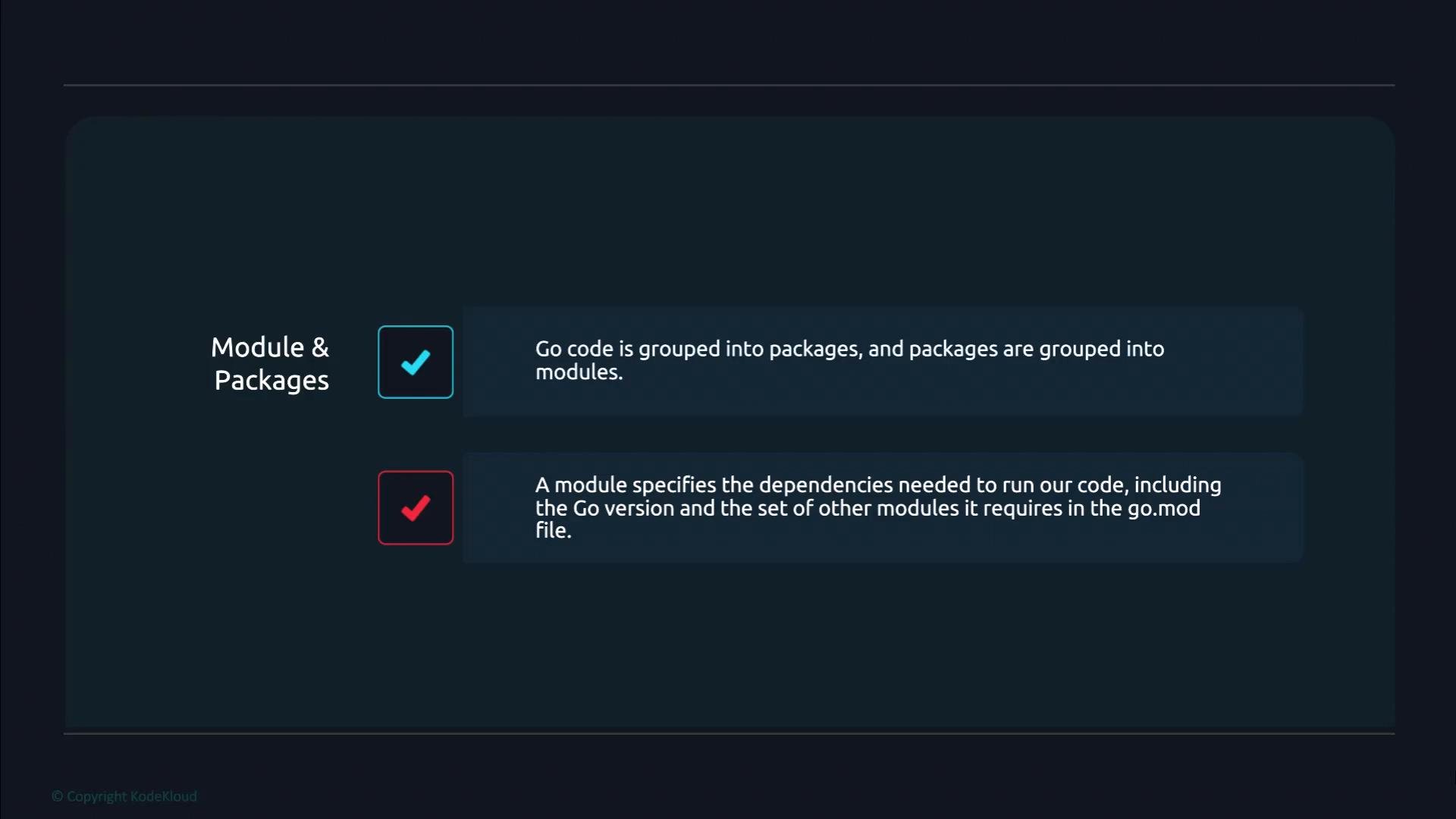
- Go code is grouped into packages.
- Packages are grouped into modules.
- Each module has a
go.modfile that records the module path, the Go language version, and the other modules it depends on.
Creating a module — step by step
- Pick or create a directory where you keep your project source. In this example we create
learnunder a local workspace. - Run
go mod initwith the module path. The module path should be globally unique when you intend to publish the module; otherwise use a stable private import path.
go.mod file in the learn directory. Initially it contains the module path and the Go version. As you add imports from other modules, go commands will update go.mod and create a go.sum file to lock dependency checksums.
Choose a stable, unique module path for the life of the module. If you plan to publish, use the canonical repository import path (for example,
github.com/youruser/yourrepo). For private modules you can manage local overrides with the replace directive in go.mod or configure private proxy settings.go.mod file format, dependency versioning, and common workflows (like go get, go list -m all, and go mod tidy) in later lessons.
Links and references