

File Handling Libraries
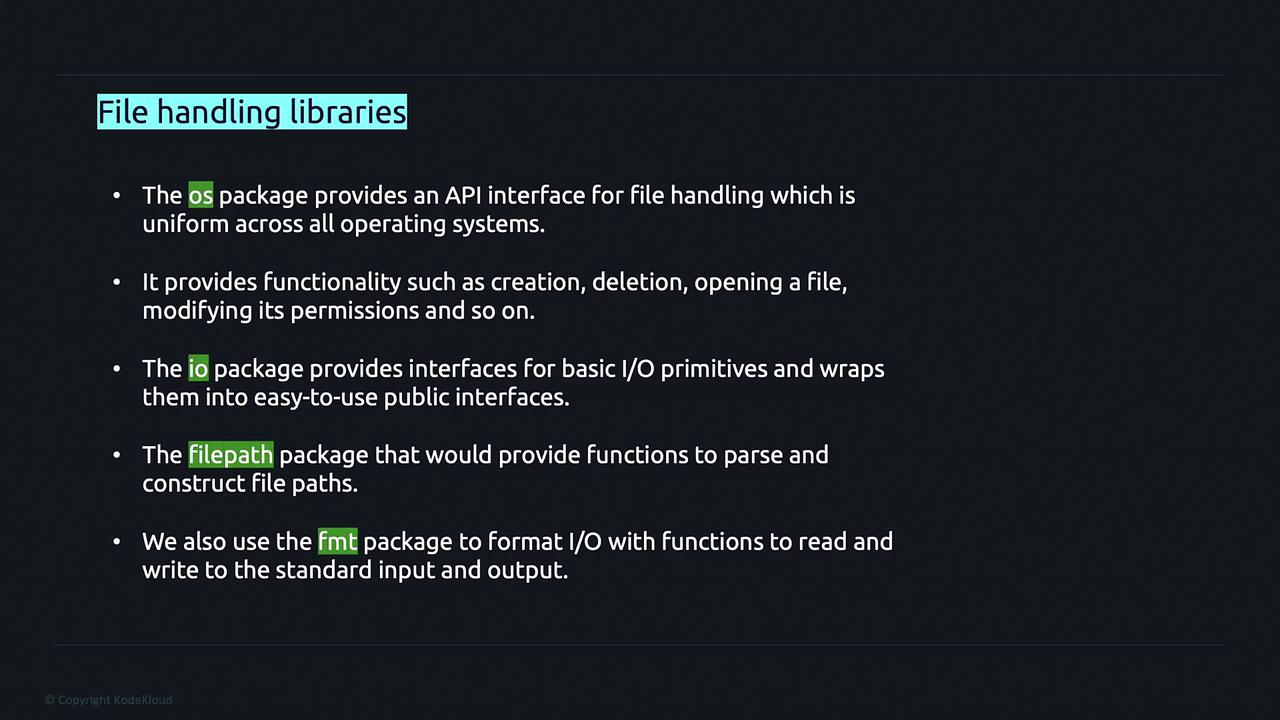
Golang provides several packages that simplify file handling operations:- os: Functions for file operations such as creating, deleting, opening files, and modifying permissions.
- io: Basic I/O primitives enveloped in user-friendly interfaces.
- filepath: Functions for parsing and constructing file paths in a portable manner.
- fmt: Formatting functions for I/O operations, including printing output.
File Path Construction Using the filepath Package
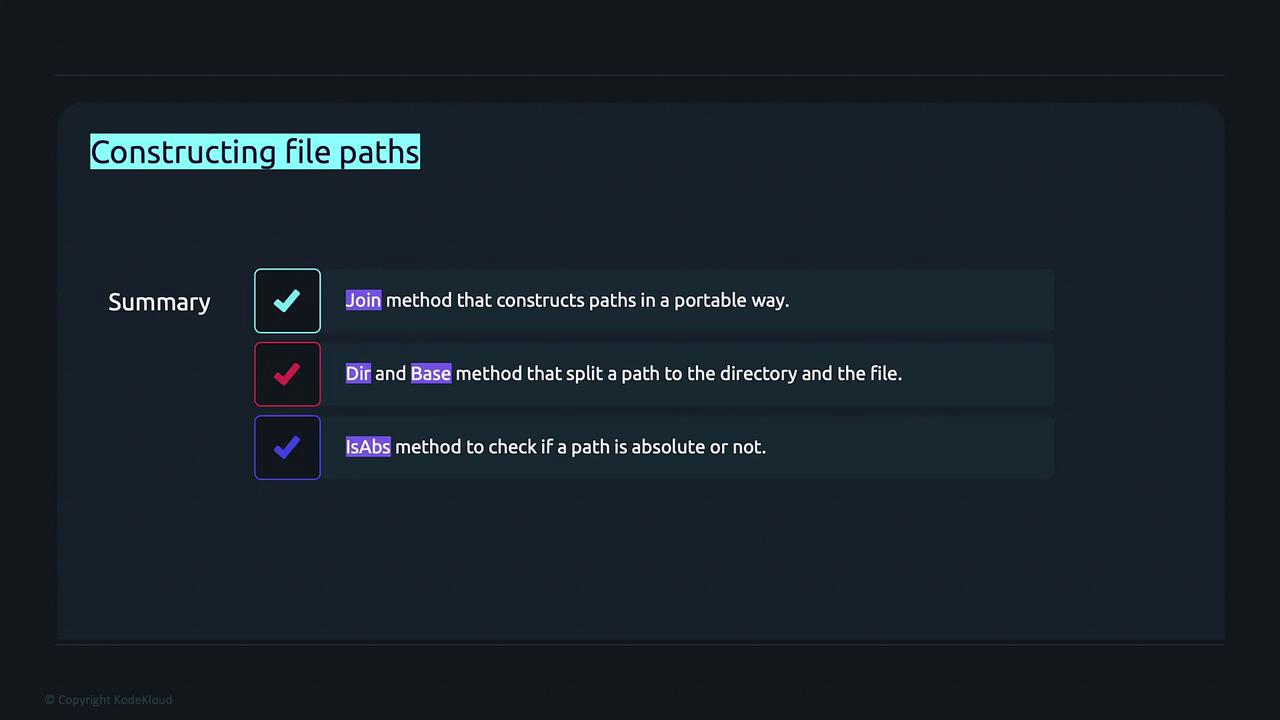
Thefilepath package offers methods to build and manipulate file paths portably across operating systems. Key methods include:
- Join: Constructs a path from multiple elements.
- Dir: Retrieves the directory portion of a path.
- Base: Extracts the last element of the path, typically the file name.
- IsAbs: Checks if a given path is absolute.
- Ext: Retrieves the file extension.
Example: Using filepath.Join
Retrieve Directory with filepath.Dir
Extract Filename with filepath.Base
Check Absolute Path with filepath.IsAbs
Retrieve File Extension with filepath.Ext
Retrieving File Metadata with os.Stat
Golang’sos.Stat function is used to obtain metadata about files or directories. This metadata includes file name, size, permissions, and an indicator of whether the path represents a directory.
Using
os.Stat is a quick way to verify file attributes before processing them in your application.Reading Files
Golang provides convenient methods to read file contents. Theos.ReadFile function reads the entire content of a file at once and returns a byte slice along with any error encountered.
os.Open and then read portions into a buffer:
Writing and Appending to Files
Golang’sos.OpenFile function provides a flexible method to open or create files with specific flags and permissions. Commonly used flags include:
To write strings to a file, use the
WriteString method on the file object.
Example: Appending Data to a File
If the file does not exist, the
os.O_CREATE flag ensures that it is created with the specified permissions. If the file exists, the string is appended to the current content.In this article, we covered how to construct file paths, retrieve file metadata, read file contents (both entirely and in chunks), and write or append data to files using Golang. This foundational knowledge is essential for effectively managing files in your applications.