This article explains how to use comments and the Godoc tool in Golang for effective documentation of code.
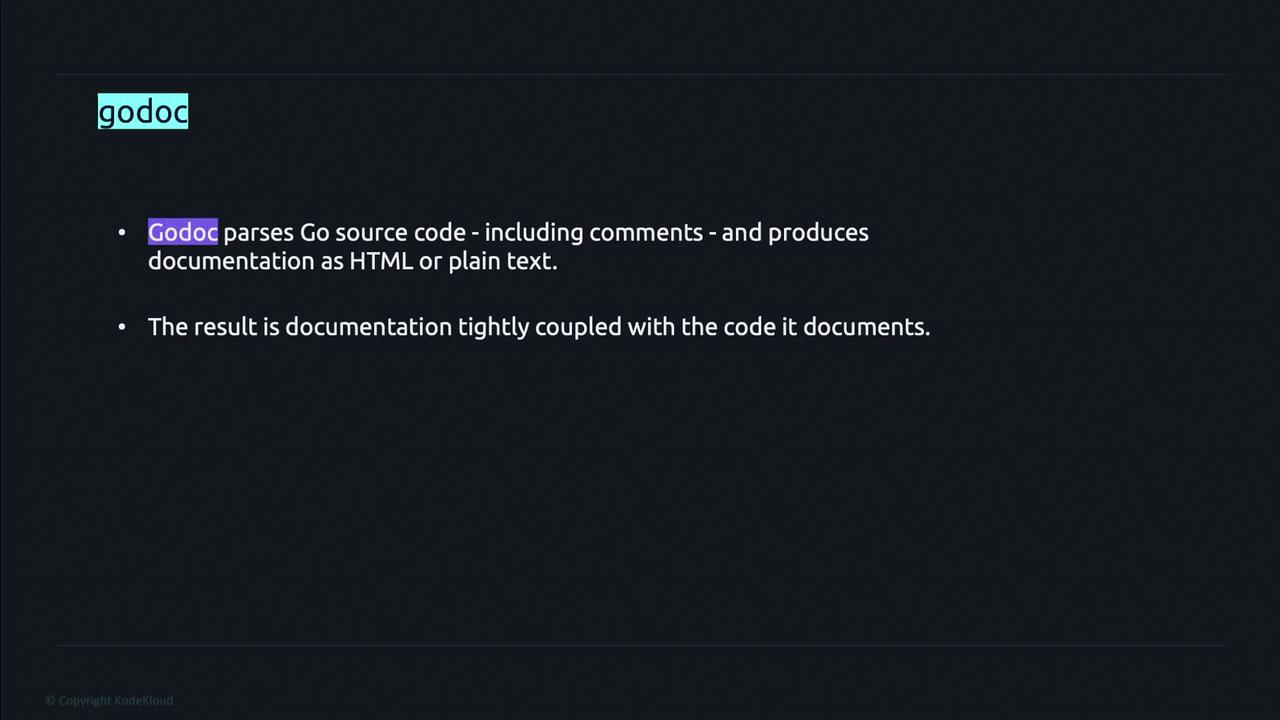
In Golang, proper documentation is essential for creating accessible, maintainable software. The language utilizes the Godoc tool, which seamlessly generates documentation directly from source code comments. This approach ensures that the documentation remains accurate and in sync with the codebase over time.
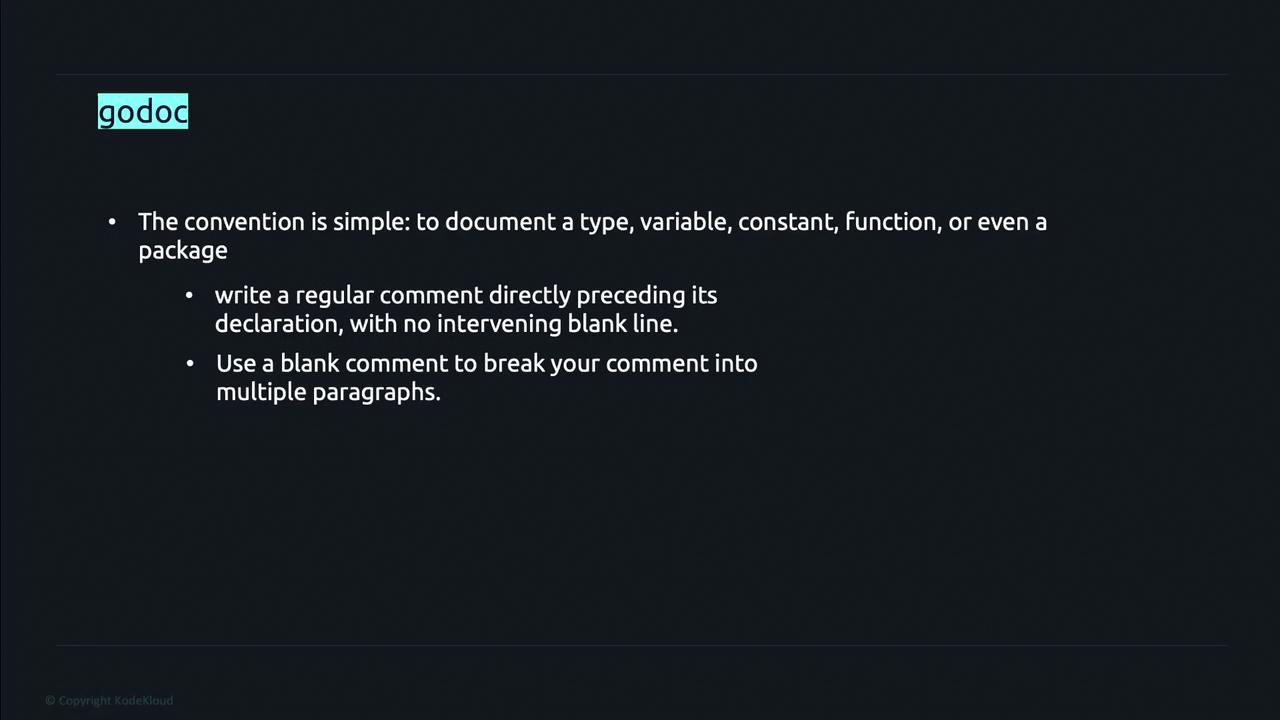
Godoc processes Go source files and extracts comments to produce HTML or plain text documentation. To document a type, variable, function, or an entire package, simply place a regular comment immediately before the declaration without any blank lines in between. For long comments, you can use blank comment lines to separate paragraphs, thereby enhancing clarity.For package-level documentation, it’s common practice to include extensive comments in a dedicated file named doc.go located within the package.
Go provides a command-line tool called godoc that lets you view generated documentation. For example, executing the following commands displays the package documentation and its list of identifiers:
go doc PACKAGE_NAMEgo doc PACKAGE_NAME.IDENTIFIER_NAME
These commands help you review the overall package documentation or focus on a particular identifier within the package.
Ensure that each exported identifier in your code is accompanied by a comment. This practice not only improves understandability but also helps maintain comprehensive documentation using Godoc.
The following example demonstrates how to document a package named decrypt. The package description is provided at the beginning, followed by a documented function.Consider the following Go code:
// Package decrypt consists of all the decryption algorithms.package decrypt// Nimbus decrypts the input string by reducing the ASCII code of each character by 3.func Nimbus(str string) string { decryptedStr := "" for _, c := range str { asciiCode := int(c) decryptedChar := string(asciiCode - 3) decryptedStr += decryptedChar } return decryptedStr}
This code snippet shows how to document both the package and the Nimbus function—with comments immediately preceding each declaration. Running the command below:
go doc decrypt
displays the package documentation along with its identifiers. The output begins with the package declaration and includes an auto-generated comment on how to import the package. For example:
cryptit on master via v1.19.3> go doc decryptpackage decrypt // import "github.com/Priyanka-yadavv/cryptit/decrypt"Package decrypt consists of all the decryption algorithms.func Nimbus(str string) string
If you need to inspect the documentation for just the Nimbus function, run:
go doc decrypt.Nimbus
which outputs:
cryptit on master [!] via v1.19.3> go doc decrypt.Nimbuspackage decrypt // import "github.com/Priyanka-yadavv/cryptit/decrypt"func Nimbus(str string) string
This displays the function signature along with the comment: “Nimbus decrypts the input string by reducing the ASCII code of each character by 3.”
Always ensure exported identifiers in your Go code are accompanied by descriptive comments. Neglecting proper documentation can lead to misunderstandings and maintenance challenges down the road.
That concludes this lesson on Golang documentation and the use of Godoc. Continue to practice writing clear, concise comments to enhance the overall quality and maintainability of your codebase.Happy coding!