

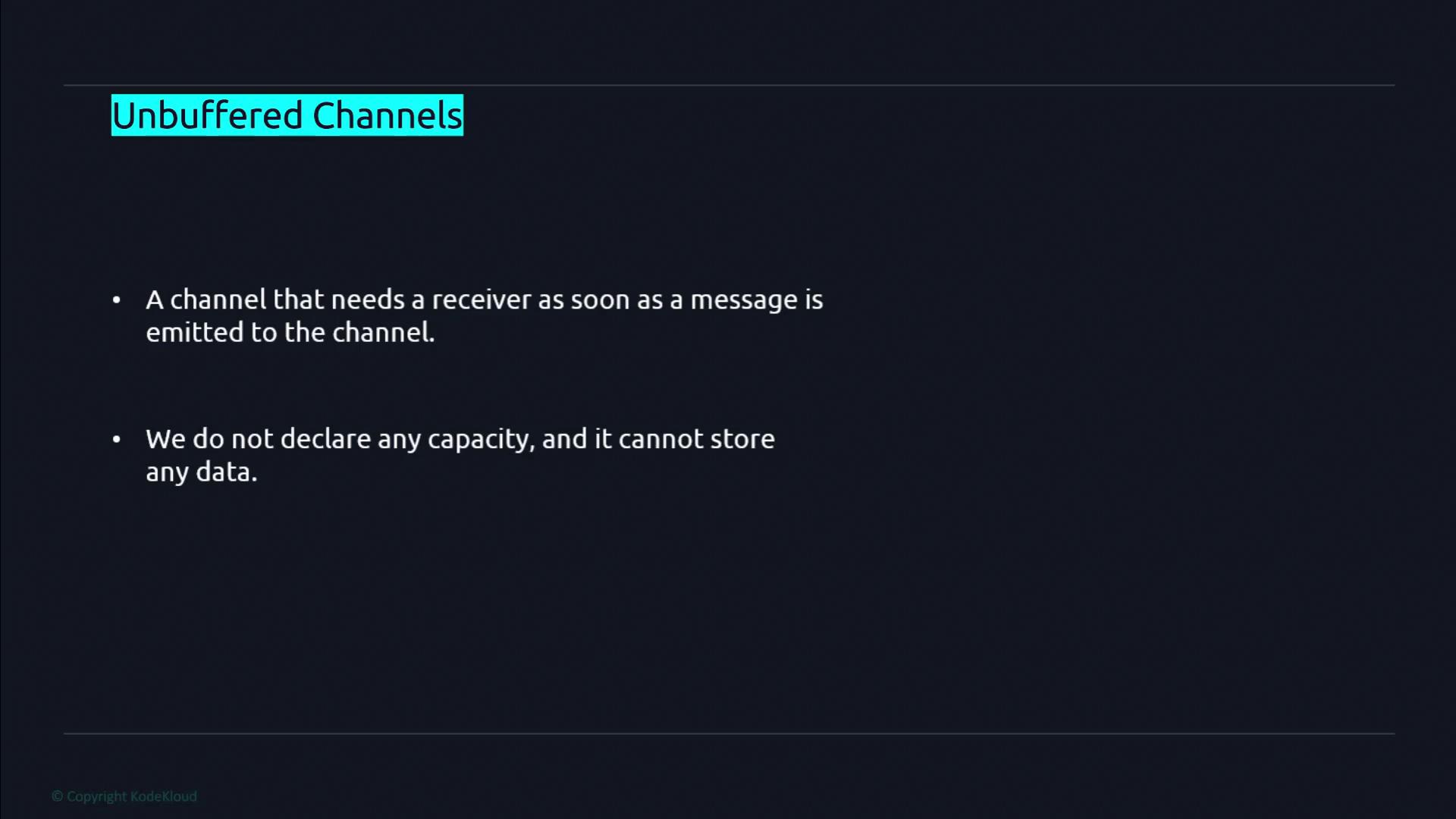
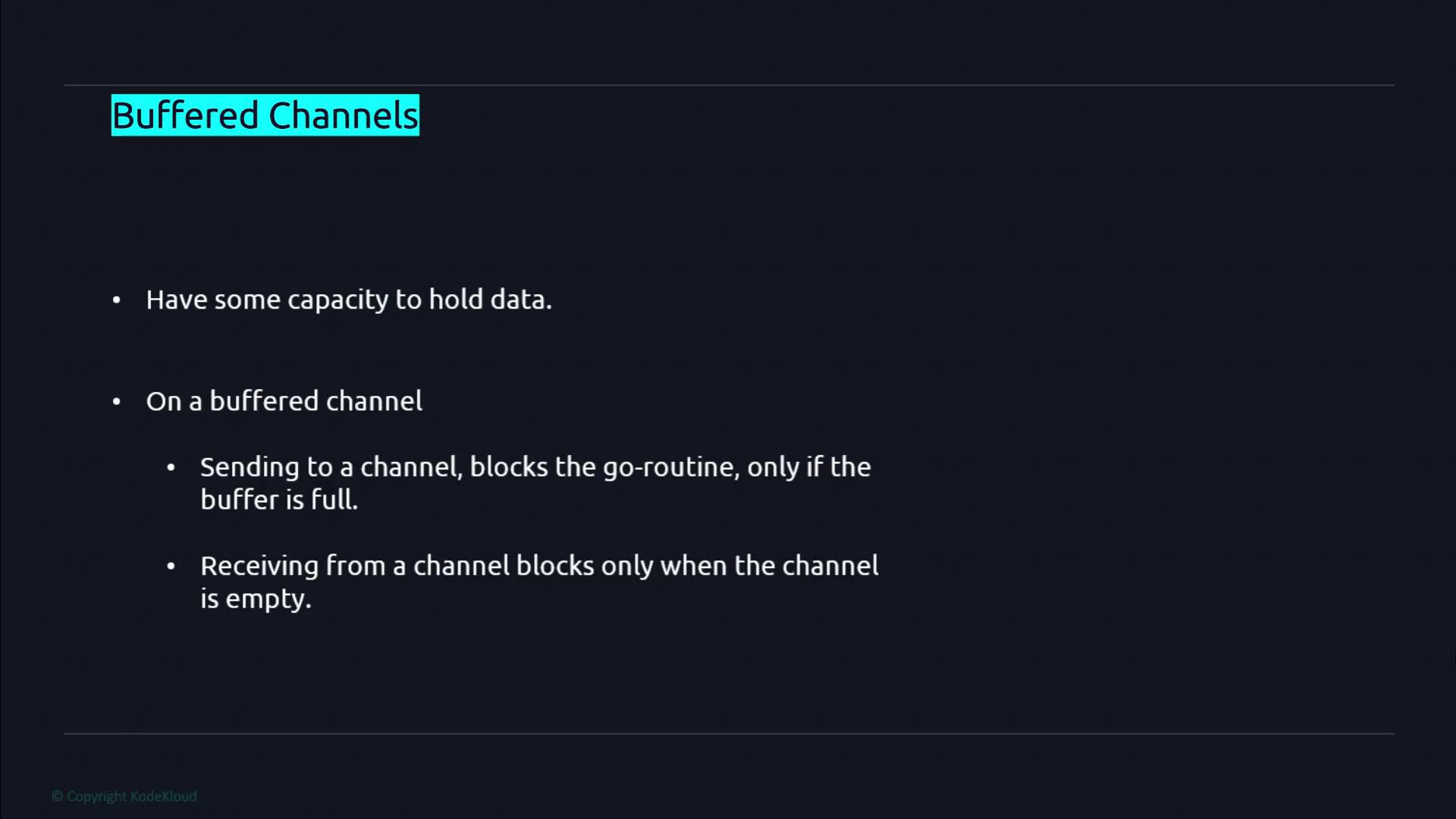
Creating a Buffered Channel
Creating channels in Go involves using themake function. When you specify a buffer capacity, the channel becomes buffered. For instance, to create a buffered channel that carries integers with a capacity of 10, use the following syntax:
len function. Note that the length (the number of elements queued) will always be less than or equal to the channel’s capacity. For an unbuffered channel, the length remains constantly at 0.
A Buffered Channel Example with Goroutines
The following example demonstrates the behavior of buffered channels. Here, we create a buffered channel with a capacity of 3 and use a WaitGroup to synchronize our Goroutines. The code illustrates that a send operation only blocks when the buffer has reached its maximum capacity.The sell Function
Thesell function sends three integer values (10, 11, and 12) to the channel. After sending these values, it prints a confirmation message and decrements the WaitGroup counter to signify completion.
The buy Function
Thebuy function waits to receive a value from the channel. It prints a waiting message, then prints the received value, and finally marks its completion via the WaitGroup.
sell function did not block because the number of values sent did not exceed the channel’s buffer capacity.
Exceeding the Buffer Limit
When more values are sent than a buffered channel can hold, the send operation will block until there is room in the buffer. Consider this modified version of thesell function, where a fourth value is sent:
sell function blocks at the fourth send (ch <- 13) when the buffer is full, while the receiving Goroutine (buy) is not scheduled quickly enough to free up space.
!!! note “Note”
To resolve the issue, ensure the receiving Goroutine is started before sending an extra value. For instance:
Blocking Behavior on Empty Channels
Receiving from a channel blocks if the channel is empty. For example, if a Goroutine attempts to receive data from an empty channel, it will wait indefinitely for a value to be sent. Consider this snippet:buy function will block indefinitely, potentially resulting in a deadlock. Always make sure that each receive operation is paired with a corresponding send to avoid such circumstances.
!!! warning “Warning”
Be cautious when designing concurrent operations. A receive operation on an empty channel will block, which might lead to undesired deadlocks if not managed correctly.