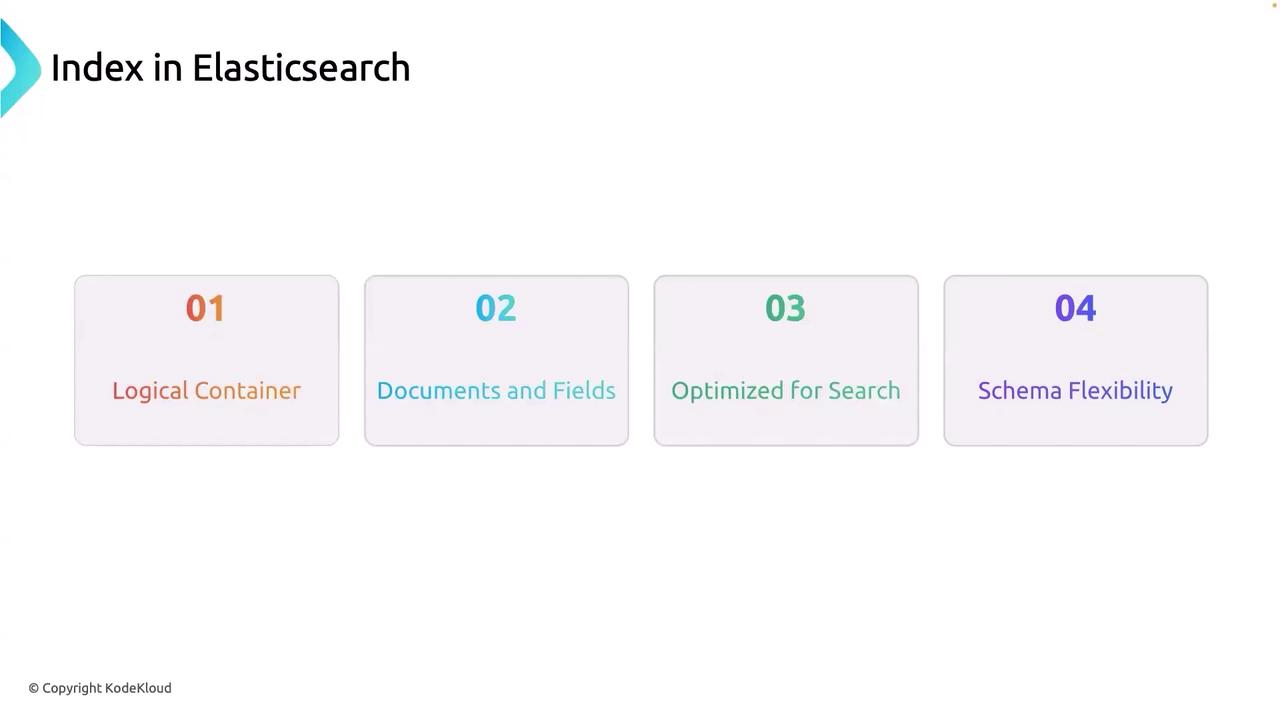
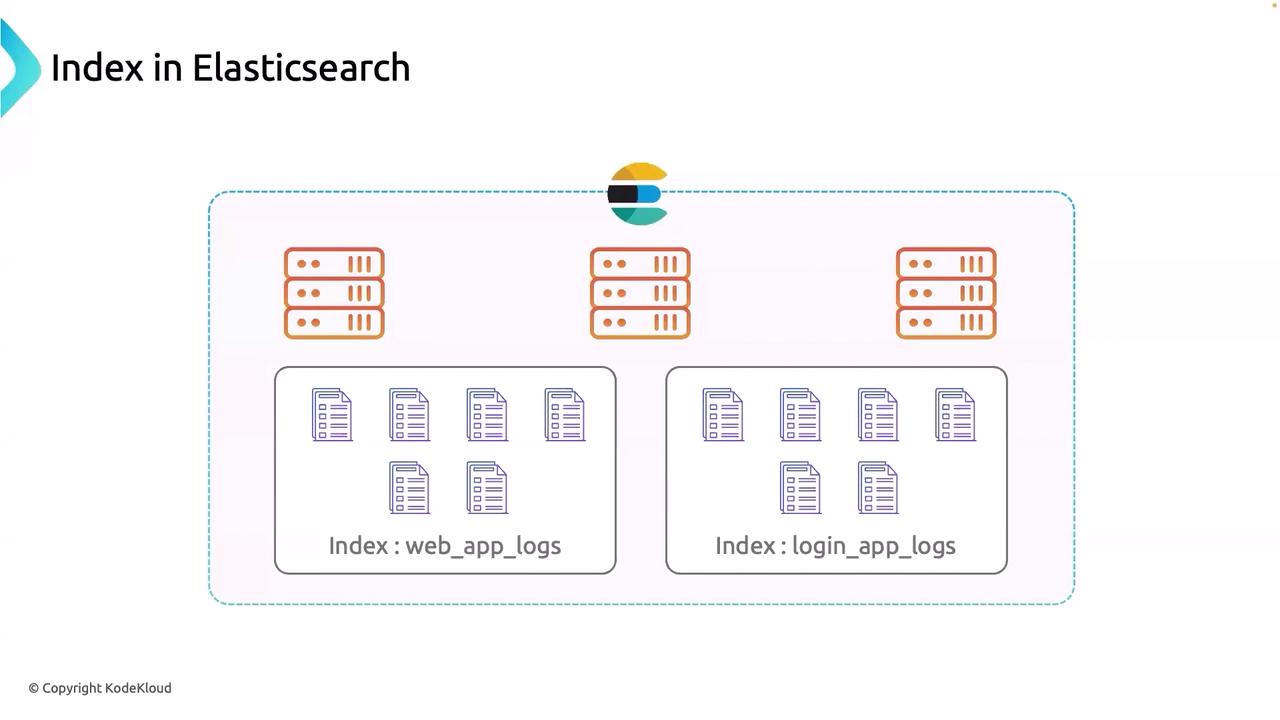
- Logical Segmentation: Each index acts as a container for a specific set of documents.
- Efficient Searching: The inverted index structure enables fast information retrieval.
- Schema Flexibility: Data can be stored with flexible or defined schemas.
-
Logical Container
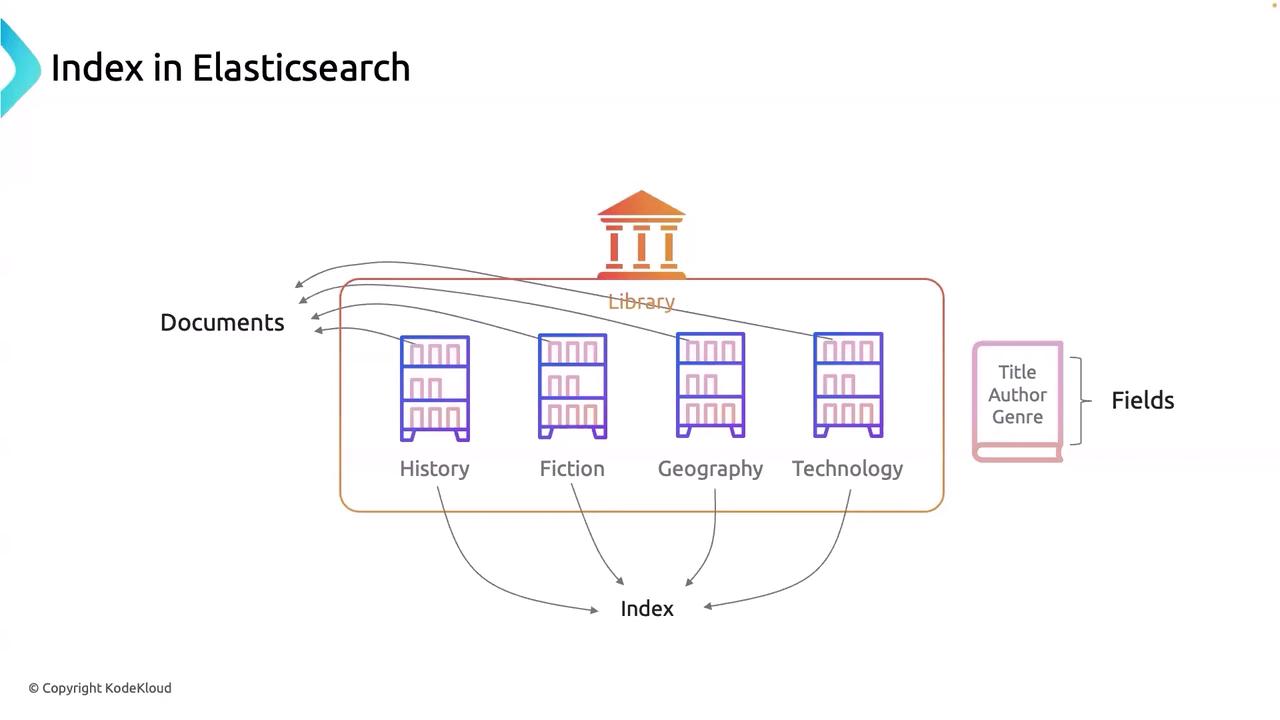
An index functions as a logical container, similar to how a database serves in SQL systems. It comprises a collection of documents that share common attributes. For instance, a library catalog might have separate indices for books, magazines, and digital media, which simplifies data management and querying. -
Documents
Within an index, each document is the fundamental unit of information, typically stored in JSON format. Documents can include multiple fields—ranging from basic details like schema definitions to various metadata. One of Elasticsearch’s strengths is the default ability to index every field, which enhances its advanced search capabilities. -
Schema Flexibility
Documents within an index do not necessarily need to follow a strict schema, which adds considerable versatility. This feature is especially useful in scenarios such as a Login App where log fields may change over time. While Elasticsearch supports schema flexibility, it also provides mechanisms to enforce specific schemas when required. Future lessons will explore how to define and manage these schemas effectively.