Container Creation Lifecycle in Kubernetes
Understanding the container lifecycle is crucial for troubleshooting these issues. The container creation process is divided into four main stages:-
Image Pulling
Kubernetes pulls the container image (e.g.,nginx:latest) from the image registry to the node. With correct registry credentials, this step completes successfully. -
Container Configuration
Kubernetes creates the container configuration by setting environment variables, command arguments, resource limits, volume mounts, network settings, security contexts, and more.
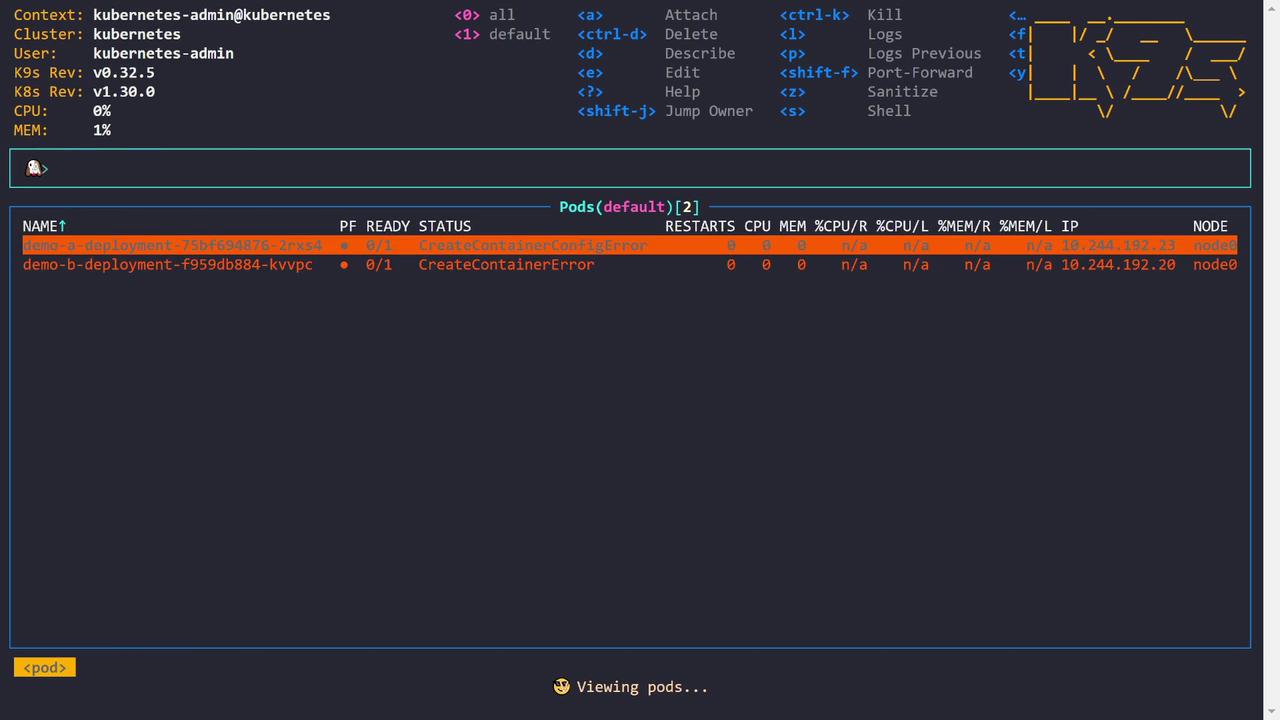
A CreateContainerConfigError is raised if required configurations (such as a referenced Secret or ConfigMap) are missing.
- Container Creation
The container runtime (e.g., containerd or Docker) creates the container using the pulled image. This involves establishing the filesystem and Linux namespaces.
A CreateContainerError is typically due to issues encountered by the container runtime while setting up the container.
- Container Start
Finally, the container’s process starts by executing the defined command or entry point. Errors occurring at this stage are often referred to as run container errors, signaling problems with the process startup.
Troubleshooting CreateContainerConfigError
Let’s begin with demo A, which encounters a CreateContainerConfigError. The pod description for demo A shows the error in the container state:demo-a-secret that does not exist in the cluster. The environment variable KEY_A is configured to use the value from this Secret (key: some_key). Without this Secret, Kubernetes cannot inject the necessary environment variable, leading to the CreateContainerConfigError.
Below is the relevant portion of the pod’s YAML configuration:
Troubleshooting CreateContainerError
Next, let’s investigate demo B which shows the CreateContainerError. The pod description for demo B indicates that no command or entry point is specified:ngheith/no-entry-point:v5 does not define an entry point, and the pod configuration does not override this by providing a command. To resolve this issue, update the deployment to include a valid command that keeps the container running—for example:
Demonstrating a Run Container Error
In some cases, the container is created successfully but fails to start its process due to an invalid command. For example, a deployment might define an incorrect command (gibberish), causing the container to crash after creation:jibberish) is not recognized:
Final Status Summary
Below is a summary of the final pod status after troubleshooting all container creation steps: