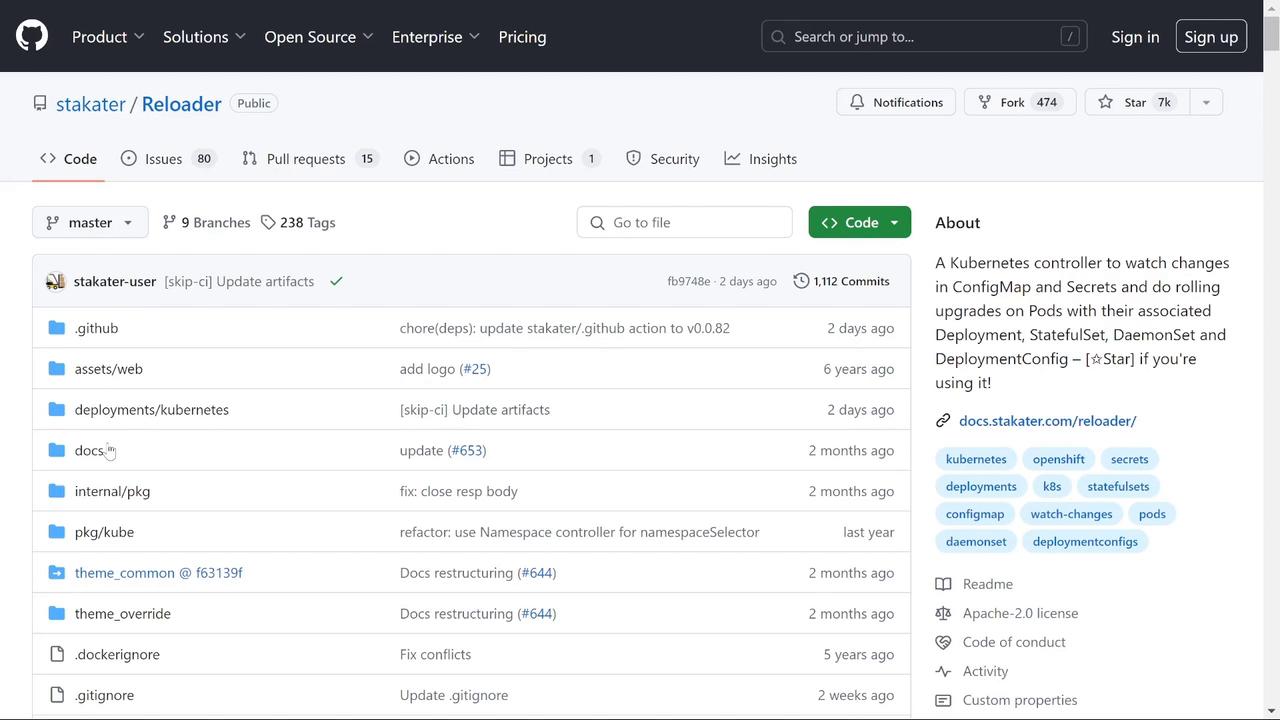
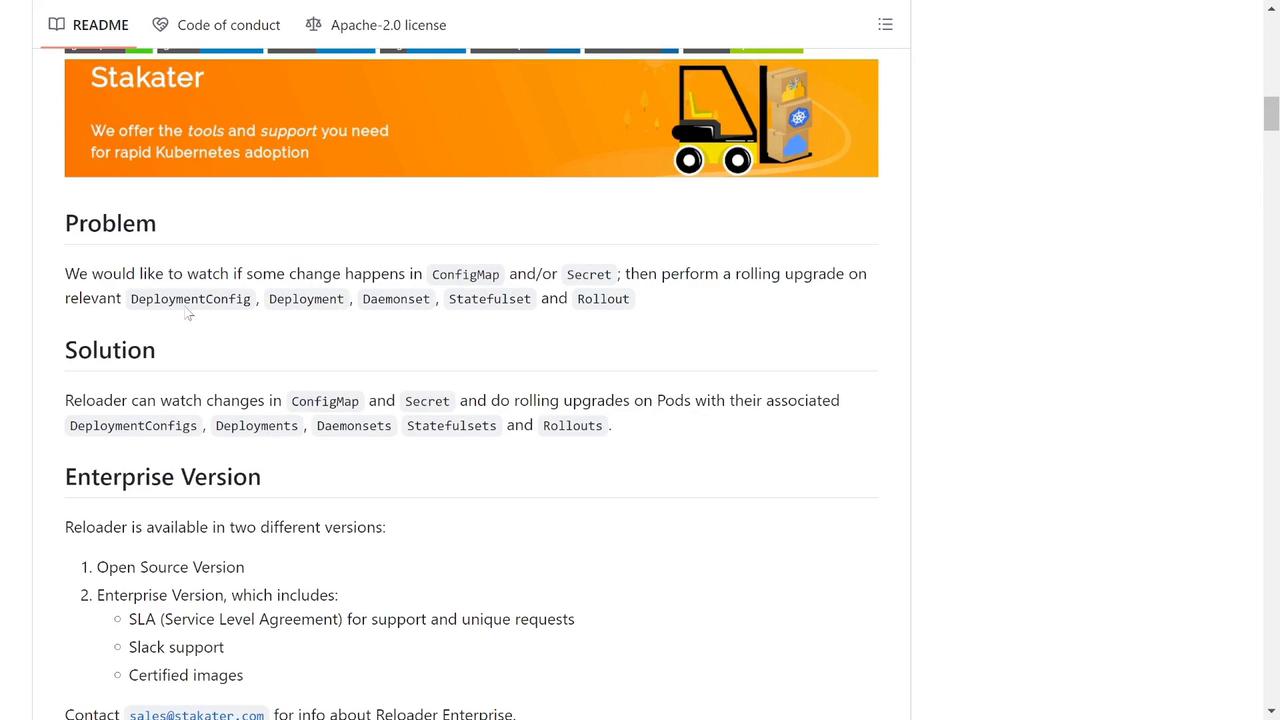
This guide introduces Reloader, a Kubernetes controller that automates rolling upgrades of Deployments, DaemonSets, or StatefulSets when ConfigMap or Secret changes occur.
In modern Kubernetes environments, troubleshooting can become cumbersome when ConfigMap or Secret updates don’t automatically trigger pod restarts. This guide introduces Reloader, a Kubernetes controller designed to automate rolling upgrades of your Deployments, DaemonSets, or StatefulSets whenever there’s a change in ConfigMap or Secret objects.
Reloader continuously monitors for modifications in your ConfigMaps and Secrets. When a change is detected, it triggers a rolling upgrade, ensuring that your Kubernetes resources are immediately redeployed without any manual intervention.
To leverage Reloader in your Kubernetes cluster, add the following annotation to your Deployment, StatefulSet, or any applicable resource. This annotation instructs Reloader to monitor the associated ConfigMap(s) and Secret(s) for changes and automatically restart the resource when necessary.
kind: Deploymentmetadata: annotations: reloader.stakater.com/auto: "true"spec: template: metadata: # your pod metadata here
You can configure Reloader to monitor all associated ConfigMaps and Secrets or restrict its scope to specific ones. In this guide, we use the generic annotation for simplicity.
Deploy the Reloader controller to your Kubernetes cluster using the vanilla manifest. While Helm is available for more complex deployments, the default manifest installation is straightforward:
Consider a scenario where a web application relies on a ConfigMap named “web-message”. This ConfigMap provides a greeting message for the application. Use the following command to deploy the Reloader components:
To enable Reloader for your application, update your deployment definition with the Reloader annotation. Below is an example of a Deployment configuration with the necessary annotation:
After applying this update, Reloader will automatically initiate a restart of the deployment whenever there’s a change to any associated ConfigMaps or Secrets. Apply the updated configuration by running:
After applying the updated ConfigMap, observe that the Deployment is immediately restarted—the old pods are terminated and new ones are created. Confirm the current state with:
kubectl get pods -n production
Then, connect to one of the new pods and check the environment variable:
kubectl exec -n production -it web-app-68547b8c9d-8vhtl -- /bin/sh# Inside the shell:printenv | grep MESSAGE
A successful update should display:
MESSAGE=Hello Reloader
This demonstration highlights how Reloader minimizes manual interventions, saving time and ensuring your application configuration changes are applied efficiently.
Reloader streamlines the process of handling ConfigMap and Secret updates by automating the restart of Kubernetes resources. This automation not only simplifies troubleshooting but also reduces potential downtime in your applications. Use Reloader to enhance your Kubernetes deployment workflows and ensure smooth and continuous integration of configuration changes.Happy deploying, and enjoy the benefits of automated rolling upgrades!