In this article, we troubleshoot network policy issues across two Kubernetes namespaces—“qa-test” and “staging”. Both namespaces deploy the same applications with identical network policies. In our expected design, the frontend application should only communicate with the API, and the API should solely interact with the database. No other connections (for example, from the frontend directly to the database or API to frontend) should be allowed.
The image shows two flow diagrams labeled "qa-test" and "staging," each depicting a sequence of components: DB, API, and Frontend, with arrows indicating data flow. The "qa-test" diagram includes additional red arrows.
However, the observed behavior deviates from this design. Unintended connections occur—such as the frontend directly connecting to the database—while some legitimate connections (like those between pods in the staging namespace) are failing. Let’s dive in and troubleshoot these discrepancies.

Testing Connectivity in the QA Namespace

Start by verifying that permitted connections in the “qa-test” namespace work correctly. First, list all services across namespaces:
Then, inspect the network policies across the namespaces:
Next, access the frontend pod in the QA namespace to verify connectivity to the API:
Now, test an unintended connection attempt by using telnet from the same pod to reach the database:
The gibberish output indicates that a connection to the MySQL server has been established, which should not be allowed from the frontend.

Investigating and Refining QA Namespace Policies

Examine the network policies in the “qa-test” namespace:
Review the YAML configuration of the database network policy:
!!! note “Important” In this configuration, the policy allows ingress to pods labeled “app=db” from pods that either reside in any namespace with the label “env: qa” OR have the label “app=api”. As a consequence, even the frontend pod in “qa-test” meets the namespace condition and can access the database. To restrict access solely to API pods within the QA namespace, combine the conditions (logical AND) into a single ingress rule. After making this change, verify that a telnet attempt to the database times out.

Controlling API-to-Frontend Traffic

The “frontend-api-np” network policy is designed to permit only frontend pods to connect to API pods. Below is its YAML configuration:
Note that no network policy restricts ingress to the frontend pods. By default, traffic is allowed if no explicit policy is defined. However, for enhanced security, it is best practice to implement a default-deny policy for ingress traffic. Use the following configuration:
Apply the policy with:
After applying, test connectivity from the API pod to the frontend service to ensure that the connection is blocked as expected.

Troubleshooting the Staging Namespace

In the staging namespace, both frontend and API pods are unable to connect as required. Additionally, pods from the QA namespace are mistakenly able to access the staging database if they use the unqualified service name (e.g., “db-svc” resolves within the QA namespace). To avoid this, the fully qualified domain name (FQDN) must be used. First, list the network policies in the staging namespace:
Inspect the “test-np” policy, which applies both ingress and egress restrictions:
Because the empty pod selector matches all pods and no explicit egress rules are defined, all outbound traffic is denied. For example, attempting to ping google.com from an API pod fails. To resolve this, remove the Egress restriction from the “test-np” policy so that only default-deny for ingress remains. Edit the policy with:
After editing, verify connectivity from an API pod:
Now, test cross-namespace access. From the QA namespace, accessing the staging database using just the service name (“db-svc”) resolves within QA. Instead, use the fully qualified domain name:
This connection should be blocked if the network policies are correctly enforced. Next, examine the staging “db-np” policy, which currently permits ingress to pods labeled “app=db” from any namespace:
The empty namespace selector matches all namespaces, allowing API pods from any namespace. To restrict access exclusively to pods within the staging namespace, update the policy by adding a match label (for example, “env: staging”) to the namespace selector:
After applying this updated policy, confirm that a pod in the QA namespace cannot access the staging database through its FQDN, as intended.

Recap

Key takeaways from this troubleshooting exercise include: !!! note “Reminder” Always test your network policies after applying changes by simulating both allowed and disallowed traffic. This ensures that the intended security boundaries are effectively enforced.
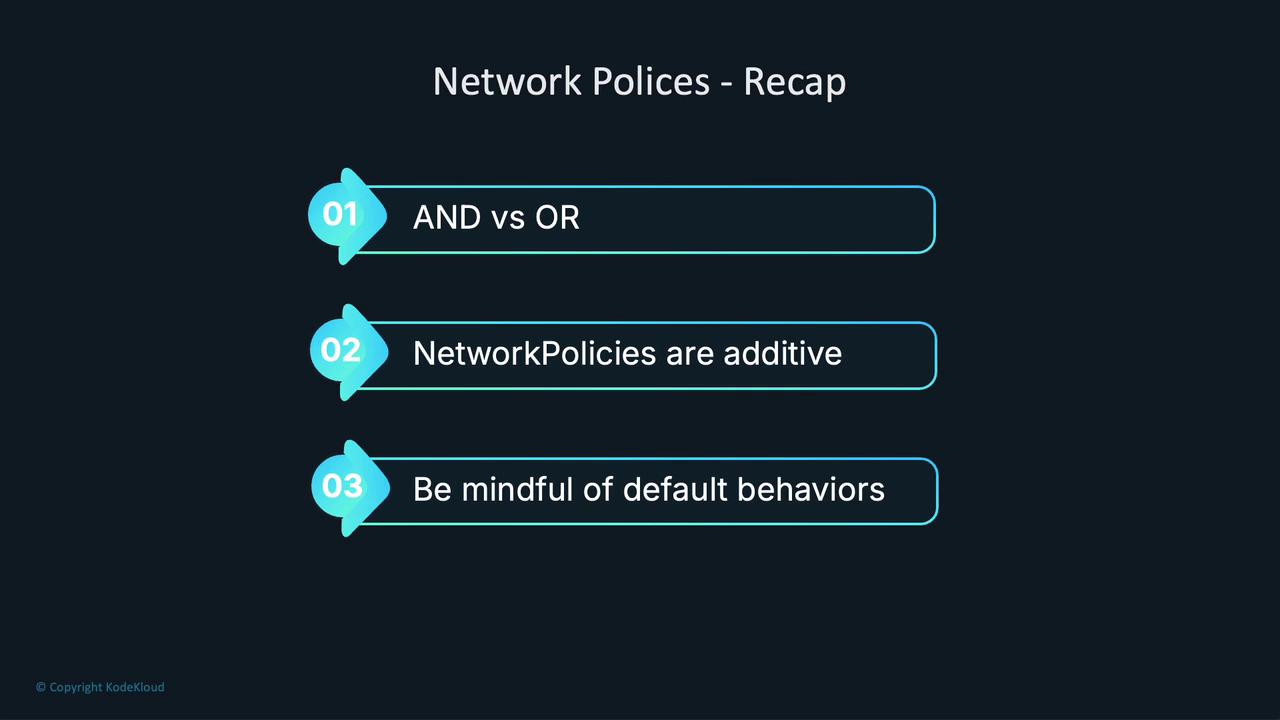
The image is a recap of network policies, highlighting three points: "AND vs OR," "NetworkPolicies are additive," and "Be mindful of default behaviors."
This article walked you through troubleshooting and refining network policies to ensure that only authorized connections occur between your Kubernetes namespaces. For further reading, explore Kubernetes Documentation, which provides additional insights on concepts such as network policies and best practices in securing your clusters.

Watch Video

Practice Lab