This article outlines causes of multi-attach volume errors in Kubernetes and provides workarounds for troubleshooting and resolving these issues.
When troubleshooting Kubernetes issues, understanding workloads and configuration, RBAC, and networking is crucial. In this article, we address a common error developers encounter when working with Kubernetes storage: the multi-attach error for volumes.In our demo, we use a Cloud Shell on Microsoft Azure connected to a Kubernetes cluster. All demo resources are deployed in the “monitoring” namespace, including a Deployment named “logger” and two PersistentVolumeClaims (PVCs) named “azure-managed-disk” and “my-azurefile”.
The following command outputs the pods, deployments, replicasets, and PVCs in the “monitoring” namespace:
kk_lab_user_main-c76398c34414452 [ ~ ]$ k get all -n monitoringNAME READY STATUS RESTARTS AGEpod/logger-6cf5df489f-txkrn 1/1 Running 0 33sNAME READY UP-TO-DATE AVAILABLE AGEdeployment.apps/logger 1/1 1 1 34sNAME DESIRED CURRENT READY AGEreplicaset.apps/logger-6cf5df489f 1 1 1 34skk_lab_user_main-c76398c34414452 [ ~ ]$ k get pvc -n monitoringNAME STATUS VOLUME CAPACITY ACCESS MODES STORAGECLASS VOLUMEATTRIBUTESCLASS AGEazure-managed-disk Bound pvc-4ce98f56-f535-4c82-894a-1b8cfd8772b6 1Gi RWO managed-csi <unset> 30mmy-azurefile Bound pvc-6ff3912e-b286-4b4e-8667-54812603878d 1Gi RWX my-azurefile <unset> 30mkk_lab_user_main-c76398c34414452 [ ~ ]$
Next, we review the Deployment definition for “logger”. Notice that the pod template defines a volume backed by the PVC “azure-managed-disk”, mounted at /usr/share/nginx/html:
kk_lab_user_main-c76398c34414452 [ ~ ]$ k get deployment logger -n monitoring -o yaml
For demonstration purposes, we intentionally trigger an error by performing a rollout restart. The expected behavior is that the Deployment restarts, allowing the new pod to attach the volume only after the old pod terminates. Run the following commands:
After a few seconds, you may observe that the new pod takes longer than expected to start, and a multi-attach error is reported. This error arises because the volume remains attached to the old pod while the new pod attempts to attach it. The correct behavior would have the new pod attach the volume only after the old pod terminates.
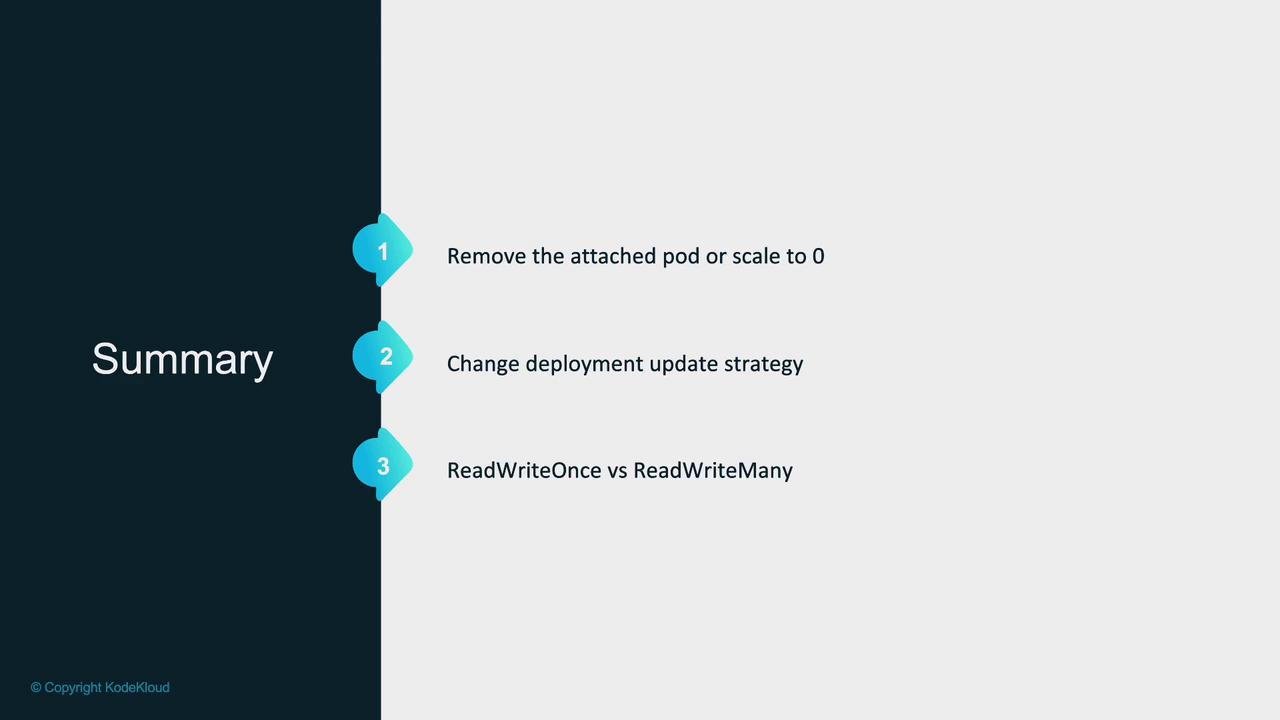
One workaround is to manually remove the “blocking” old pod by scaling the Deployment down to zero and then back up. This intervention ensures only one pod is running at a time.
While this quick fix works, it is not ideal for production environments where automatic deployments are critical. An alternative approach involves changing the update strategy.
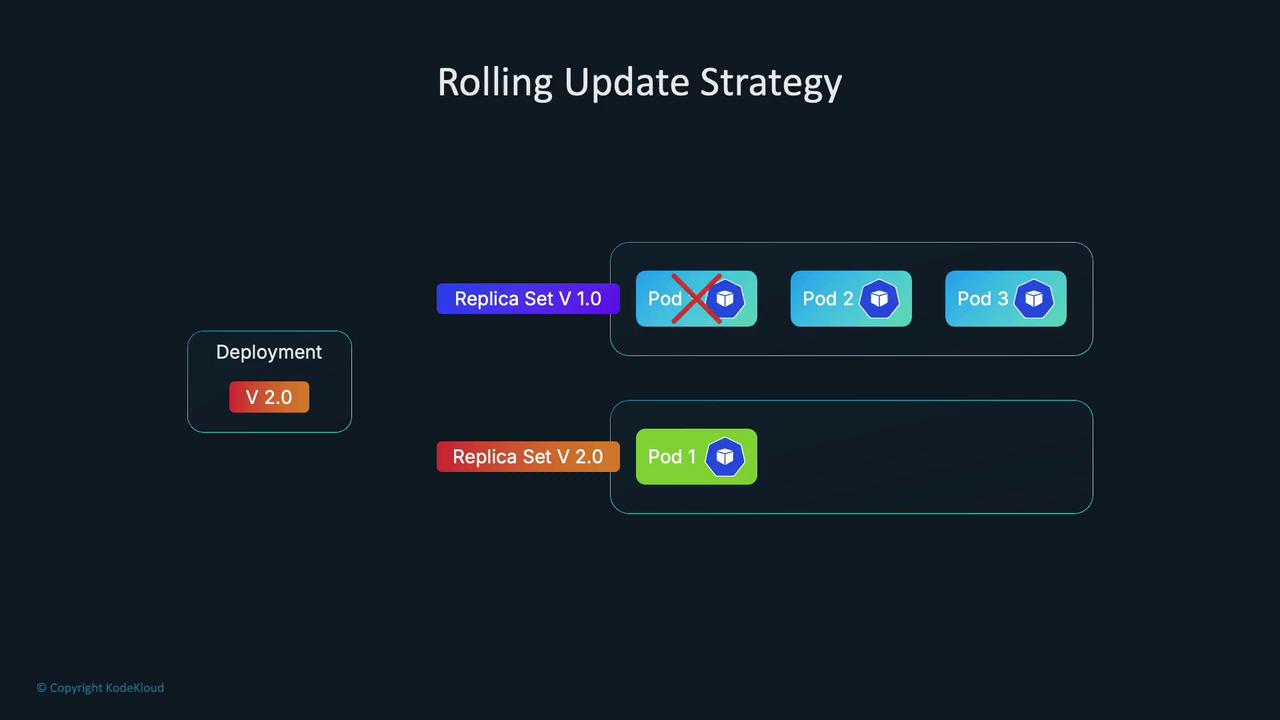
Kubernetes Deployments use the RollingUpdate strategy by default. This creates new pods while keeping the old one running until the new pod is ready, maintaining availability during updates. However, because new pods are created before the old ones are terminated, the volume may temporarily attach to both pods, triggering a multi-attach error when the underlying storage does not support simultaneous attachments.Below is a snippet of the Deployment configuration using RollingUpdate:
The Recreate strategy terminates all old pods before creating new ones, thereby preventing overlapping volume attachments. This is useful when your application cannot support multiple versions running simultaneously.To test this workaround, update your Deployment YAML to change the strategy:
strategy:
  type: Recreate
After saving the change, execute a rollout restart:
With the Recreate strategy, the old pod is terminated before the new one starts, avoiding the multi-attach error. However, be aware that this solution may reduce availability during updates.
Another factor contributing to the multi-attach error is the access mode of the storage backend. Each persistent volume is linked to a storage class that supports specific access modes, such as ReadWriteOnce (RWO) or ReadWriteMany (RWX).For example, if multiple pods on the same node access a volume with RWO, you might not face issues. However, if the pods are scheduled on different nodes, RWO will trigger a multi-attach error because it allows attachment to only one node. In our demo, the Azure Disk supports only RWO:
If your application requires RWX support, consider using a storage backend like Azure Files. In our example, we switch the Deployment to use a PVC based on Azure File. Update the volume claim reference and, if needed, restore the RollingUpdate strategy:
Below is a snippet of the updated Deployment configuration, which also includes pod anti-affinity rules forcing the new pod to be scheduled on a different node:
Now, with a volume that supports RWX, multiple pods running on different nodes can attach the volume concurrently without triggering a multi-attach error.The following command displays sample output for persistent volumes:
kk_lab_user_main-c76398c344144452 [ ~ ]$ k get pvNAME CAPACITY ACCESS MODES RECLAIM POLICY STATUS CLAIM STORAGECLASS VOLUMEATTIBUTESCLASSpvc-4ce98f56-f355-4c82-894a-18bcfd87726b 1Gi RWO Delete Bound monitoring/azure-managed-disk managed-csi <unset>pvc-6ff3912e-b286-4b4e-8677-5481260378d4 1Gi RWX Delete Bound monitoring/my-azurefile my-azurefile <unset>kk_lab_user_main-c76398c344144452 [ ~ ]$ k edit deployment logger -n monitoringdeployment.apps/logger editedkk_lab_user_main-c76398c344144452 [ ~ ]$ kubectl rollout restart deployment logger -n monitoringkk_lab_user_main-c76398c344144452 [ ~ ]$ k get pods -n monitoringNAME READY STATUS RESTARTS AGElogger-5f6fd55f8-dwvgh 1/1 Running 0 7skk_lab_user_main-c76398c344144452 [ ~ ]$
Now multiple pods can run across different nodes simultaneously without encountering a multi-attach volume error.
Scale the Deployment down to zero and then back up to ensure only one pod is running and attached to the volume at any time.
Quick fix during rollouts in non-production environments.
Update Strategy Change
Switch the Deployment update strategy from RollingUpdate to Recreate so the old pod terminates before a new pod is created, preventing overlapping attachments.
Environments where application downtime during updates is acceptable.
Adjust Access Modes
Use a storage backend that supports the required access mode (e.g., RWX for multi-node attachments) instead of one that allows only RWO.
Applications requiring simultaneous volume access by multiple pods across different nodes.
Before deploying any storage volume, review the storage class documentation to verify which access modes are supported. Choose a storage solution that aligns with your application requirements.
This article outlines the causes of multi-attach volume errors and provides several workarounds, from manual scaling to configuration updates. By understanding your storage backend’s access modes and adjusting your Deployment strategy accordingly, you can ensure your Kubernetes applications run smoothly in production.