

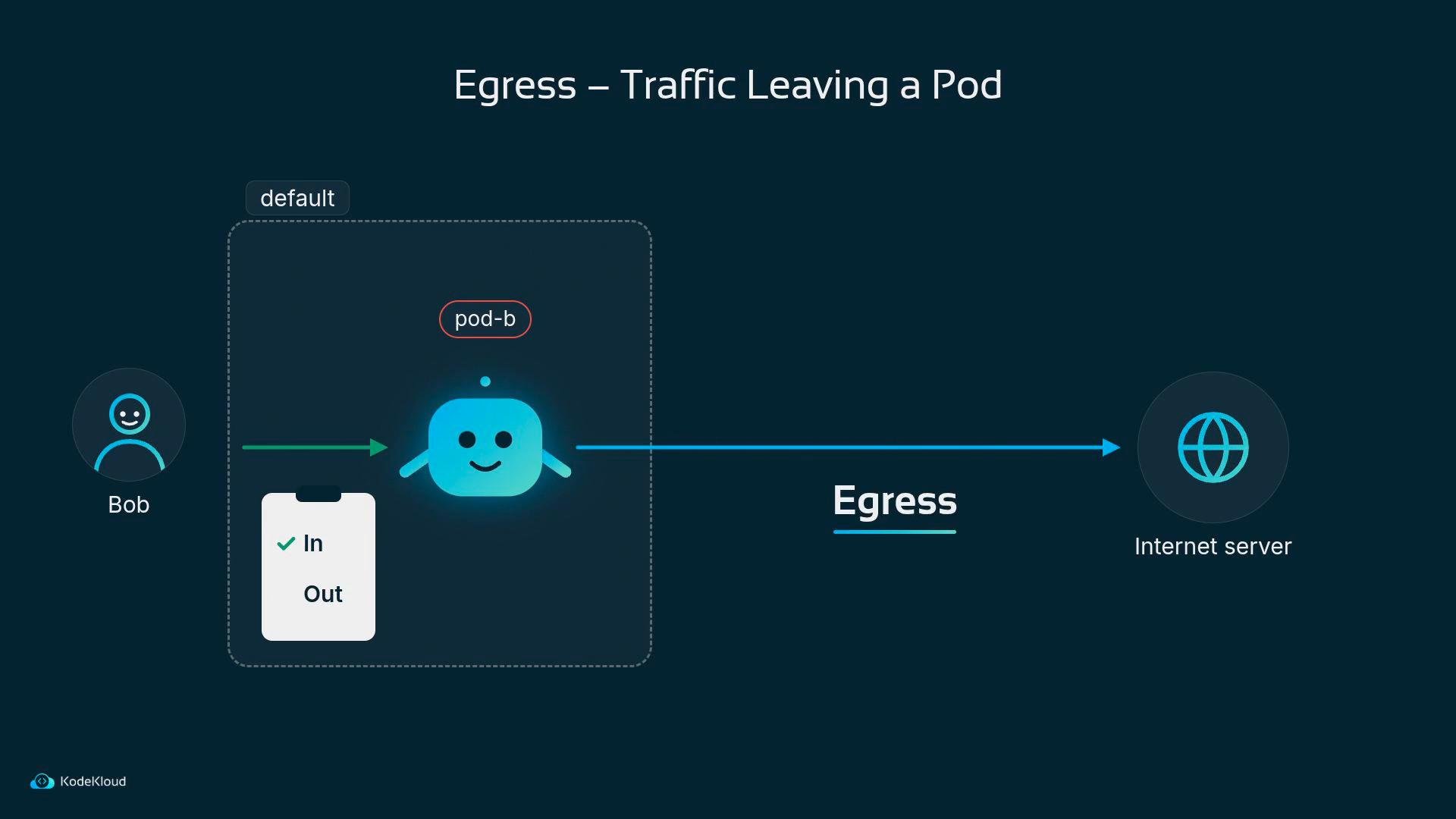
The syntax is almost identical to the ingress policies Bob already knows:
- In
policyTypeslistEgress(instead ofIngress). - Put rules under an
egressarray withto:destinations (instead offrom:). - Use the same selectors (
podSelector,namespaceSelector) inside the rules. - Only the direction changes.
A real example Bob finds in default namespace
Bob opens a policy file calleddeny-egress-to-ns. Its intent is to restrict egress to the gamma namespace.
namespaceSelector matches kubernetes.io/metadata.name: gamma, so it allows destinations in the gamma namespace.
When Bob applies the file, Kubernetes warns him there might be errors. One common YAML mistake to watch for is capitalization of field names.
YAML and Kubernetes field names are case-sensitive. The
egress key must be lowercase. Using Egress: (capitalized) under spec is invalid and will cause errors.gamma. To restrict it, add a podSelector inside the same to element to target only pods labeled role: access-admin in gamma:
DNS: a common egress requirement
Pods discover services using DNS, which typically answers on port 53 (UDP and TCP). If you restrict egress, you often still want to allow DNS queries. An example policy that explicitly permits egress to port 53 (both UDP and TCP) to any destination:Konoha Corp: multiple namespaces and desired egress behaviors
A new customer, Konoha Corp, runs microservices across multiple namespaces:- Ramen runs in
genin - Chakra runs in
jonin - Hokage (admin) runs in
default
jonin-to-genin: letjoninnamespace send traffic only to Ramen pods ingenin.genin-no-egress: block all egress fromgenin.hokage-allow: letdefault(Hokage) reach both Ramen and Chakra.
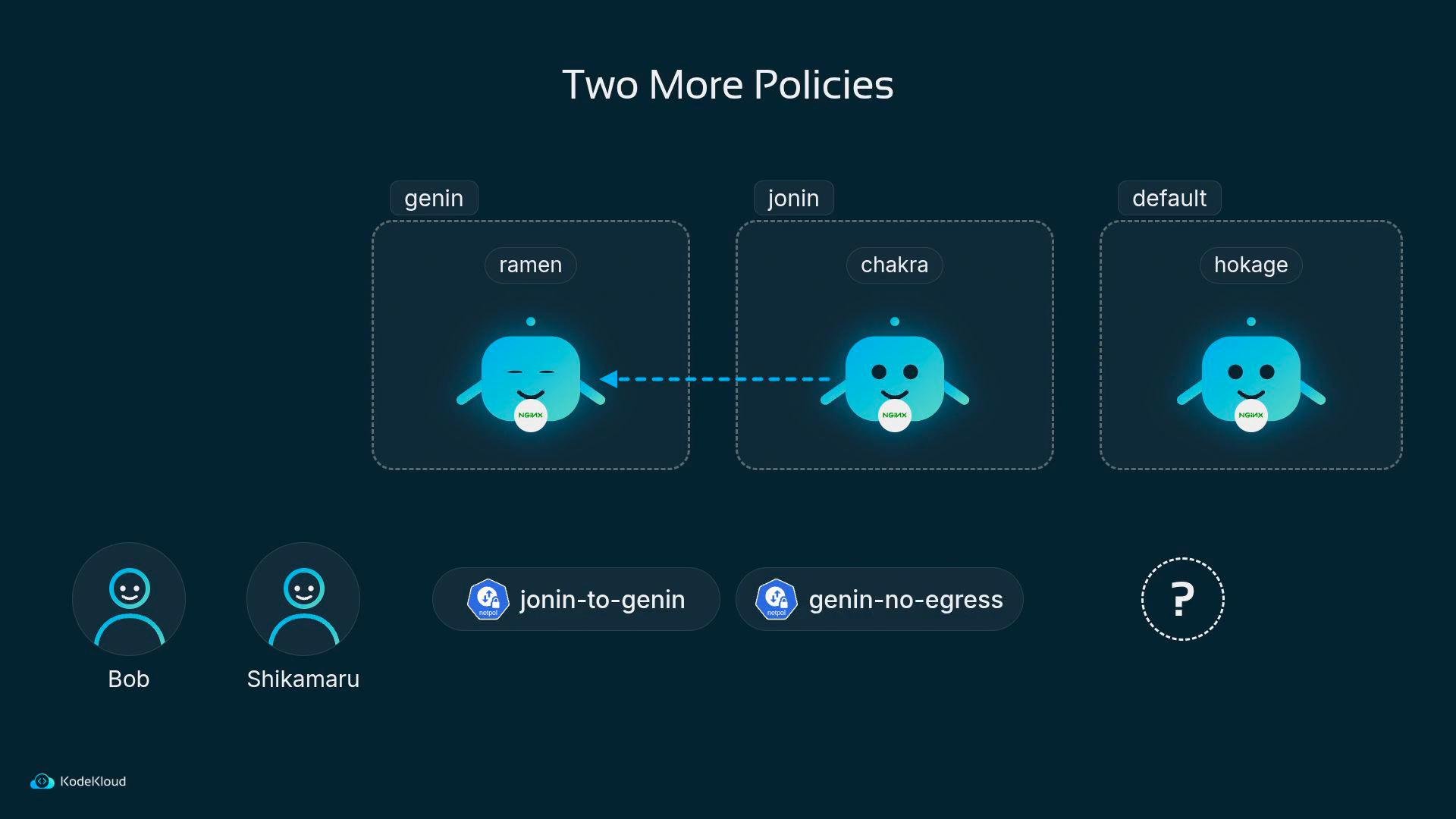
genin-no-egress needs one exception — allow DNS on port 53 (UDP and TCP). How do you express that?
- To block all egress from a namespace: create a NetworkPolicy that selects the namespace’s pods and declares
policyTypes: [Egress]with an emptyegresslist. A policy that selects pods and declaresEgressbut provides no egress rules denies all egress for those pods. - To allow DNS as an exception: create a separate policy in
geninthat permits egress to port 53 (both protocols). NetworkPolicy behavior is additive — the union of allowed traffic from all matching policies is permitted.
genin (silence everything):
genin:
Egress: (capitalized) instead of the correct lowercase egress. And how do you let a namespace go silent except for DNS? Combine a deny-all egress policy (egress: []) with an explicit allow policy for DNS — the allowed traffic will be the union of both policies.
Quick best-practices:
- Start by denying broad egress for sensitive namespaces, then add specific allow rules (least privilege).
- Keep DNS and essential control-plane access explicit so pods can resolve and reach cluster services.
- Validate YAML keys and capitalization (
egressvsEgress) before applying manifests.
Useful references
- Kubernetes NetworkPolicy docs: https://kubernetes.io/docs/concepts/services-networking/network-policies/
- Examples and common patterns for egress control: search for “Kubernetes egress NetworkPolicy examples”