

Who controls a file?
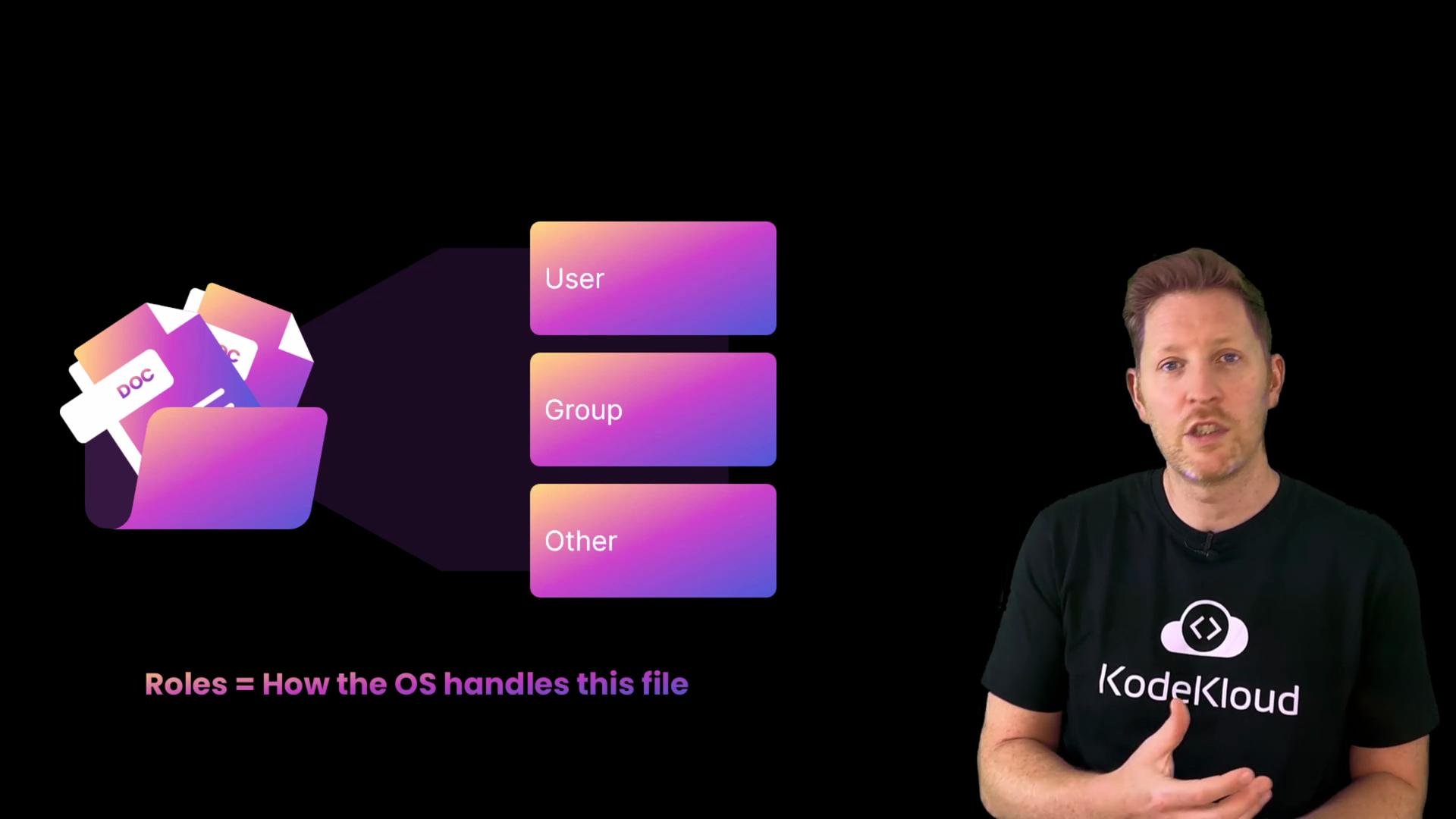
Earlier we covered different user account types: administrators (who can use elevated privileges), standard users (day-to-day accounts), and guests (limited access). The OS maps those accounts to roles for each file:- user — the file’s owner
- group — a set of users that share access
- other — everyone else on the system
sudo on Unix-like systems).
What types of permissions exist?
There are three basic permission types:- Read (
r): view the file contents - Write (
w): modify or delete the file - Execute (
x): run the file as a program or script
ls -l is a ten-character string: the first character indicates file type and the next nine are the permission bits.
The first character in the
ls -l string indicates the file type (for example, - for a regular file, d for a directory, l for a symlink). The following nine characters appear as three groups of rwx corresponding to user, group, and other.- Characters 2–4 (
rwx) — owner’s permissions: read, write, execute - Characters 5–7 (
r-x) — group’s permissions: read and execute (no write) - Characters 8–10 (
r--) — others’ permissions: read only
-).
Permission letters and their numeric (octal) equivalents
Here’s a quick mapping between therwx letters and the octal values commonly used with chmod.
You can set permissions with octal notation, for example
chmod 755 file sets owner to 7 (rwx) and group/other to 5 (r-x).
Quick demo — create a script and set execute permission
Follow this short demo to see permission behavior and how to add execute permission.chmod u+x adds execute permission only for the file owner (user). chmod +x (without a qualifier) adds execute permission for user, group, and other.
Be careful when granting execute permission. Only mark trusted scripts or binaries as executable to avoid running untrusted code.
Common commands summary
Quick quiz
What doeschmod +x do to a file?A) delete the file
B) make the file executable
C) change its name Answer: B — it gives execute permission so the file can be run as a script or program.
Recap
- Permission types are read (
r), write (w), and execute (x). - Permissions apply separately to user (owner), group, and other.
- The first character in
ls -lshows file type; the next nine characters are the permission bits. - Use
chmodto change permission bits (for example,chmod u+xto add execute for the owner, orchmod 755to set octal permissions).