

- Start with one core and one task.
- Add more tasks and see how the OS decides who gets the CPU next.
- Learn how the system switches between tasks (context switching).
- Inspect how a process can contain multiple threads.
- Scale up to multiple cores and explain true parallelism.
- Finally, examine interrupts and how the OS responds instantly to events like key presses or device plugs.
Single-core, multiple tasks: concurrency through time slicing
Each running program is a process. The scheduler — part of the OS kernel — decides which process runs, how long it runs, and in what order. Because a single core can execute only one instruction stream at a time, the OS shares CPU time by giving each process short bursts of CPU time called a time slice or quantum. The kernel switches between processes, creating concurrency: many tasks making progress by taking turns. Here’s a concrete example. Suppose:- P1 needs 5 ms to complete.
- P2 needs 3 ms.
- P3 needs 2 ms. All arrive at time 0. The OS can schedule them in many ways; three common policies are round-robin, priority, and first-come, first-served (FCFS).
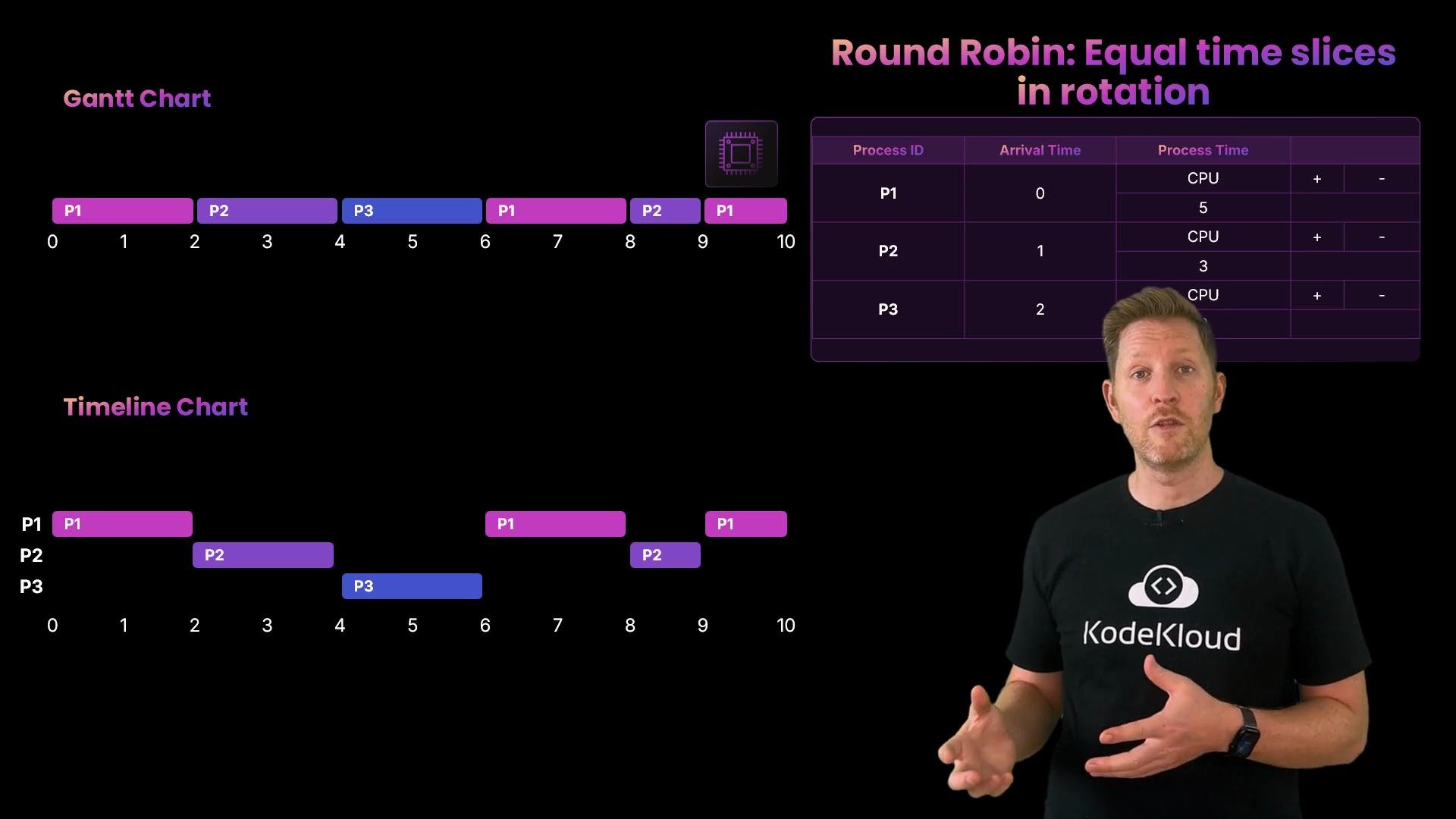
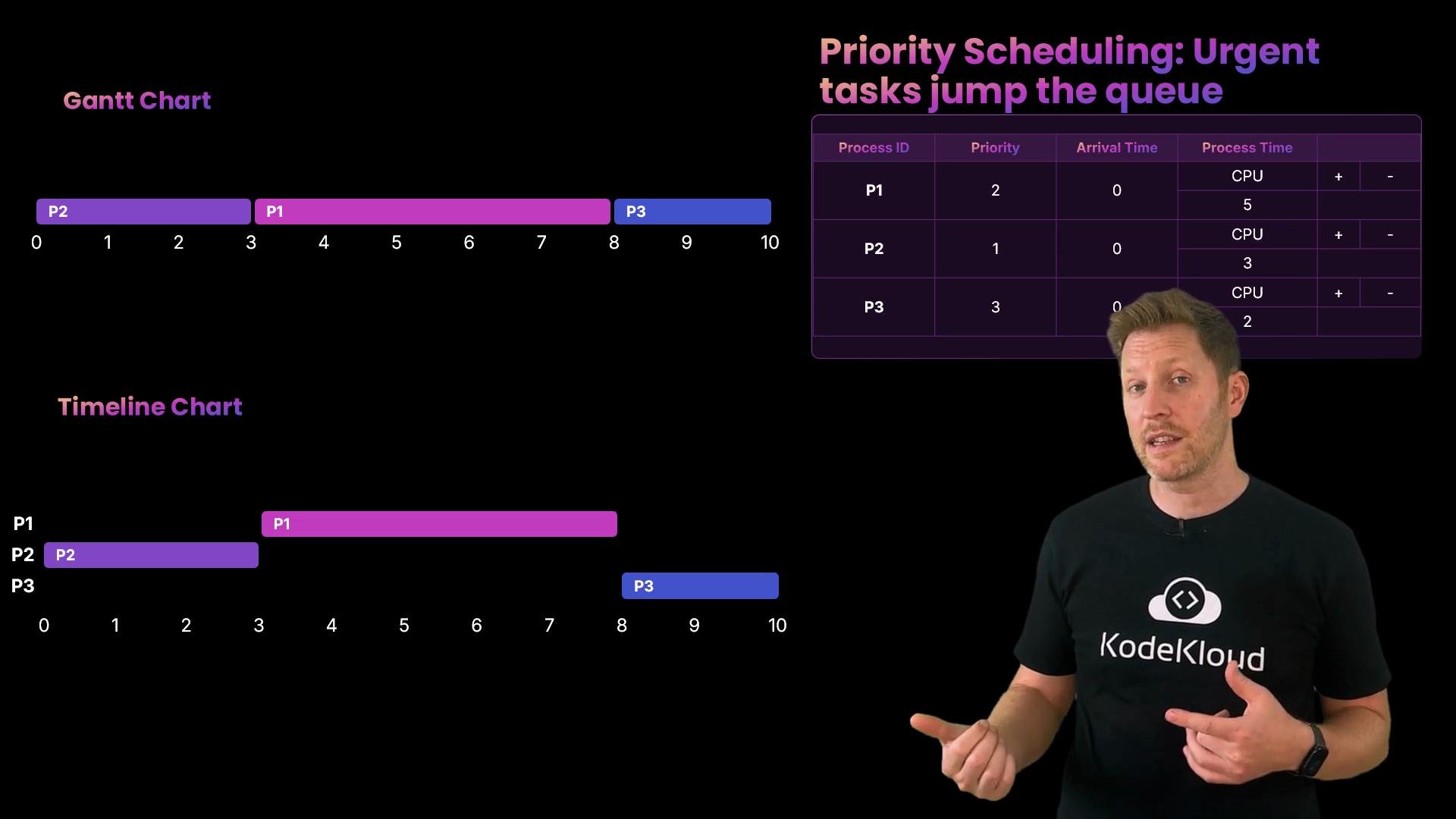
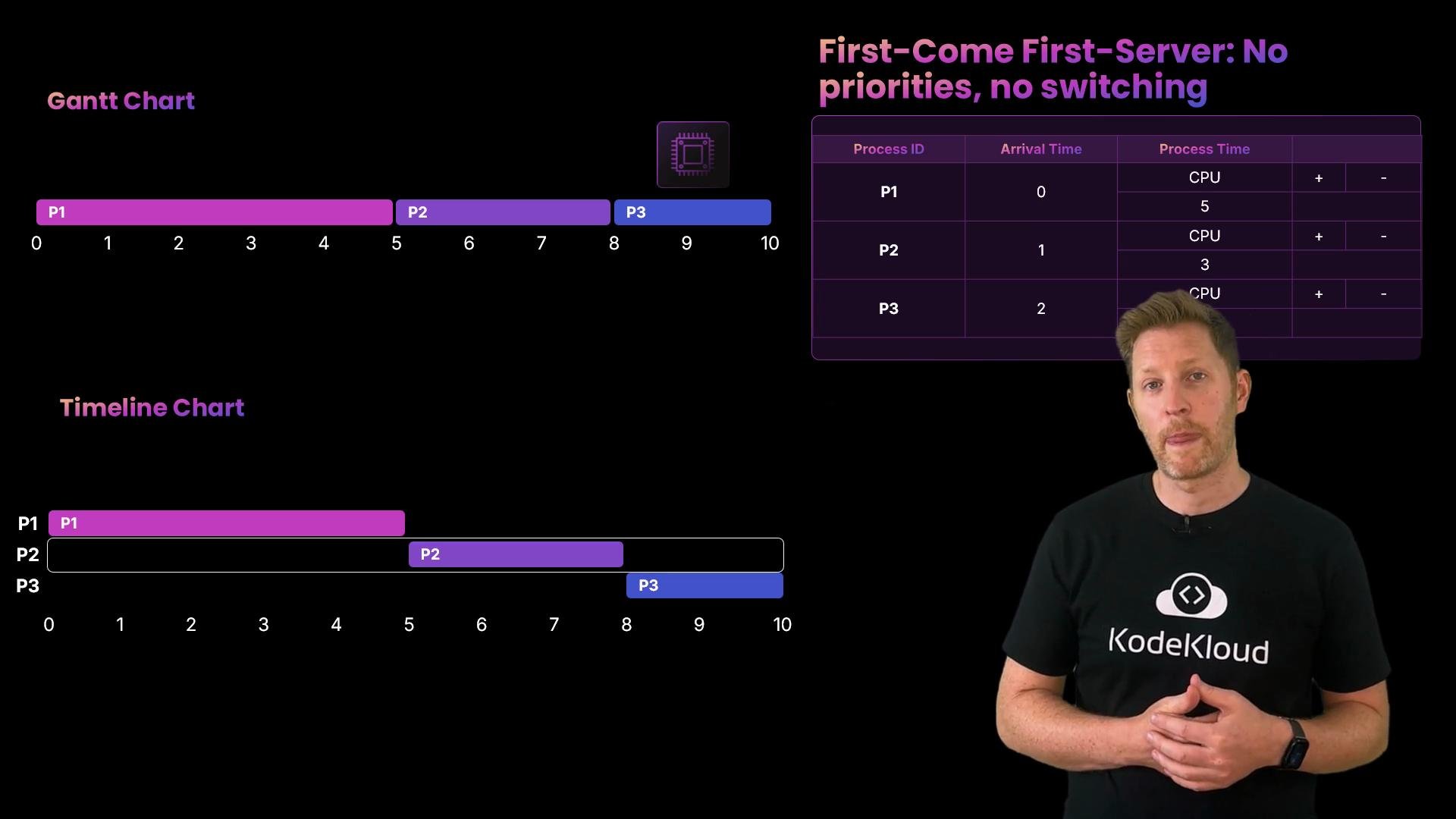
Scheduling policy comparison
Quick quiz:
Which of these best explains how a single-core system handles multiple processes?
A. Each process runs in full before the next starts.
B. Processes run at the same time using multitasking.
C. The OS gives each process a short turn, switching rapidly between them. Correct answer: C. On one core only one thing runs at a time. The OS switches rapidly between processes so each makes progress — this is concurrency.
Context switching: how the kernel switches tasks
When P1 is running and its time slice ends, the OS performs a context switch. The kernel saves P1’s context — CPU registers, program counter (instruction pointer), stack pointer, and other architecture-specific state — effectively a bookmark that lets P1 resume later. The OS then loads P2’s saved context and resumes execution where P2 left off. On busy systems this happens thousands of times per second. Context switches are necessary for concurrency, but they have overhead:- Saving and restoring processor state consumes CPU cycles.
- Switching can flush CPU caches and translation lookaside buffers (TLBs), hurting performance.
- Switching between threads in the same process is usually cheaper than switching between processes because threads share address space and many kernel structures.
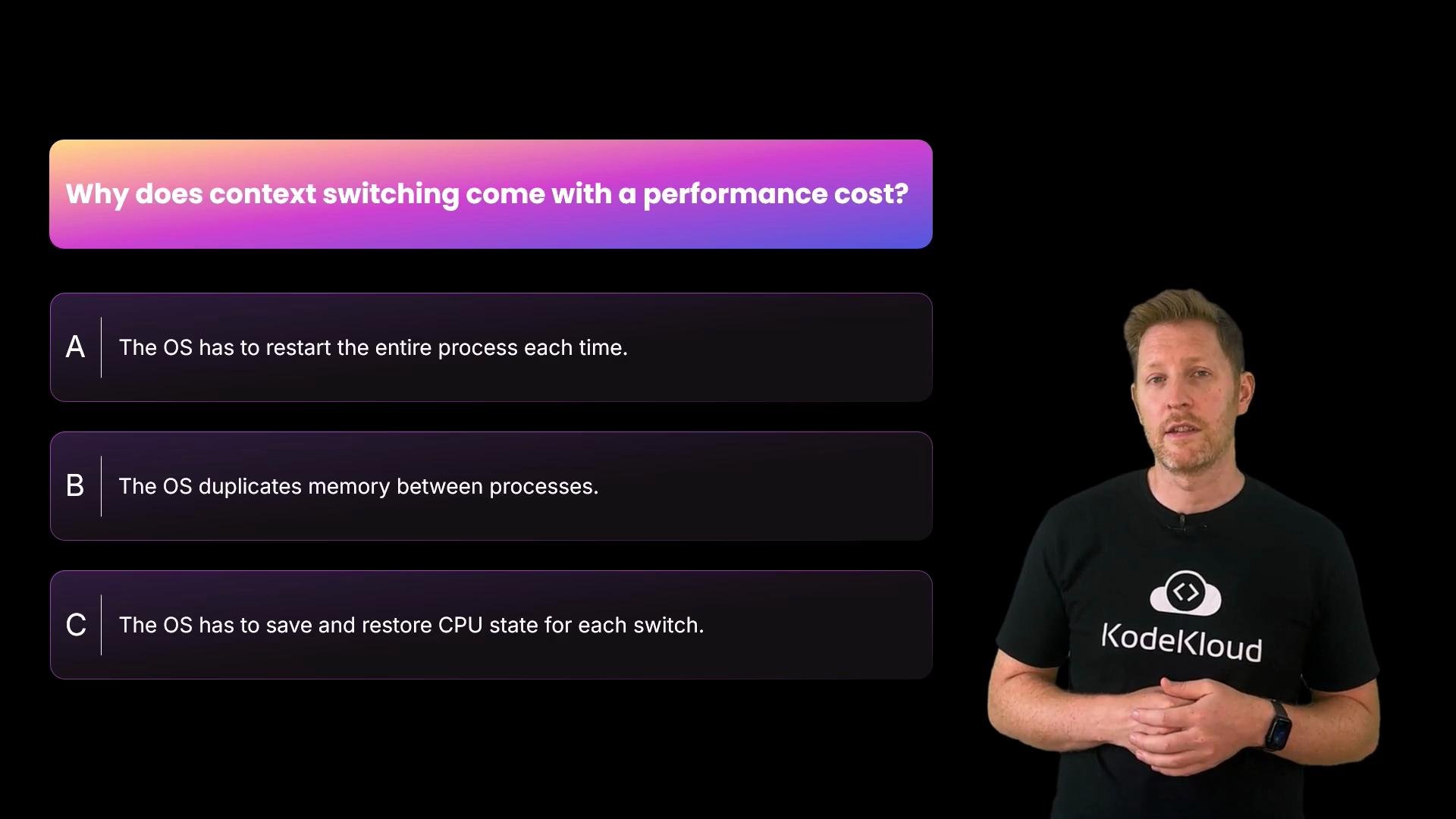
B. The OS duplicates memory between processes.
C. The OS has to save and restore CPU state for each switch. Correct answer: C. During a switch the OS checkpoints and restores the CPU and execution state. That work takes time and can flush useful cached state.
Summary
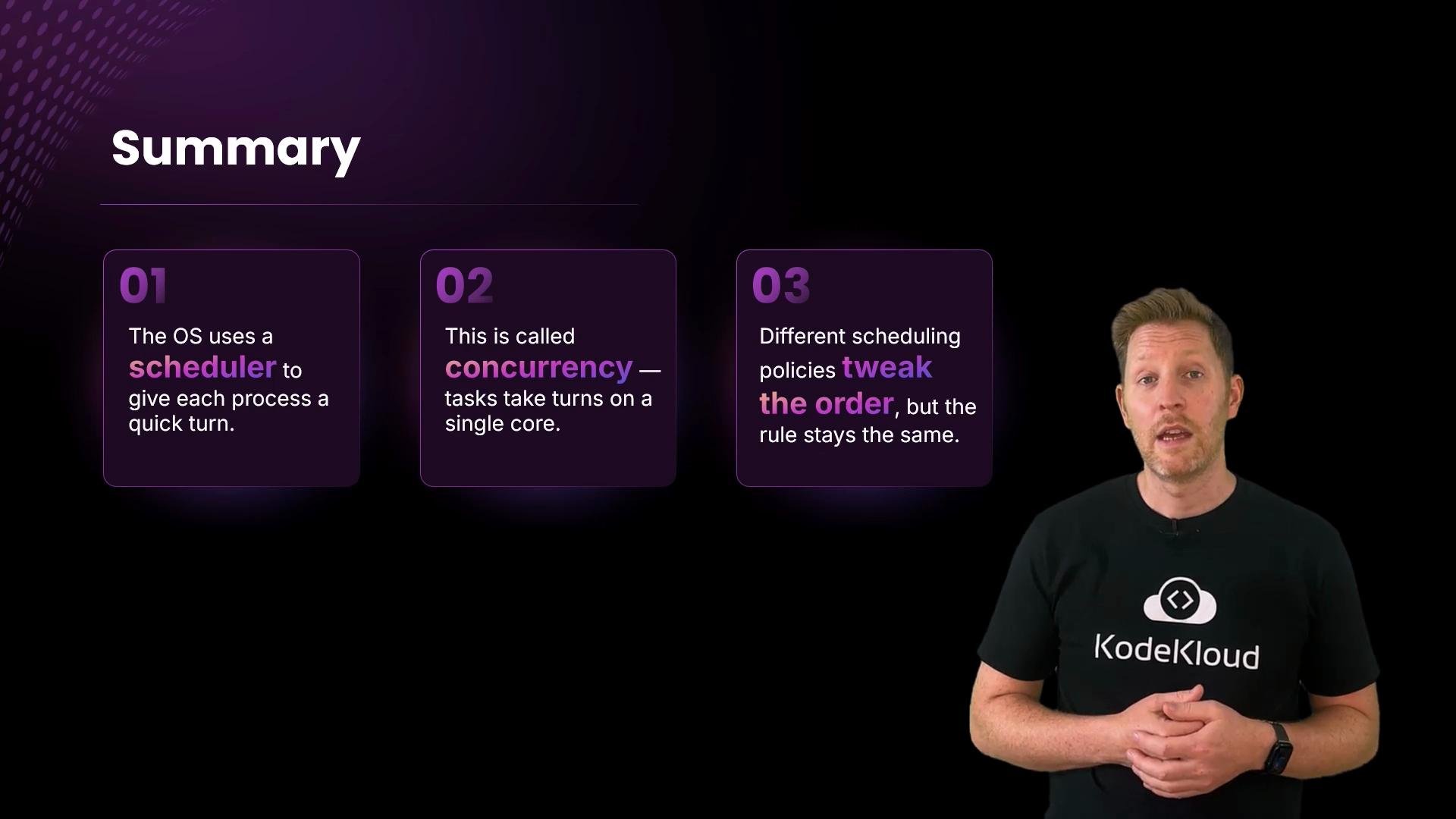
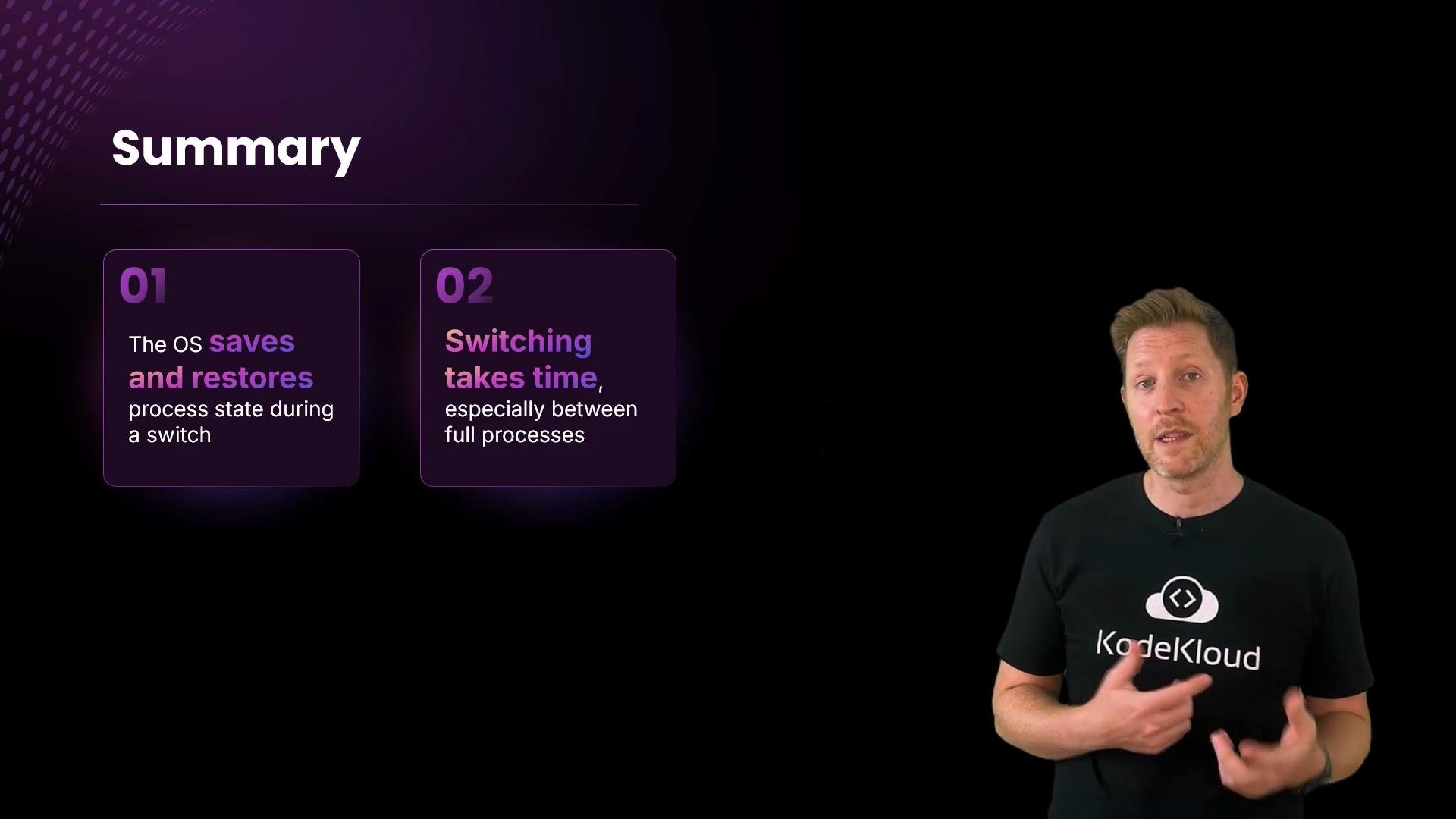
- A single core can only run one instruction stream at a time. The OS scheduler divides CPU time into quanta and switches rapidly between processes to create concurrency.
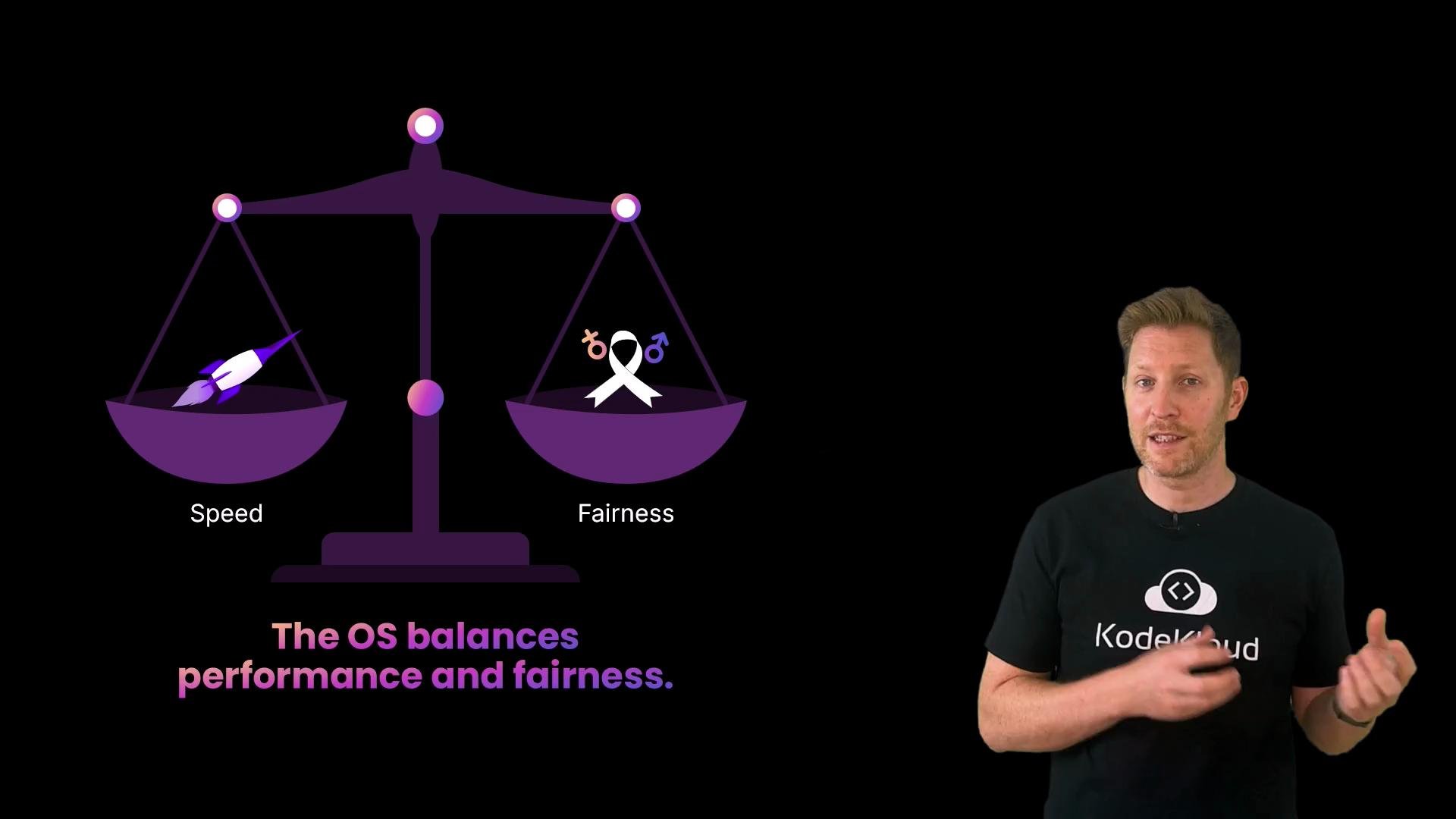
- Scheduling policies (round-robin, priority, FCFS, and many variants) trade off fairness, latency, and throughput.
- Context switches save and restore execution state. They enable multitasking but impose overhead that affects performance.
- Switching between threads of the same process is usually cheaper than switching between processes because threads share virtual memory and kernel resources.
Note: Scheduling and context switching are kernel-level activities. Modern kernels implement variations (preemptive vs. cooperative scheduling, multi-level queues, real-time classes) to meet different workload and latency requirements.
Links and references
- Linux scheduler overview
- Operating system concepts — scheduling (Wikipedia)
- Tanenbaum, A. S., & Bos, H. (Modern Operating Systems) — for deeper study of scheduling algorithms and context switching principles.