

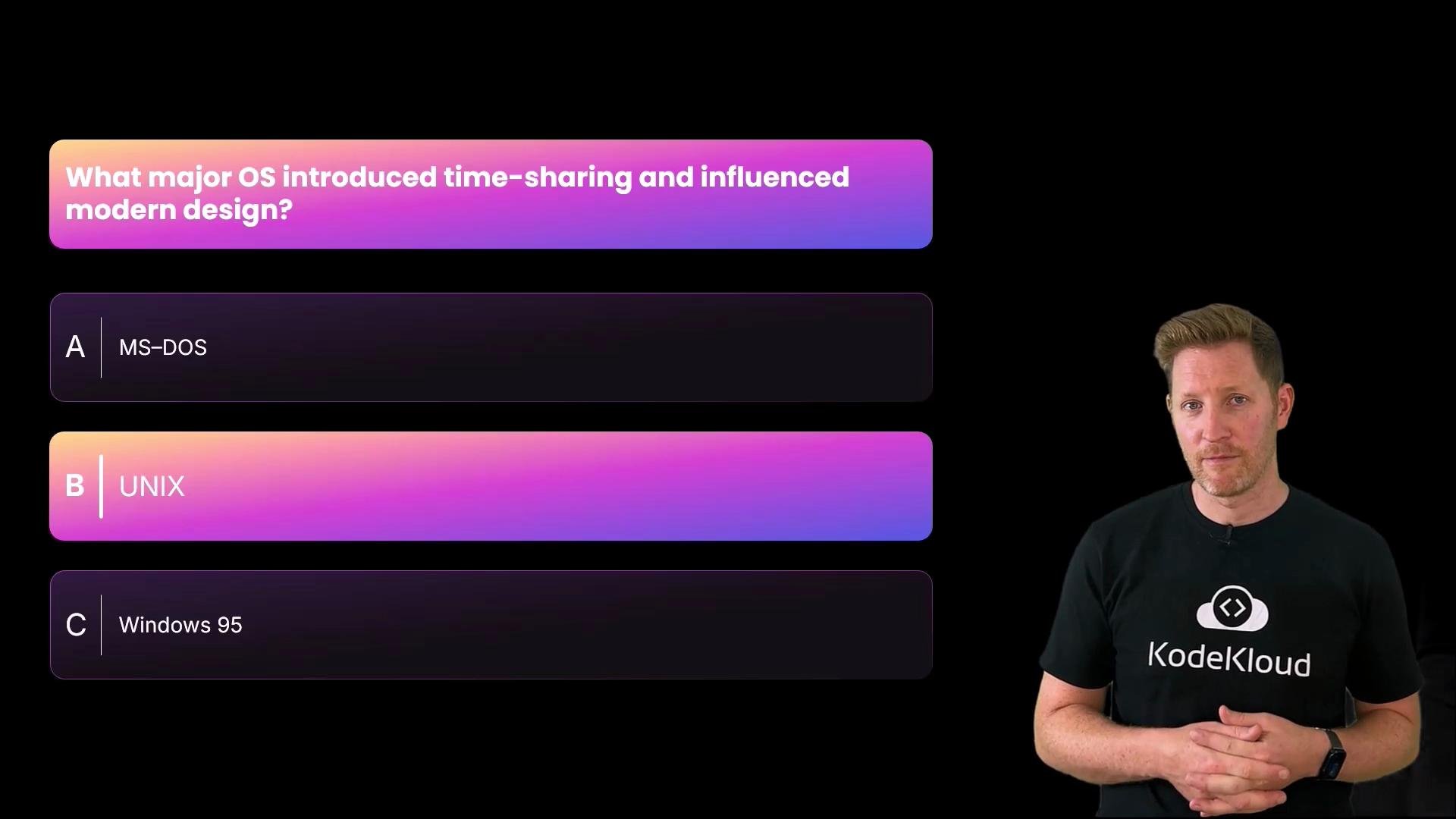
A: MS‑DOS, B: UNIX, or C: Windows 95? Correct answer: B, Unix. Unix (1970s) pioneered time-sharing, multi-user support, and concurrent program execution — features that shaped modern OS architecture.
What happens when an OS runs? (Boot and startup sequence)
-
Power-on and hardware checks
- Firmware (BIOS or UEFI) runs POST (Power-On Self Test) to validate CPU, RAM, and connected devices.
-
Bootloader and kernel load
- After POST, control transfers to a bootloader (MBR on legacy BIOS, EFI system partition on UEFI). The bootloader finds and loads the kernel into RAM.
-
Kernel takes charge
- The kernel initializes hardware abstractions, mounts essential filesystems, and starts core services.
-
Authentication and user session
- Login/auth systems verify credentials and create user sessions with the appropriate permissions.
-
Device drivers and interrupts
- Drivers translate between hardware and OS. Hardware signals use interrupts so the kernel can react quickly (e.g., keyboard, network packets).
-
Process management (the juggler)
- The process manager and scheduler create processes/threads and allocate CPU time so multiple programs run concurrently.
-
Memory management (the organizer)
- Memory manager tracks memory pages, assigns virtual memory, and uses paging/swap when physical RAM is low.
-
File system (the librarian)
- The file system organizes data on storage: allocation, naming, timestamps, permissions, and directory metadata.
Core OS roles at a glance
TIP: The kernel is the OS core, but many functions (like process scheduling and some services) appear as coordinated subsystems — sometimes implemented inside the kernel, sometimes in user space for safety and modularity.
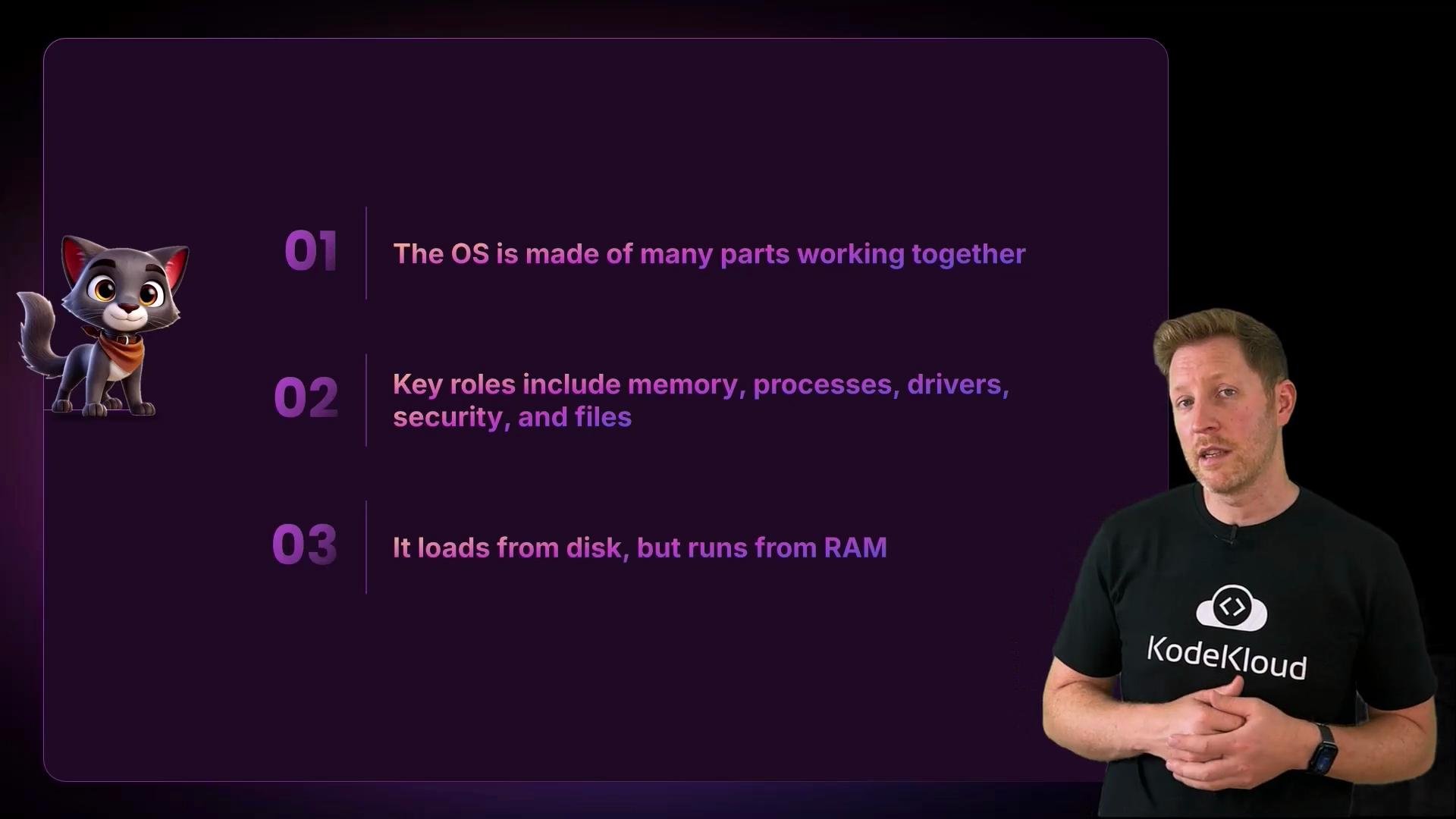
- An operating system manages hardware and runs applications.
- It’s the bridge between users/apps and the machine.
- OS history moved from punch cards and batch jobs to multitasking, GUIs, mobile, and cloud computing — while the core goal remains making computers usable.
- Internally, an OS is a coordinated collection of subsystems (boss, guard, translator, juggler, organizer, librarian) that load from disk and run from RAM.
Which part manages running applications?
Quiz: Which part of the OS manages running applications?A: the file system, B: the kernel, or C: the process manager? Correct answer: C, the process manager. While the kernel provides overall control and interfaces, the process manager (implemented via the kernel’s scheduler and process-management subsystems) is responsible for creating processes and allocating CPU time so applications can run concurrently.
Warning: Don’t conflate the kernel with a single, monolithic program that directly performs all tasks. Modern OSes split responsibilities between kernel-space and user-space for reliability, security, and modularity.
Zooming out
We defined the OS, traced its history from punch cards to modern systems, and examined the internal roles an OS performs: coordinating hardware, managing processes and memory, handling devices, enforcing security, and organizing storage. Rather than one large program, an operating system is a coordinated collection of parts that keep your machine running.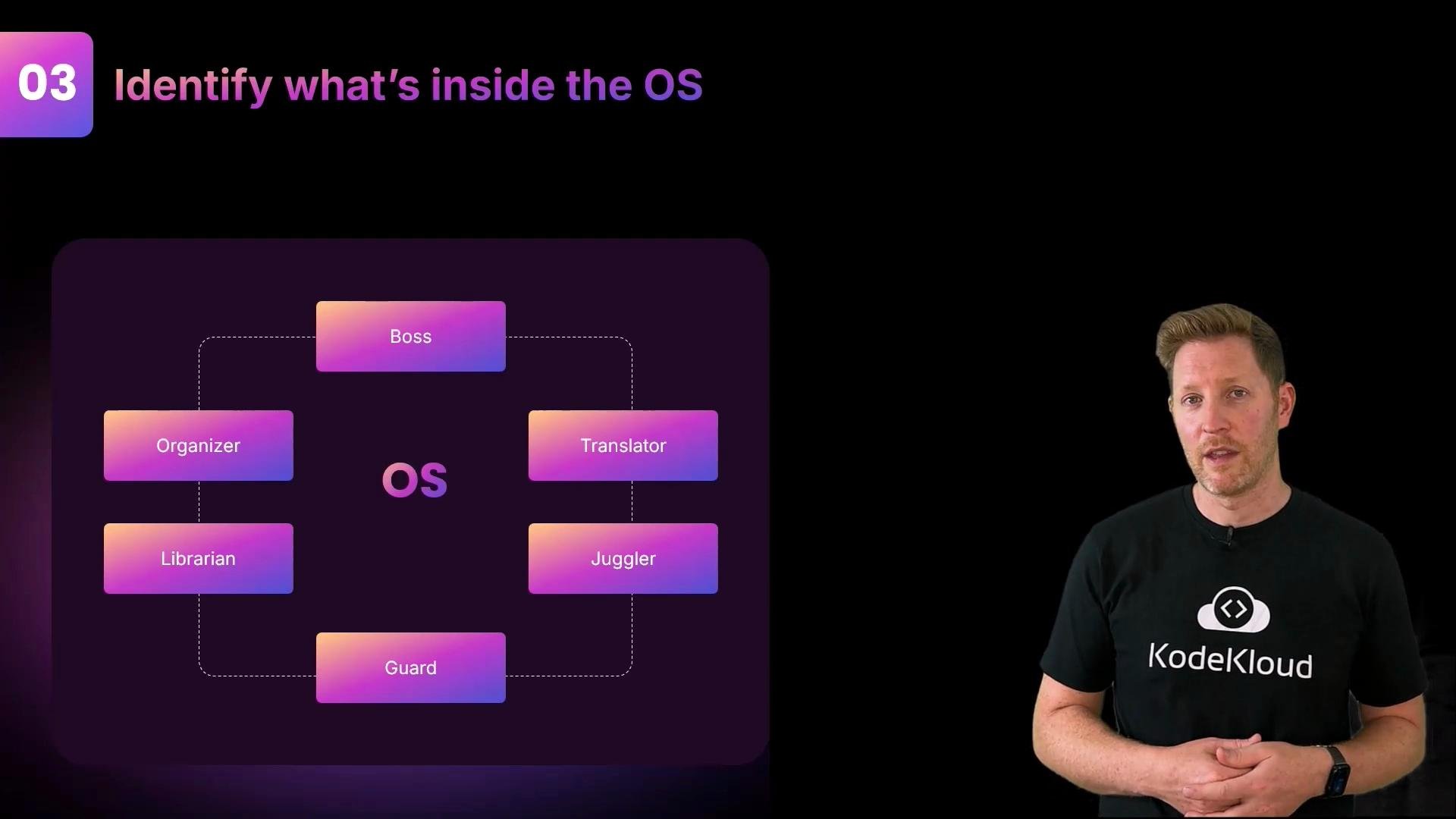
- Unix history and design principles
- UEFI specification overview
- What is an operating system? (educational overview)
- Kernel vs user space explained