

What is an operating system?
An operating system is a special system program that takes control early in the boot process (after firmware and the bootloader) and manages everything that runs on the machine. The OS coordinates CPU scheduling, memory allocation, device I/O, file storage, and process lifecycle. In short, it turns a collection of circuits and chips into a usable computing platform. You can think of the OS as a personal assistant for hardware and applications: it knows policies and preferences, schedules tasks, resolves conflicts, and exposes services (like filesystems and networking) to applications. Without an OS, user commands and applications would have no standard way to access hardware.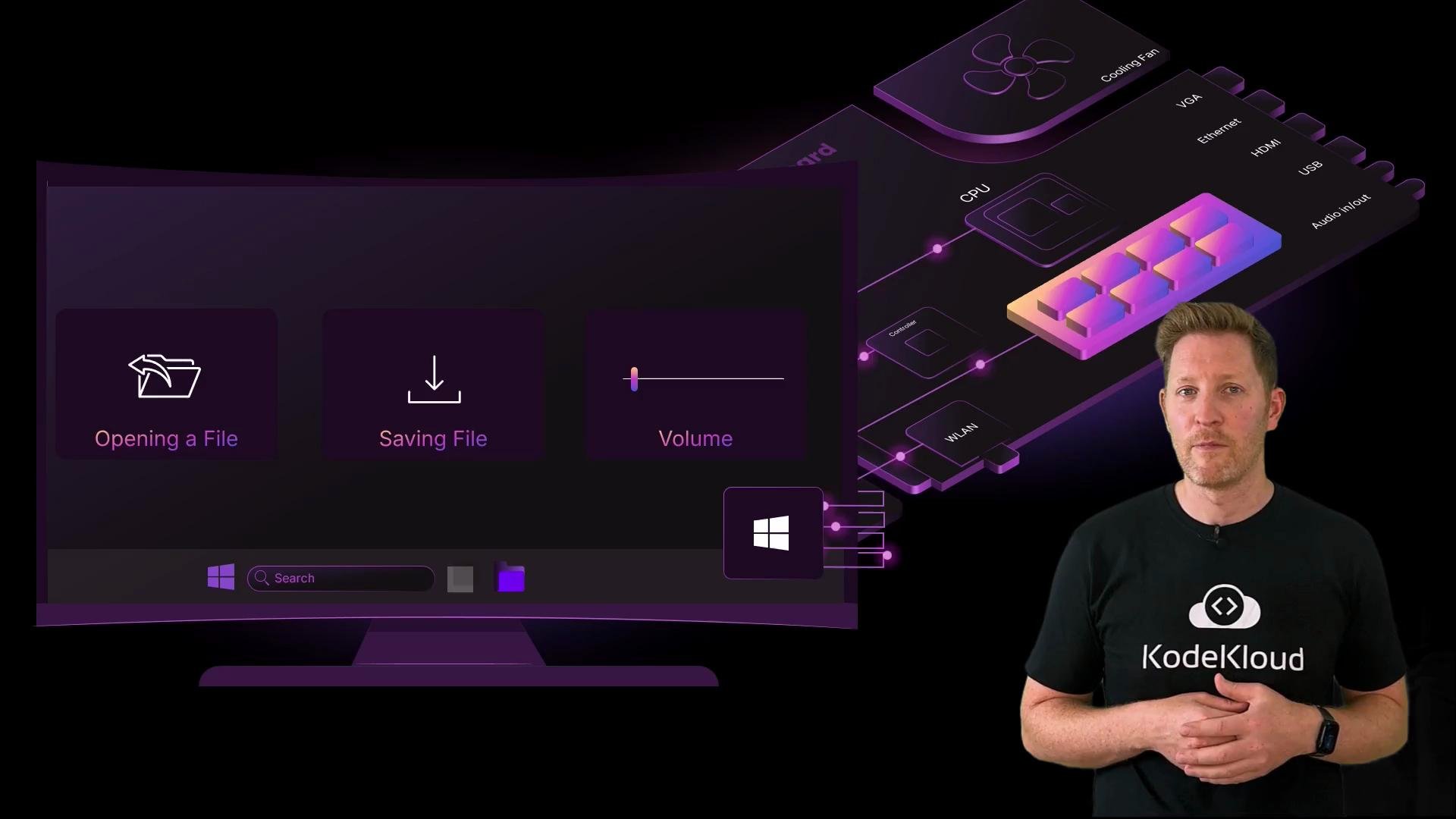
- Manage CPU time and scheduling for processes and threads.
- Allocate and protect memory for running programs.
- Provide device drivers and abstract hardware access.
- Offer filesystems and persistent storage services.
- Provide security boundaries, permissions, and inter-process communication.
- At the top: users and applications (browsers, editors, games, services).
- Middle: OS services and system libraries.
- Core: the kernel, which communicates directly with hardware.
The kernel runs with privileged access to hardware. Bugs or misconfiguration in kernel code can crash or compromise the entire system. Treat kernel-level changes and drivers with caution.
Types of operating systems
Operating systems are optimized for different environments and constraints. Here are common categories and when you’d choose them:
Mobile OSes are tuned for battery, sensors, and touch; server OSes emphasize concurrency, uptime, and network performance; embedded OSes are compact and often real-time.
Quick check
What is the main job of an operating system?- A: to store files on your hard drive?
- B: to run apps and manage hardware?
- C: to protect your device from viruses?
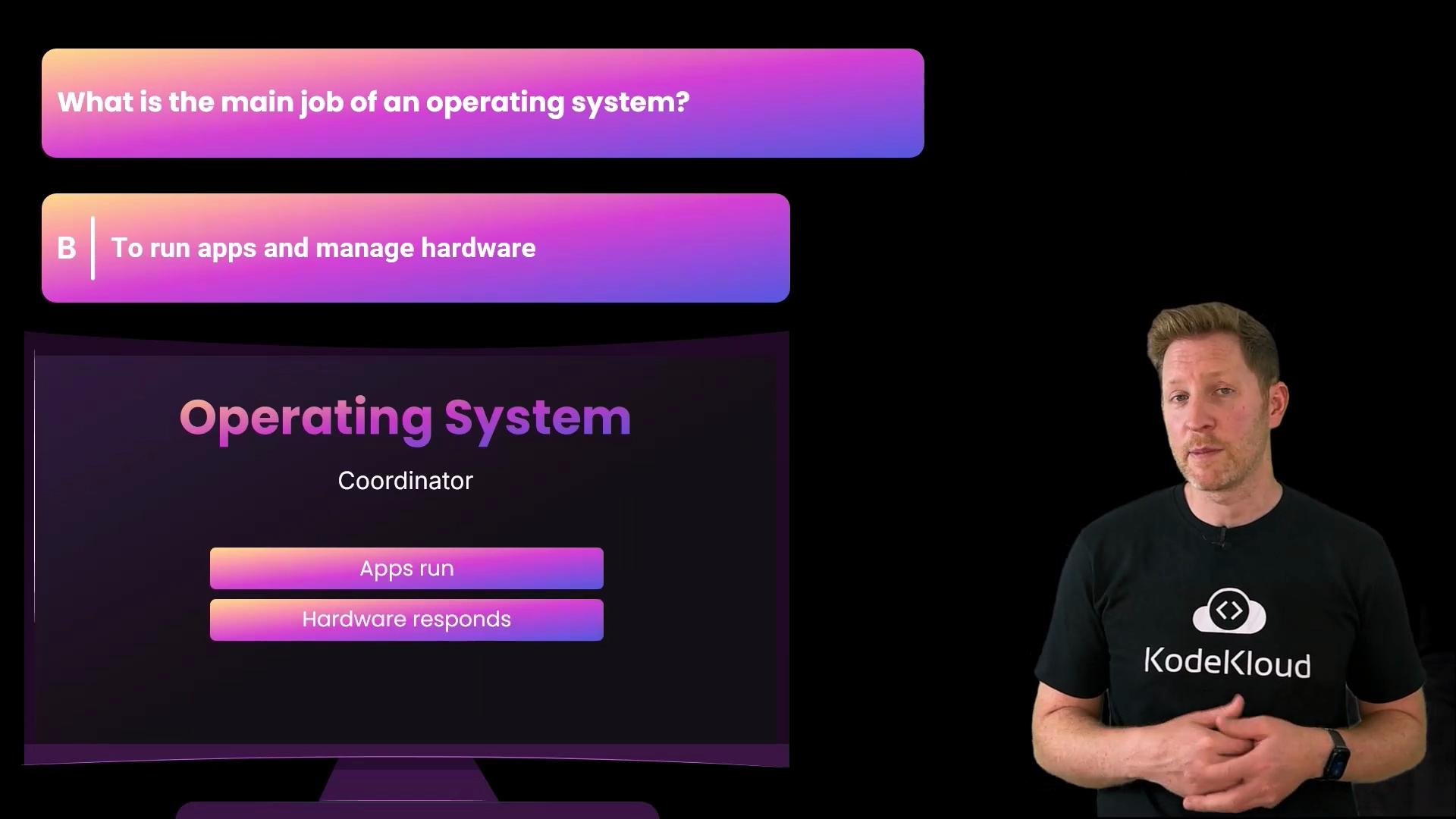
Correct answer: B — The OS’s primary role is to run applications and manage hardware resources. File storage (A) and malware protection (C) are specific services or responsibilities within the broader task of resource management and system services.
A brief history: how operating systems evolved
Understanding the history helps explain why modern OSes behave the way they do. 1940s–1950s — no OS- Programmers interacted directly with hardware via punch cards, switches, and physical wiring.
- Jobs were run manually; debugging often meant rewiring hardware.
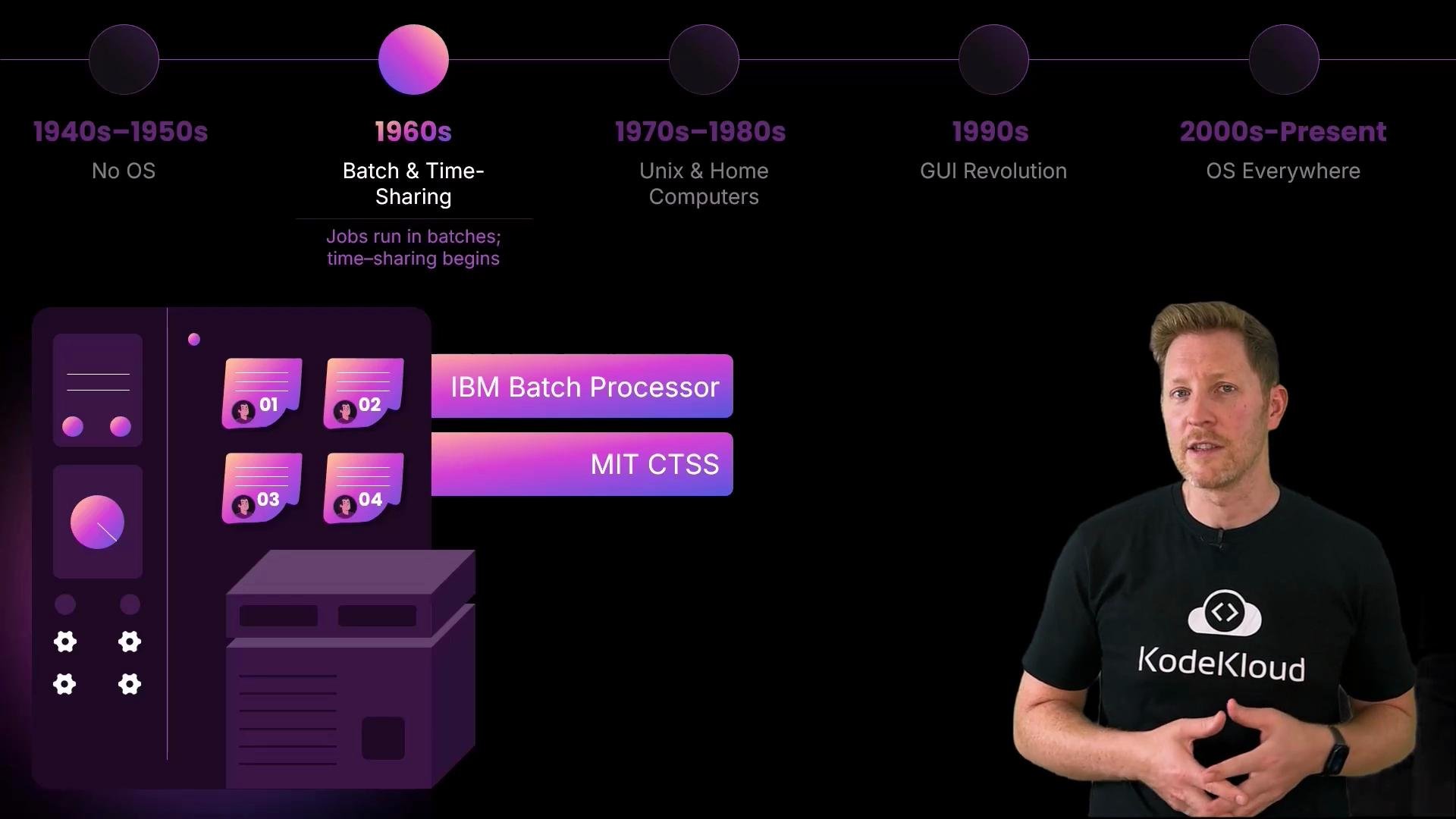
- Batch processing and job control automated sequences of jobs (IBM batch systems).
- Time-sharing systems like MIT’s CTSS introduced interactive use by multiple users and early multitasking techniques.
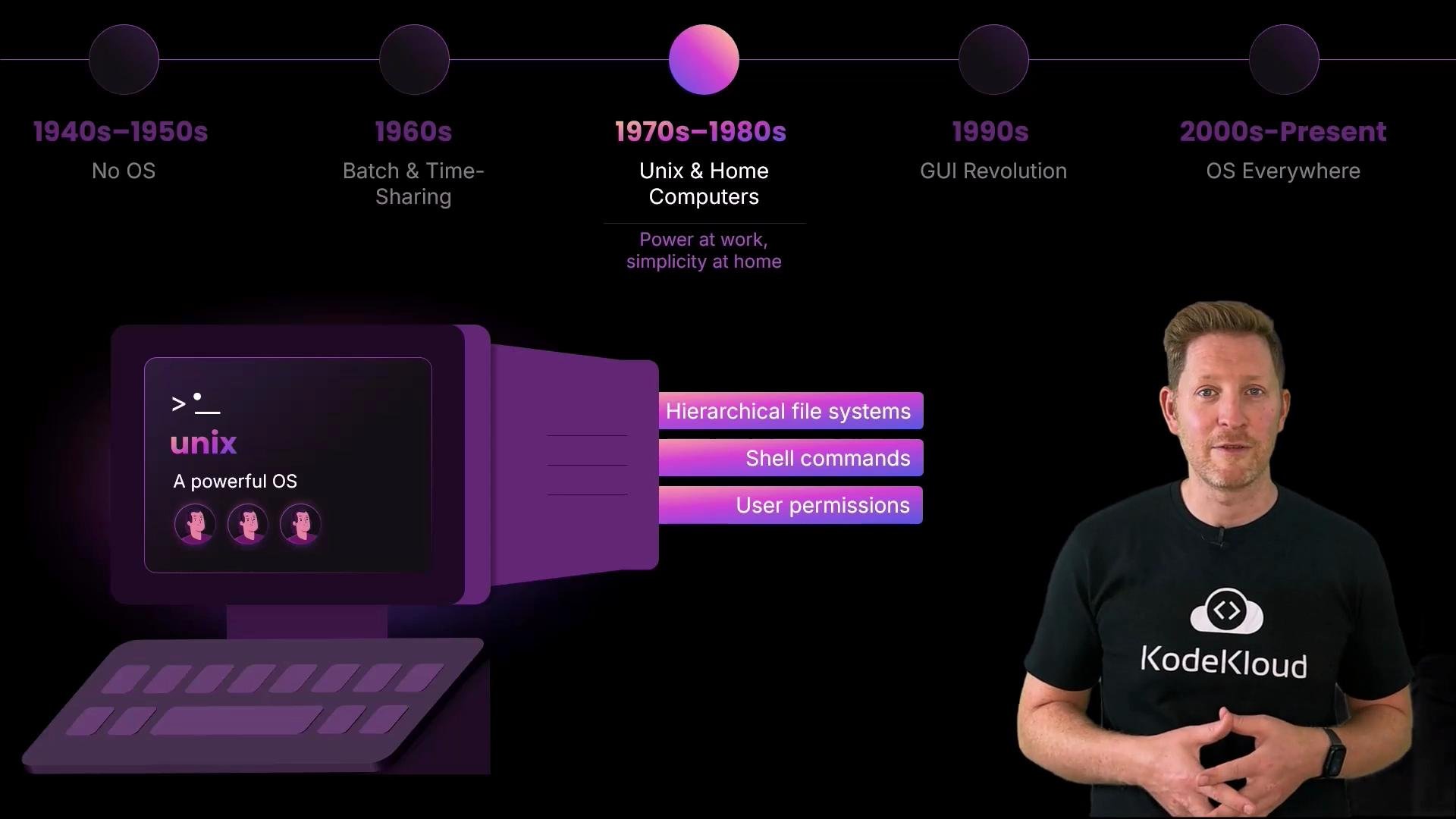
- Unix popularized ideas such as hierarchical filesystems, the shell, user-level permissions, and robust process control.
- These concepts influenced a generation of OS design patterns, APIs, and developer tools.
- Simpler personal systems (e.g., Apple II, MS-DOS) made computing accessible to individuals, even if they lacked multitasking.
- GUIs (Windows 95, classic Mac OS) replaced many command-line workflows and broadened the user base.
- OSes began integrating multimedia, plug-and-play hardware support, and richer device ecosystems.
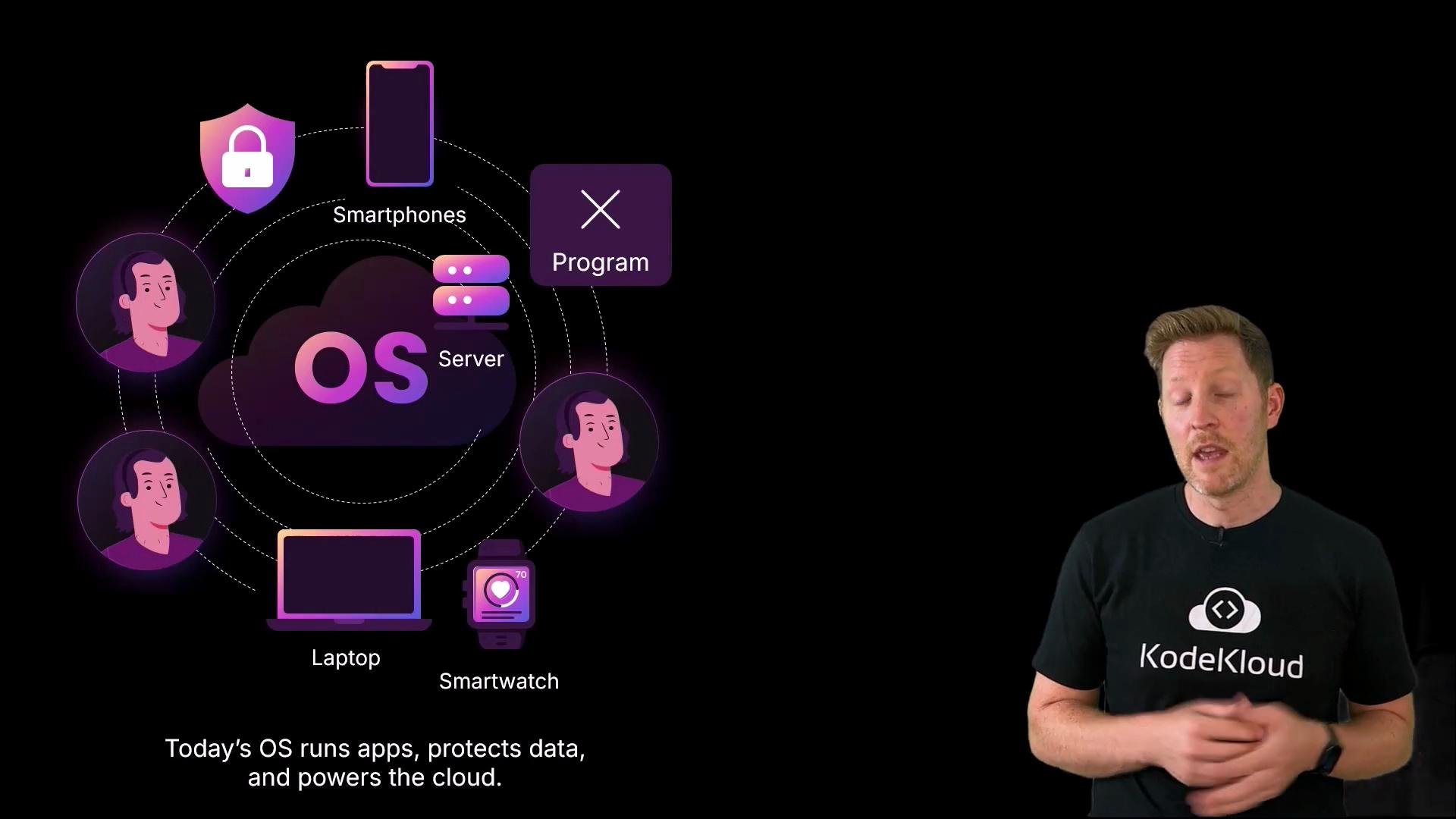
- OSes spread across laptops, servers, smartphones, wearables, and embedded systems.
- Linux rose to dominance in servers and many embedded contexts; Android and iOS dominated mobile.
- Modern OS responsibilities expanded to cloud orchestration, containerization, virtualization, and advanced security models.
Summary: why OS knowledge matters for engineers
- Operators and developers rely on OS concepts (processes, threads, I/O, memory, permissions) every day.
- DevOps and cloud-native workflows build on virtualization and containerization, which depend on kernel features.
- Embedded and IoT projects require understanding OS constraints (real-time behavior, resource limits).
- Kubernetes Documentation
- The Linux Kernel Archives
- Unix History and Legacy (Wikipedia)
- Windows Documentation - Microsoft Learn