

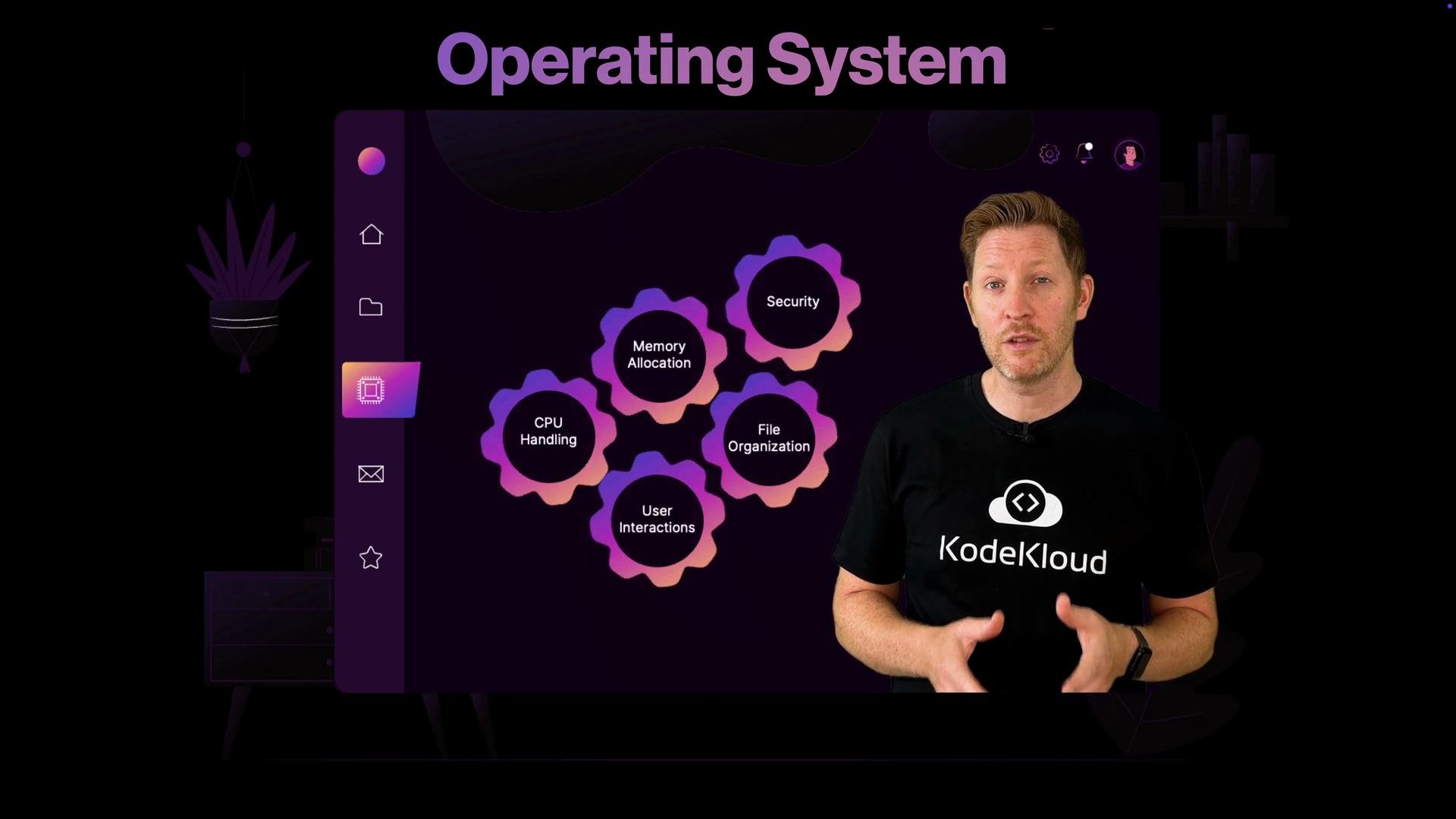
What you’ll learn
- How the OS initializes hardware and boots a system
- How the OS schedules CPU time and supports multitasking
- How memory management and virtual memory protect processes
- How device drivers and system calls connect software to hardware
- How file systems, permissions, and access control protect data
- How the OS integrates security tools and applies updates
Core responsibilities of an operating system
How the OS coordinates hardware and software (the boot phase)
From power-on to a running desktop or server process, the OS performs several coordinated steps:- Firmware/bootloader initializes hardware and loads the kernel.
- The kernel initializes device drivers and core services.
- System services and daemons start, providing networking, storage, and user sessions.
- User-space programs launch, using system calls and APIs to request resources.
- When requested, the OS performs a graceful shutdown, stopping services and flushing storage.
Security: protection, updates, and isolation
The OS is your first line of defense. It implements access control, isolates processes, and integrates tools like firewalls and antivirus to limit damage from malicious code. Patching the OS and applying security updates is essential to protect against known vulnerabilities.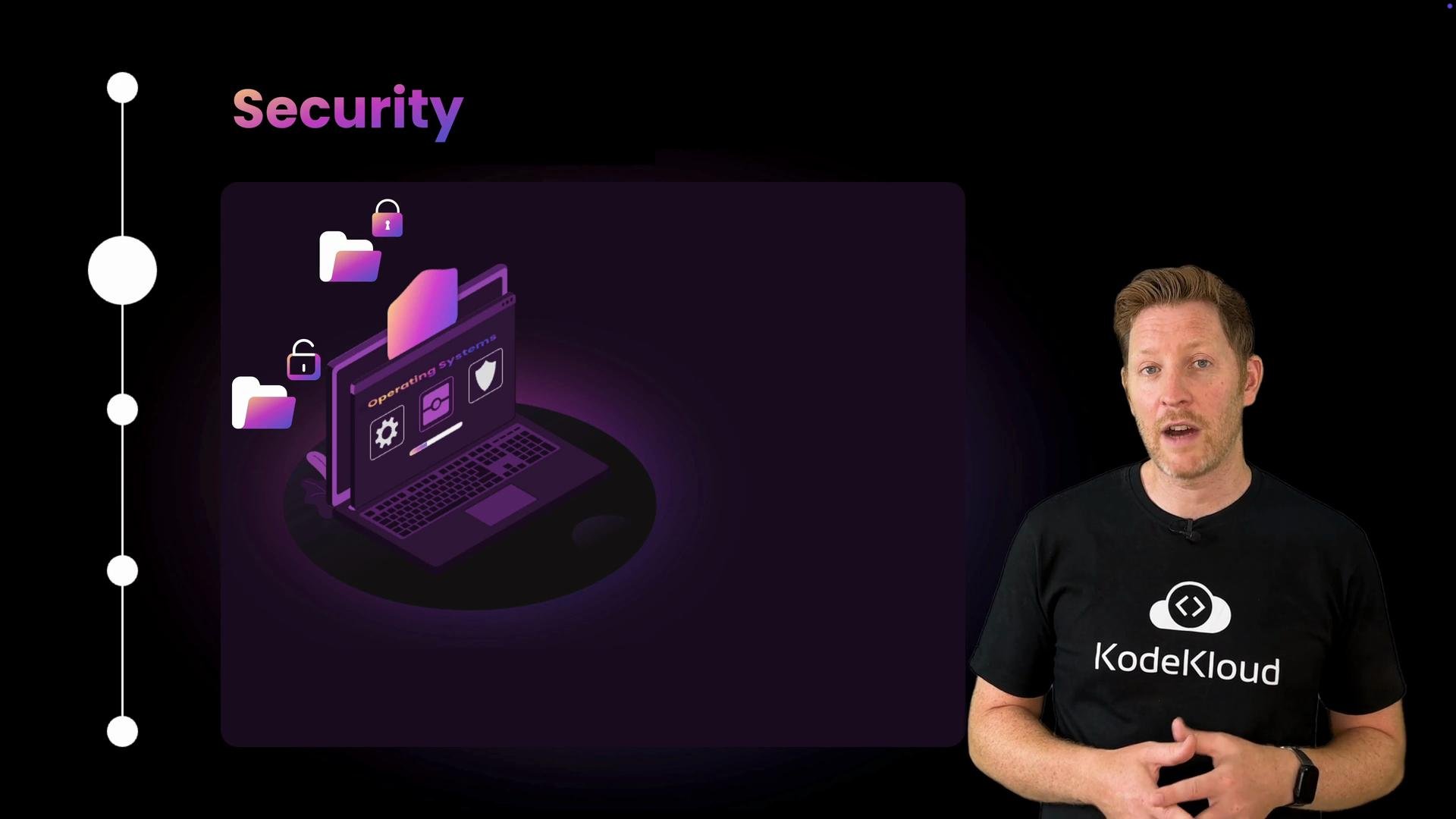
Keep your system and applications updated. Many compromises exploit unpatched OS vulnerabilities or misconfigured permissions.
User interfaces: GUIs and command lines
You interact with the OS through graphical user interfaces (GUIs) and command-line interfaces (CLIs). The OS handles input events, windowing, menus, and keyboard shortcuts for GUIs, while CLIs provide powerful scripting and automation via shell commands and APIs.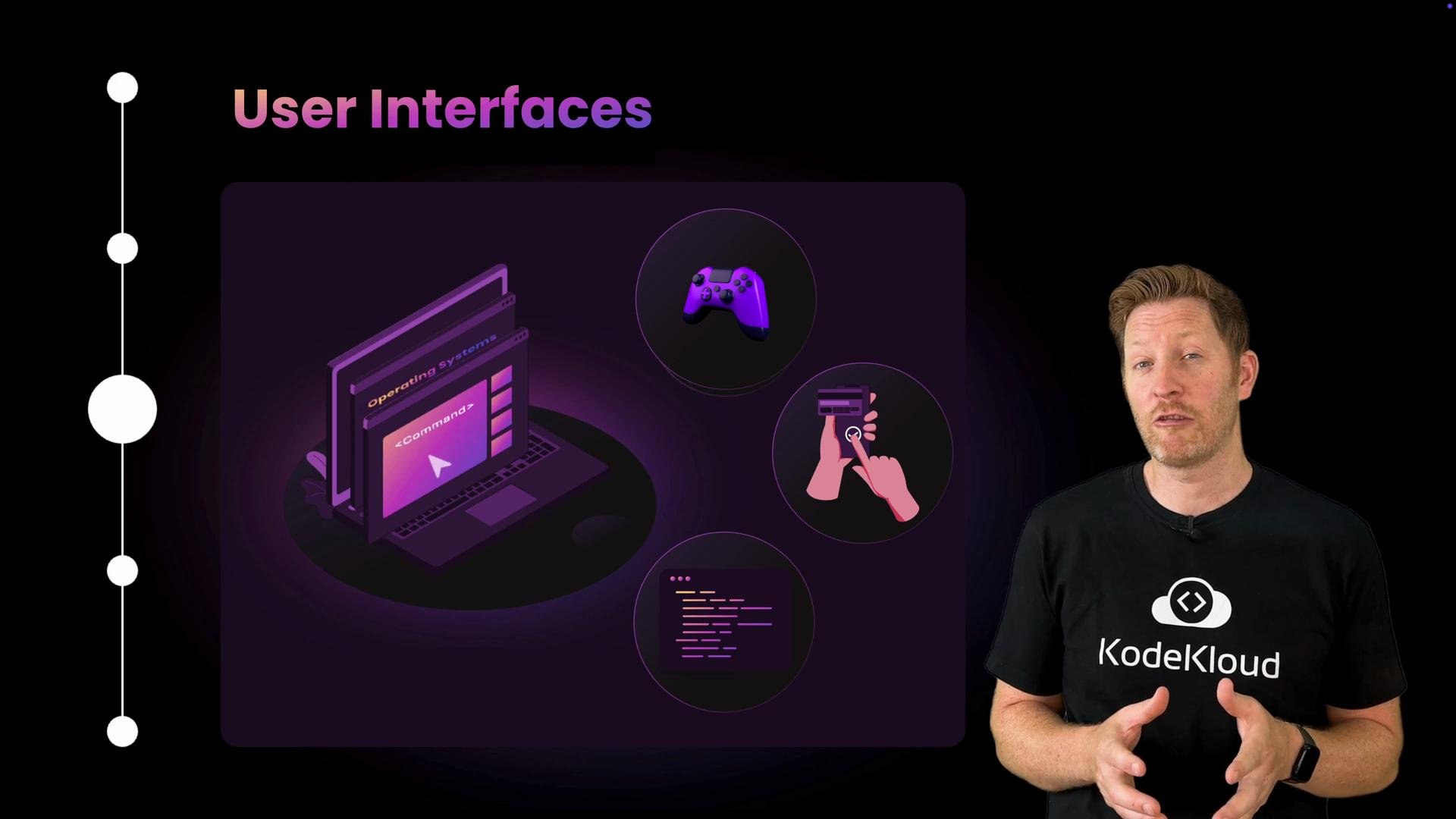
Pro tip: Learning to use the CLI and understanding basic system calls will make you a more effective administrator and developer. Start with commands for process listing, file permissions, and package management.
Resource management and process isolation
An OS ensures multiple applications can run concurrently without interfering with each other by:- Scheduling CPU time and handling interrupts
- Allocating and freeing memory safely
- Using virtual memory for isolation and swapping
- Managing device access through drivers and kernel interfaces
File systems and permissions
File systems organize data and provide durability and integrity features such as journaling. The OS enforces file ownership and permission bits (or ACLs), ensuring users and processes access only the resources they are allowed to.Community and continued learning
At KodeKloud, we encourage questions, discussions, and hands-on practice. Join our community to share problems, solutions, and real-world scenarios that deepen your understanding of operating system internals. Further reading and references:- Kubernetes Documentation — for containerized workloads and OS isolation concepts
- Linux Kernel Documentation — kernel internals and driver development
- Microsoft Docs — Windows OS — Windows architecture and administration