

How apps get things done
Apps request services through two related layers:- A high-level API (application programming interface): the functions and conventions apps call (for example, “save this file” or “play this sound”).
- A low-level kernel interface implemented as system calls: the controlled entry points the kernel exposes to perform hardware operations.
fopen() or std::ofstream may call open()/write() under the hood.
Quick practical check: you can observe system calls made by a utility with tools like strace:
ls rely on system calls such as getdents, stat, and write to list directory contents and print output.
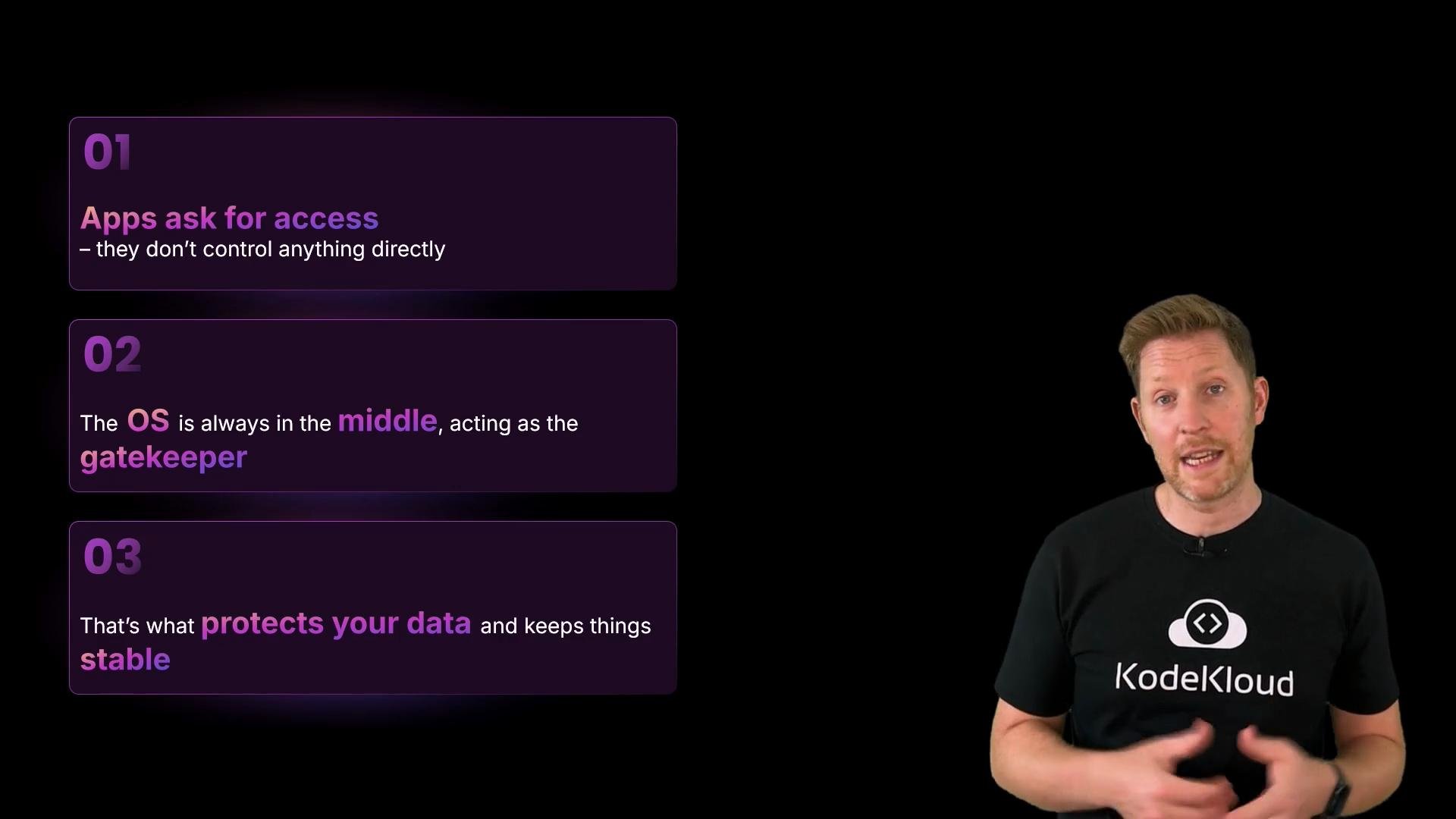
Why this design?
There are three primary goals behind this separation of concerns:
Quick checkpoint:
Which of these best explains how apps interact with your device’s hardware?
A. The app uses built-in drivers to manage hardware directly.
B. The app requests services from the OS, which handles hardware access.
C. The OS only gets involved if the app crashes or needs memory. Correct answer: B — apps request services from the OS. The OS enforces permissions and carries out hardware access via system calls and drivers.
Input and output: normalized events
Every user action — tapping, typing, clicking, or swiping — starts as raw input from device drivers. The OS interprets those raw events (for example, determining a touch position or a keypress) and dispatches standardized event objects to the focused application or to system subsystems. Output is handled similarly: when an app wants to display text, render graphics, play audio, or trigger haptics, it requests those outcomes from the OS. The OS decides how to draw pixels, mix audio, or route haptics to the appropriate hardware.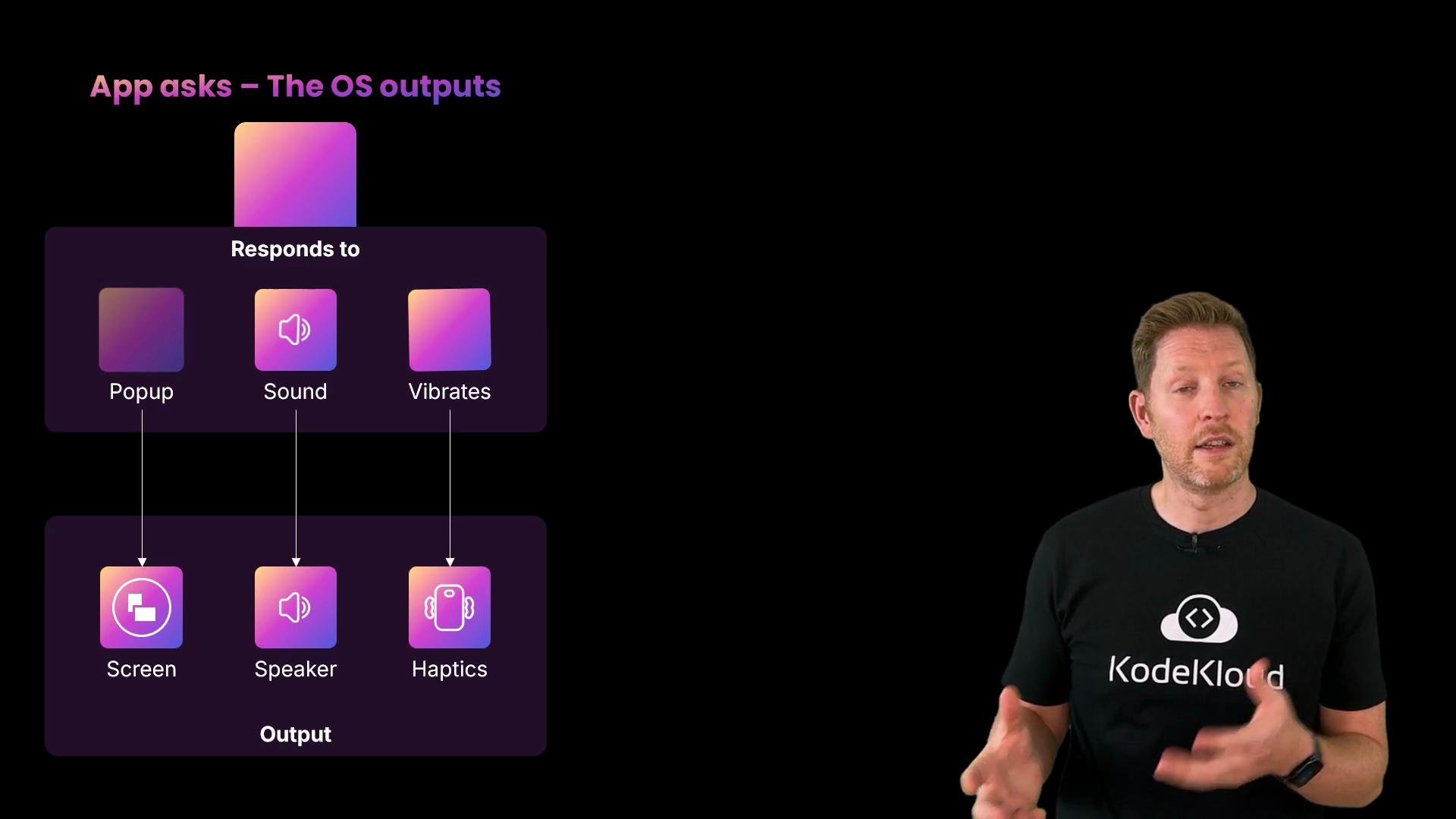
Modern input modalities
Operating systems normalize many input types so apps can handle them consistently. Examples include: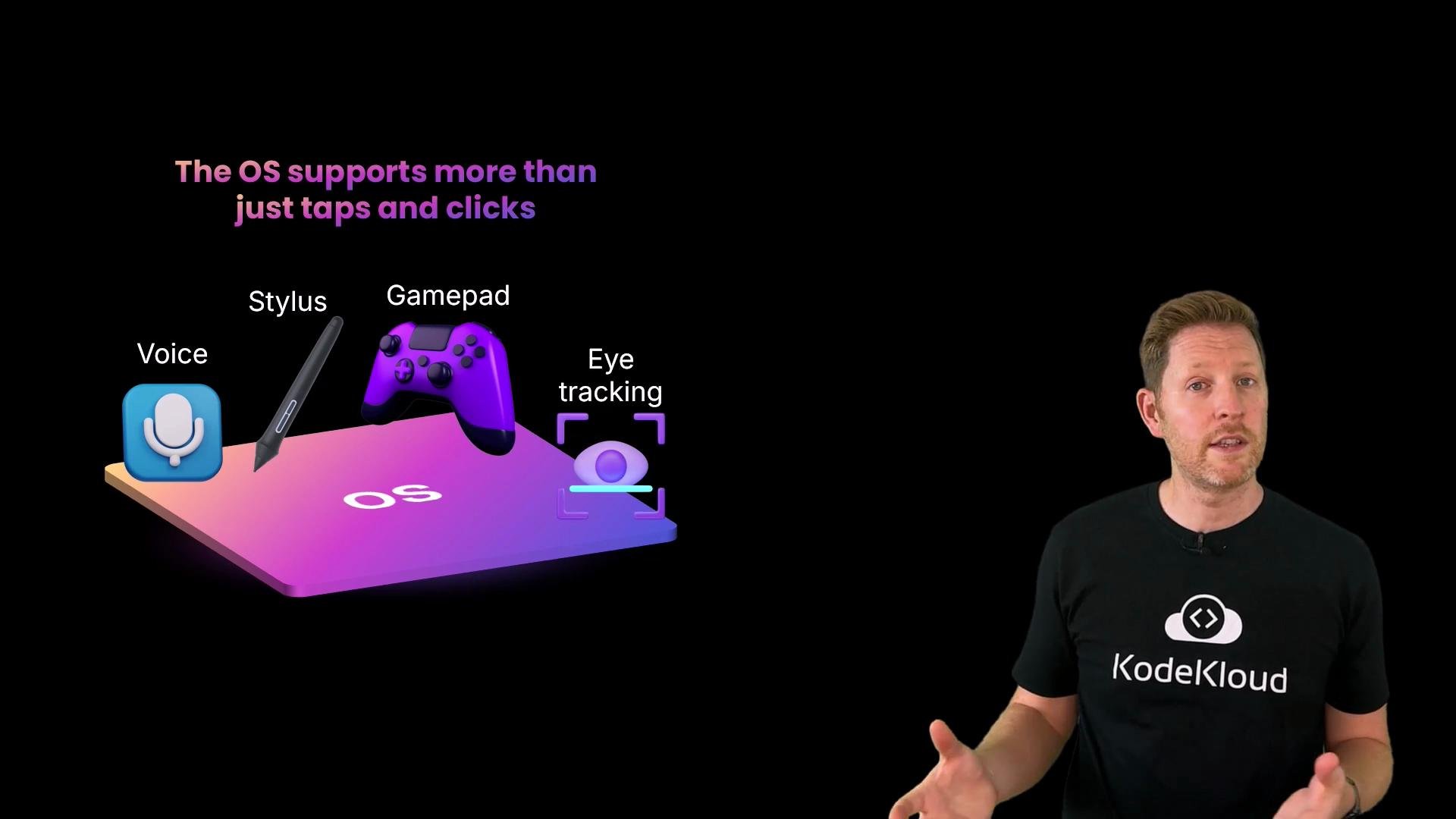
Accessibility as a core feature
Accessibility features are integrated into every major OS, not bolted on as optional extras. Common accessibility capabilities include:- High-contrast and large-text modes for low-vision users
- Screen readers and text-to-speech for blind users
- Closed captions and audio descriptions for hearing-impaired users
- Voice control and alternative input methods for motor impairments
- Speech-to-text and dictation for users with speech differences
Recap
- Users interact with the OS through graphical and command-line interfaces.
- Apps are managed by the OS and request services via APIs that invoke system calls.
- The OS normalizes diverse inputs and routes outputs, providing a single, stable interface for apps.
- Accessibility is a first-class OS responsibility to make devices usable for more people.
Key idea: Apps ask, the OS decides, and the kernel (via system calls and drivers) talks to the hardware. This separation provides safety, simplicity, and stability.
Links and references
- Kernel and system calls overview
- strace — trace system calls and signals
- Kubernetes Documentation
- Accessibility in operating systems (concepts)