

file (to read file contents), length (to count elements in lists or maps), and toset (to convert lists into sets). Until now, you may have used these functions within configuration files; however, we haven’t examined in detail how they transform and combine values. Thankfully, Terraform’s interactive console allows you to experiment with these functions and interpolations before integrating them into your configurations.
To start the interactive console, run:
file function displays the contents of a specified file (such as the main.tf file). Running the length function on the region variable returns 3, while the toset function converts the list and removes duplicate values:
"us-east-1" is removed when the list is converted to a set.
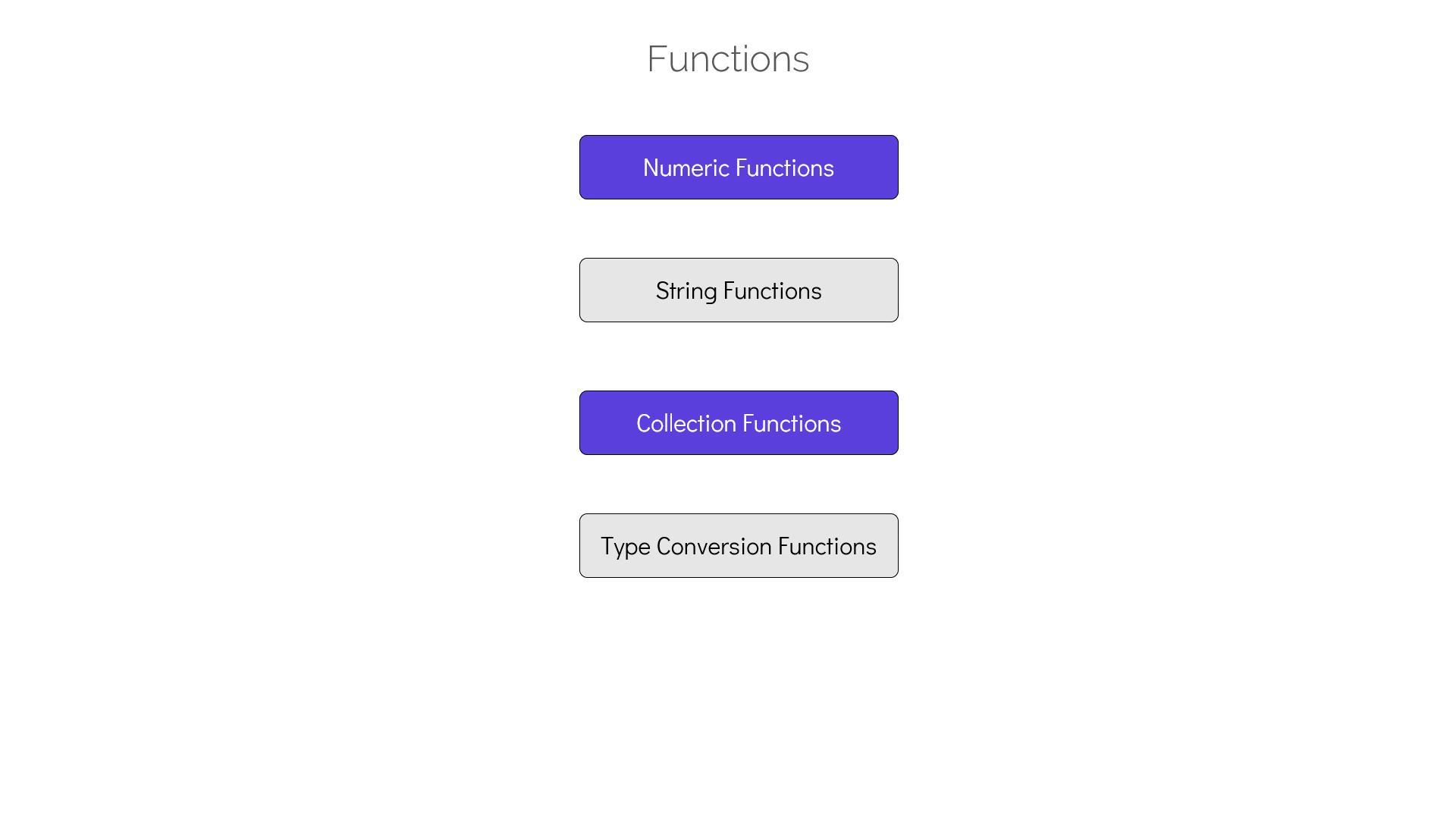
Terraform offers many other useful built-in functions. In the following sections, we delve into numeric, string, collection, and map functions to enhance your configuration authoring ability.
Numeric Functions
Numeric functions help you perform operations on numbers. For instance, themax function returns the largest value among its arguments, while the min function returns the smallest.
When using variables as arguments, you can expand a set of values using the expansion operator (...). Consider this variable declaration:
- ceil: Rounds a floating-point number to the smallest integer greater than or equal to the number (e.g., both 10.1 and 10.9 round up to 11).
- floor: Rounds a number down to the largest integer that is less than or equal to the provided value.
String Functions
String functions allow you to manipulate text data effectively. One valuable function issplit, which converts a string into a list based on a specified separator. For example, if you have a string containing dummy AMI IDs separated by commas, you can split the string into a list:
split function in the Terraform console:
- lower: Converts all characters to lowercase.
- upper: Converts all characters to uppercase.
- title: Capitalizes the first letter of each word.
- substring: Extracts a portion of a string using an offset (zero-based indexing) and a specified length.
- join: Concatenates a list of strings into a single string.
Collection Functions
Collection functions are designed to work with data types such as sets, lists, and maps. Previously, you used thelength function to count list elements; other useful functions include:
-
index: Returns the index of the first occurrence of a specified element in a list. For example, to find the position of
"AMI-ABC"in theamivariable: -
element: Retrieves the element at a specific index in a list. For instance, to get the element at index
2: -
contains: Checks if a list contains a specified element, returning
trueorfalse:
Map Functions
Map functions operate on map data types. In this section, we update theami variable to be a map that associates AWS regions with corresponding AMI IDs:
- keys: Returns a list of keys from a map. For instance, the following example demonstrates how to extract all keys from the
amimap:
-
values: Returns a list of values from the map.
-
lookup: Retrieves a value for a specified key from a map. It accepts the map and key as arguments and throws an error if the key is not found. To avoid errors, you can supply a default value as a third parameter:
"us-west-2", the following error appears:
"us-west-2" is absent from the map, Terraform returns the supplied default "ami-pqr".
This lesson has covered a variety of built-in functions ranging from numeric and string operations to collection and map manipulations. Mastering these functions is essential for creating dynamic, robust Terraform configurations that are both efficient and scalable. For additional guidance, explore the Terraform Documentation and related resources.