Learn how organizations can run Terraform in production using Terraform Cloud for team collaboration and secure state management.
In this lesson, you will learn how organizations can run Terraform in production using Terraform Cloud. Up until now, you have seen how to provision, manage, and destroy infrastructure with Terraform. However, all these operations have been from the perspective of a single user—typically a developer using Terraform configuration files stored locally. Consequently, the state file generated during these operations is also stored on your local machine.
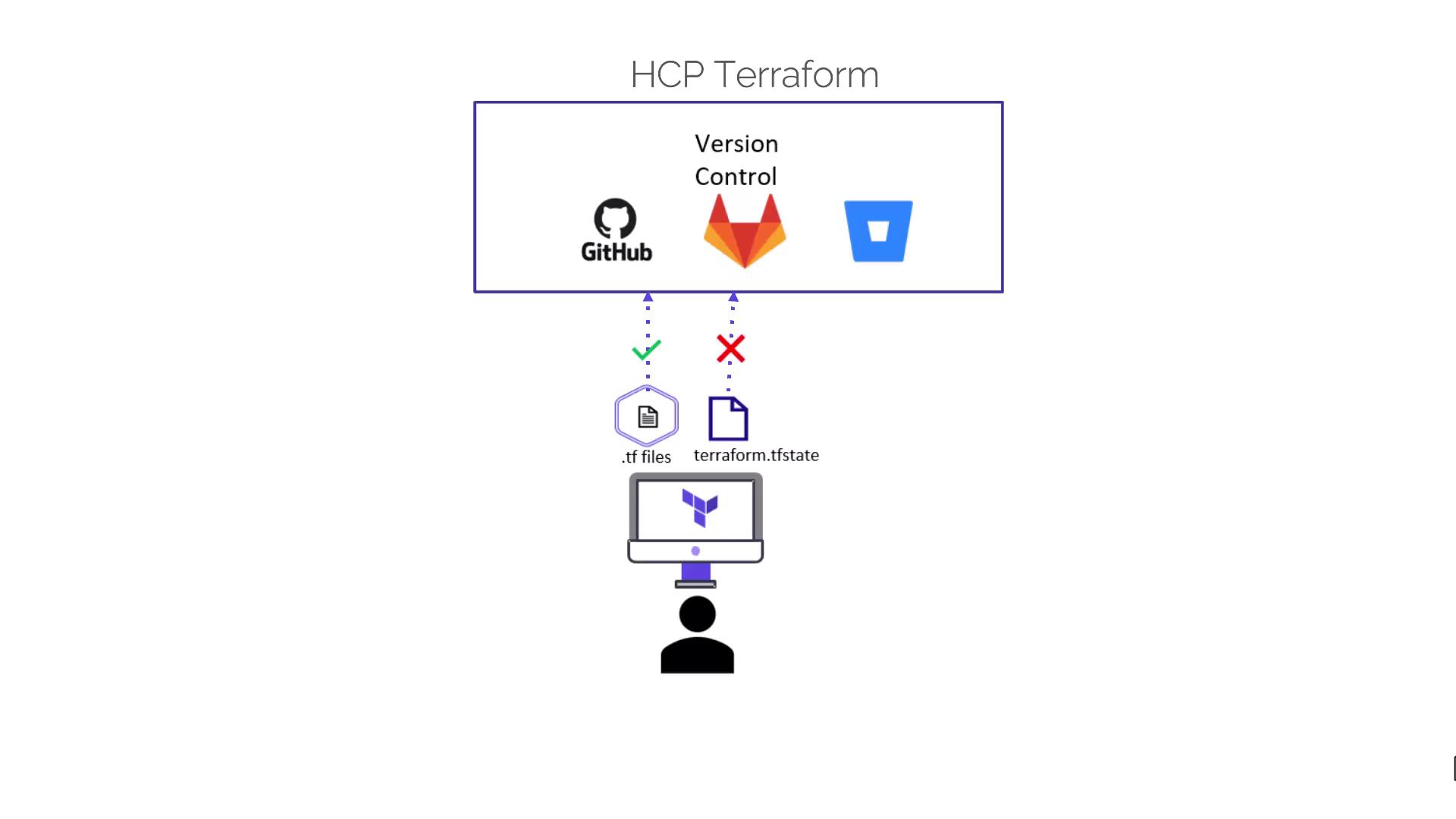
Storing local state files is not recommended for team environments. While it is technically possible to share both configuration and state files with your team, doing so exposes sensitive information about your infrastructure, posing significant security risks. Instead, always keep configuration files in your version control system (VCS) and store state files using remote backends like Amazon S3, Google Cloud Storage, Azure RM, or Terraform Cloud.
Consider this scenario: you and a colleague are collaborating on a new Terraform project. You develop the configuration files and verify that everything works using Terraform version 1. At the same time, your colleague is using an older Terraform version from previous projects. When attempting to update the configuration and apply changes, your colleague encounters an error due to backward incompatibility. To resolve this issue, they must upgrade their local Terraform binary, potentially causing unexpected issues in other projects.Terraform Cloud addresses these challenges by providing a Software as a Service (SaaS) environment that supports team collaboration on Terraform workflows. With Terraform Cloud, you gain the following benefits:
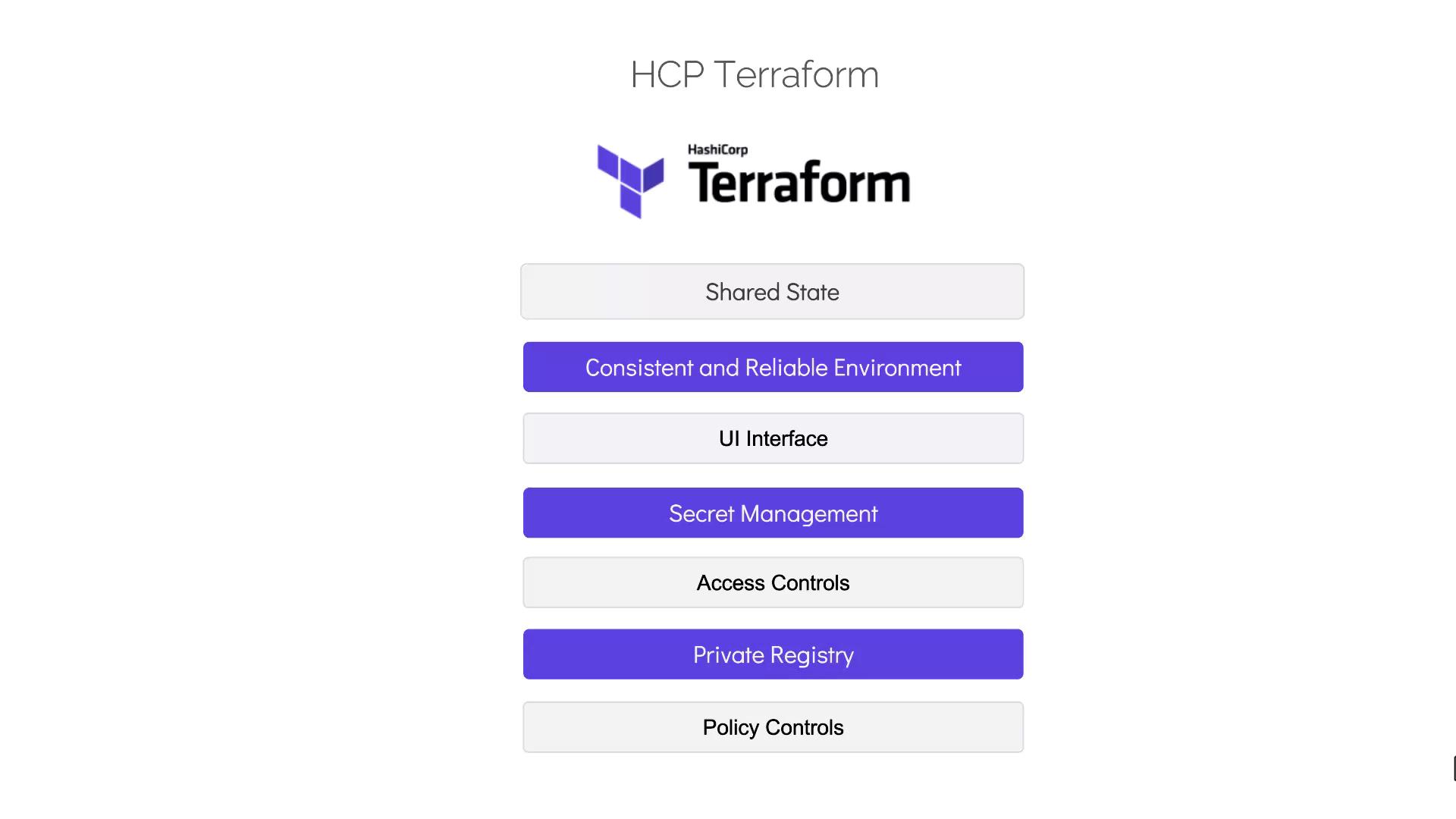
Shared state management without the need for external remote backends.
Secure storage of state files within Terraform Cloud.
Execution of the core Terraform workflow—“terraform init”, “terraform plan”, and “terraform apply”—on remote Terraform Cloud servers, ensuring that all team members work in a consistent and reliable environment.
Elimination of compatibility issues associated with different local Terraform versions.
In addition to shared state and consistent environments, Terraform Cloud offers several features that enhance team collaboration:
A user-friendly interface to manage Terraform workflows.
Access controls to ensure proper permissions management.
Secret management for securely storing sensitive information.
A private registry for sharing reusable modules.
Policy controls for enforcing compliance standards.
In the upcoming sections and demos, we will explore these features in much more detail. For more information on Terraform and its ecosystem, consider visiting the following resources: