Running
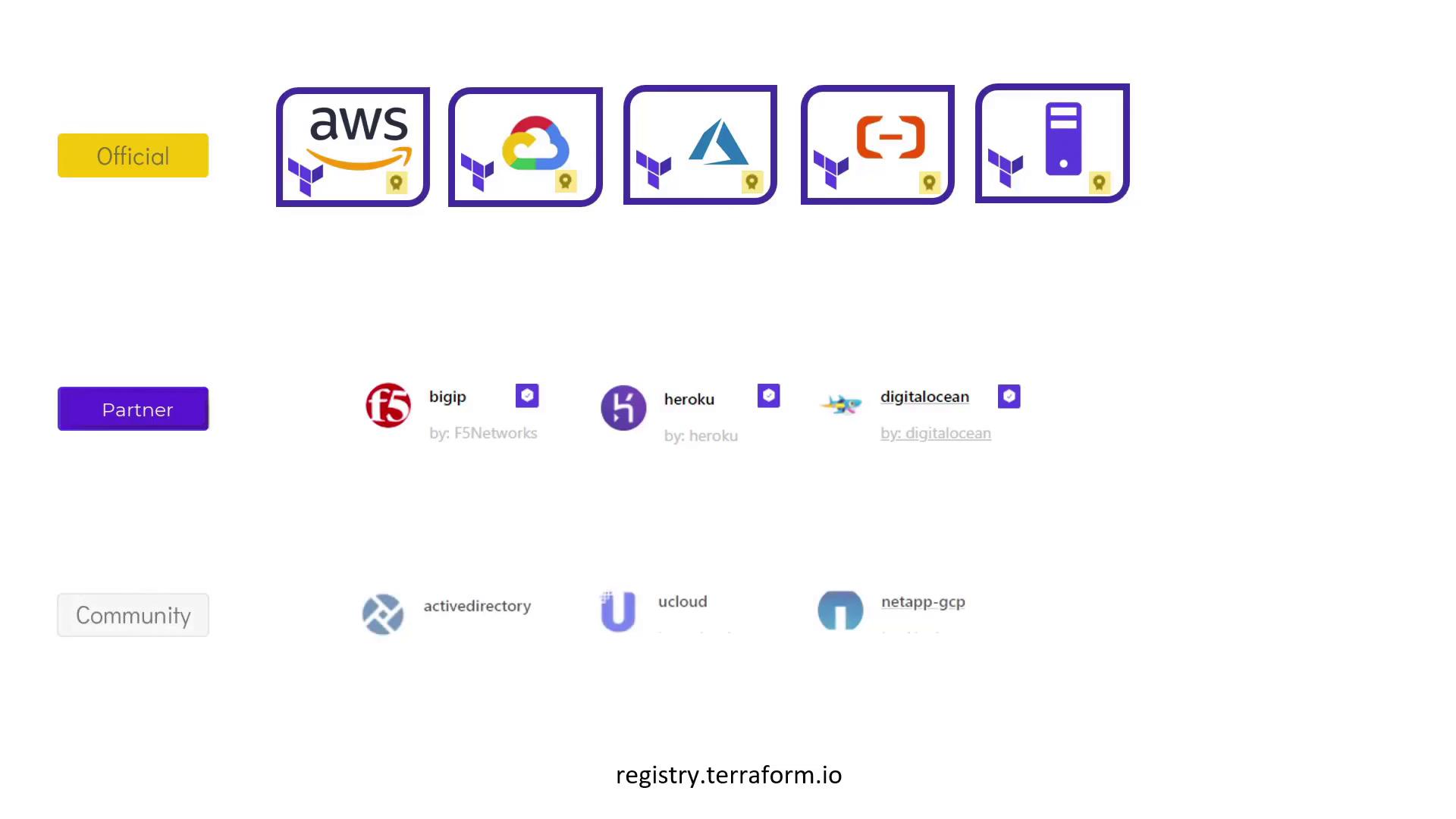
terraform init is safe and can be executed multiple times without affecting your deployed infrastructure.- Official Providers: Owned and maintained by HashiCorp. These include major cloud providers like AWS, GCP, and Azure. Official providers feature a distinct badge in the Terraform Registry.
- Partner Providers: Maintained by third-party technology companies but reviewed and tested by HashiCorp. They are identified by a checkmark badge in the registry.
- Community Providers: Published and maintained by individual contributors.
Understanding Terraform Init Output
When runningterraform init, you may see output similar to the following:
.terraform/plugins located in the directory containing your configuration files.
For production environments, always add version constraints in your configuration to avoid unexpected breaking changes from automatic upgrades.
Provider Naming Convention
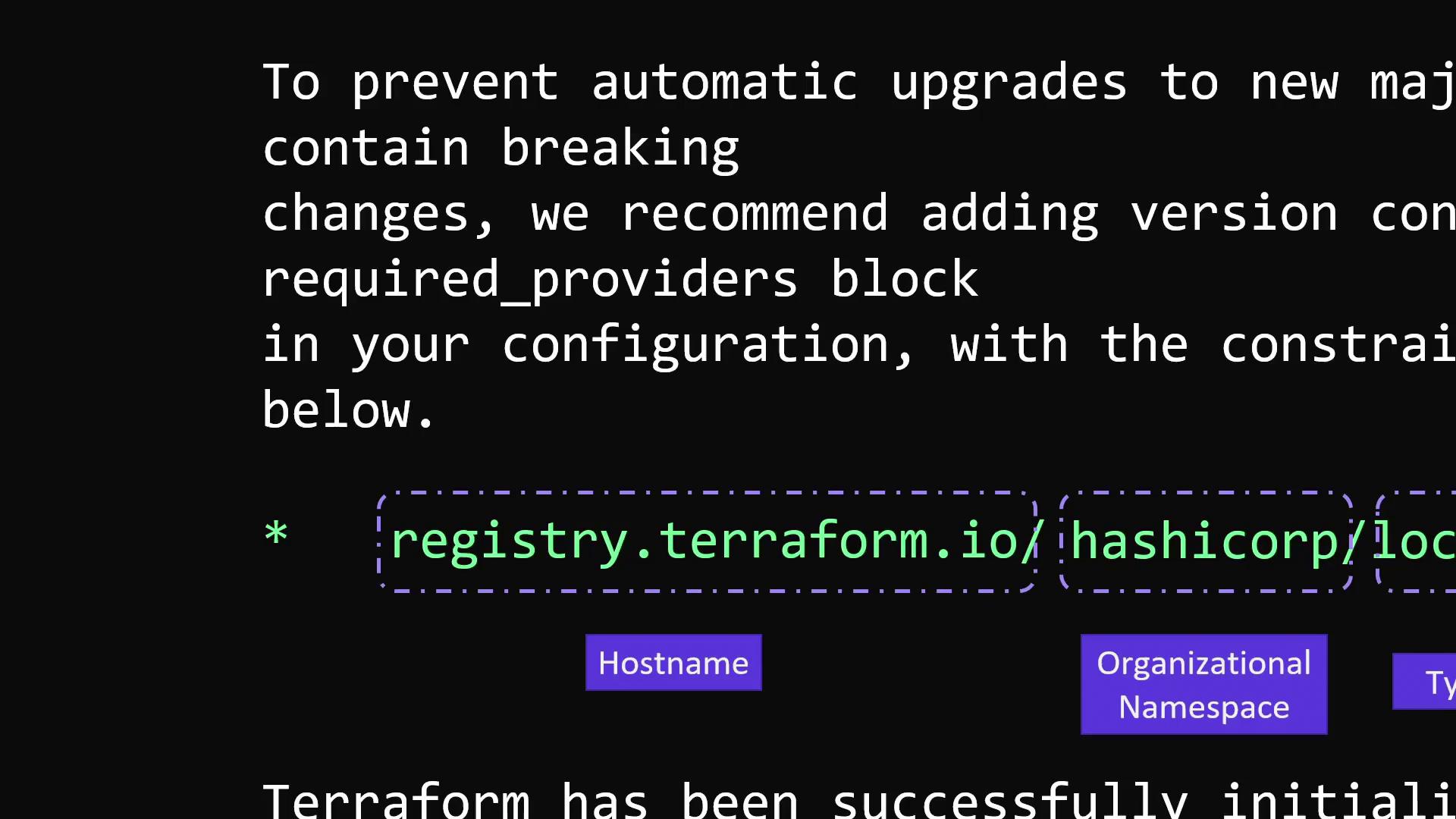
Terraform provider names include an organizational namespace. For example, in the case of the local provider, the namespace is “hashicorp”, and the provider type is “local”. Other common examples include AWS, Azure, and Google Cloud.registry.terraform.io. Therefore, the source address for the local provider can be specified as either:
- registry.terraform.io/hashicorp/local
- or simply hashicorp/local