This article explores leveraging data sources in Terraform to integrate existing resources into configurations, enabling seamless connections between managed and unmanaged infrastructure.
In this lesson, we explore how to leverage data sources in Terraform to integrate existing resources into your configuration. Data sources enable you to reference items that were created outside the current Terraform environment, ensuring a seamless connection between managed and unmanaged infrastructure.By this point, you are likely familiar with provisioning new resources using Terraform as well as using reference expressions to pass attributes between resources. For example, the configuration below creates an AWS key pair and an EC2 instance:
In this example, the key pair is generated and its attribute (key_name) is directly referenced in the EC2 instance configuration. This works well when both resources are defined within the same Terraform configuration.However, there are scenarios where a resource already exists or is managed by another tool (such as CloudFormation, Ansible, or even another Terraform configuration). In these cases, while you cannot manage the lifecycle of the resource directly with Terraform, you can still reference its attributes using data sources.
If the resource you need already exists—for example, a key pair named “alpha”—you can reference it in your Terraform configuration using a data block.
Assuming the key pair “alpha” is already present in your AWS account, you can reference it by defining the following data block:
data "aws_key_pair" "cerberus-key" { key_name = "alpha"}
This block utilizes the keyword data to specify the data source type (aws_key_pair), assigns it a logical name (cerberus-key), and uses a unique argument (key_name = "alpha") to locate the existing resource.Once the data source is defined, you can incorporate it into your resource definitions. For instance, the EC2 instance configuration can be modified to use the existing key pair:
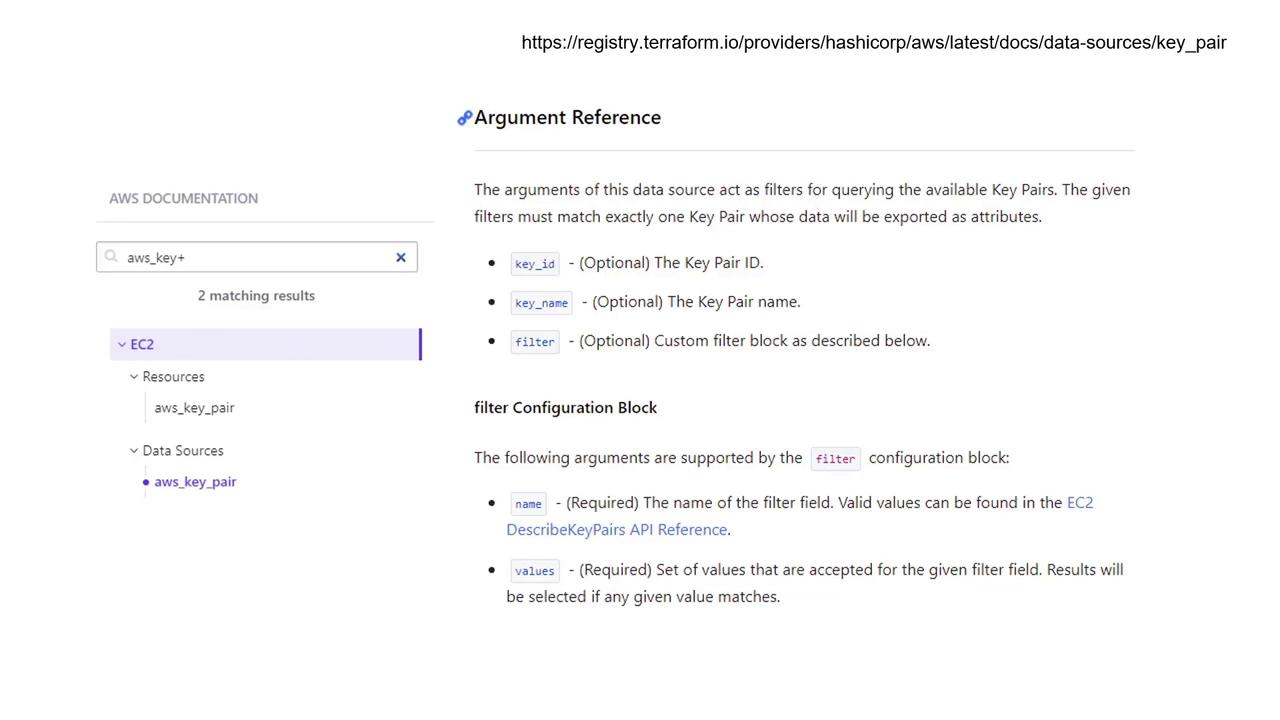
This revised configuration creates a new EC2 instance that utilizes the pre-existing AWS key pair, which is fetched using the data source.Terraform’s documentation offers detailed explanations on accepted arguments and the exported attributes for each data source. While this example relies on the key name “alpha” to identify the key pair, alternative identifiers such as key ID or specific filters can also be used. For example, if the key pair includes a tag with the key “project” and the value “Cerberus”, you can apply filters to locate the correct resource.
Key Differences Between Resources and Data Sources
The main distinction between resources and data sources in Terraform is:
Resources
Created using the resource block.
Managed by Terraform to create, update, and destroy infrastructure.
Data Sources
Defined with the data block.
Used to fetch and reference information about existing resources that Terraform does not directly manage.
This separation allows you to blend Terraform-managed infrastructure with resources maintained externally.That’s it for this lesson on using data sources. For further details on configuring specific data sources, please refer to the official Terraform documentation.