Demo Kubeadm Part 2 Configure Cluster with kubeadm
This lesson covers configuring a Kubernetes cluster using kubeadm
In this lesson, we will configure a Kubernetes cluster using kubeadm. The setup involves three virtual machines (VMs): one master node (kube-master) and two worker nodes (kube-node one and kube-node two). We will cover verifying environment prerequisites, installing the container runtime, configuring the cgroup driver, installing kubeadm (along with kubelet and kubectl), initializing the control plane, and finally joining the worker nodes.
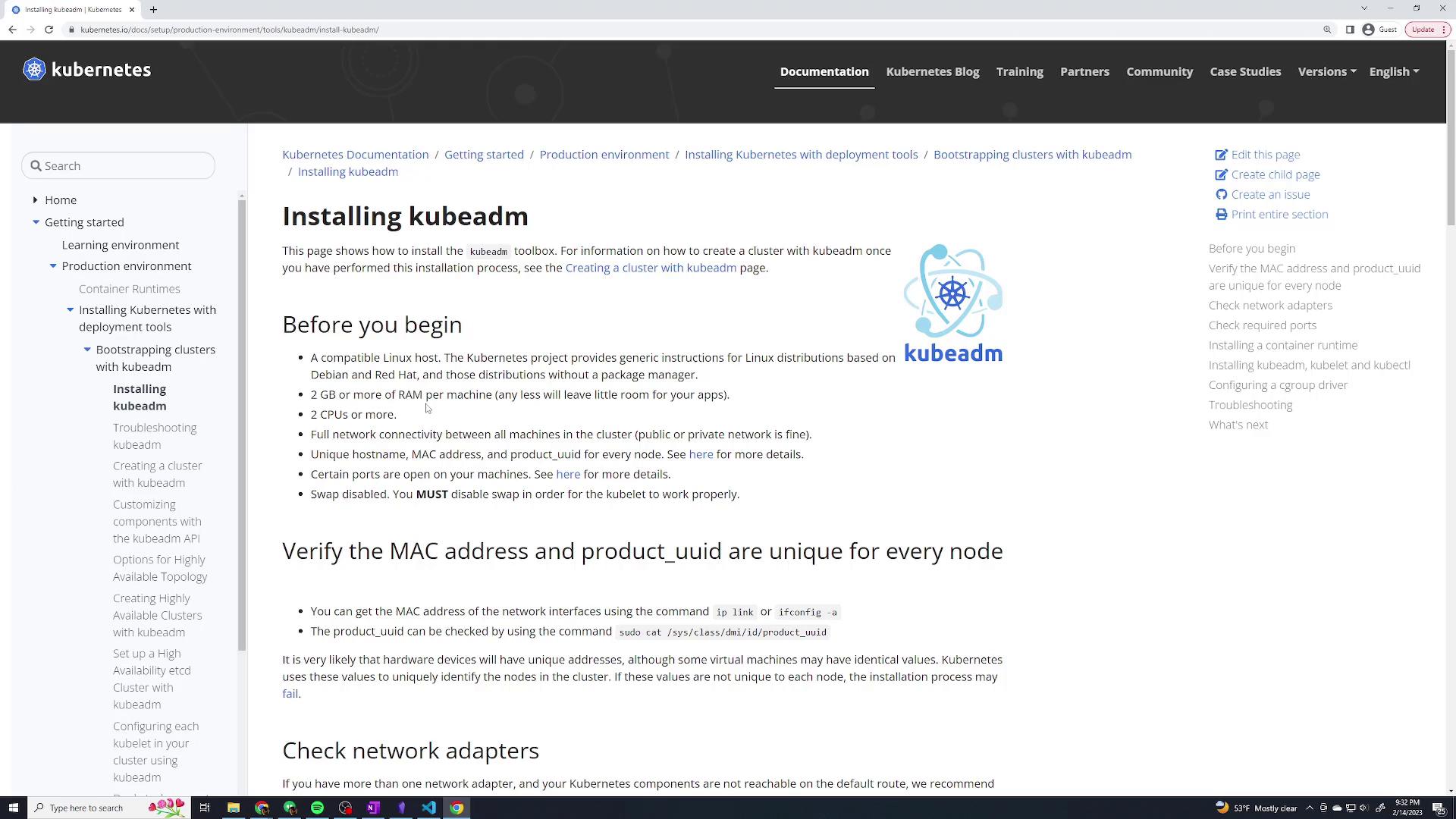
Prior to installation, verify that your system meets the necessary prerequisites outlined in the official kubeadm documentation. The requirements include a compatible Linux distribution (Ubuntu in this demo), at least 2 GB of memory, and 2 CPUs. Additionally, verify your network interface and system UUID with these commands:
ip link# orifconfig -asudo cat /sys/class/dmi/id/product_uuid
The official documentation provides further details on prerequisites.
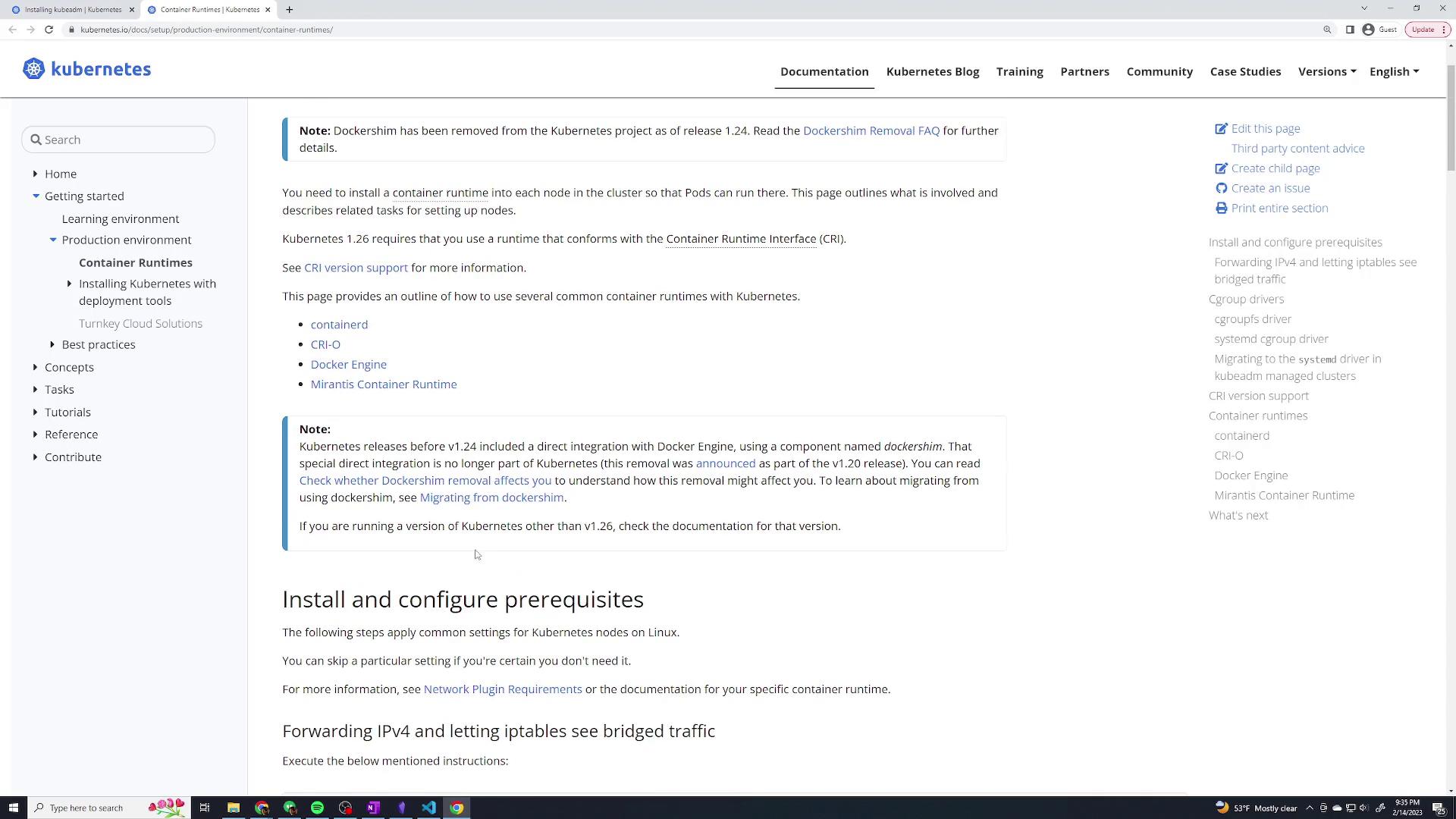
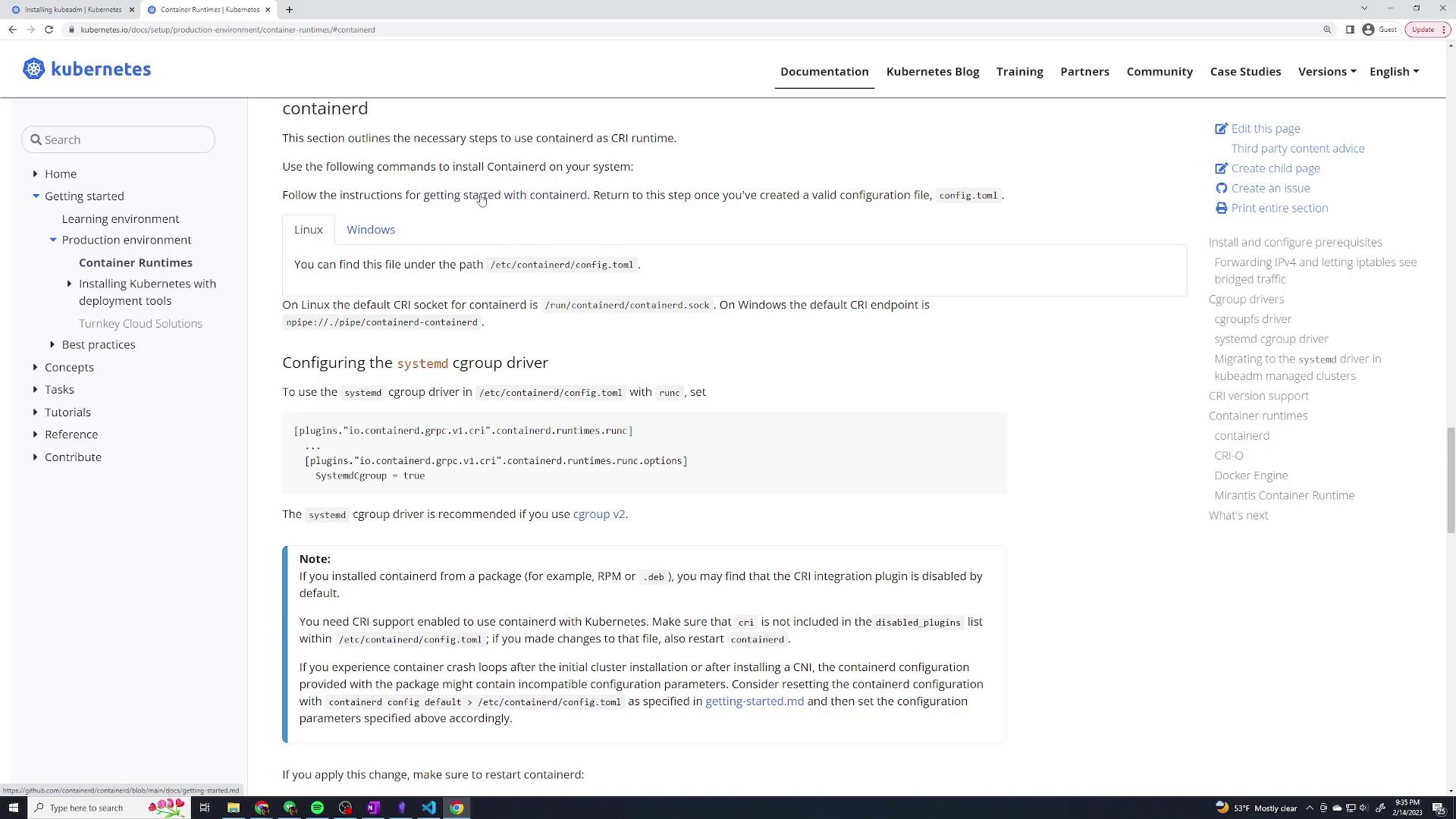
We will use ContainerD as our container runtime in this demo. For more details on different container runtimes, refer to the Container Runtimes page.Open the container runtime documentation:
On your master node, initialize the Kubernetes control plane. Be sure to specify the pod network CIDR (10.244.0.0/16 for this demo) and the API server advertise address (the static IP of the master node).
Determine the Master Node’s IP AddressUse the following command:
ip addr
For example, if your master node’s IP is 192.168.56.2 on interface enp0s8, proceed to the next step.
Initialize kubeadmRun the following command on the master:
During initialization, kubeadm will output important details including the admin kubeconfig setup and the join command for worker nodes. Save these details for later use.
Set Up kubeconfigConfigure your kubeconfig file to use kubectl on the master node:
On each worker node, use the join command (output during the master initialization) to connect them to your cluster. For example, on a worker node run:
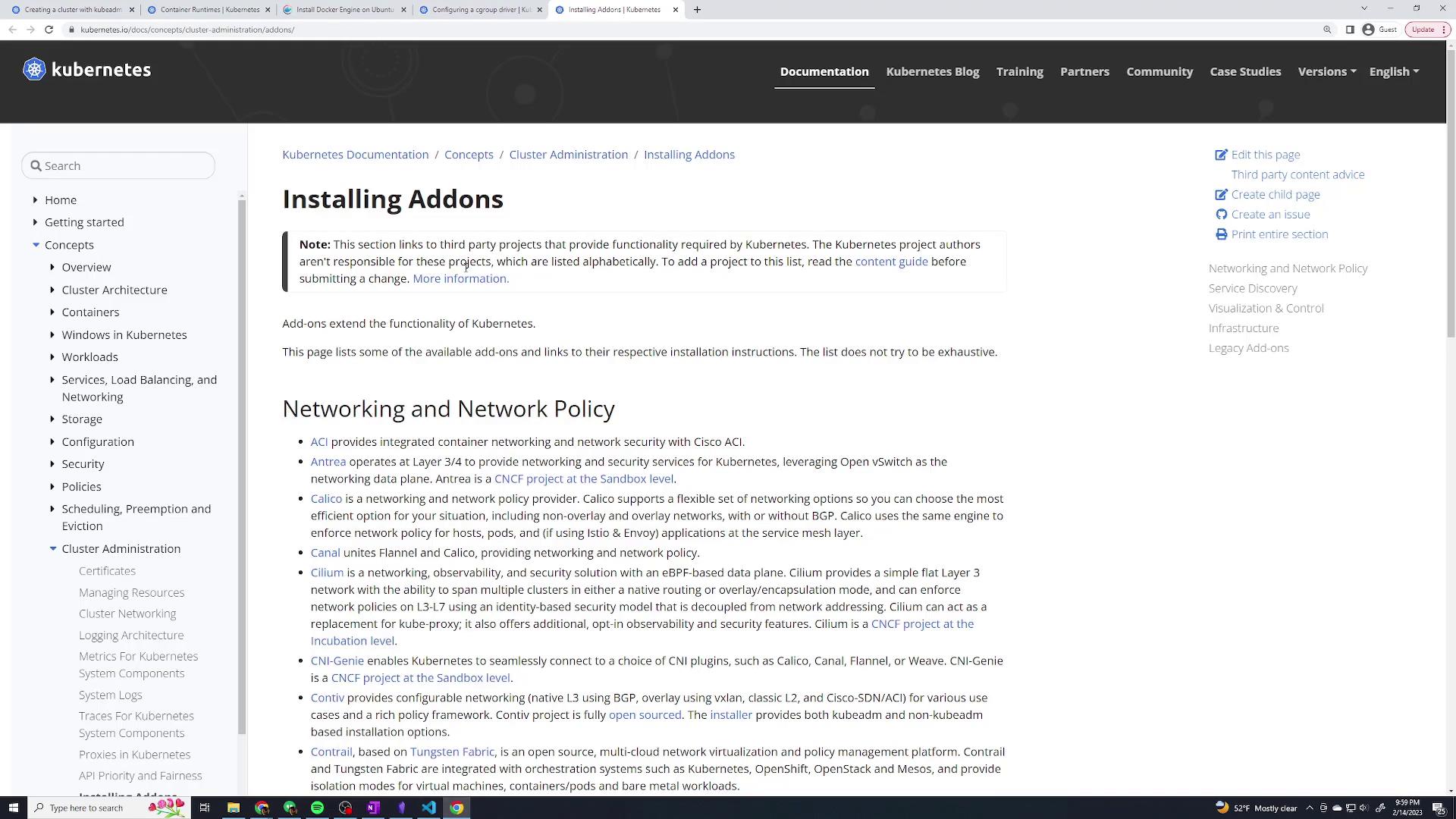
Congratulations! You have successfully bootstrapped a Kubernetes cluster from scratch using kubeadm. In this demo, you configured ContainerD with the systemd cgroup driver, installed the essential Kubernetes components, deployed a pod network add-on with Weave Net, and joined the worker nodes to the cluster.Thank you for following along with this lesson. For further reading on Kubernetes cluster setups and best practices, please refer to the Kubernetes Documentation.