This tutorial guides deploying a multi-tier voting application on
In this tutorial, you will deploy a multi-tier voting application on a Minikube cluster. This guide explains step-by-step how to create the pod definition files for each application component and then expose them using Kubernetes services.
Create a file named voting-app-pod.yaml. This file specifies the API version, kind, metadata (including name and labels), and the container details. The labels group all the components as part of the same application while differentiating each component.
Copy the voting app pod template to create the result app pod. Save it as result-app-pod.yaml and update the metadata (name, labels) and container details accordingly.
For the Redis pod, create a file named redis-pod.yaml. Use the previous template and update the names accordingly. Note that the container port has been changed from 80 to 6379 (the default Redis port).
Using the Redis pod template, create the PostgreSQL pod definition file named postgres-pod.yaml. Update the pod and container names, use the official postgres image, and change the container port to 5432. Additionally, include environment variables for the initial username and password required by the worker and result pods.
Finally, create the worker pod in a file named worker-app-pod.yaml. Use the voting app pod template as a base but update the name and container properties to indicate background processing. Since the worker does not run any service or listen on ports, remove the container port definition.
Create a file named redis-service.yaml. This service exposes the Redis pod on port 6379 internally, ensuring the selector matches the labels defined in the Redis pod.
Since the worker expects the Postgres service name to be “DB”, create a file named postgres-service.yaml. This service exposes PostgreSQL on port 5432 and selects the appropriate pod.
To make the front-end voting app accessible externally, create a service named voting-app-service.yaml. Set the service type to NodePort, expose port 80, and assign a node port, such as 30004. Ensure that the selector matches the labels defined in the voting app pod.
Similarly, create an external service for the result app. Save this file as result-app-service.yaml. This service is also set to type NodePort, exposing port 80 with a node port (e.g., 30005). Update the selector to match the result app pod.
With all five pod and service definition files created, navigate to your project directory (e.g., voting-app) and deploy each object using the kubectl create -f command.
Verify that all pods and services are active using:
kubectl get pods,svc
You should see all five pods running, with the voting and result services listed as NodePort services and the Redis and PostgreSQL (DB) services exposed as ClusterIP.
To access the voting application, run:minikube service voting-service —urlThis opens the front-end interface where you can cast your vote.
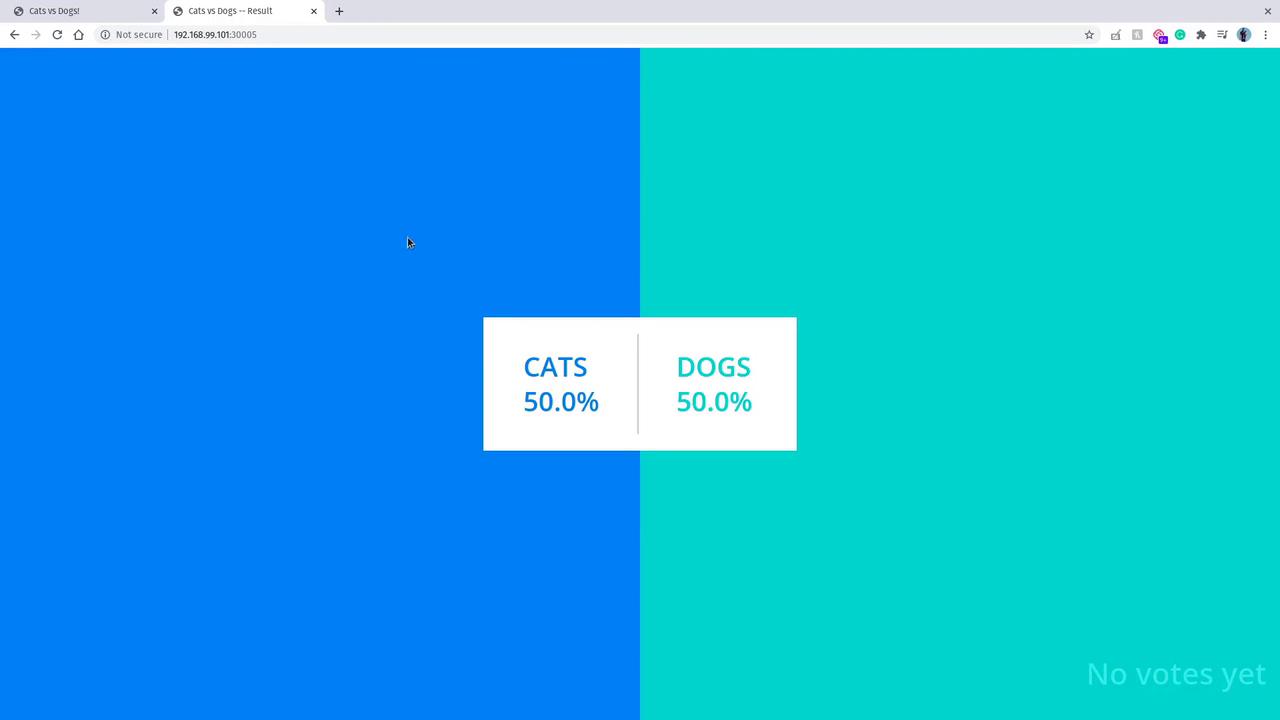
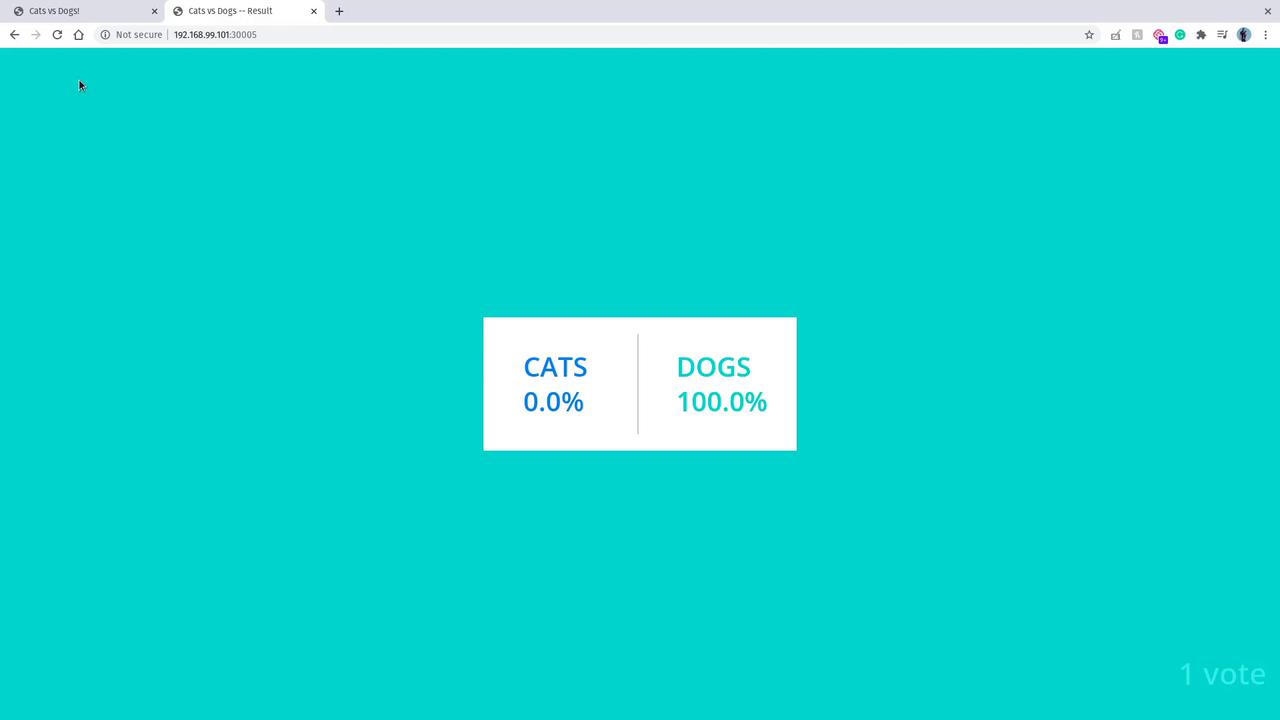
Once you cast a vote, check the results by accessing the result service:
minikube service result-service --url
This will display the updated voting results.
The results page visually represents vote totals along with percentage breakdowns, enhancing the overall user experience.
In this lesson, you successfully deployed a multi-tier voting application on a Kubernetes cluster. The architecture demonstrates the flow from the voting app pod to Redis, then through the worker pod to the PostgreSQL database, and finally to the result pod for display. This workflow highlights how to set up interconnected microservices using pods and services in Kubernetes.Happy deploying, and see you in the next tutorial!