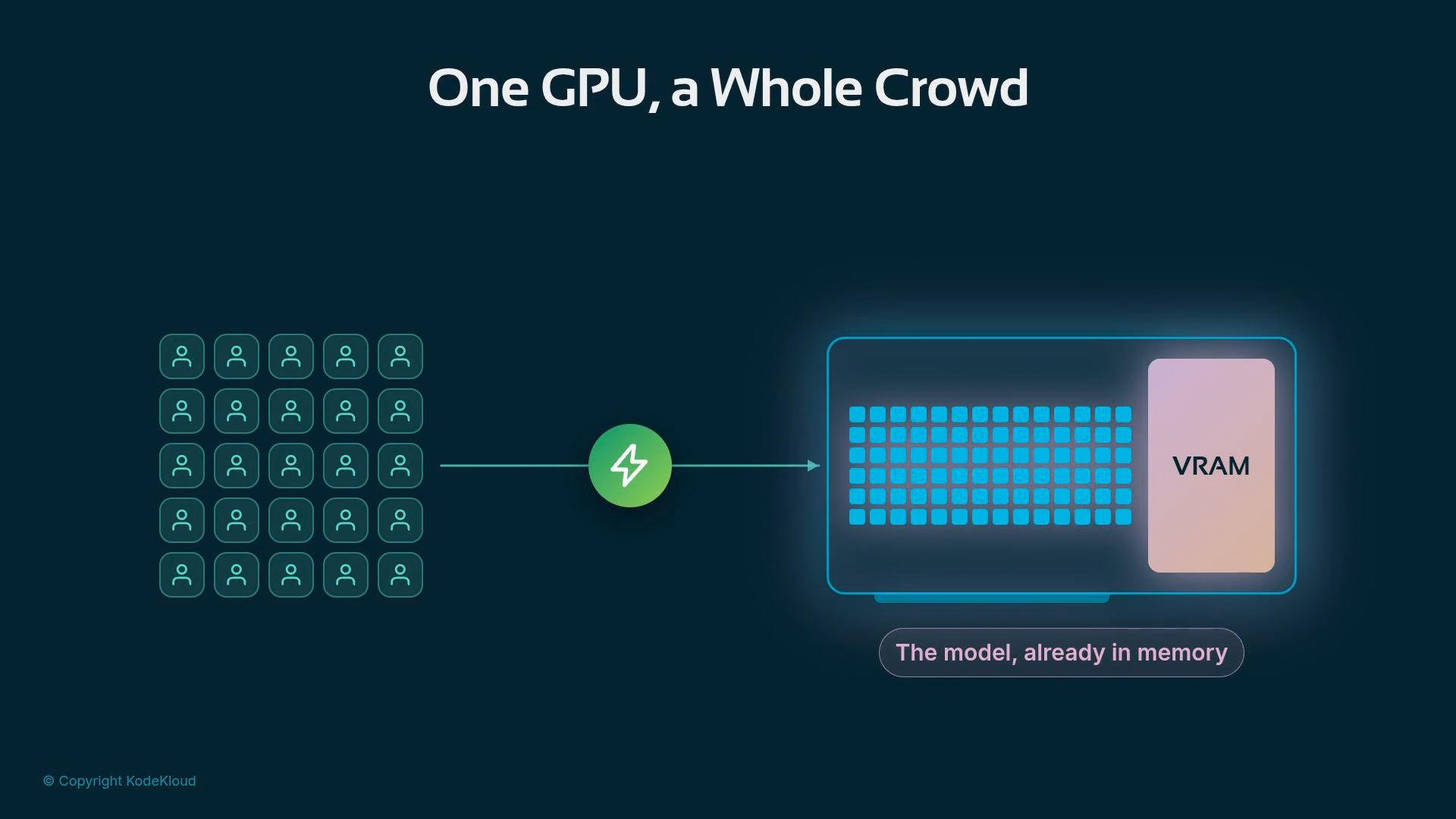
So how can one GPU serve a crowd of users at once? The trick is simple and elegant: reuse the same expensive work the GPU already does for one user to serve many users simultaneously. Along the way you run into a hard ceiling driven by GPU memory (VRAM), and that ceiling shapes all practical multi-user serving architectures.
An infographic titled "One GPU, a Whole Crowd" showing many user icons on the left connected by an arrow to a single GPU graphic on the right labeled "VRAM." The GPU contains a grid of blue squares representing compute units or a model already in memory.
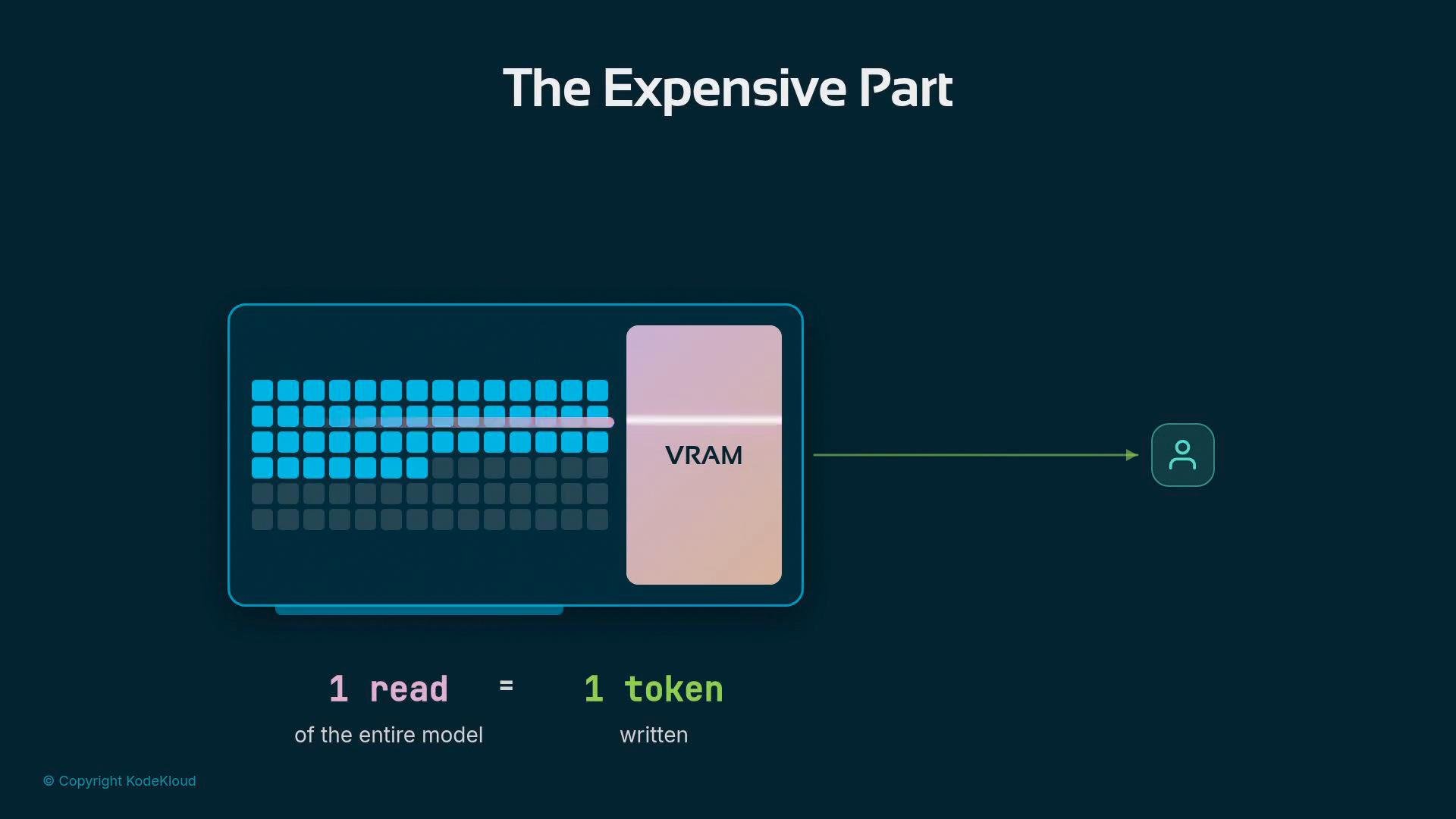
The expensive part of generating text is repeated every token. For each generated token the GPU must run a forward pass through the model: the weights are read from VRAM and matrix multiplies are performed. Those memory accesses and the compute they enable dominate cost and time.
A stylized infographic titled "The Expensive Part" showing a device with a grid of blue squares and a large VRAM block, with an arrow pointing to a user icon. It visually links reading the model's memory (VRAM) to producing tokens, with text hinting "1 read = 1 token."
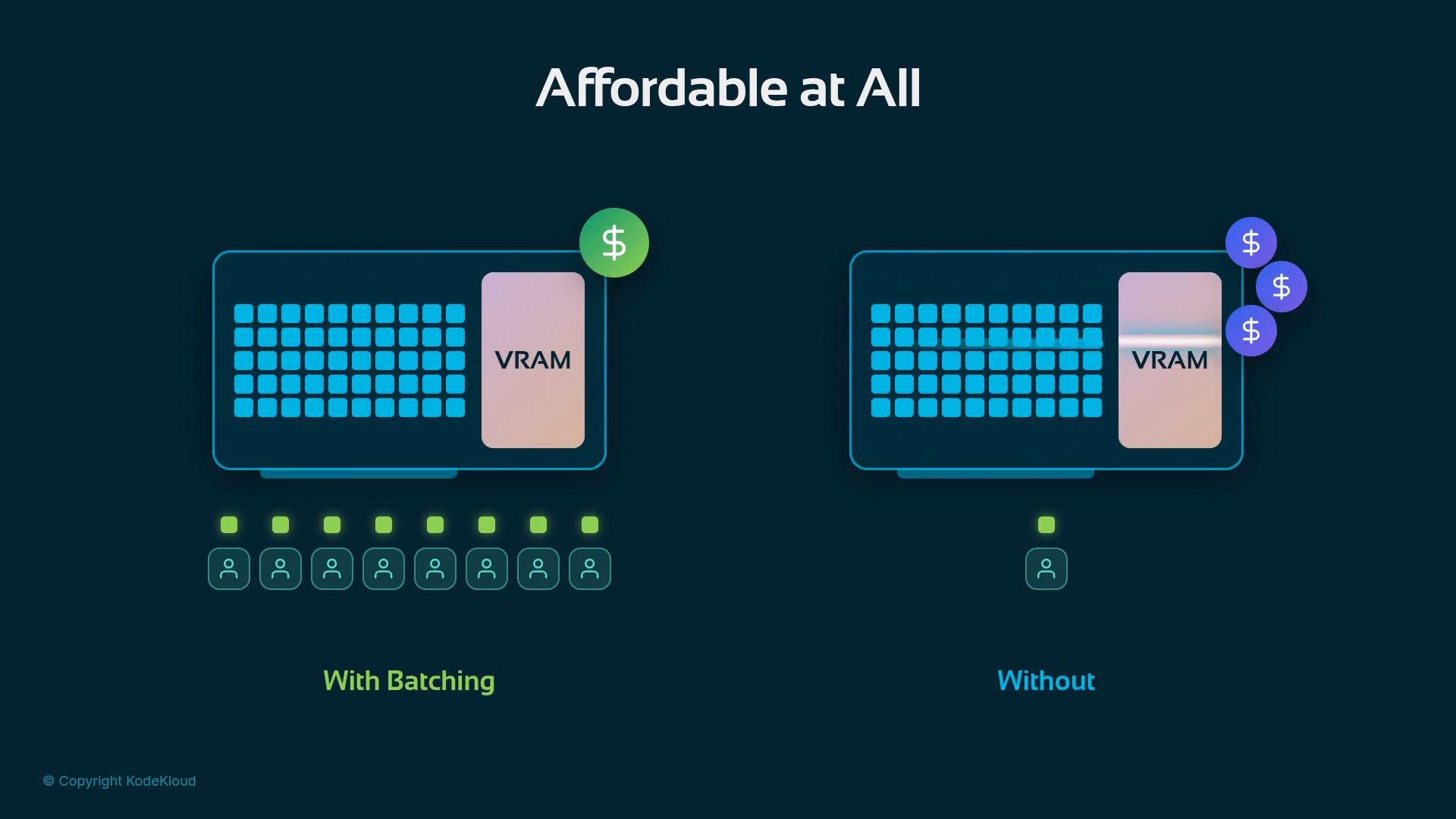
Batching: do more work per model read If the GPU is going to read the whole model to produce one token for one user, why not reuse that same pass to produce the next token for many users at once? Batching packs multiple users’ requests into a single group and executes them together. Each user’s latency stays roughly the same, while the server’s overall tokens-per-second (throughput) increases dramatically. This is the main reason large models can be served affordably: batching amortizes the fixed cost of reading the model over many tokens from different users. Without batching you’d repeatedly access the same large model for single-user requests and the hardware cost would skyrocket.
An infographic titled "Affordable at All" showing two laptop diagrams with VRAM modules: the left ("With Batching") shares resources across many users with a single dollar icon, while the right ("Without") serves one user and has multiple dollar icons indicating higher cost.
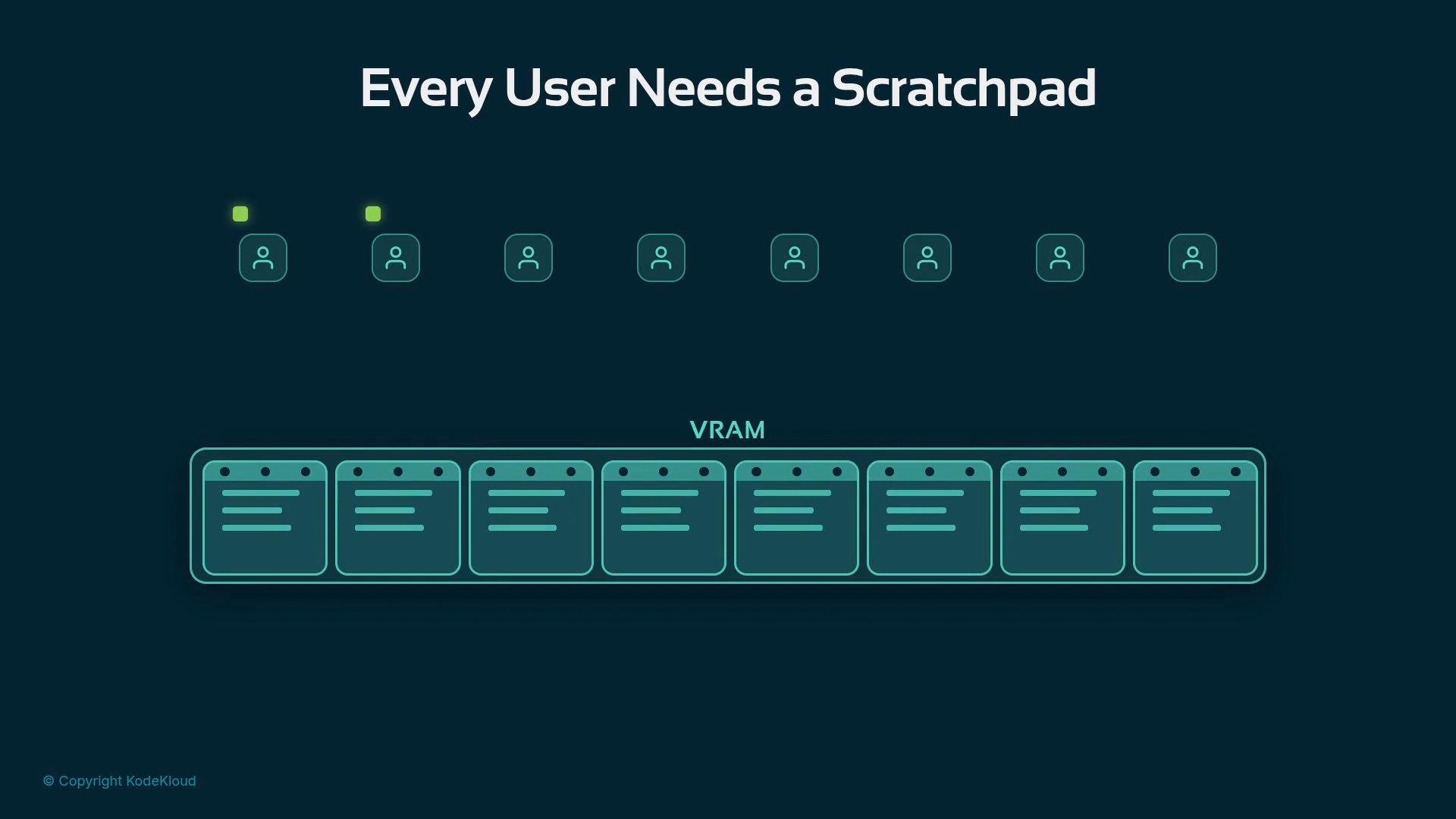
The memory limiter: KV cache (scratchpad) Batching isn’t free. Every user in the batch needs its own scratchpad — the KV cache (key/value cache) that stores past activations for autoregressive decoding. That cache lives in VRAM while the user is being served and grows with each generated token. In practice, the GPU’s remaining VRAM after loading the model is your budget for these per-user scratchpads.
A stylized diagram titled "Every User Needs a Scratchpad" showing several user icons above a row of rectangular memory blocks labeled "VRAM," illustrating multiple scratchpad slots.
VRAM is the primary bottleneck for multi-user serving: it must hold the full model plus each user’s KV cache. The KV cache grows with sequence length, so both concurrent sessions (concurrency) and generated sequence length (latency per user) consume memory.
What that implies in practice
  • Concurrency is capped by leftover VRAM after loading the model. Once the scratchpad budget is full, new requests must wait, be rejected, or cause eviction of existing scratchpads.
  • Sequence length matters: longer conversations (more tokens) increase per-user cache and reduce how many users fit concurrently.
  • Model size matters: some models are too big to fit on a single GPU at all. For those you need multi-GPU strategies that trade latency and complexity for capacity.
Quick comparison: tradeoffs at a glance Techniques to serve larger models or more users
  • Model sharding / model parallelism — split the model across multiple GPUs so the whole model can be served, at the cost of cross-GPU communication and increased latency. See NVIDIA’s model parallel resources for details.
  • Memory offloading — move parts of the model or KV cache to host RAM or NVMe when not actively used; reduces VRAM pressure but adds latency.
  • Quantization — reduce model parameter precision (e.g., 8-bit, 4-bit) to shrink memory footprint, often with modest accuracy impact.
  • Dynamic batching & adaptive batching windows — tune batch assembly to hit throughput targets while respecting latency constraints.
  • Eviction and persistence policies — evict cold sessions’ KV caches from GPU (or persist to slower storage) to make room for hot sessions.
Practical operational tips
  • Set concurrency limits per GPU based on measured leftover VRAM after model load.
  • Enforce sequence-length caps or token-rate limits per session to bound KV growth.
  • Use dynamic batching with a latency-aware scheduler (maximize throughput without missing SLAs).
  • Evaluate quantization and mixed precision to reduce footprint before adding sharding complexity.
  • Monitor VRAM usage and queue lengths to detect when evictions or autoscaling are needed.
Further reading and references By understanding that the GPU’s dominant cost is reading and computing with the model weights — and that VRAM must store both the model and per-user KV caches — you can design serving systems that maximize throughput while staying within tight memory limits. Balancing batching, sequence-length policies, and memory-reduction techniques is the core of making one GPU serve many users effectively.

Watch Video