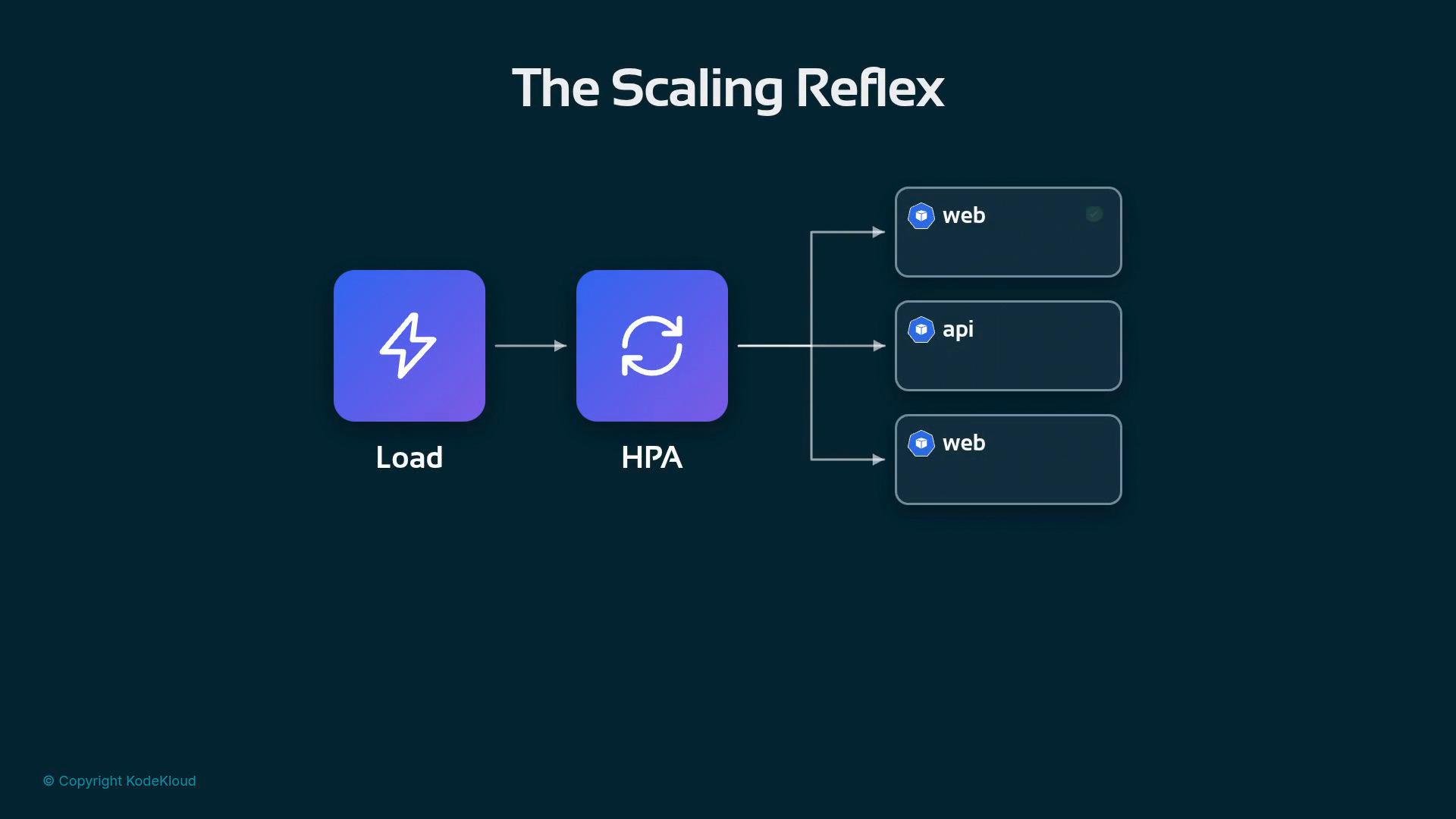
Every Kubernetes team has the reflex: load rises, the autoscaler reads a utilization number, and pods get added. That pattern works for many stateless web services, but it often fails for model servers. This guide explains why CPU-based autoscaling misfires for inference workloads and how llm-d addresses the two core problems: the signal and the timing.
A diagram titled "The Scaling Reflex" showing a "Load" icon feeding into an "HPA" (horizontal pod autoscaler) which branches out to multiple service boxes labeled "web" and "api." It illustrates how load triggers autoscaling across services.
Start with the signal The classic autoscaler watches processor utilization. As explained above, that single number is often misleading for inference workloads.
A dark teal slide titled "The Signal" features a turquoise square icon with a speedometer-style gauge. The caption beneath the icon reads "Processor utilization."
Why CPU% is a poor proxy for inference demand
  • A server at “full tilt” may be serving one very large prompt or many small multiplexed prompts — both can produce similar CPU utilization but very different user impact.
  • Modern decoding (token generation) is frequently memory- and memory-bandwidth-bound: cache pressure and KV cache hits dominate latency more than raw CPU cycles.
  • In short, the meter being watched (CPU%) is often not attached to the scarce resource that determines user experience.
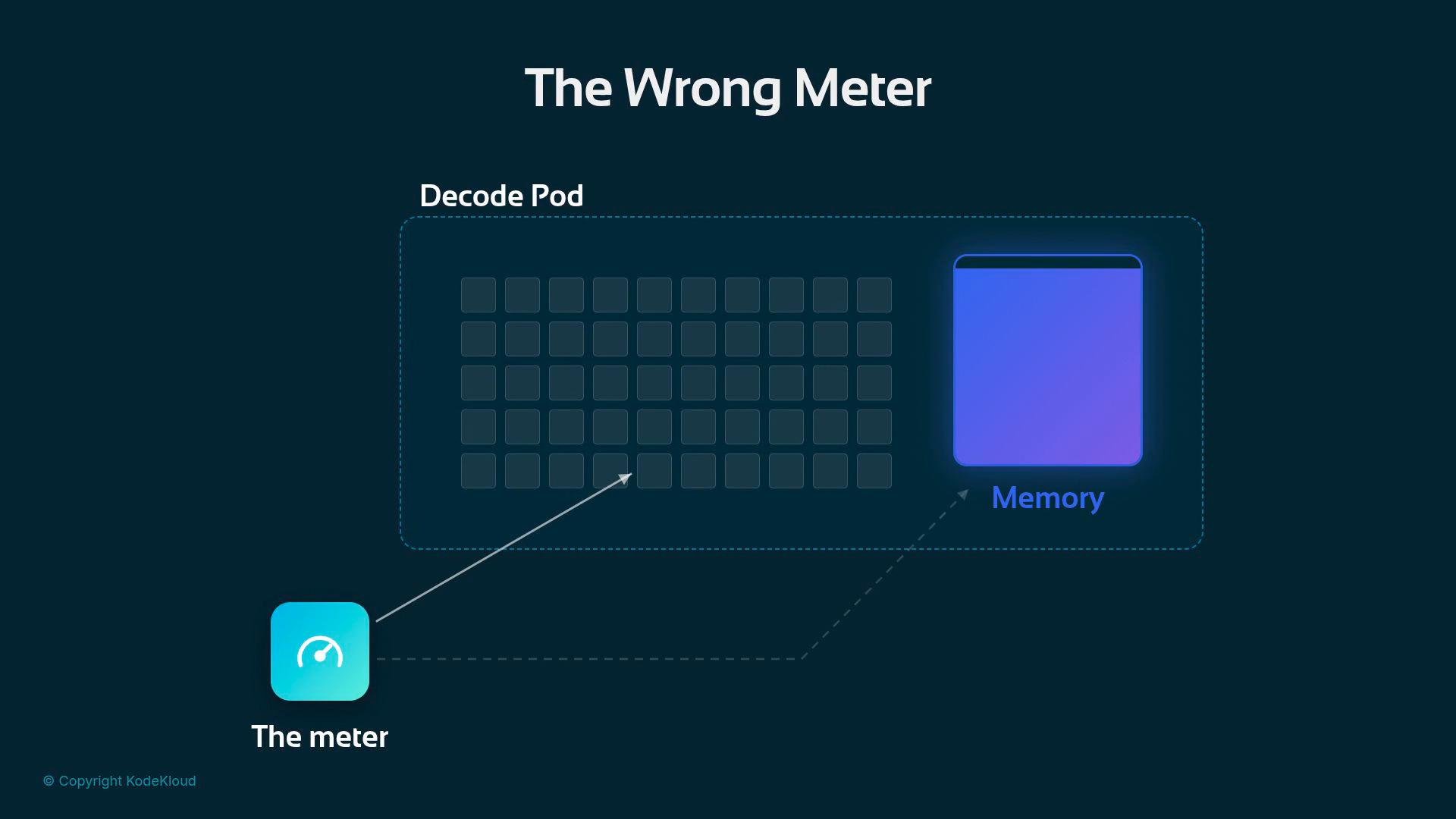
A diagram titled "The Wrong Meter" showing a dashed "Decode Pod" containing a grid of small squares and a large purple block labeled "Memory." A turquoise icon labeled "The meter" at the bottom left points to the decode pod and memory with arrows.
Use direct inference signals instead llm-d replaces the CPU proxy with direct signals: queue depth, requests in flight, and KV cache pressure — metrics that reflect demand and available capacity directly. The router (EPP) already exposes these metrics so the autoscaler can act on truthful data instead of guesses:
Key metrics and their meaning From a monitoring perspective, these metrics let you reason about both demand and the true bottlenecks (e.g., cache saturation) rather than inferring them from CPU alone. Timing: why reactive scaling is often too slow Stateless web pods can serve traffic within seconds after startup. Model servers are different: they must load model weights and warm caches before they can generate tokens efficiently. A reactive scale-up that waits for CPU% or latency to spike typically brings new pods online only after users are already suffering.
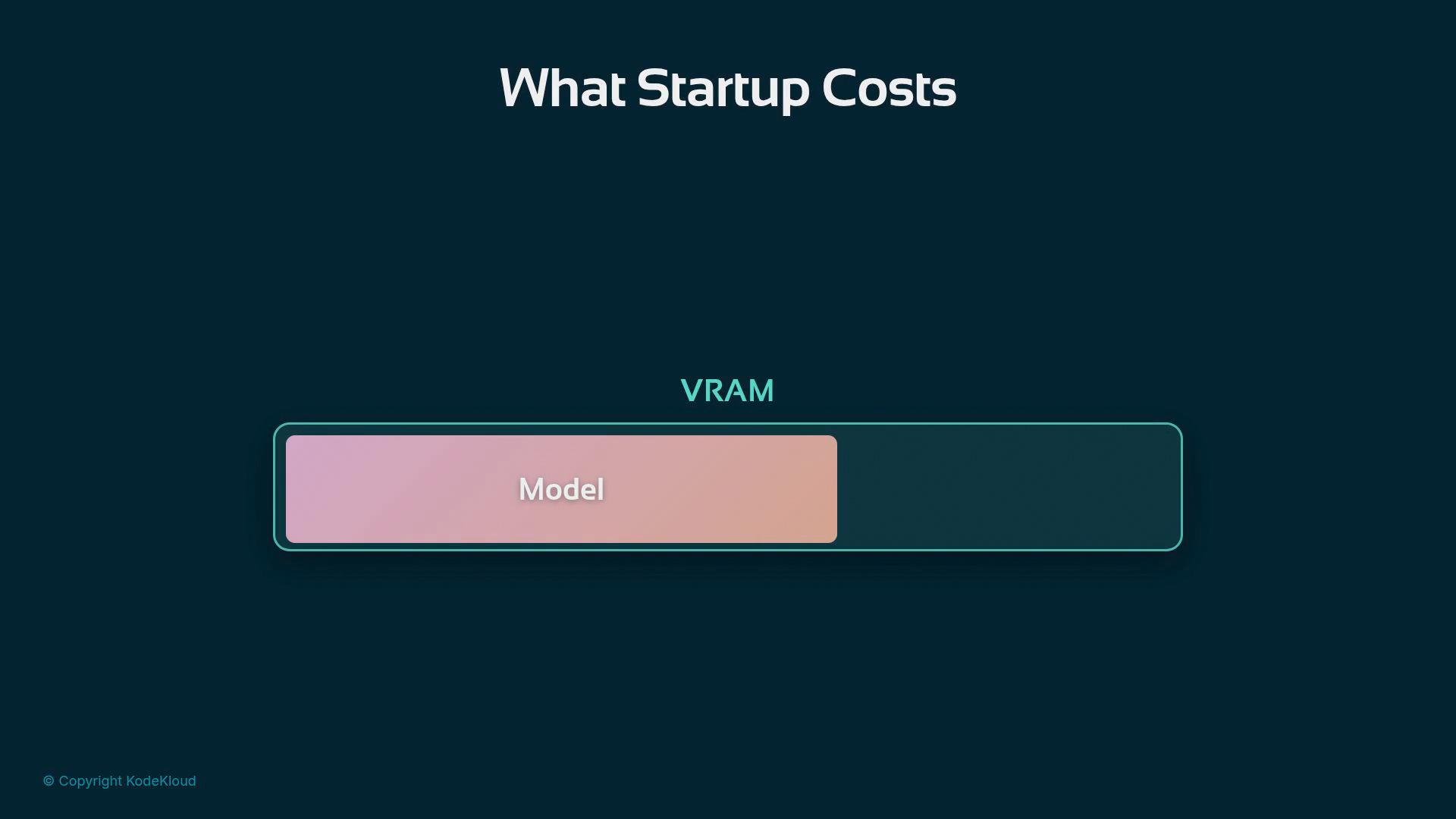
A slide titled "What Startup Costs" showing a long VRAM bar with a pink segment labeled "Model" filling part of it. The graphic visualizes the model's share of VRAM.
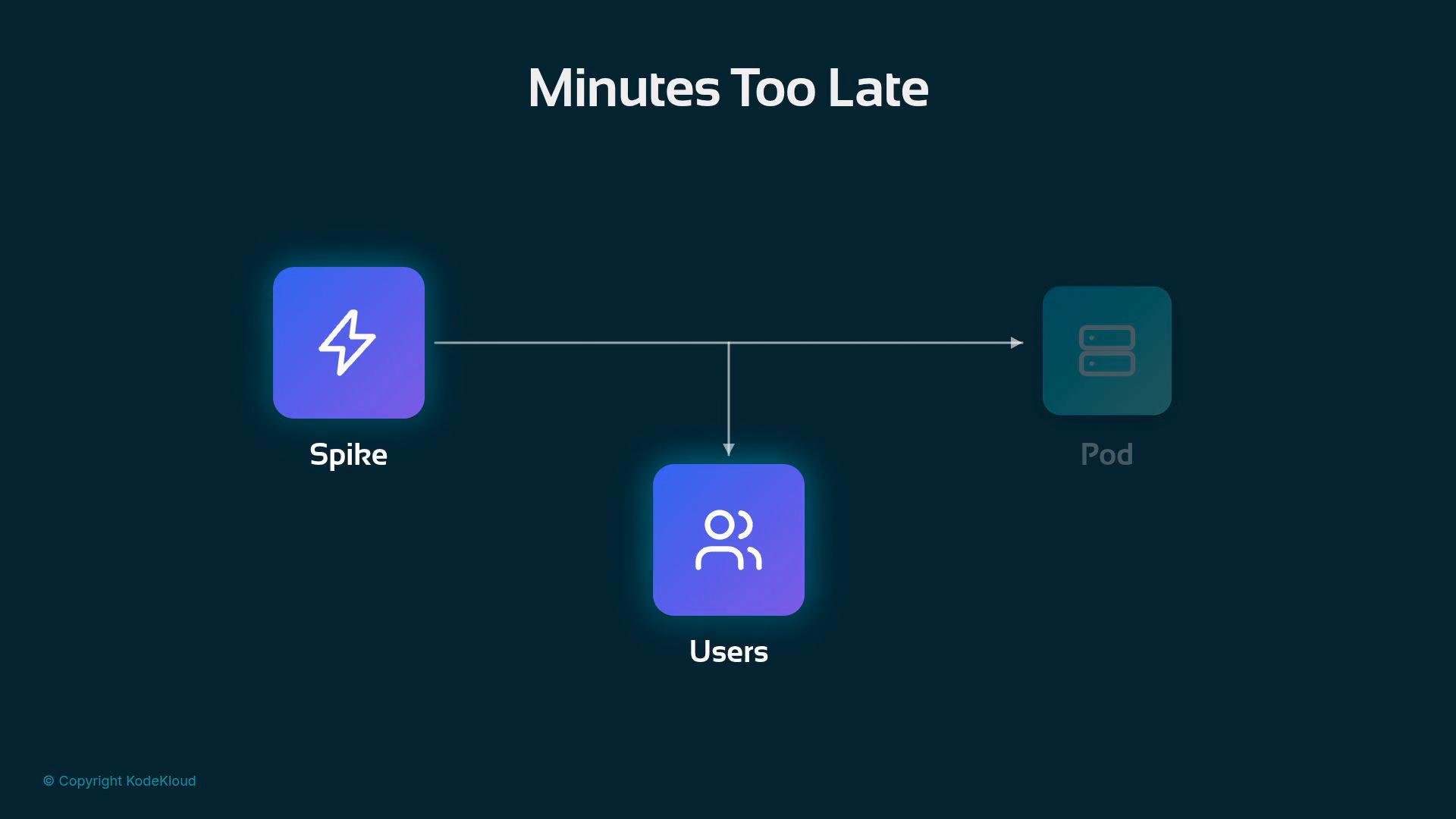
Reacting too late means answering the spike only after the pain occurred.
A diagram titled "Minutes Too Late" showing a purple "Spike" icon on the left connected by a horizontal arrow to a faint "Pod" icon on the right, with a branch dropping down to a purple "Users" icon. The graphic uses simple icons and labeled nodes to illustrate the flow.
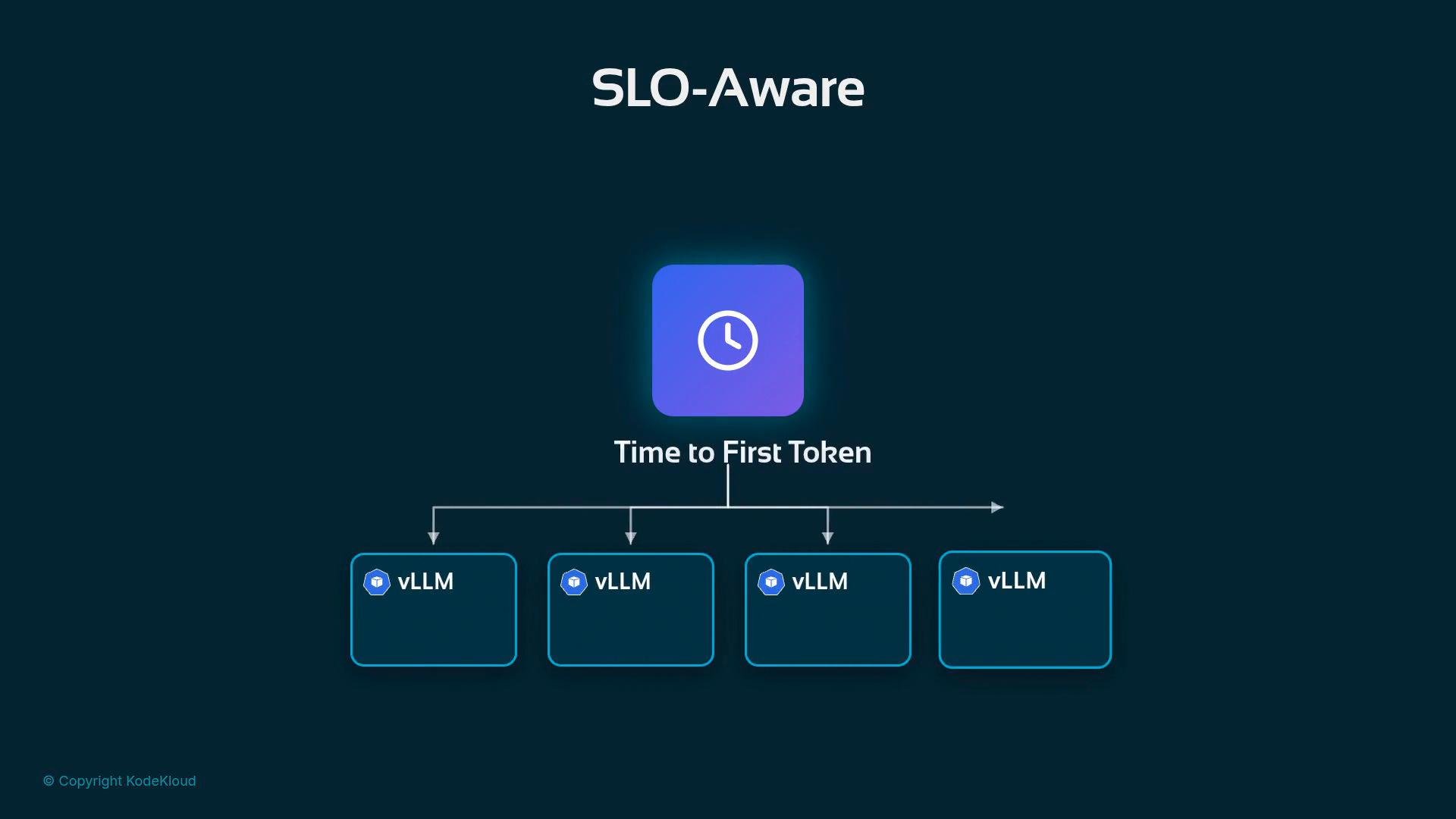
Be proactive: scale on early demand indicators Queue depth typically rises before latency does. When requests begin to queue, the system has time to load models and warm caches while user pain is still theoretical. That allows new capacity to become useful before the Time To First Token (TTFT) SLO breaks. The autoscaling signals should therefore be SLO-aware: the objective is not a tidy CPU graph but to add capacity before the TTFT SLO degrades, and to remove capacity only when the fleet is genuinely idle.
A diagram titled "SLO-Aware" with a central clock icon labeled "Time to First Token" that branches out to multiple boxes labeled "vLLM."
Scaling in: preserve working sets Scaling in requires extra caution. Evicting a pod drops its scratchpads and any in-memory conversation state. Conversations whose working set lived on that pod may need a full reread of context unless a tiered cache preserved the blocks on cheaper storage. Scale-in can reduce infra costs but, if done carelessly, imposes a latency tax on users when conversations are resumed.
Careful: evicting pods without preserving cached blocks forces re-reads of model context when those conversations are resumed, increasing latency for users.
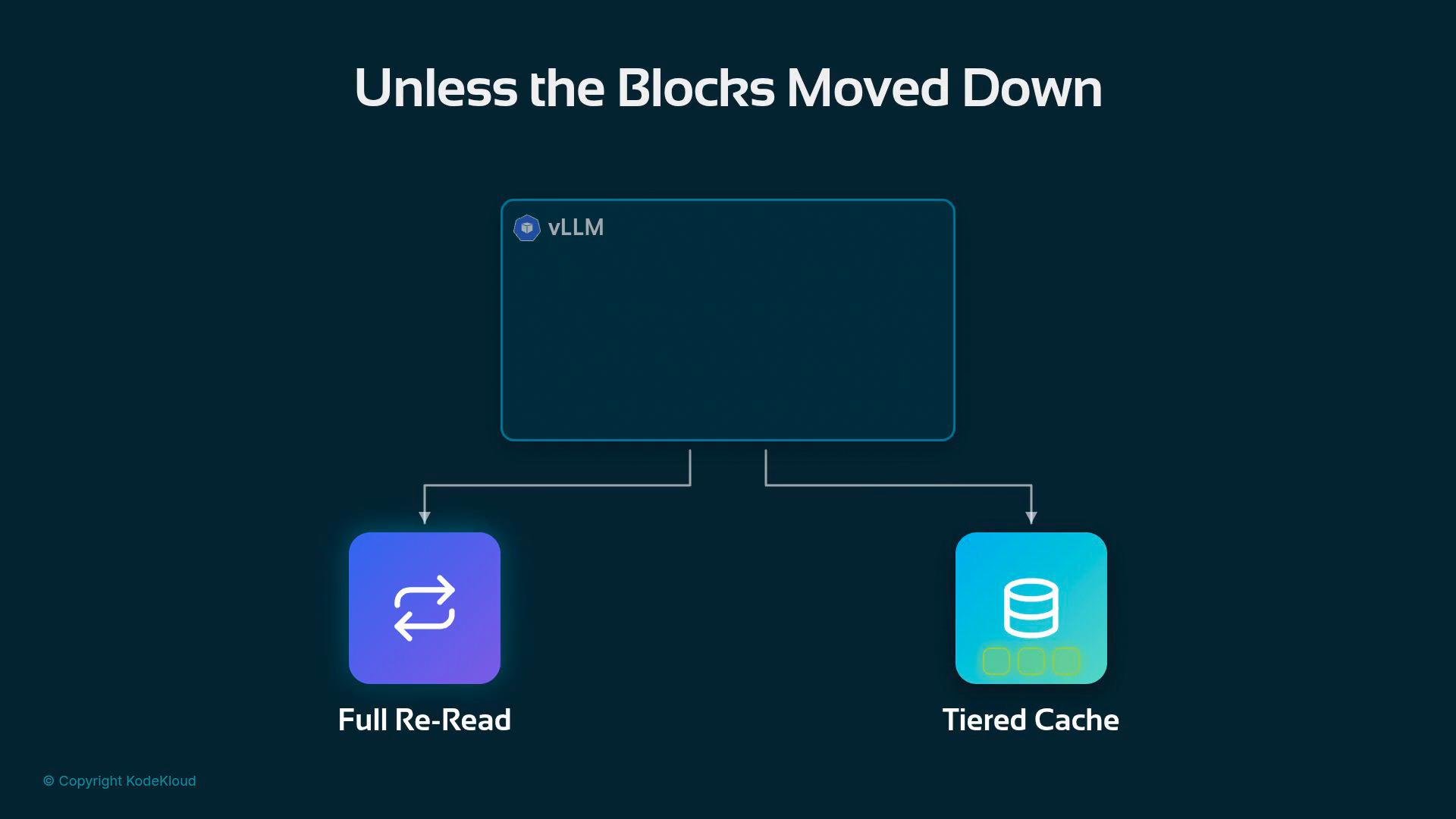
A dark infographic titled "Unless the Blocks Moved Down" showing a central box labeled "vLLM" that branches to two options: "Full Re-Read" (left) and "Tiered Cache" (right) with matching icons. A small "© Copyright KodeKloud" appears in the lower-left corner.
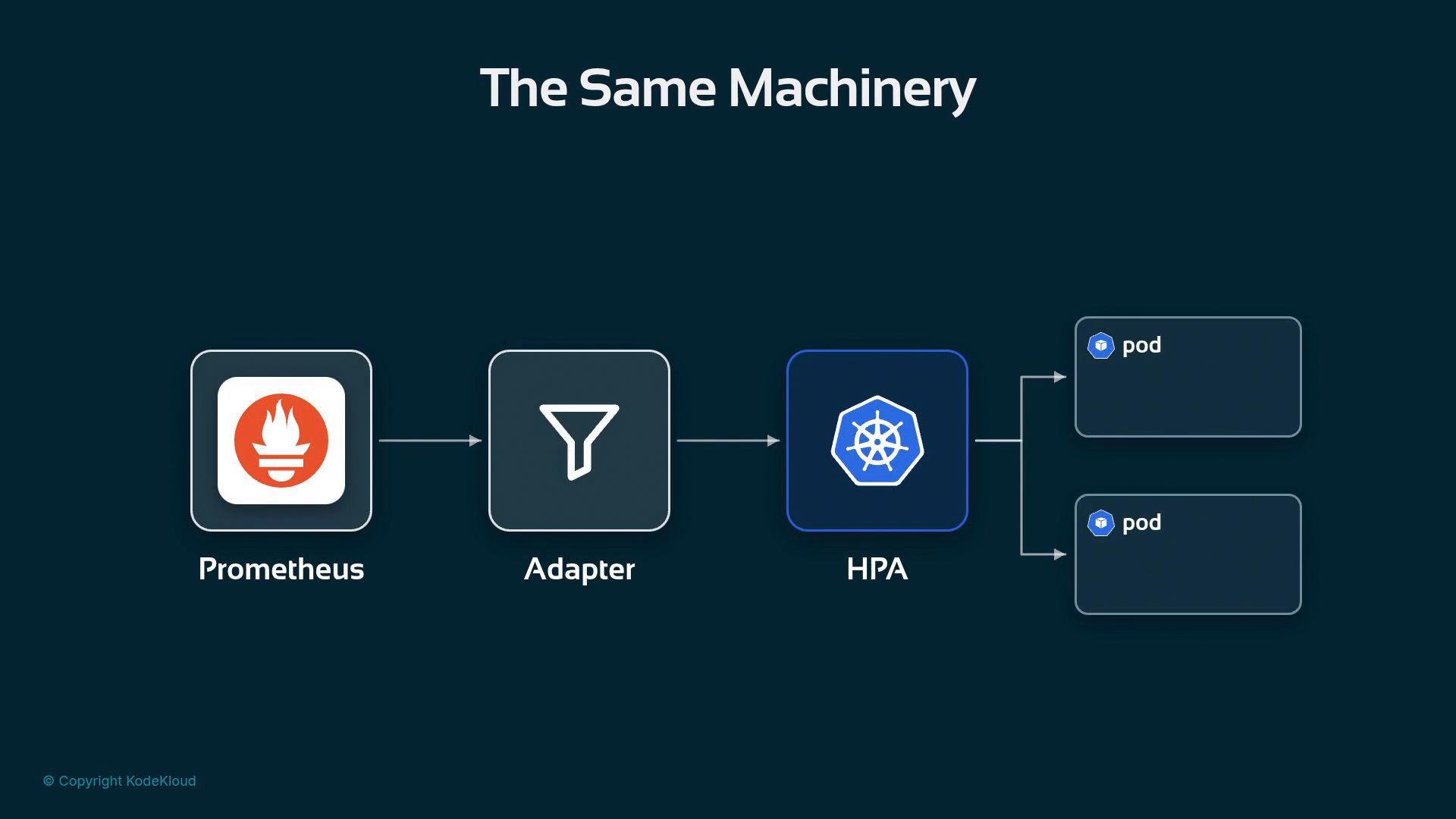
Practical implementations Short path (works for most deployments)
A simple flow diagram titled "The Same Machinery" showing Prometheus feeding metrics into an Adapter, which passes them to a Kubernetes HPA that scales two pods. Icons and arrows illustrate the data path from Prometheus to the pods.
Advanced path: Workload Variant Autoscaler For larger deployments, llm-d provides a second, smarter layer: the Workload Variant Autoscaler.
  • A “variant” is the same model served with a different configuration or hardware profile (different GPU types, batch sizes, or memory allocations).
  • Each variant has its own cost and latency profile.
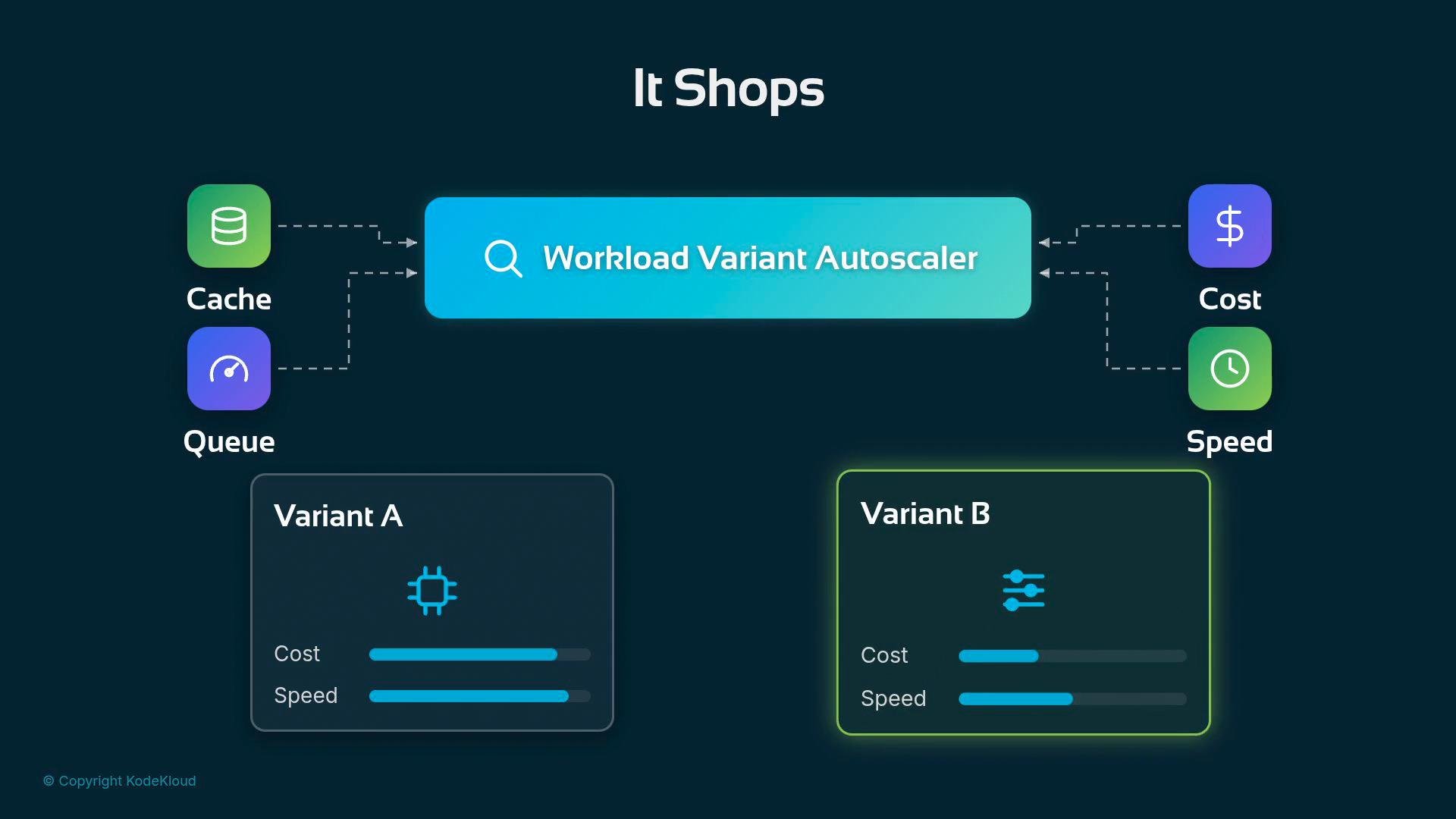
  • The Variant Autoscaler watches the same truthful signals — cache utilization and queue depth — plus any budgets or latency targets you set.
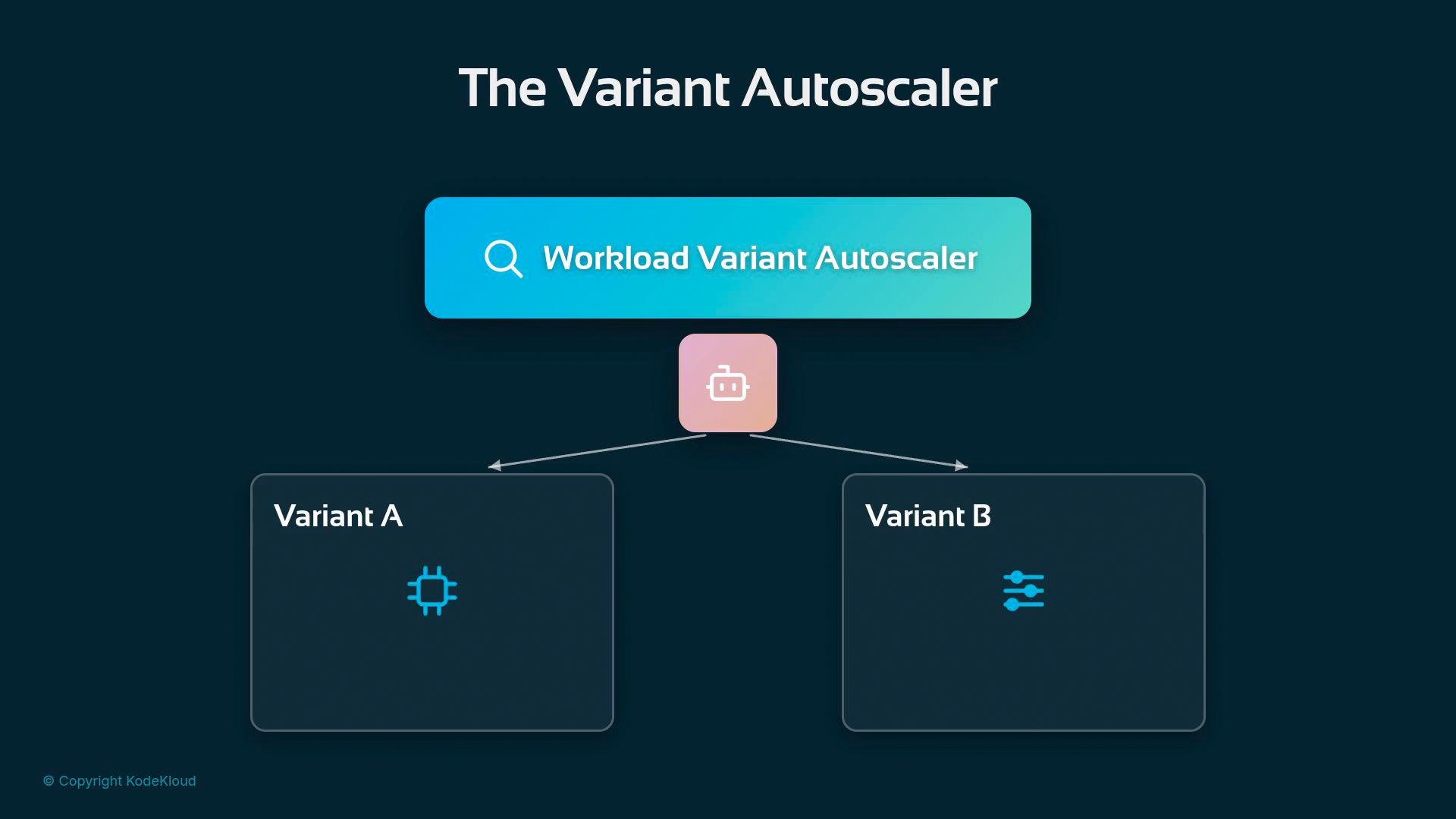
A dark-themed diagram titled "The Variant Autoscaler" showing a central "Workload Variant Autoscaler" box and an icon node that branches to two panels labeled "Variant A" and "Variant B." The panels contain small blue icons and the image includes a © Copyright KodeKloud mark.
It “shops around” for capacity: when additional resources are needed, it prefers the cheapest variant that still meets the latency target; when you can shrink, it recommends removing the most expensive variants first.
A dark-themed diagram titled "It Shops" showing a central "Workload Variant Autoscaler" box fed by Cache and Queue on the left and influencing Cost and Speed on the right. Below it are two cards labeled Variant A and Variant B with bar indicators for cost and speed.
Separation of concerns The Variant Autoscaler does not directly perform the HPA action. Instead:
  • It publishes recommendations as metrics.
  • The ordinary HPA consumes those metrics and executes the scaling decision.
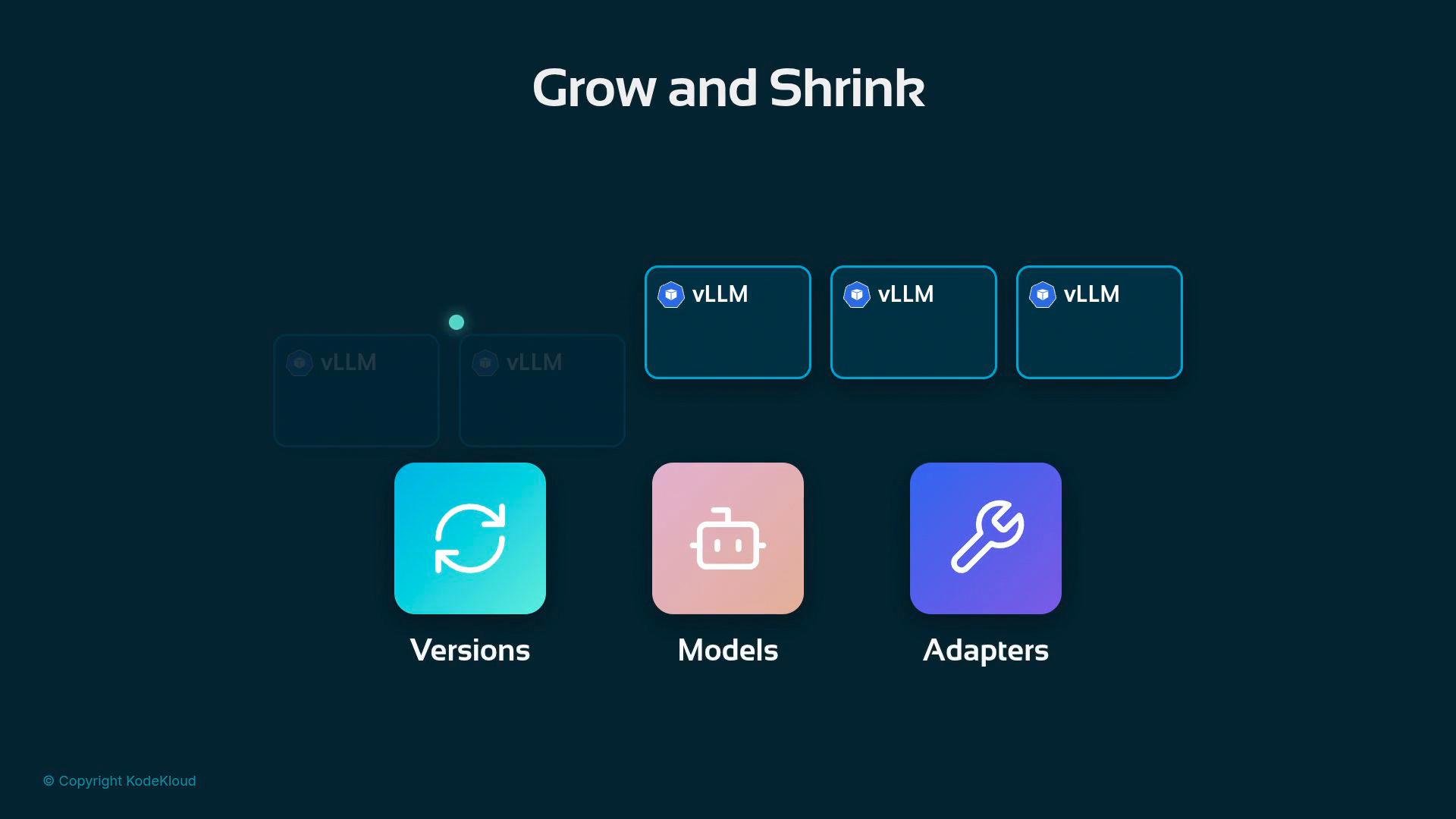
This clear division keeps the control plane you trust (HPA) in charge of API-level scaling actions while an inference-aware layer provides financially and latencysensitive advice. Operational considerations: rolling changes and orchestration Growing and shrinking a fleet under live traffic — new versions, new models, and new adapters — requires careful rollout practices. Smooth upgrades need orchestration that avoids disrupting in-flight requests and preserves cached state when possible.
A dark UI screen titled "Grow and Shrink" showing three vLLM cards across the top and three large rounded icons below labeled "Versions," "Models," and "Adapters."
Further reading and references
Tip: Start by replacing CPU-based HPA triggers with direct router metrics (num_requests_waiting, num_requests_running, gpu_cache_usage_perc) and tune thresholds against your TTFT SLO. Introduce variant-level recommendations once those signals are stable.

Watch Video