

We’ll start by exploring Fargate, Amazon’s serverless compute engine for containers, then compare it with other options in later sections.
How Fargate Works
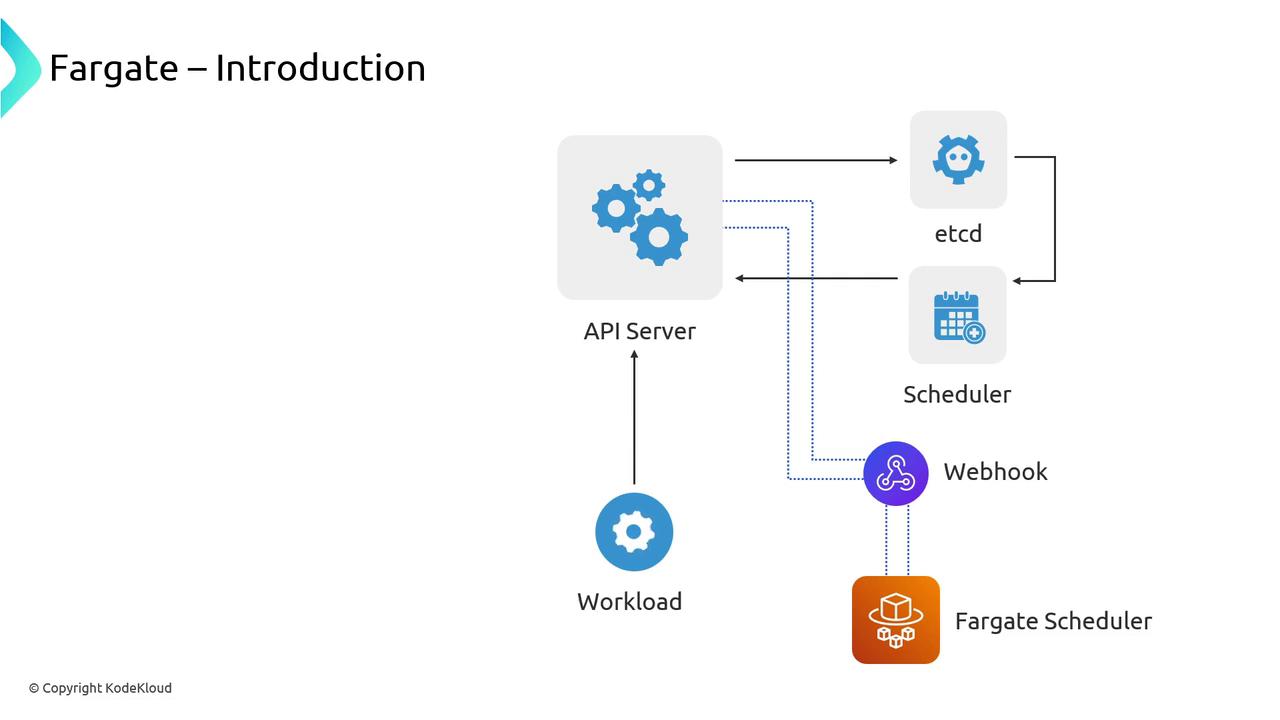
When you deploy a Pod to EKS, the Kubernetes API Server stores its definition in etcd. Normally the default scheduler assigns it to an EC2 instance in a Node Group. With Fargate, you:- Define a Fargate profile, which installs an admission webhook.
- The webhook intercepts new Pods matching your profile and mutates them to be scheduled by the Fargate scheduler.
- The default scheduler ignores those Pods, leaving Fargate to handle provisioning.
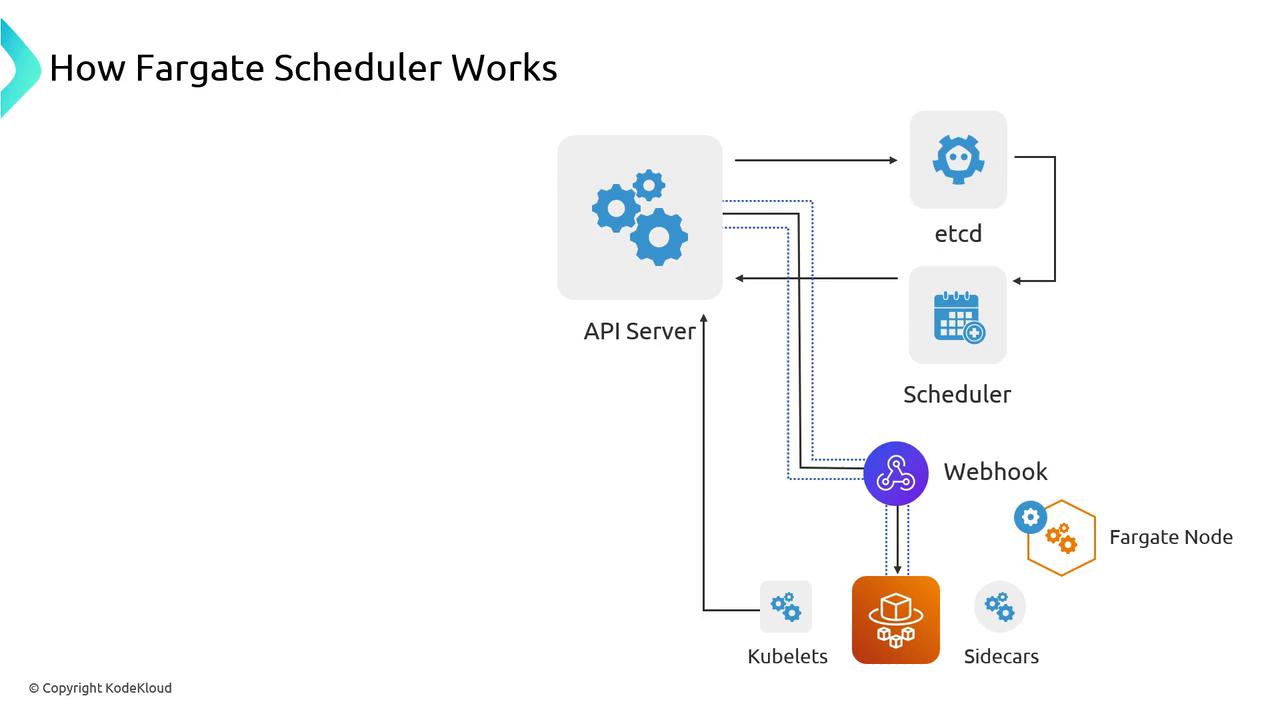
- Evaluates the Pod’s CPU and memory requests.
- Calls AWS APIs to launch the appropriate serverless “node.”
- Waits for the kubelet to join the cluster.
- Binds your Pod to the new Fargate node.
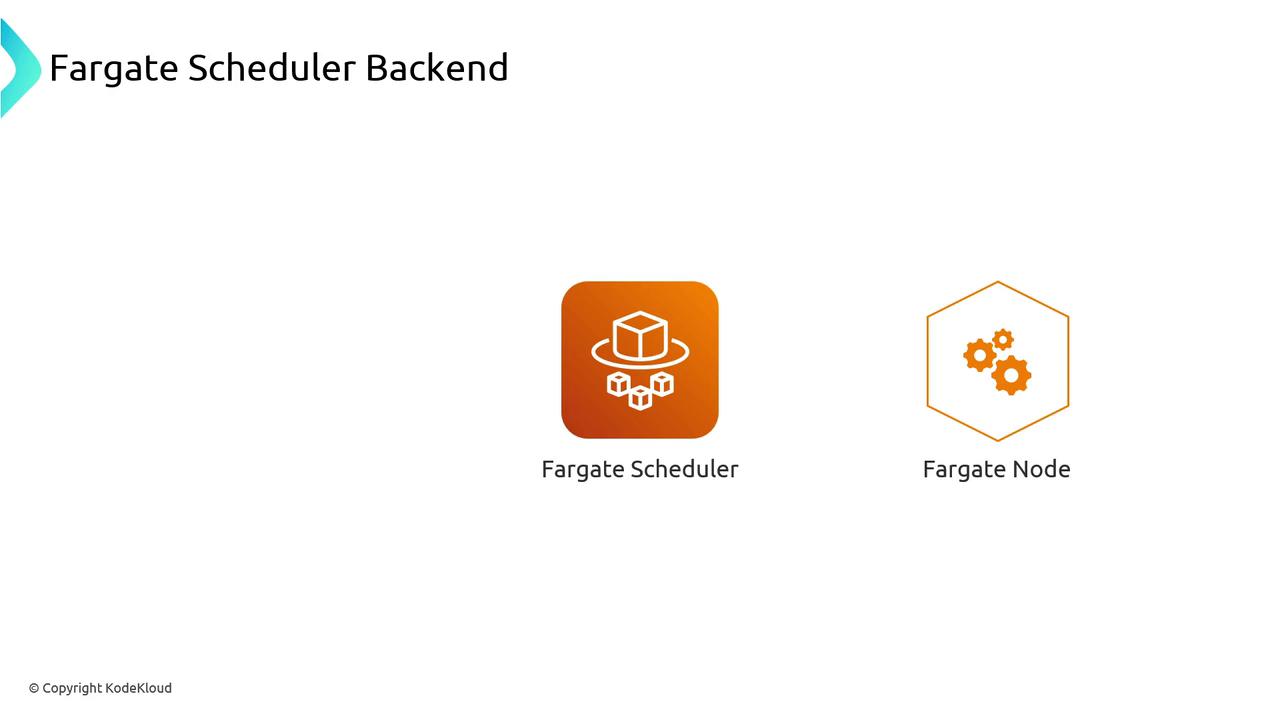
Fargate profiles support label- and namespace-based selection. Use them to target only specific workloads for serverless deployment.
Limitations of Fargate Nodes
Because Fargate nodes aren’t EC2 instances, they come with a few constraints:- No EBS volumes: Use Amazon EFS via the EFS CSI driver for persistent storage.
- DaemonSets unsupported: You cannot schedule DaemonSets on Fargate nodes.
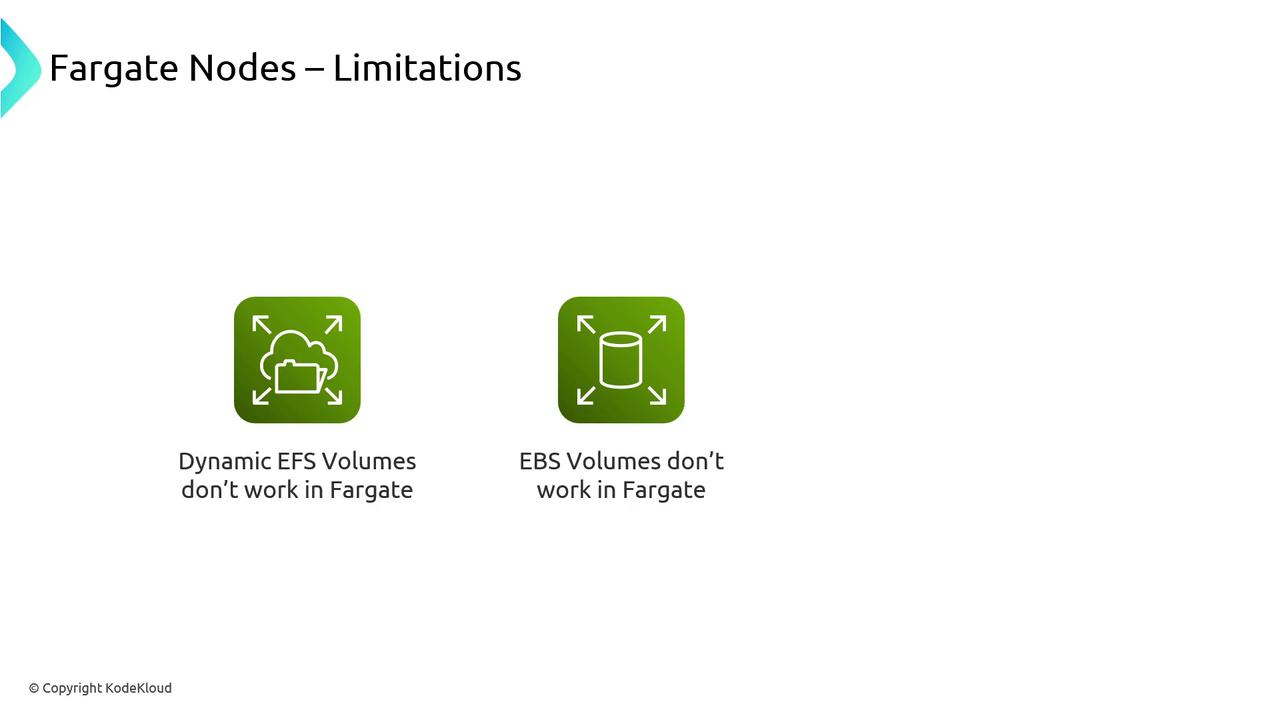
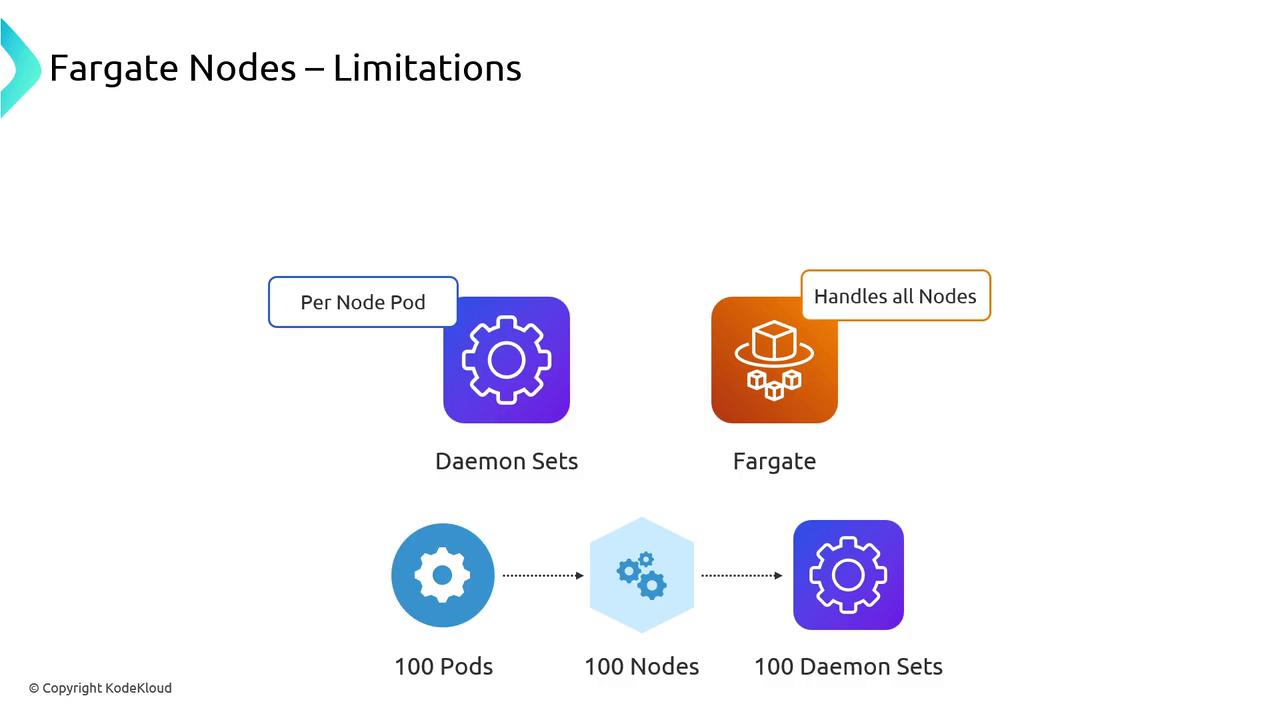
DaemonSets will not schedule on Fargate. Convert critical agents (e.g., log collectors) into sidecars, which increases per-Pod overhead.
When to Use Fargate
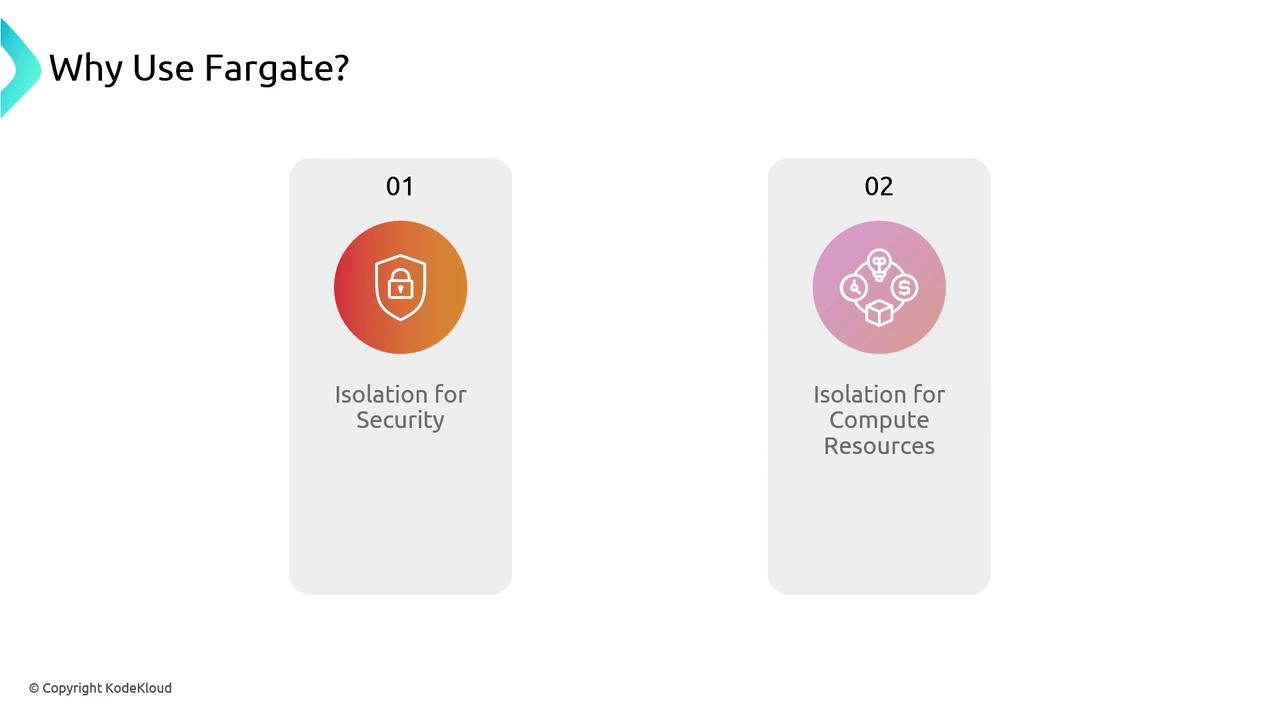
Fargate excels at providing isolation and simplicity:- Security isolation: Pods run on dedicated kernel and filesystem boundaries.
- Compute isolation: Guaranteed CPU and memory without noisy neighbors.
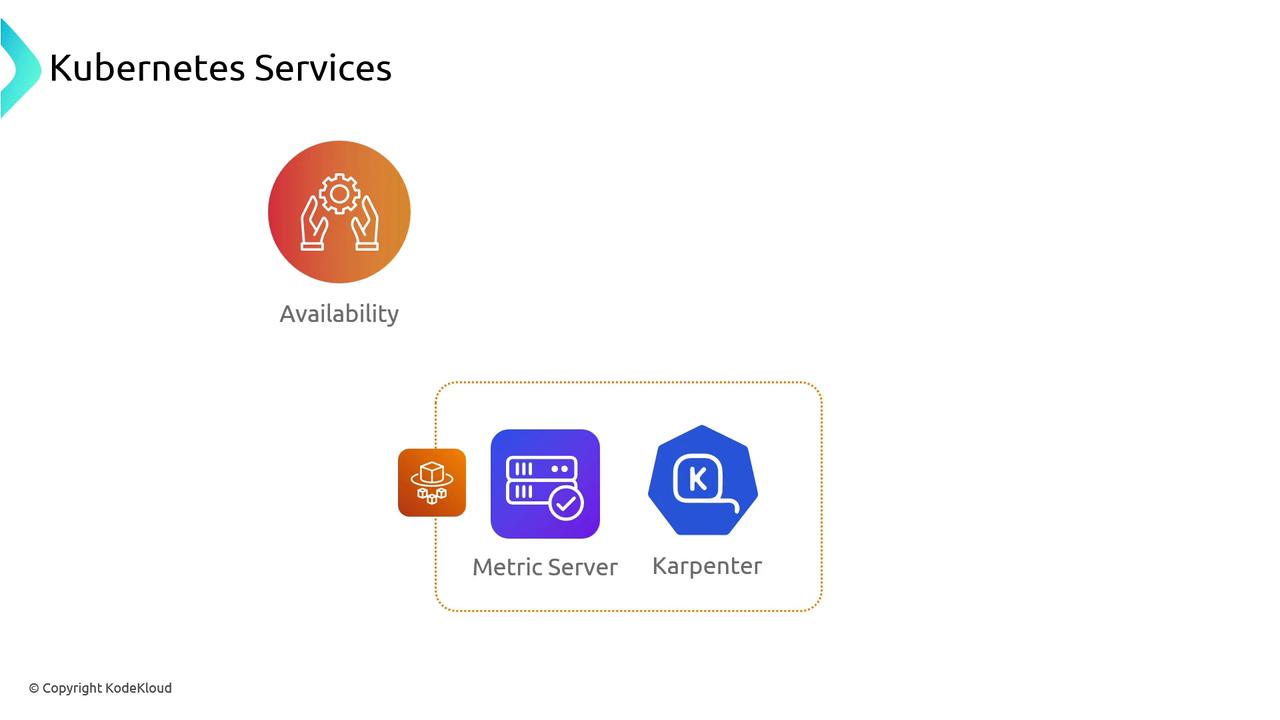
- Deploy multiple replicas across Availability Zones for high availability.
- Balance cost versus resilience when sizing Fargate profiles.
Links and References
- Amazon EKS on AWS Fargate
- Kubernetes DaemonSet Documentation
- AWS EFS CSI Driver
- Karpenter Autoscaling