

1. AWS Management Console
Create an EKS cluster directly in the AWS Console by navigating to Kubernetes (EKS), clicking Create cluster, and completing the forms for Cluster name, Networking, Node groups, and Permissions.The console UI offers quick setup without writing code, but switching between IAM, VPC, EC2, and EKS tabs can be error-prone and difficult to reproduce at scale.
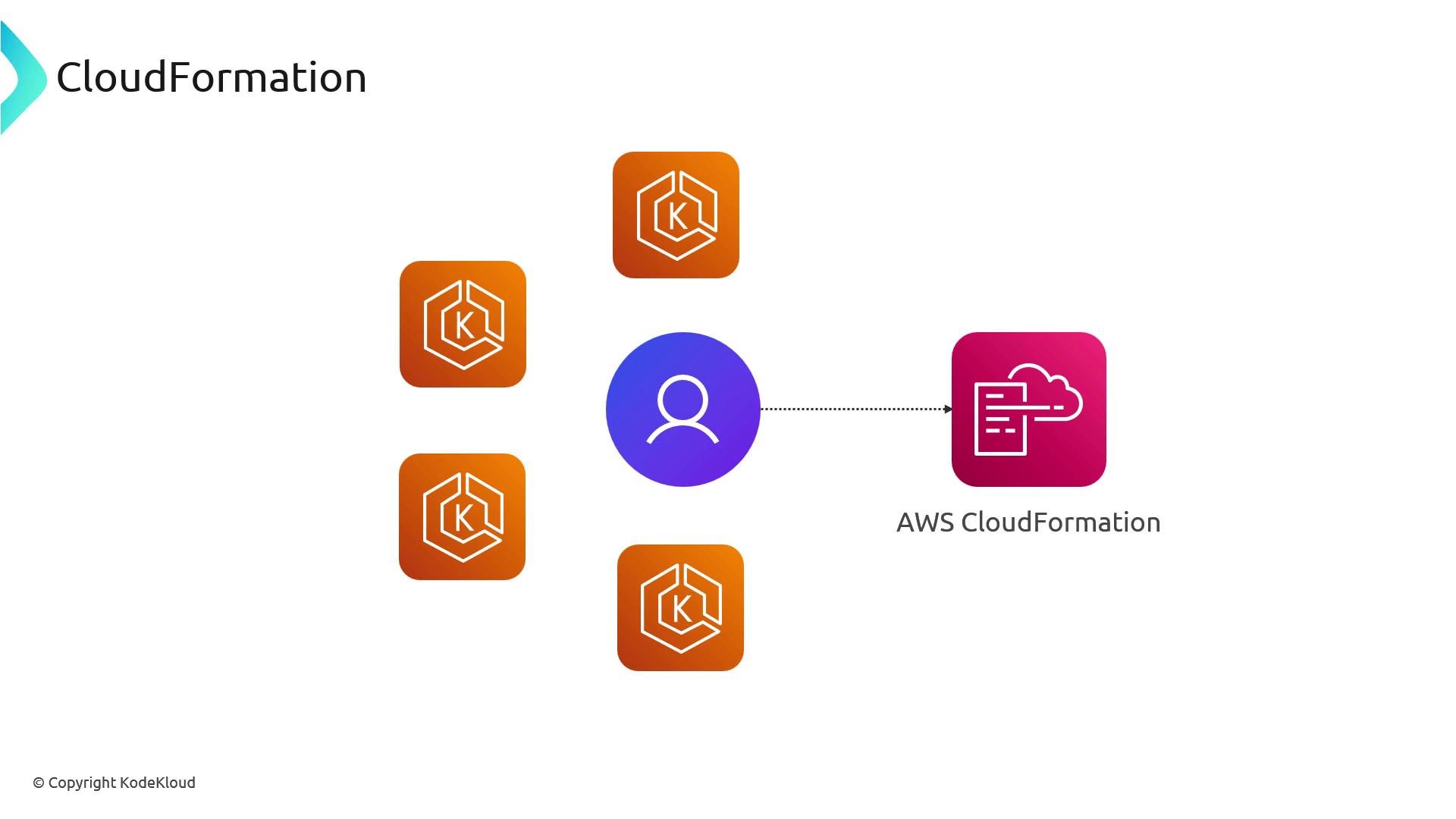
2. AWS CloudFormation
Define your EKS infrastructure as code using CloudFormation YAML/JSON or the AWS Cloud Development Kit (CDK).- CloudFormation templates: Hand-craft IAM roles, VPCs, subnets, security groups, and EKS resources.
- AWS CDK: Write TypeScript, Python, Java, or .NET code that synthesizes into CloudFormation.
3. Terraform
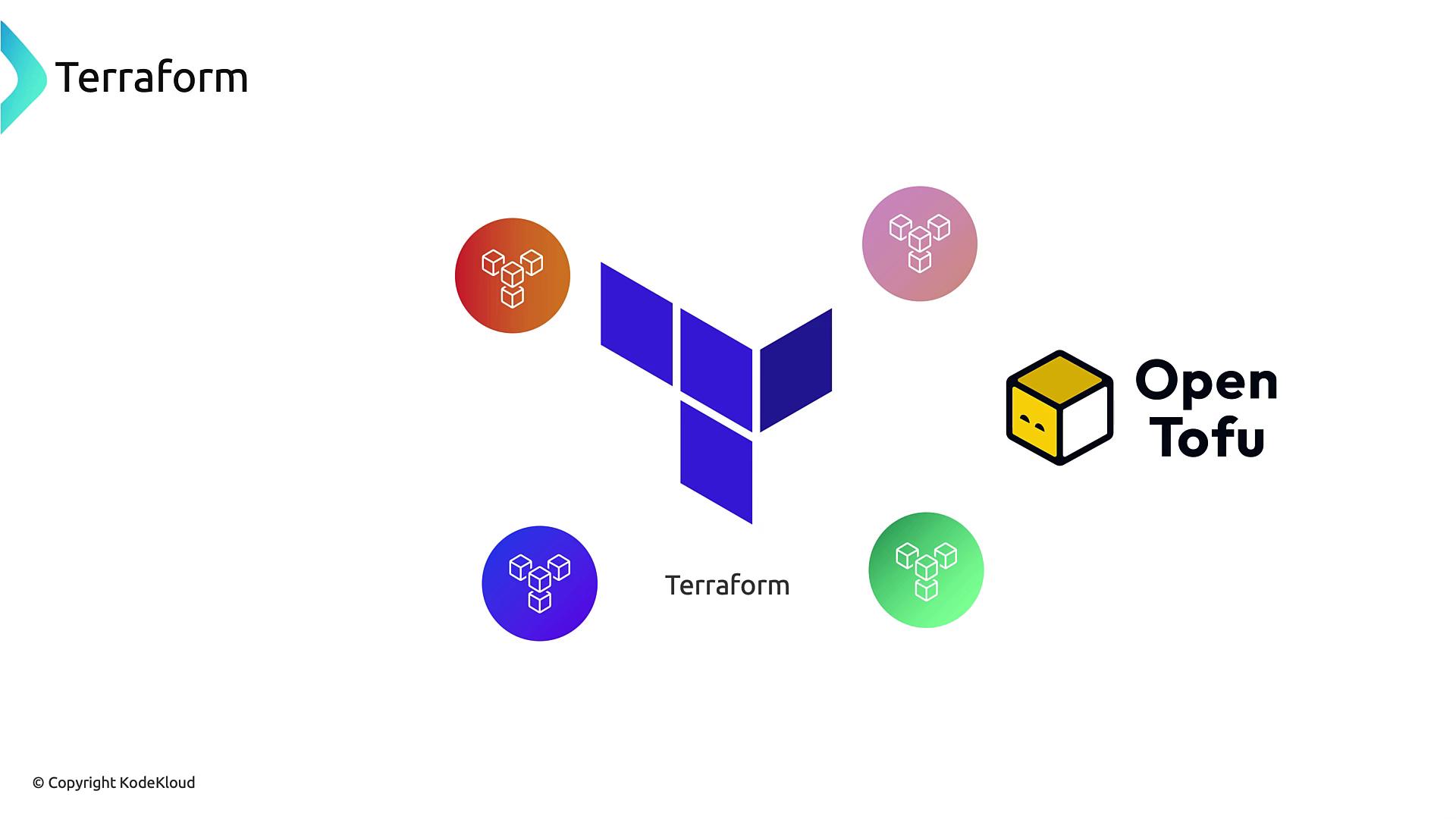
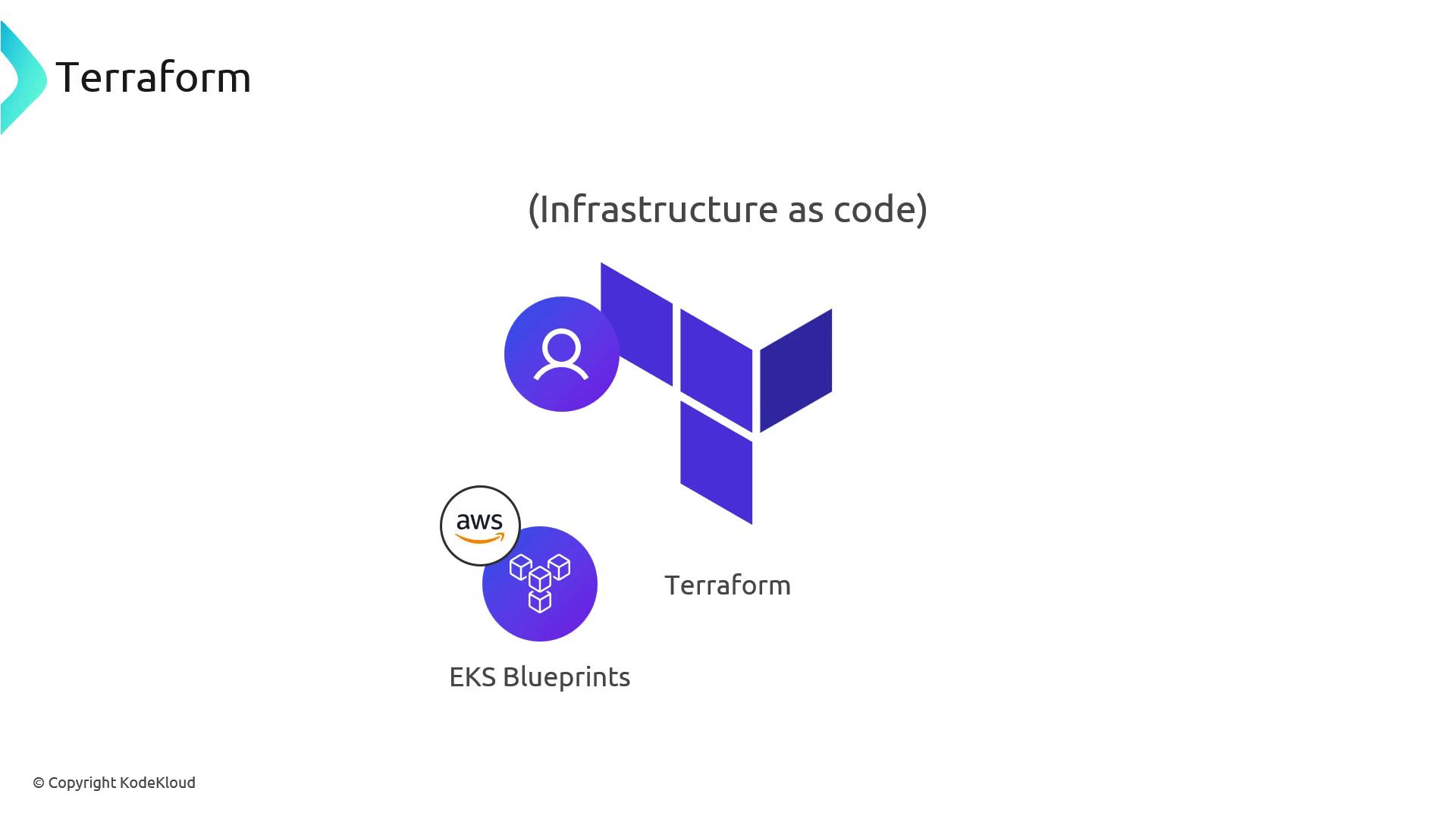
Terraform uses declarative HCL to provision EKS clusters. Leverage community or official modules from the Terraform Registry and AWS IaC Blueprints for best practices out of the box.Terraform state management is your responsibility. Configure a remote backend (e.g., S3 + DynamoDB) to lock state files and prevent concurrent modifications.
4. Other Tools and Services
Several third-party and community-driven tools can simplify EKS cluster provisioning: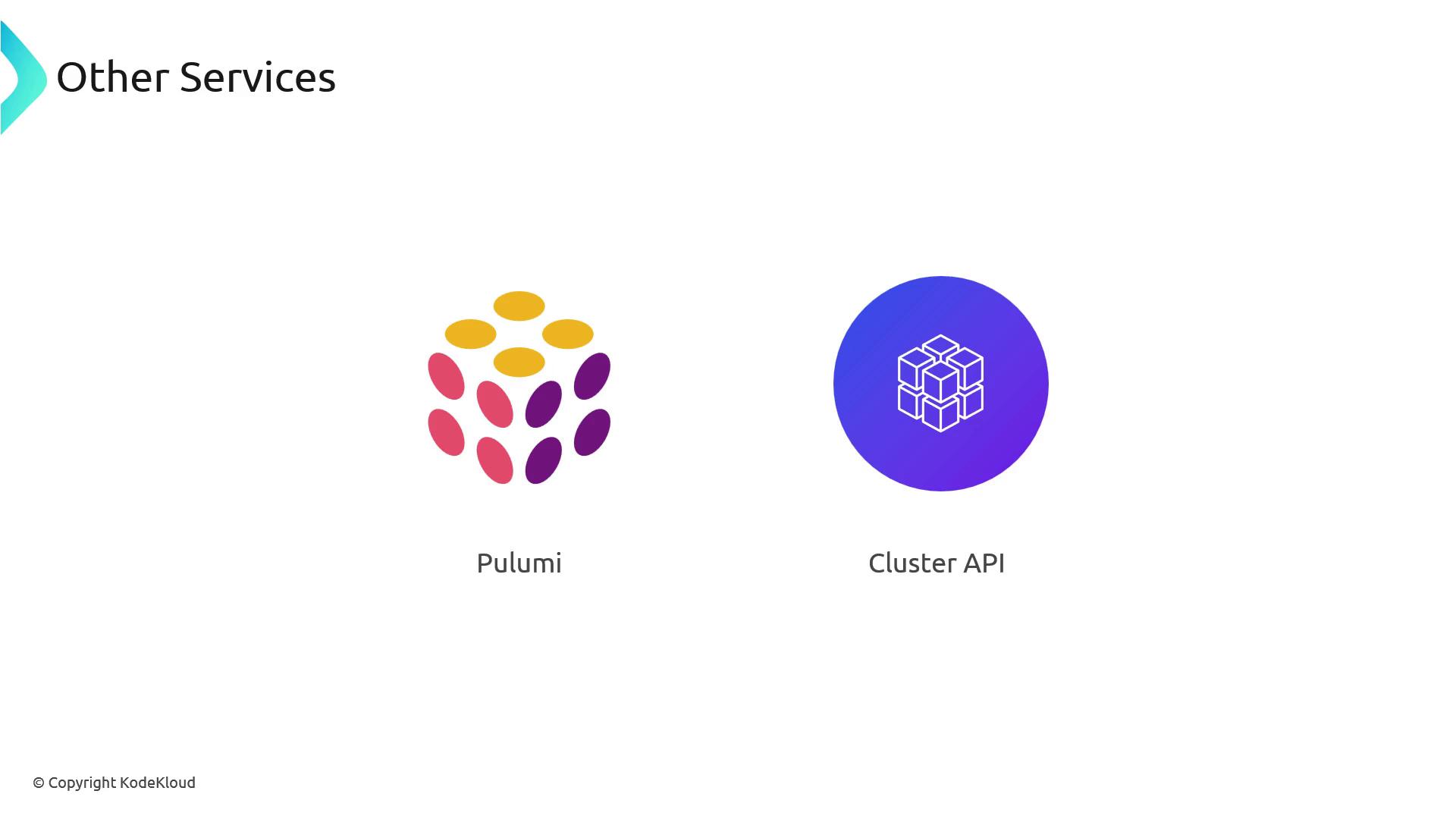
Links and References
- Amazon EKS Documentation
- AWS CloudFormation
- AWS CDK
- Terraform Registry: AWS Provider
- Pulumi EKS Guide
- Cluster API
- AWS CLI EKS Commands