

Ephemeral vs Durable Storage
Kubernetes supports different storage options:emptyDir: creates a temporary directory on the node’s root disk. Data is lost when the Pod terminates.PersistentVolume: backed by durable storage outside the Pod lifecycle.

Block Storage vs. File Storage
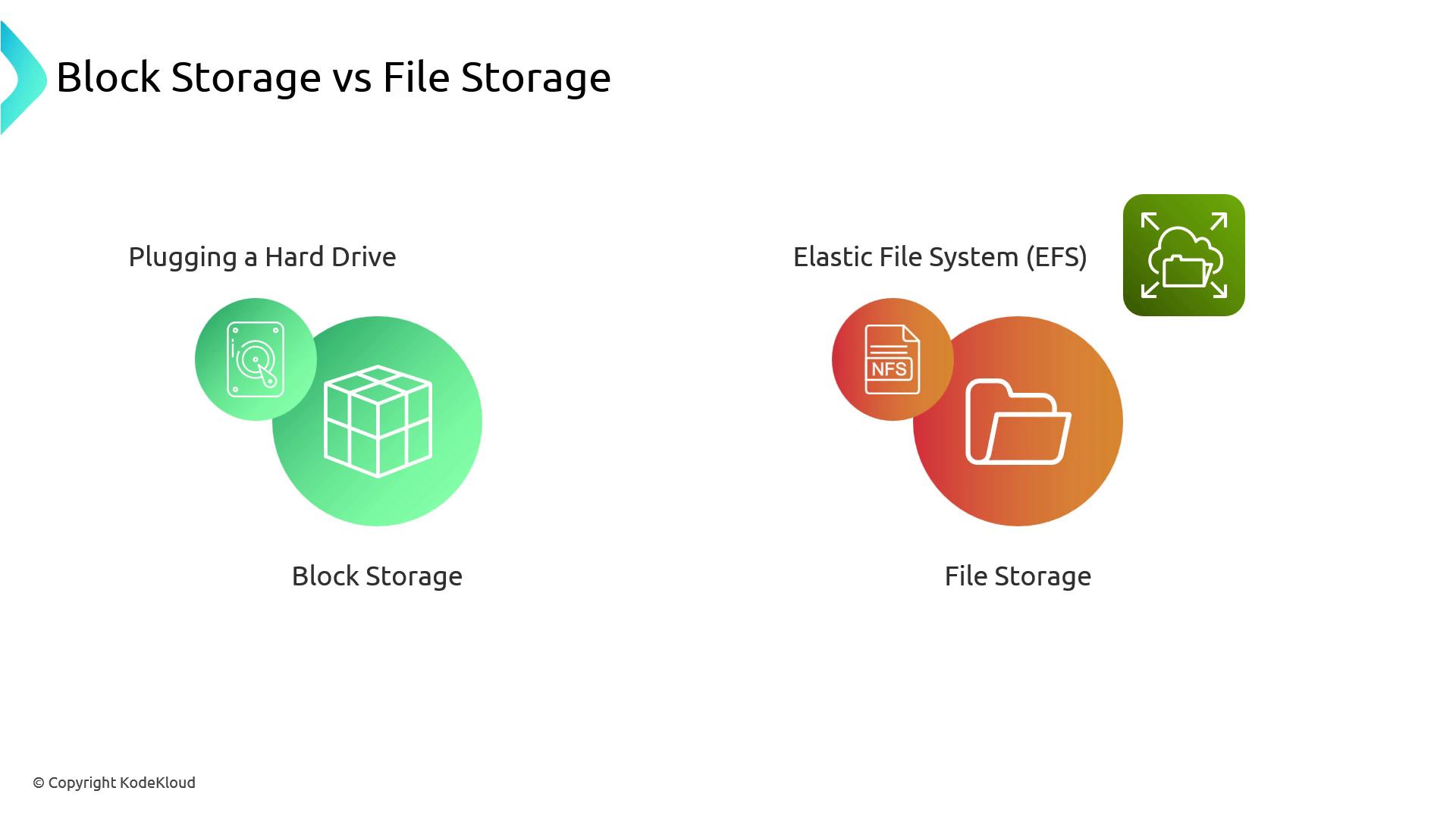
Block storage (EBS) provides raw device access, similar to adding a virtual hard drive. You format and manage the filesystem yourself.File storage (EFS, NFS) offers a network filesystem; you simply read and write files over the network.
Root Drive and Local Storage
Every EKS node boots from an EBS root volume. While this acts like local storage, it still operates within a single Availability Zone (AZ).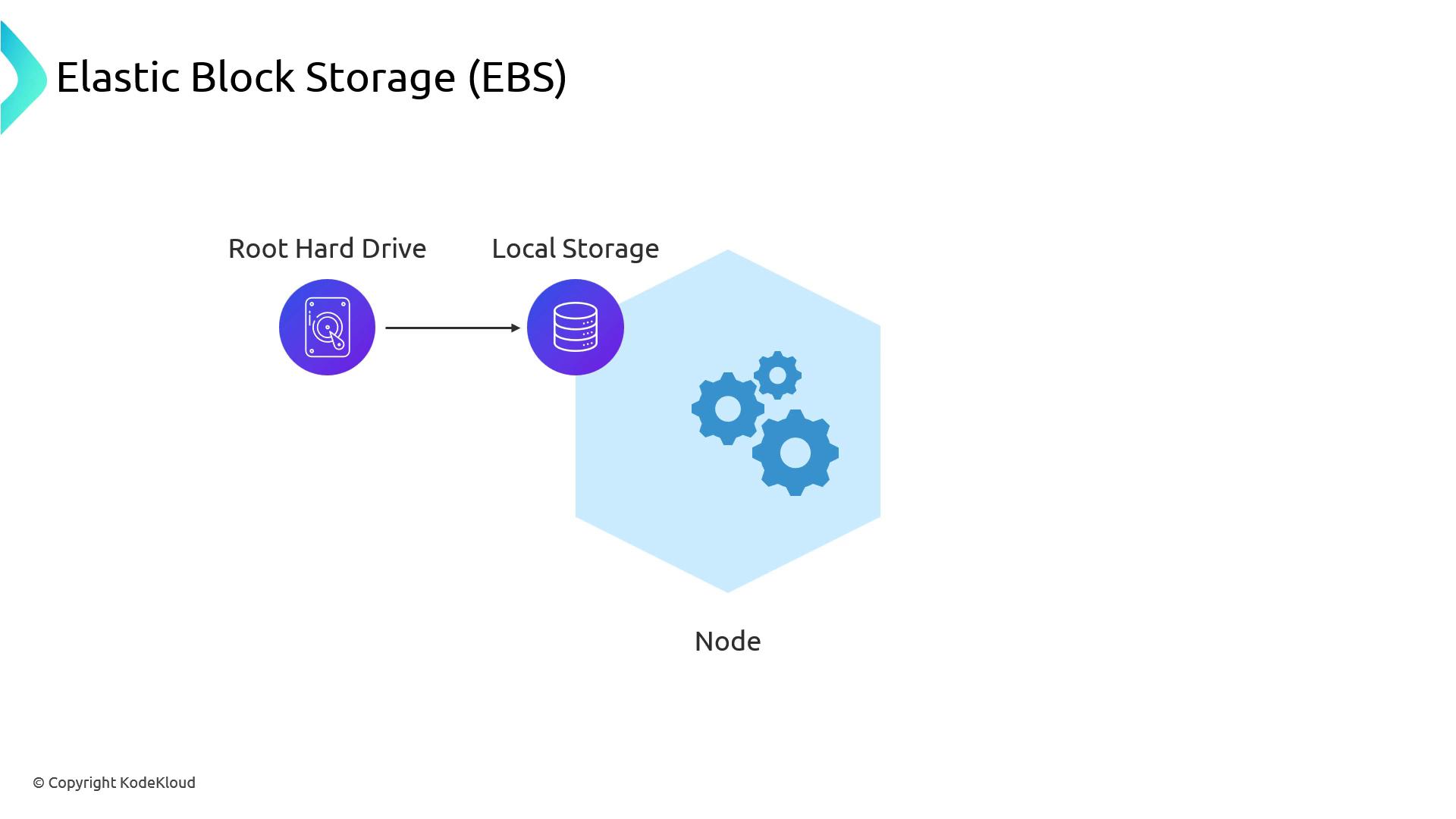
Availability Zone Constraints
EBS volumes are AZ-specific. If a node mounts an EBS volume in AZus-east-1a and terminates, a replacement node in AZ us-east-1b cannot attach that volume.
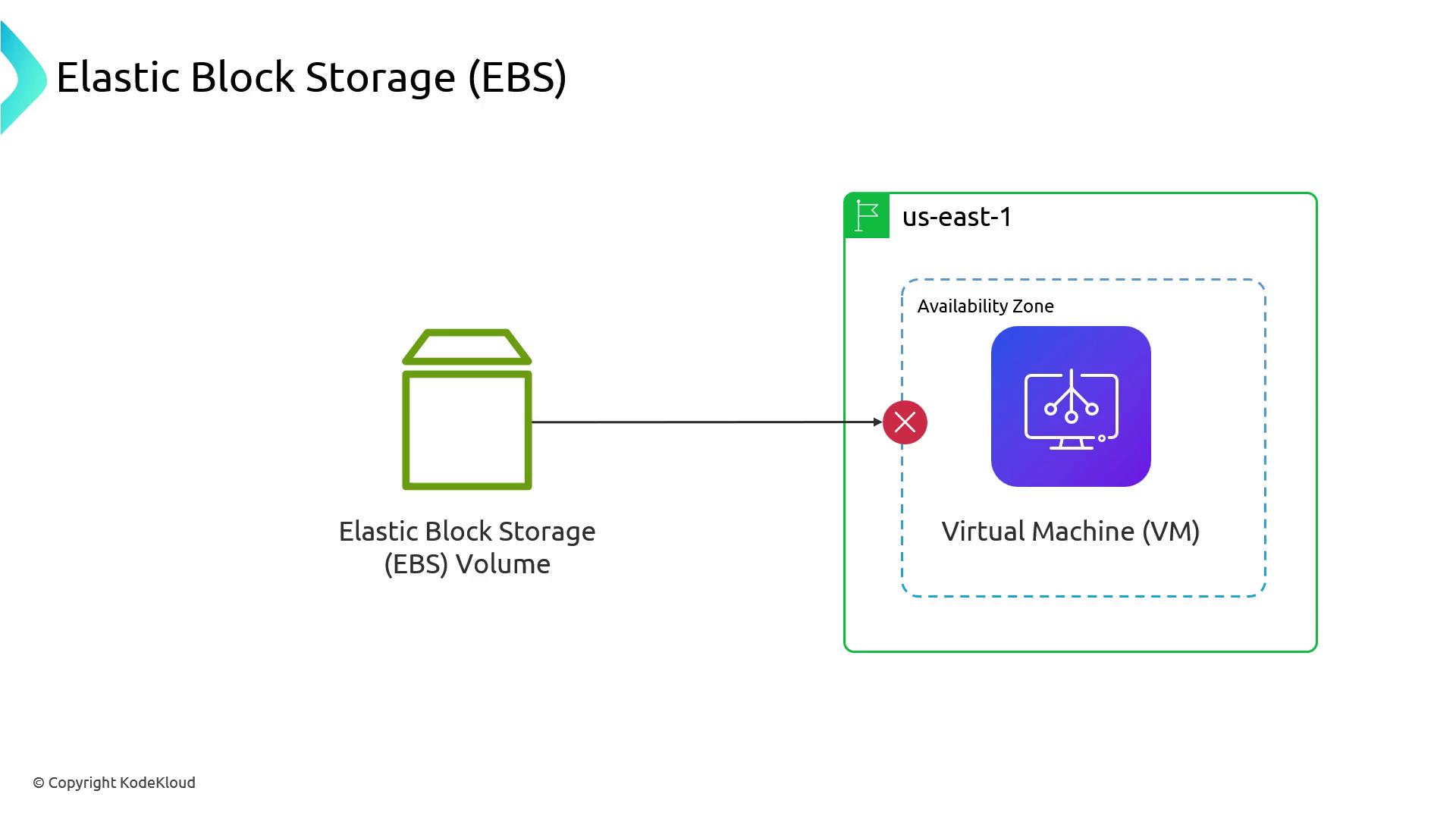
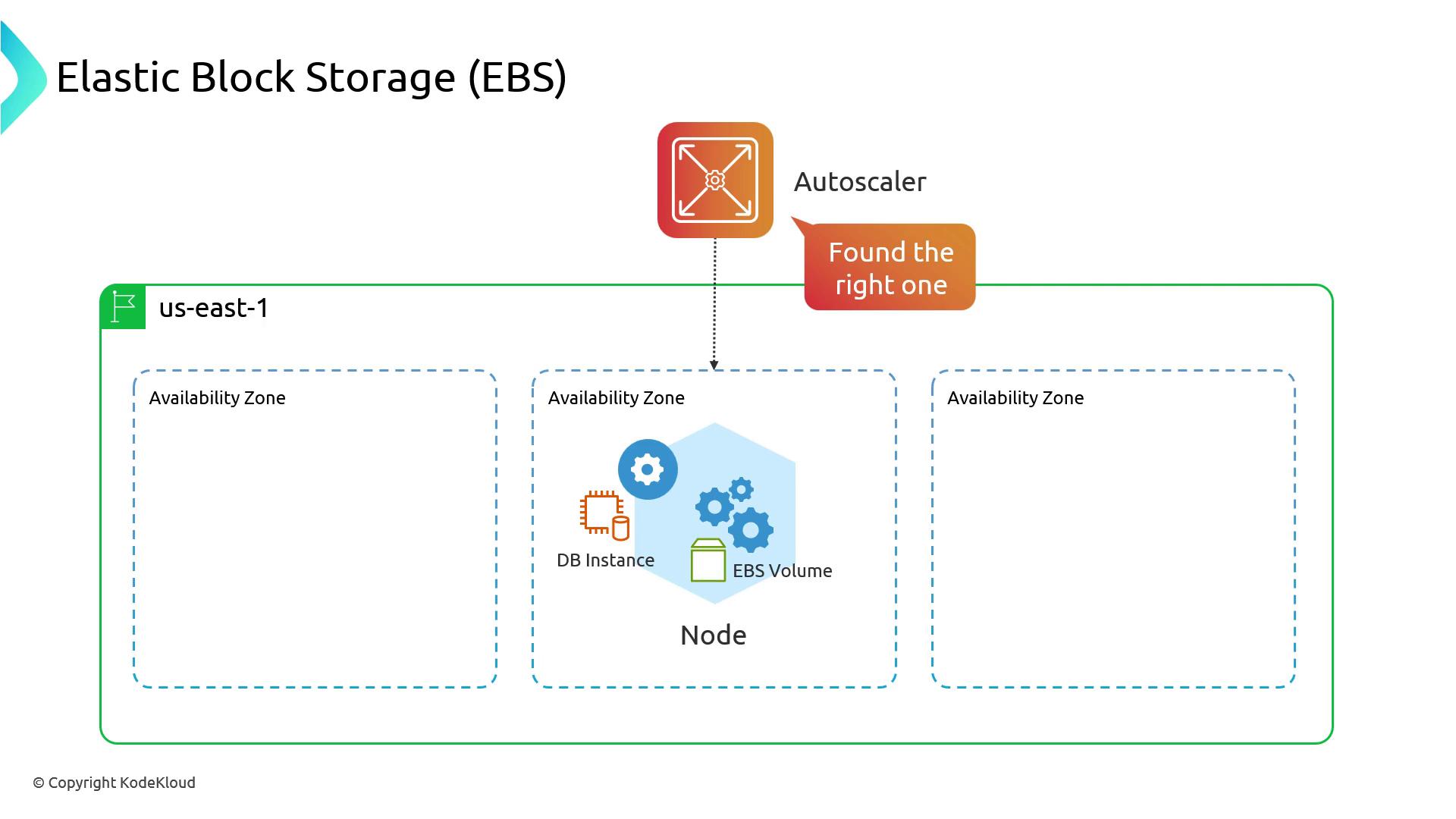
Pod scheduling may fail if the EBS volume cannot attach in a different AZ. Use proper
volumeBindingMode or restrict node scheduling to the same AZ.EBS Volume Types and Performance
EBS provides low-latency block storage within an AZ and scales up to multiple terabytes.
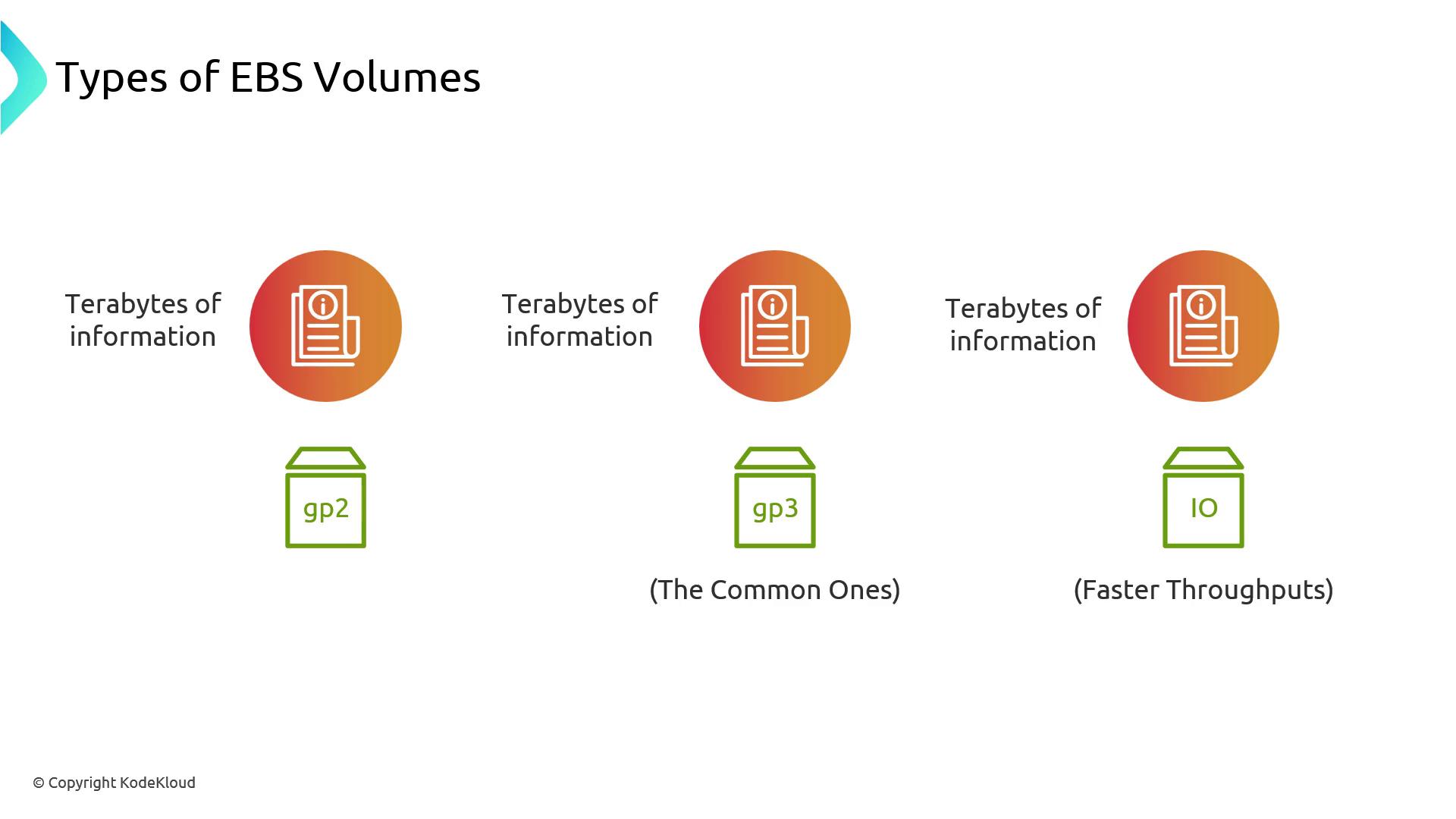
Faster Local Storage
Instance store volumes (NVMe) offer the lowest latency but are ephemeral—data is lost on instance termination.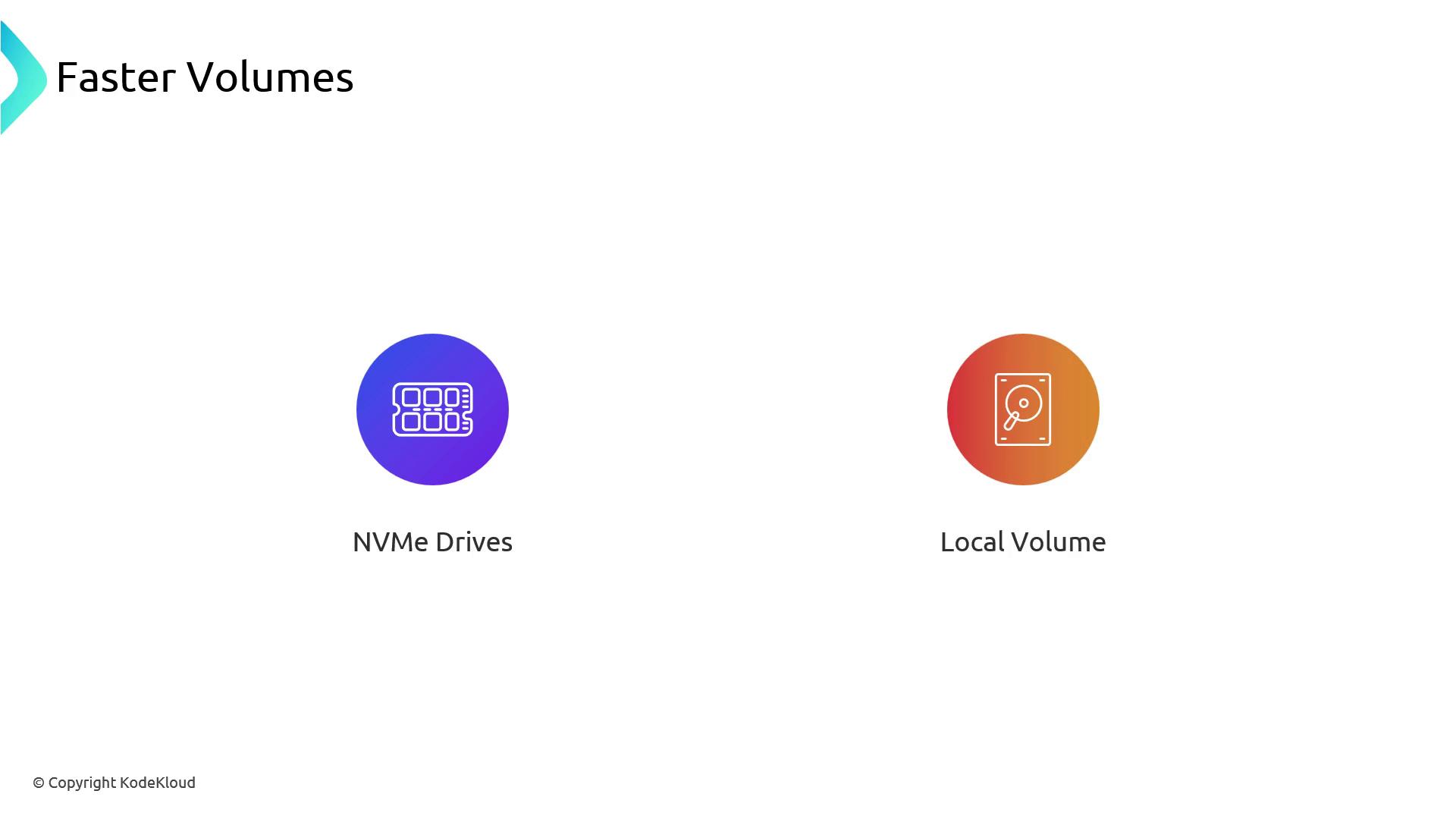
Snapshots and Data Protection
EBS supports incremental snapshots to Amazon S3, enabling point-in-time backups and restores. This integration is ideal for disaster recovery and compliance.AWS EBS CSI Driver
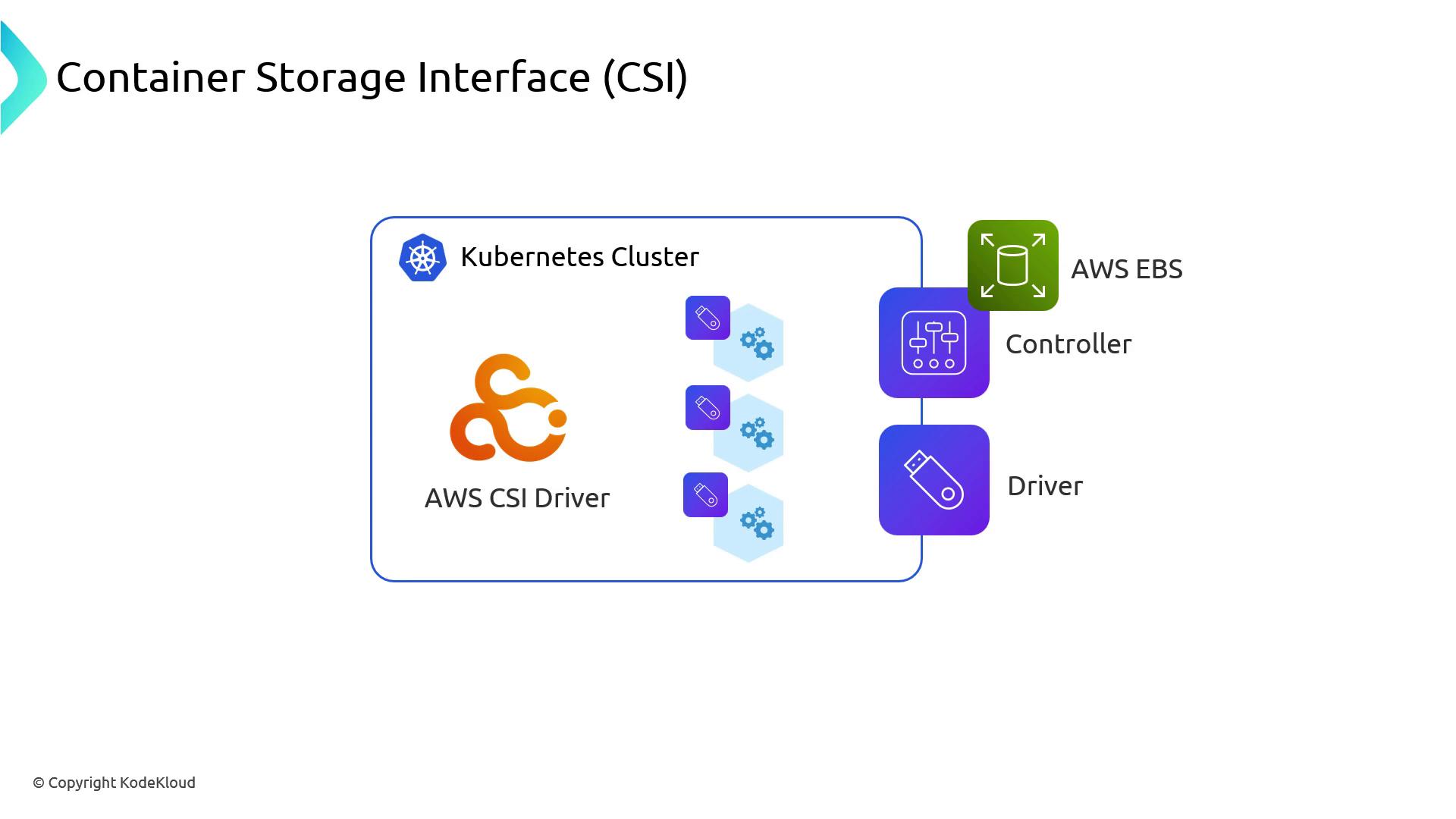
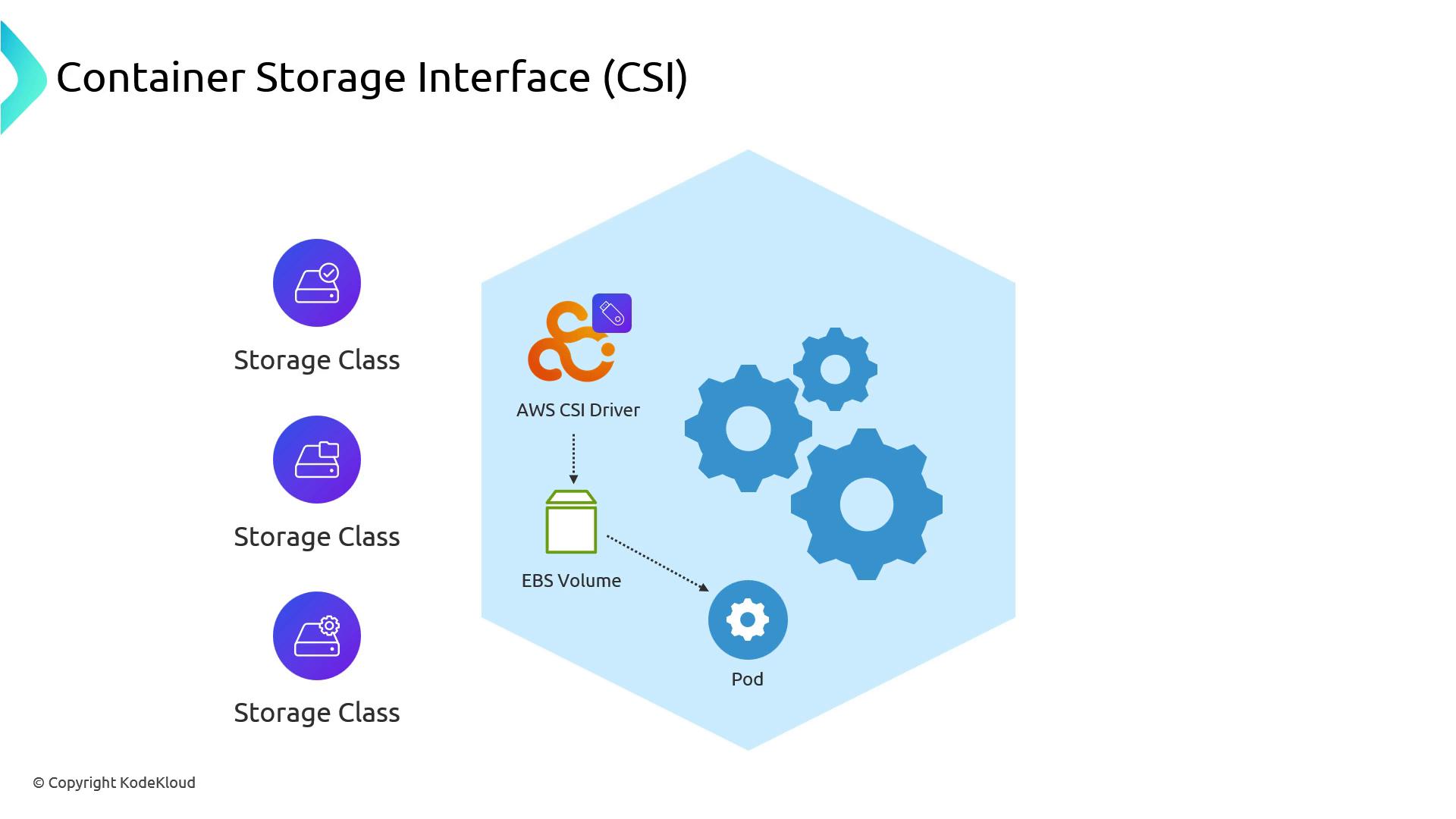
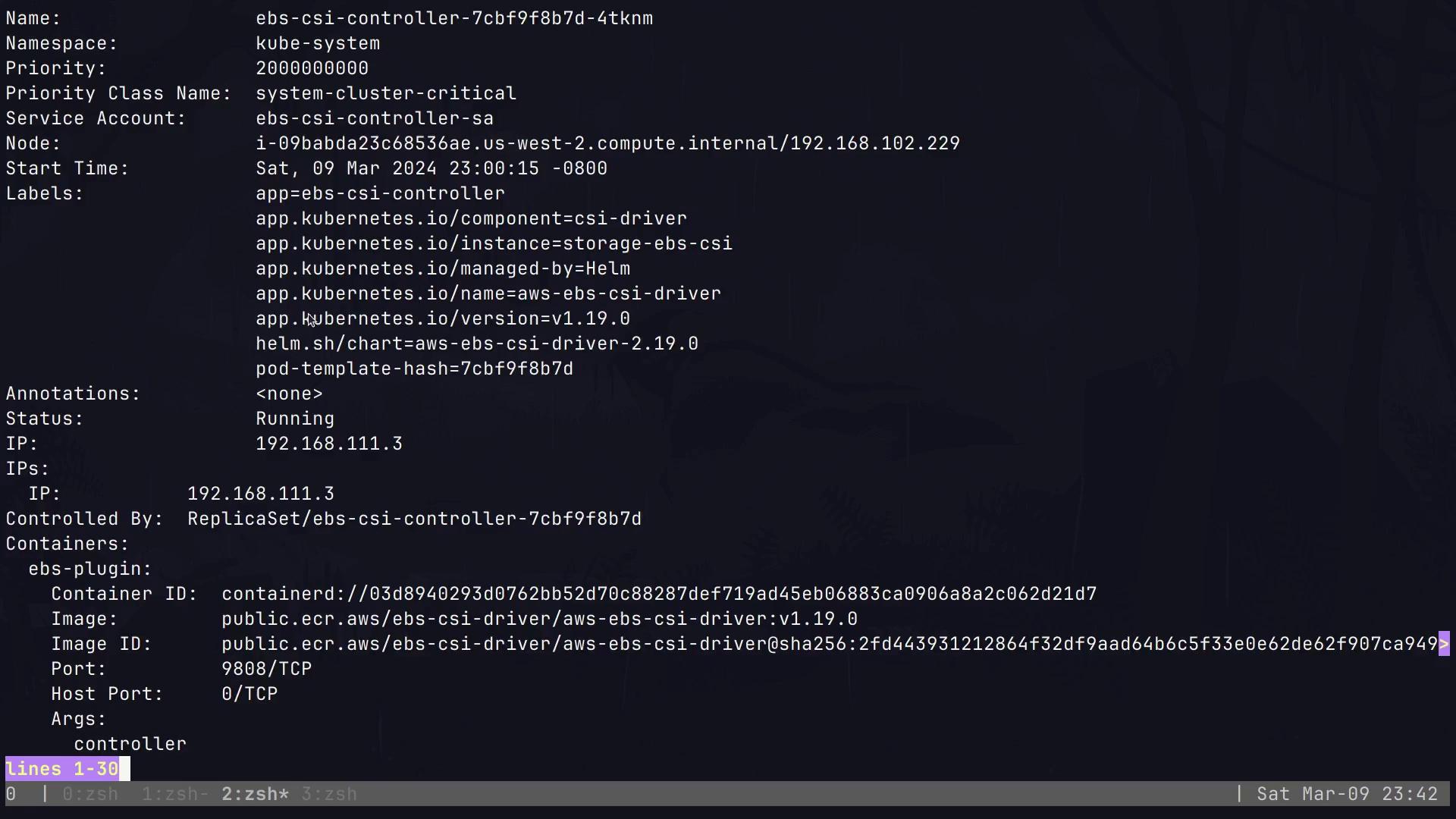
Amazon EKS employs the Container Storage Interface (CSI) to provision EBS volumes. Installing the AWS EBS CSI driver deploys:- Controller (Deployment): Manages lifecycle operations (Create/Delete) via AWS APIs
- Node DaemonSet: Handles volume attachments and mounts on each node
Verifying the CSI Driver
Check thekube-system namespace to ensure the EBS CSI controller and node plugins are running:
AWS_STS_REGIONAL_ENDPOINTS=regional:
Default StorageClasses
After installation, list the StorageClasses:WaitForFirstConsumer delays volume provisioning until a Pod is scheduled, ensuring the volume is created in the correct AZ.StatefulSet Example
Deploy a StatefulSet that requests a 16 Gi EBS volume via thegp2 StorageClass:
Verifying the Mounted Volume
Connect to the Alpine Pod and confirm the/data mount:
Persistence Across Pod Restarts
Create a test file, delete the Pod, and ensure data persists:Conclusion
By leveraging AWS EBS with the Kubernetes CSI driver, you gain reliable, low-latency, AZ-aware block storage for stateful applications on EKS. Understanding volume types, AZ constraints, and StorageClass configurations ensures robust data persistence for databases, message queues, and other critical workloads.Links and References
- AWS EBS Documentation
- Amazon EKS Documentation
- Kubernetes CSI Documentation
- Kubernetes Storage Classes