Elastic File System (EFS) is AWS’s managed NFS service, seamlessly integrating with Amazon EKS to provide shared, scalable file storage for containers. In this guide, we’ll explore EFS essentials, Kubernetes integration, performance considerations, dynamic provisioning, and a cost–capacity comparison with EBS and S3.
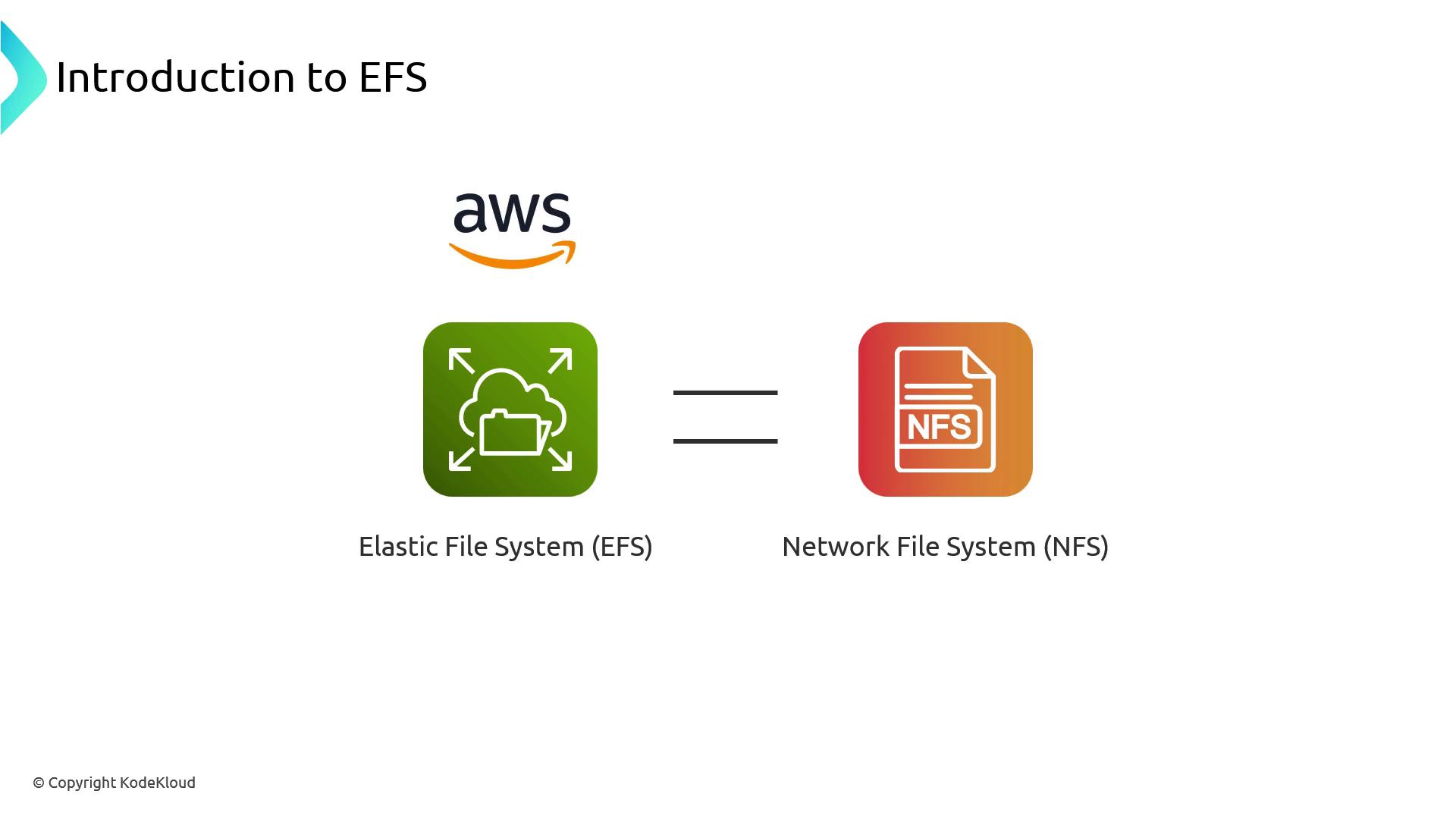
The image is an introduction to AWS Elastic File System (EFS), equating it to a Network File System (NFS), with corresponding icons for each.

What Is Amazon EFS?

EFS delivers a fully managed, elastic NFS file system that automatically scales storage up and down as you add or remove files. It abstracts away capacity planning and low-level configuration, letting developers focus on applications.
EFS provides NFSv4.1/4.2-compatible mounts with POSIX semantics, making it ideal for workloads requiring shared file access across pods and AZs.

Key Benefits of EFS
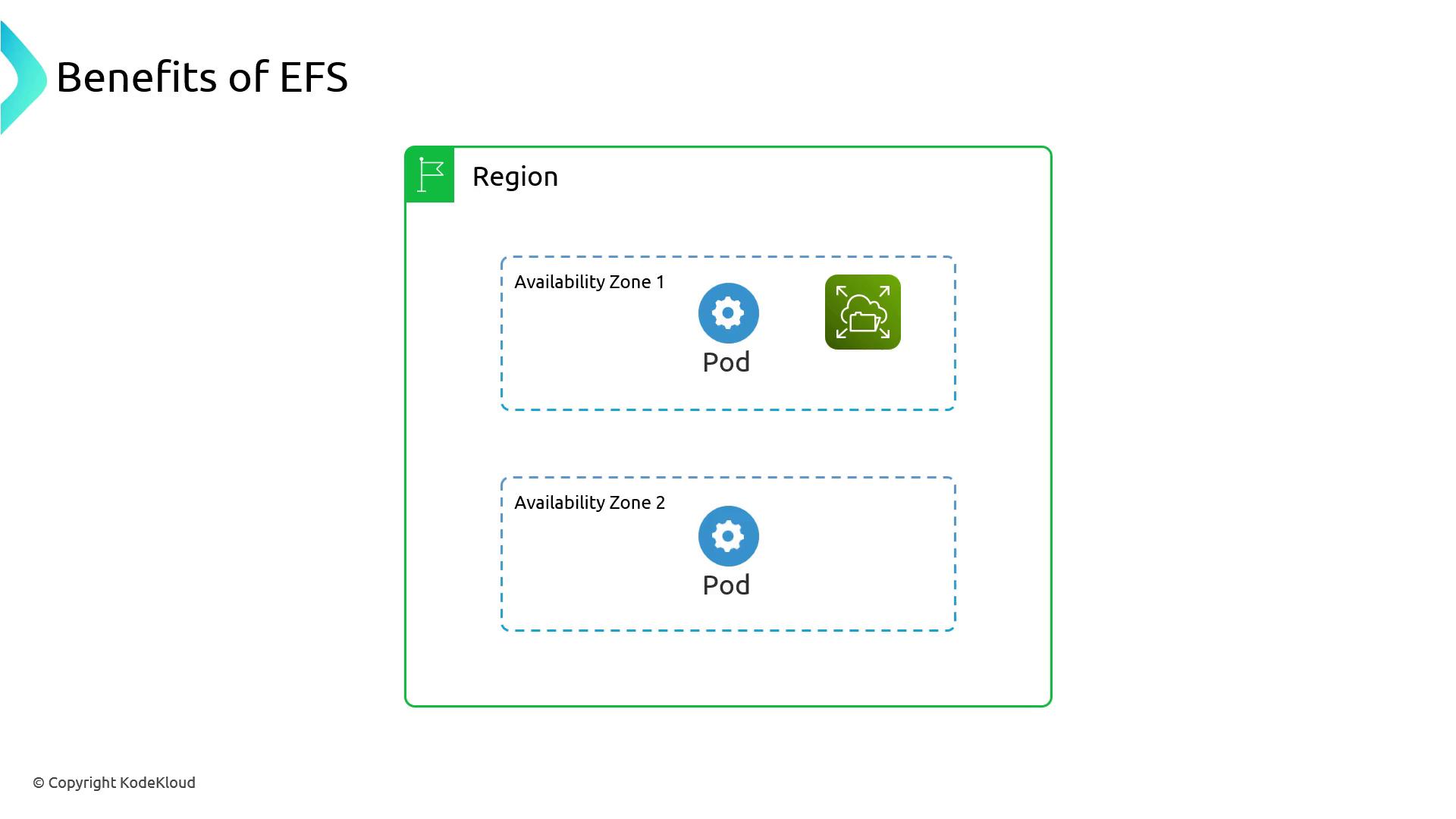
The image illustrates the benefits of EFS, showing a region with two availability zones, each containing a pod, and one zone featuring an EFS icon.

EFS Integration with Kubernetes

To use EFS in EKS, you perform infrastructure setup outside the cluster, then leverage the EFS CSI driver for mounting:
  1. Provision EFS
    • Create an EFS file system and mount targets in each subnet.
    • Configure security groups to allow NFS traffic (port 2049) from EKS node subnets.
    • Assign IAM roles or policies permitting elasticfilesystem:ClientMount and related actions.
  2. Install the EFS CSI Driver
  3. Define PV & PVC
  4. Mount in a Pod
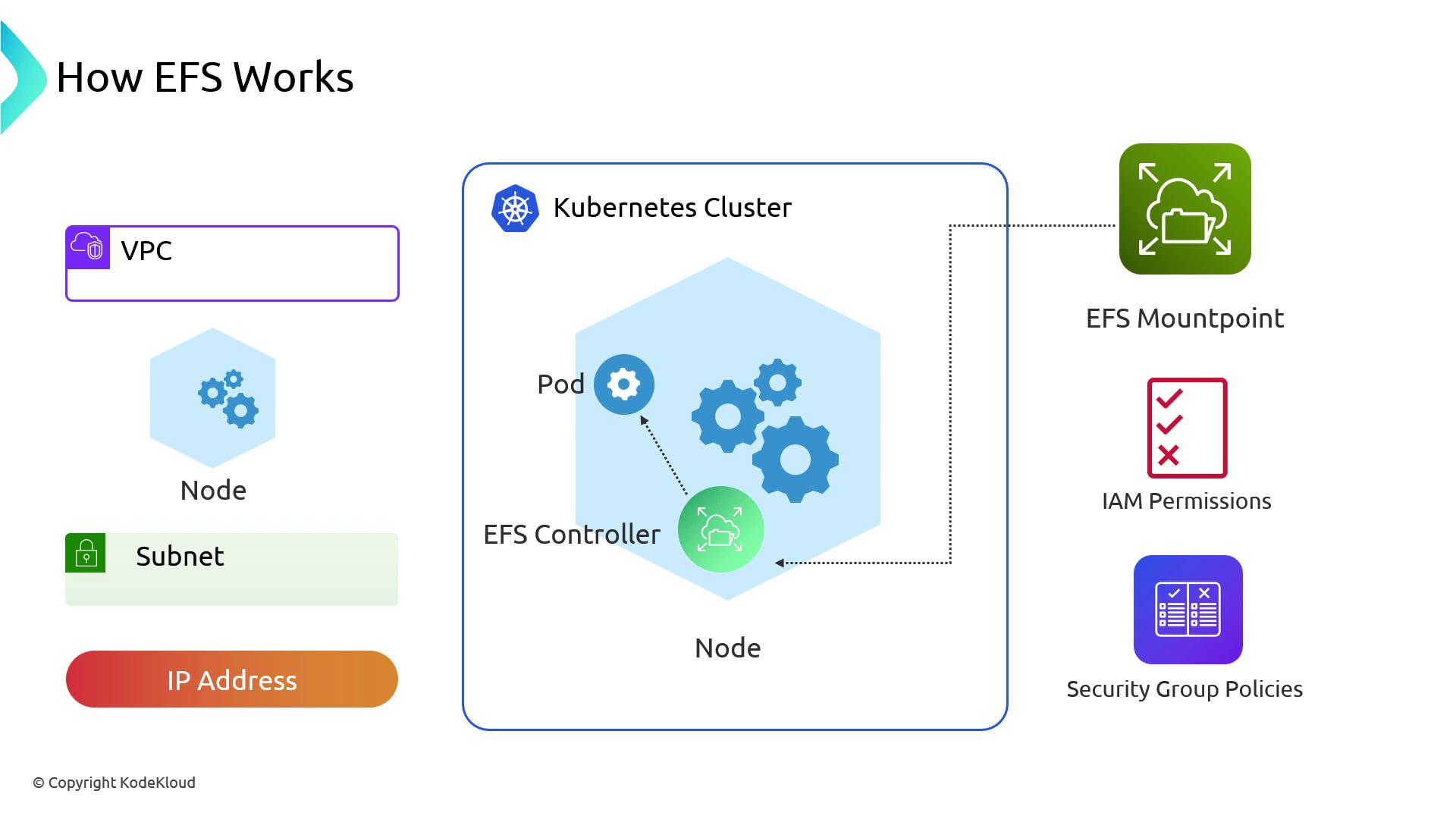
The image illustrates how Amazon EFS (Elastic File System) integrates with a Kubernetes cluster, showing components like VPC, subnets, nodes, pods, EFS mount points, IAM permissions, and security group policies.
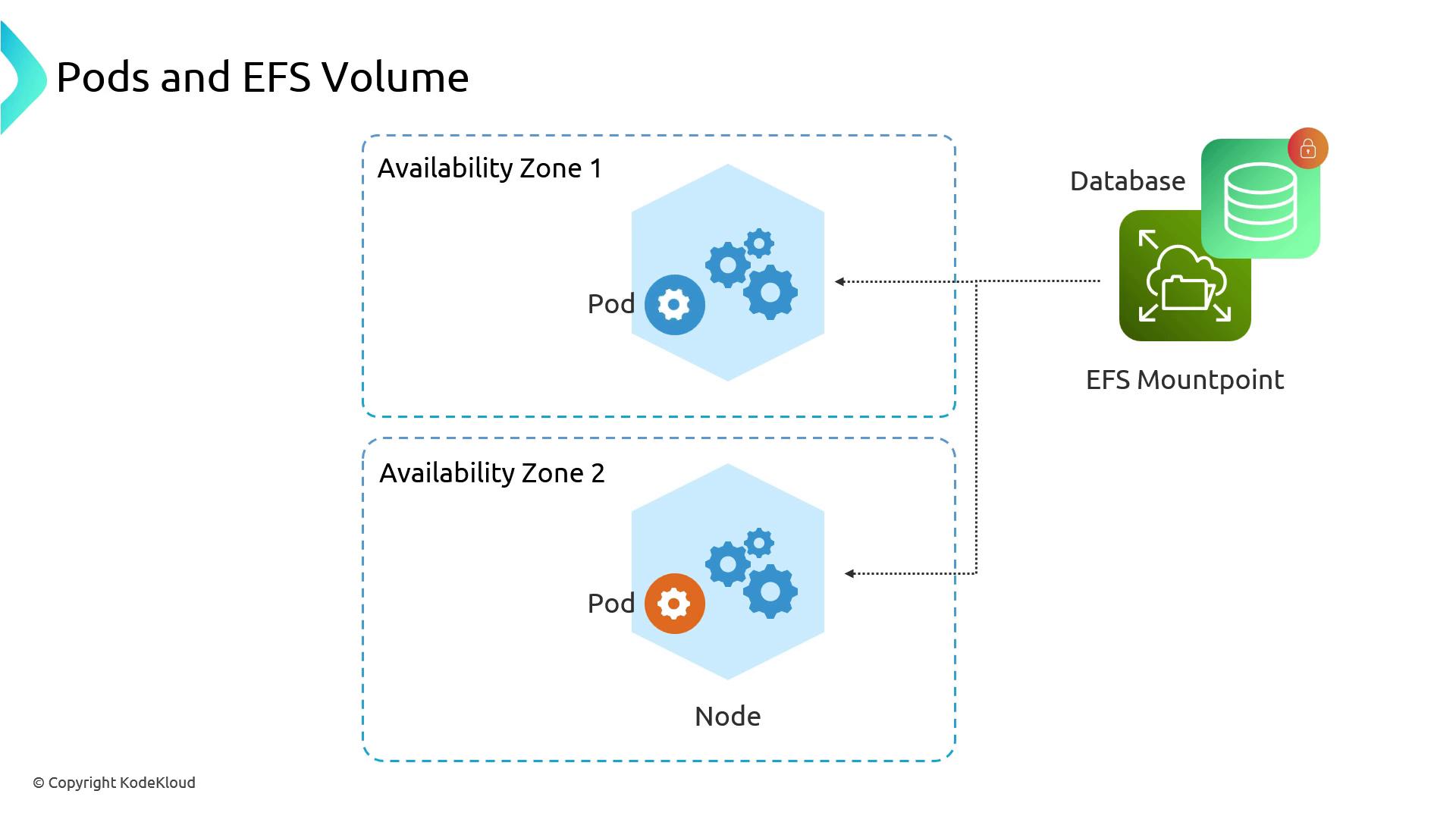
With the CSI driver, pods in any AZ can mount the same file system concurrently:
The image illustrates a diagram showing pods in two availability zones connected to an EFS mount point and a database.

Performance and Workload Considerations

EFS offers shared read/write access but inherits NFS characteristics:
  • File locking may block concurrent writes on the same file.
  • Latency can be higher than block storage for small-file operations.
  • Throughput scales with burst credits and Provisioned Throughput modes.
Running high-concurrency databases on EFS can cause I/O contention due to file locks. Evaluate workload patterns and test performance before production use.

Dynamic Provisioning

The EFS CSI driver supports creating subdirectories under one mount target for isolated PVCs. This simplifies management compared to a generic NFS provisioner:
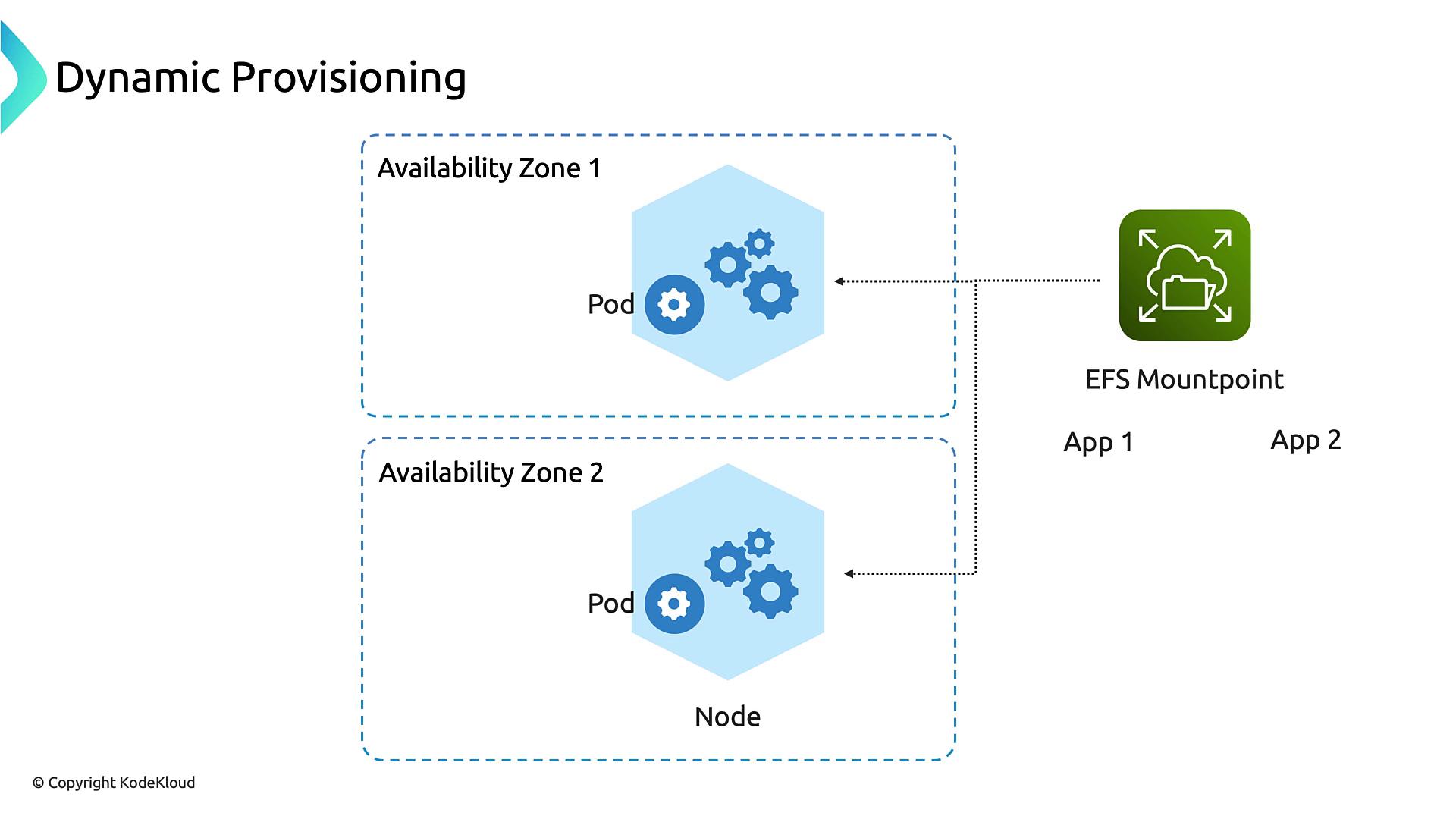
When you create a PVC using this storage class, the driver auto-creates a subpath:
The image illustrates a dynamic provisioning setup with two availability zones, each containing a pod, connected to an EFS mount point for applications.

EFS vs. EBS vs. S3: Cost and Capacity Trade-offs
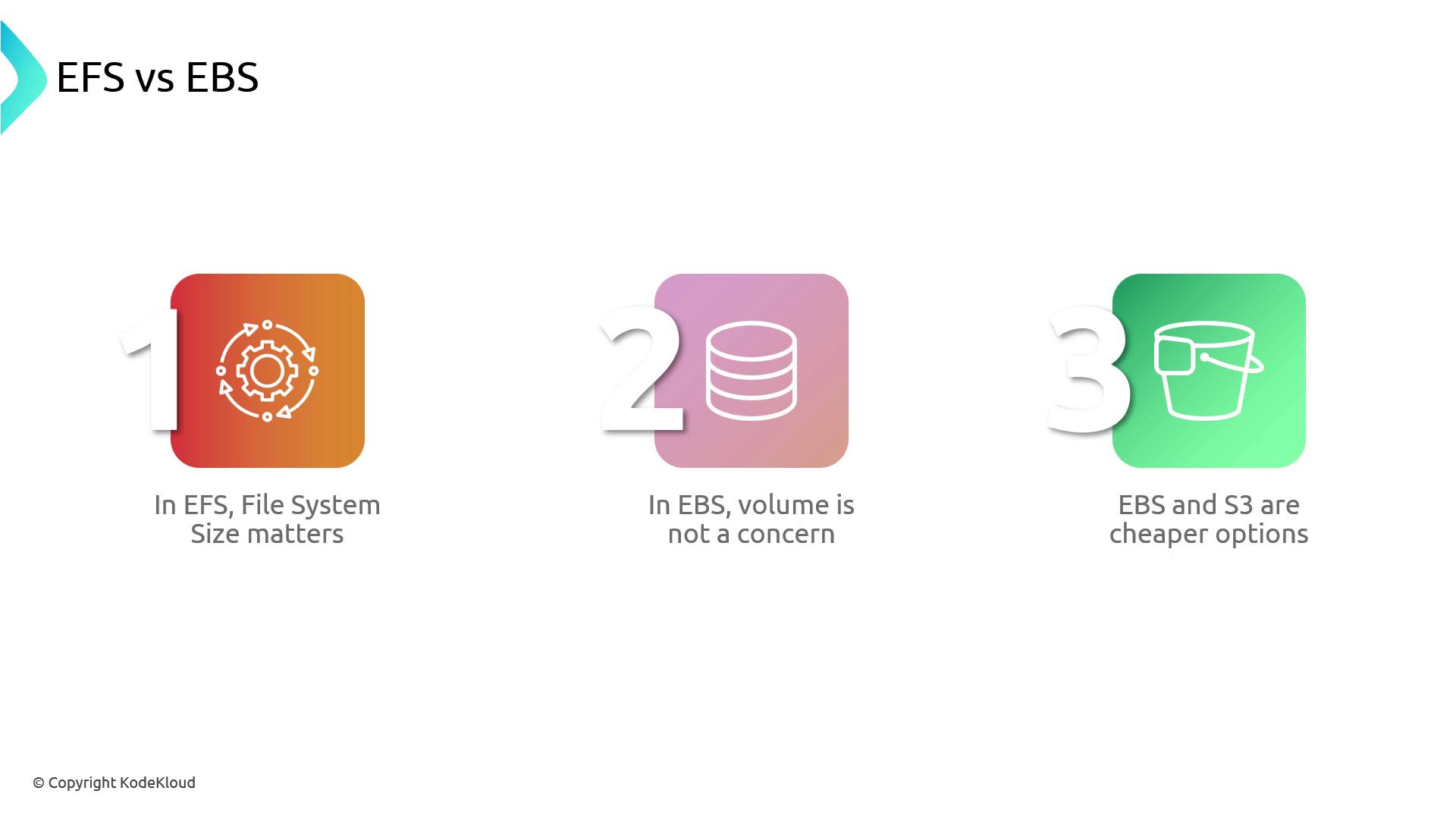
The image compares EFS and EBS, highlighting that file system size matters in EFS, volume is not a concern in EBS, and EBS and S3 are cheaper options.
Choose EFS for cross-AZ, multi-writer scenarios with POSIX semantics. Opt for EBS when you need high-performance block storage. Use S3 for inexpensive, scalable object storage.

Further Reading

Watch Video