

-
In-Place Cluster Upgrades
Perform rolling upgrades on the existing control plane and data plane. -
Blue-Green Cluster Upgrades
Provision a fresh cluster alongside the old one and migrate workloads.
In-Place Cluster Upgrade
An in-place upgrade involves two logical layers:-
Control Plane (managed by AWS EKS)
etcd, API server, controller manager, scheduler, webhooks, and other control-plane components. -
Data Plane (in your AWS account)
Node Groups, Karpenter nodes, Fargate pods, custom controllers, add-ons, and Helm charts.
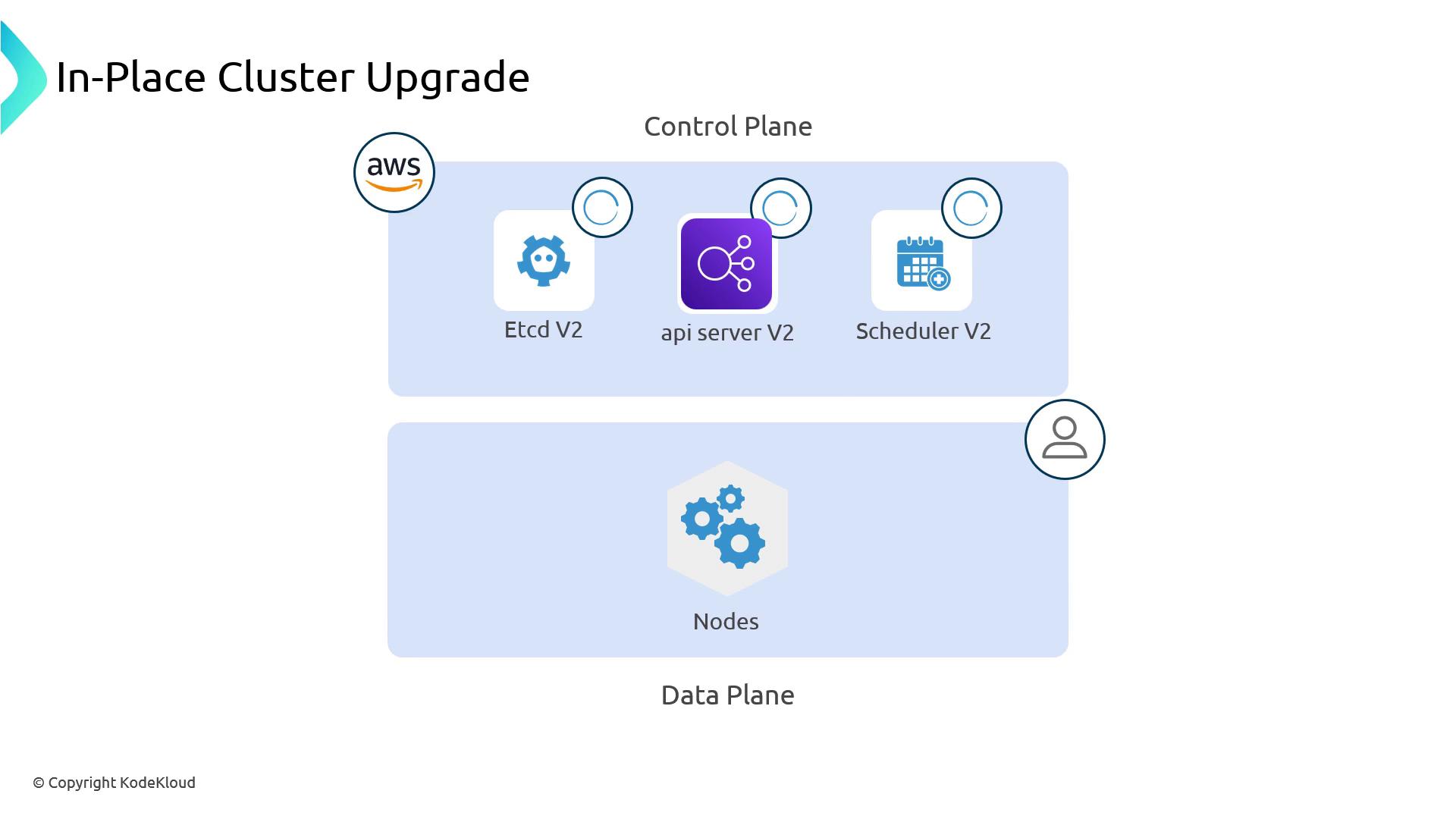
Control Plane Upgrade
When you call the EKS API to bump the Kubernetes version, AWS performs a managed, rolling upgrade:- It replaces each control-plane component (etcd, API server, scheduler, controller manager, webhooks) one at a time.
- New versions (for example, v1.30) come up behind the load balancer while old versions terminate.
- etcd data migrates automatically if a newer etcd version is required.
Always confirm that you have a backup or snapshot of your etcd data.
You can use EKS Snapshots or custom scripts.
You can use EKS Snapshots or custom scripts.
Data Plane Upgrade
Your workloads run on compute layers you control. Upgrade procedures differ by type: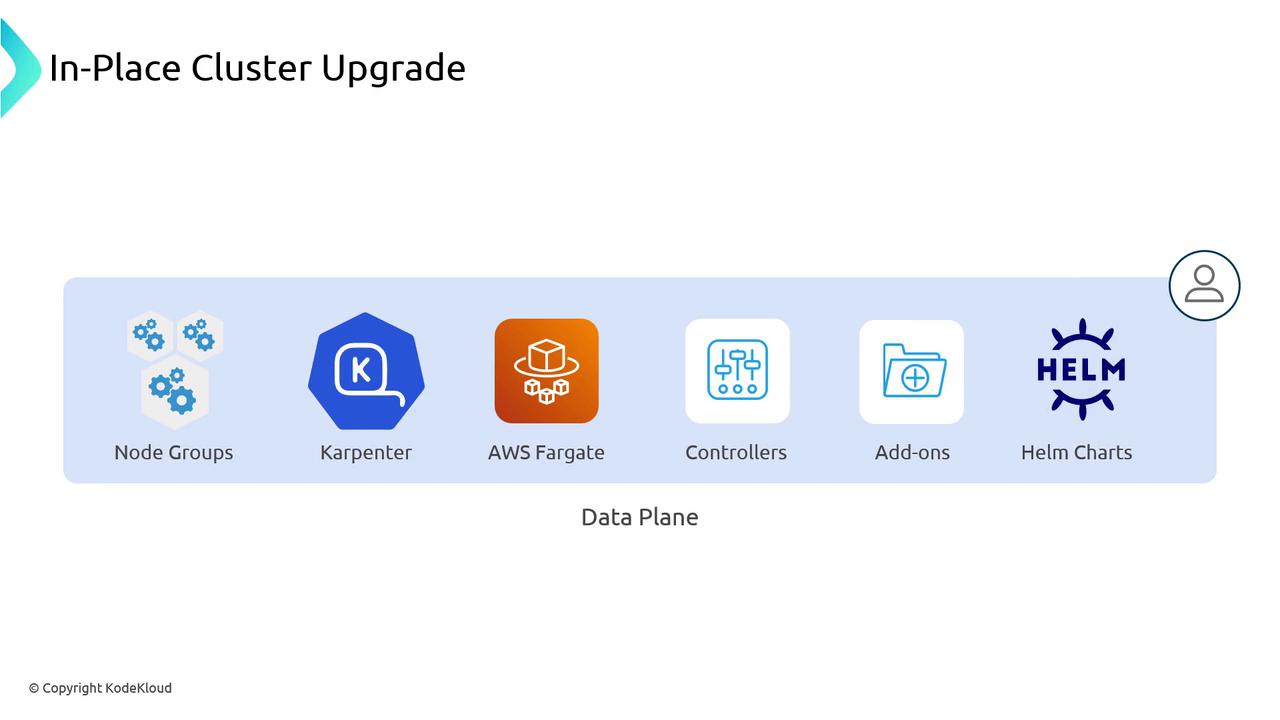
Node Groups
Node Groups use an Auto Scaling Group behind the scenes. During an upgrade:- EKS launches a new node with the updated Amazon EKS-optimized AMI (green).
- When the new node passes health checks, one old node (blue) is terminated.
- This repeats until all nodes run the target version.
Karpenter
Karpenter provisions instances dynamically based on workloads:- Detects control plane vs. node version mismatches (e.g., nodes on v1.29 while control plane is v1.30).
- Drains and terminates outdated nodes at the configured concurrency (default: one at a time).
- Launches new nodes under existing scaling and consolidation policies.
Provisioner spec to parallelize the rollout.
Fargate
Fargate schedules each pod on an ephemeral node:- After upgrading the control plane, trigger a new Deployment rollout.
- This forces pods to spin up on fresh Fargate nodes with the updated Kubernetes version.
maxUnavailable and maxSurge settings.
Managed Add-Ons
AWS provides managed add-ons (e.g., CoreDNS, kube-proxy) that do not auto-upgrade with the cluster. Perform these steps before replacing data-plane nodes:
Pre-Upgrade Compatibility Checks
Ensure your workloads and CRDs are ready for the next Kubernetes version:EKS Cluster Insights API
Use the EKS Cluster Insights API to scan for deprecated or removed resources (for example, PodSecurityPolicy removal in v1.25). It flags items you must remediate before upgrading.kubectl-no-trouble
kubectl-no-trouble inspects live cluster objects and reports API deprecations and removals in upcoming Kubernetes versions. Make sure your RBAC permits listing and describing all namespaces and resources.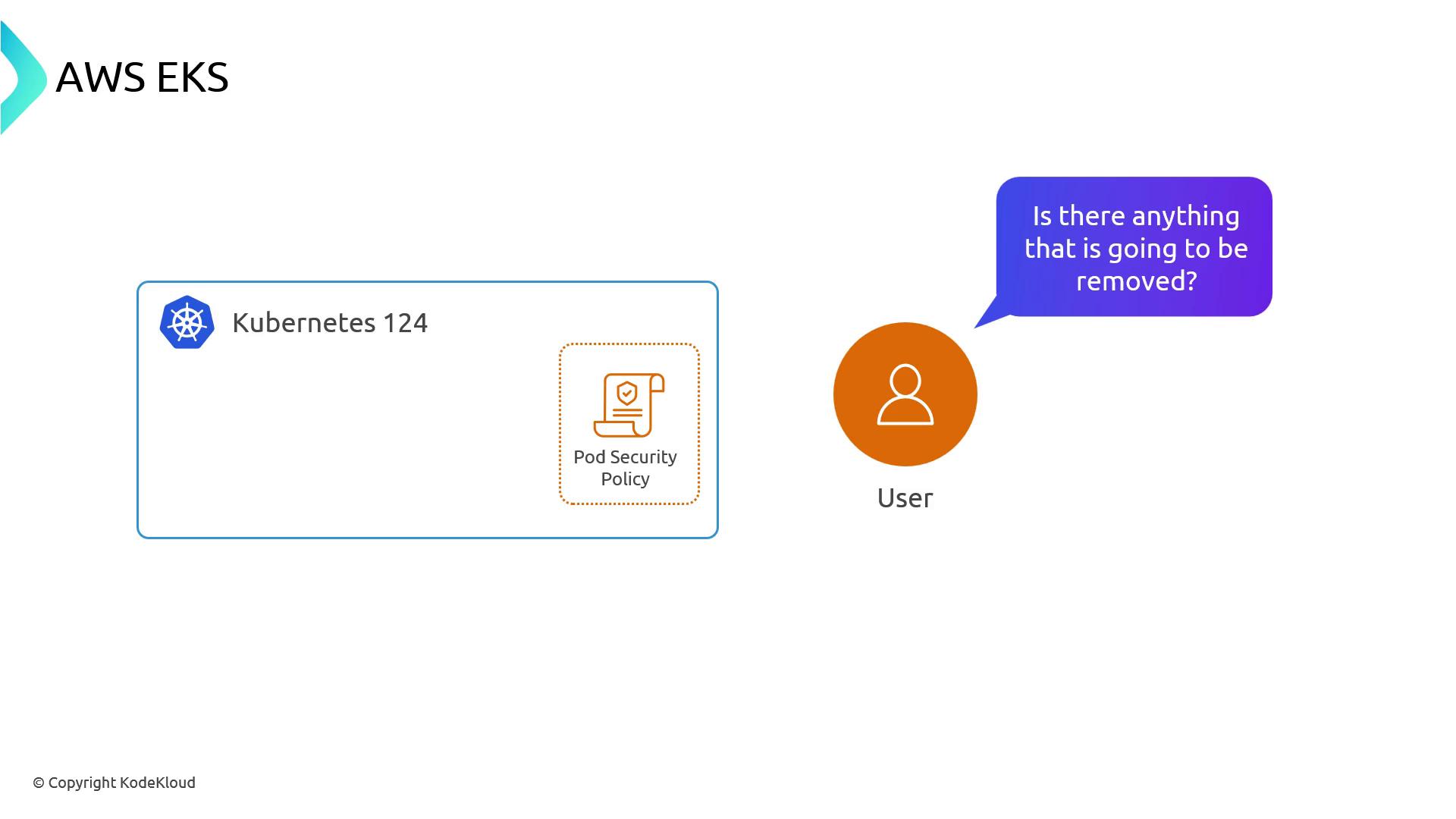
Skipping compatibility checks can lead to broken workloads post-upgrade. Always fix deprecated APIs before starting the upgrade.
Blue-Green Cluster Upgrades
Use a parallel cluster approach when:- You need fundamental changes, such as swapping the CNI from Amazon VPC CNI to Cilium.
- There is a large version gap (for example, jumping from 1.22 directly to 1.30).
Summary
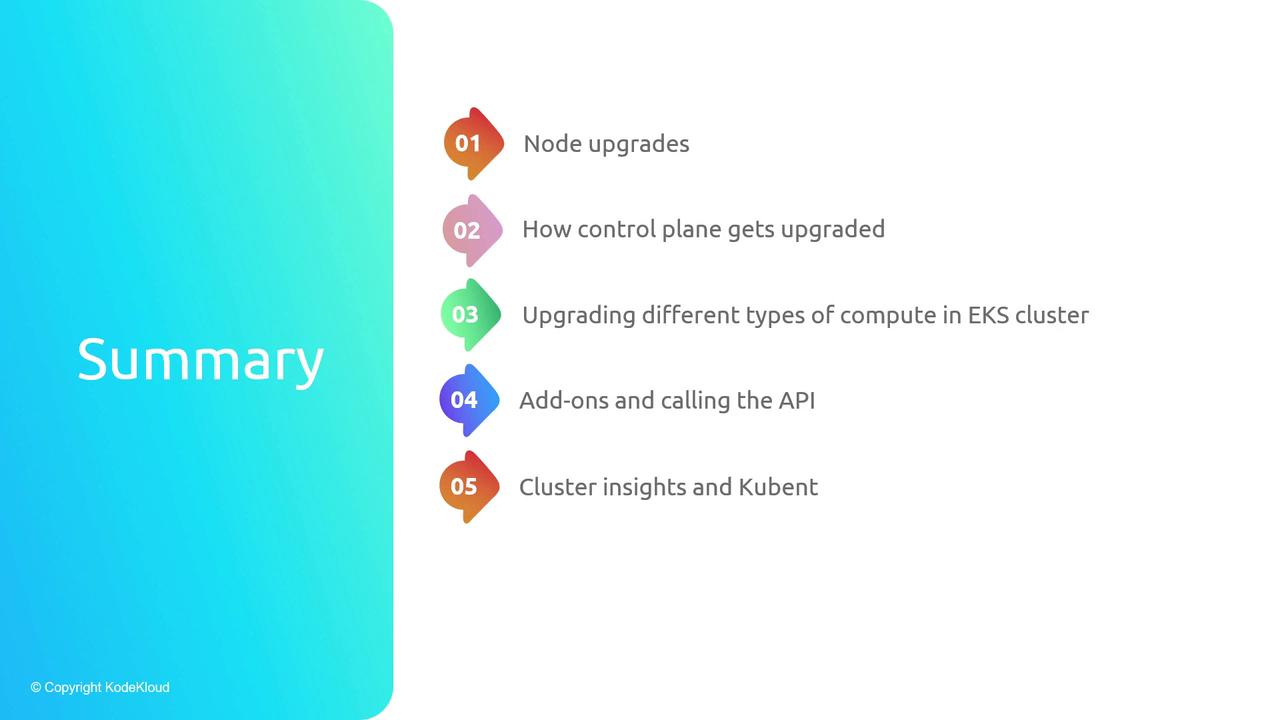
- Managed control plane upgrades via the EKS API.
- Data plane rollouts for Node Groups, Karpenter, and Fargate.
- Upgrading AWS-managed add-ons.
- Compatibility checks with the EKS Cluster Insights API and
kubectl-no-trouble. - When to choose blue-green cluster upgrades.
Links and References
- Amazon EKS Documentation
- Kubernetes Release Notes
- kubectl-no-trouble GitHub
- AWS Amazon VPC CNI GitHub
- Cilium Official Site