

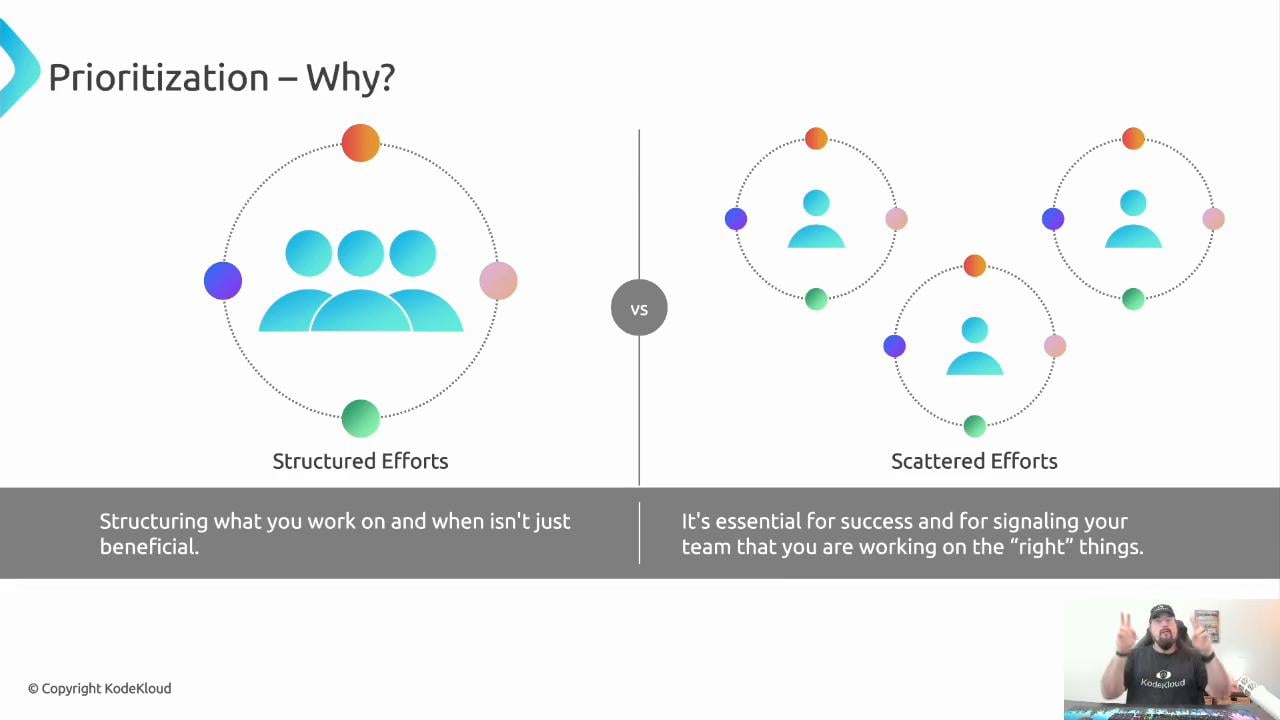
What prioritization is (and what it isn’t)
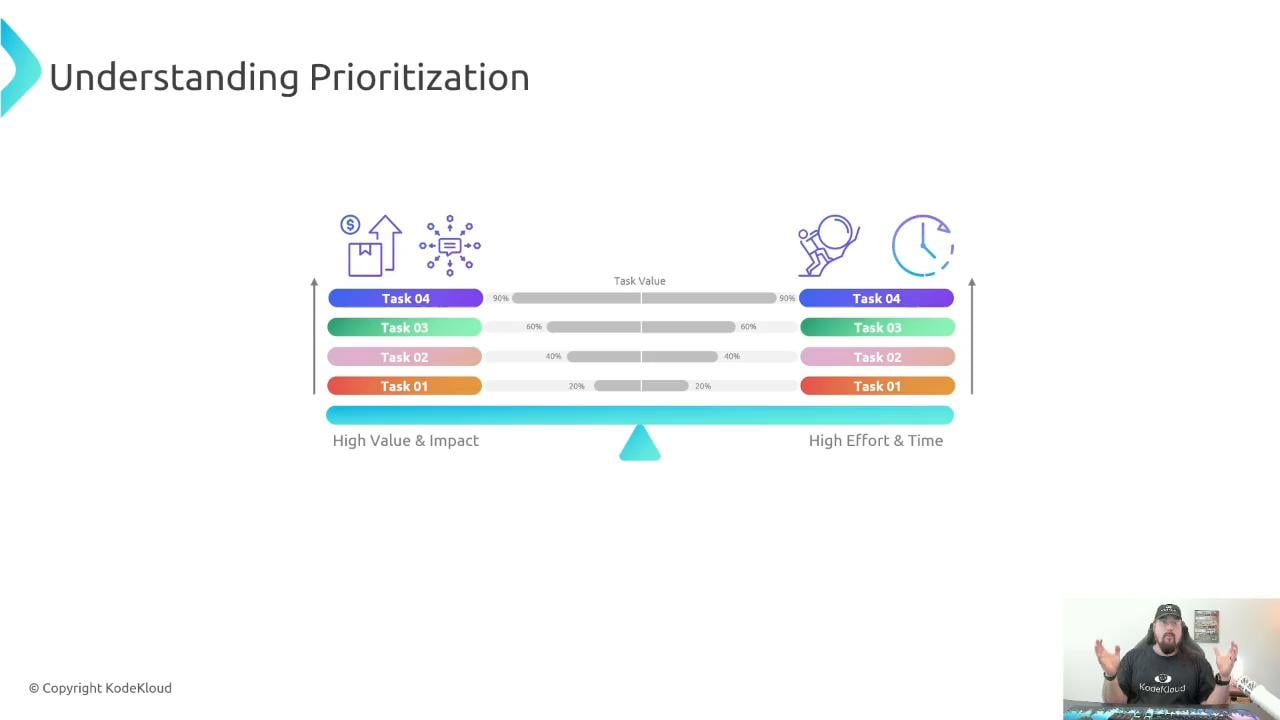
Prioritization is the practice of balancing maximum value with the shortest reasonable time to deliver that value. This does not always mean choosing the quickest tasks — sometimes a larger item with higher value is the correct early focus. The practical approach is to:- Break large items into consumable chunks (aim for units you can complete in a day or two).
- Balance impact (value) against effort and time.
- Iterate on estimates as you get feedback from completed work.
Weighted Shortest Job First (WSJF)
WSJF gives a repeatable, comparative approach to ordering work: WSJF = (Business Value + Time Criticality) / Job Size- Business Value: how much benefit completing the item brings.
- Time Criticality: how urgent or deadline-sensitive the item is.
- Job Size: the relative effort required.
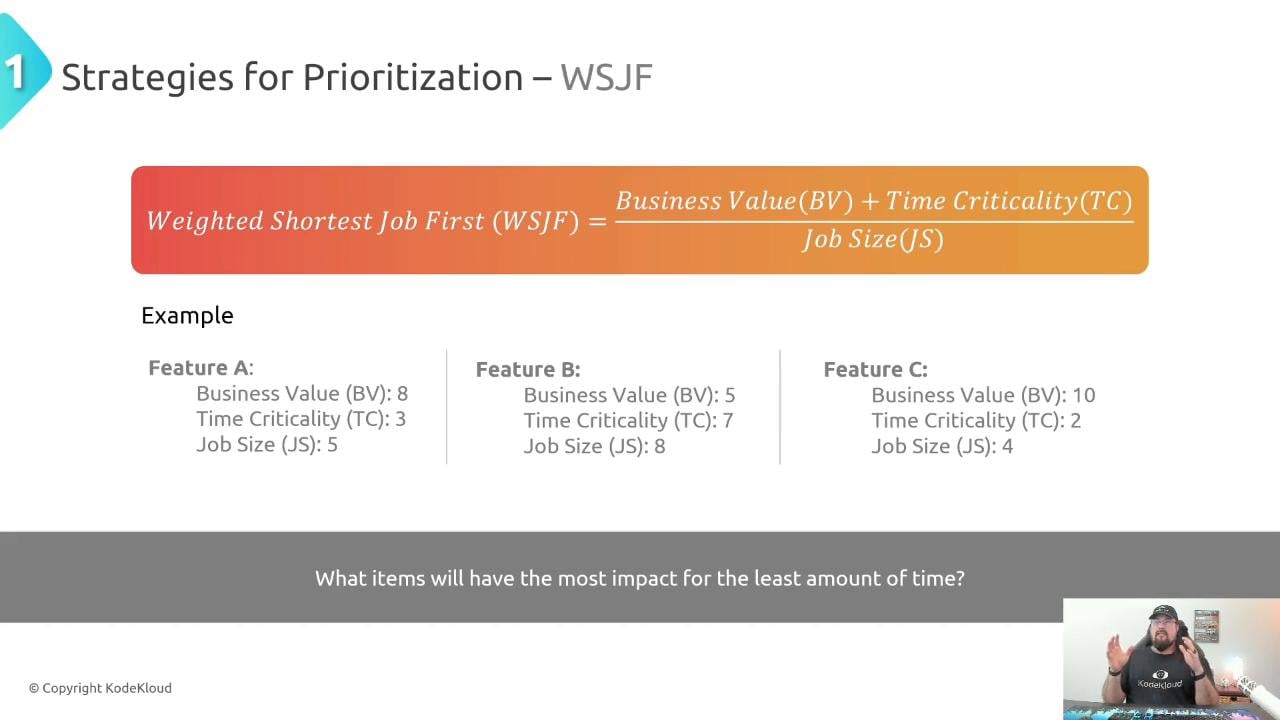
- Use a consistent rubric across the team. Define what each numeric value means (for example,
Time Criticality = 3might mean “deadline within one week”). - Express Job Size using time ranges or a relative scale (many teams use Fibonacci numbers to reduce false precision).
- Treat estimates as approximations that improve with feedback.
When you estimate, treat the numbers as a consistent rubric, not absolute truth. Revisit estimates frequently and adjust based on actuals to improve future planning.
Pareto (80/20)
Pareto is less mathematical and more judgment-based: roughly 80% of outcomes come from 20% of efforts. Identify the small set of tasks that will move the needle most and focus your attention there.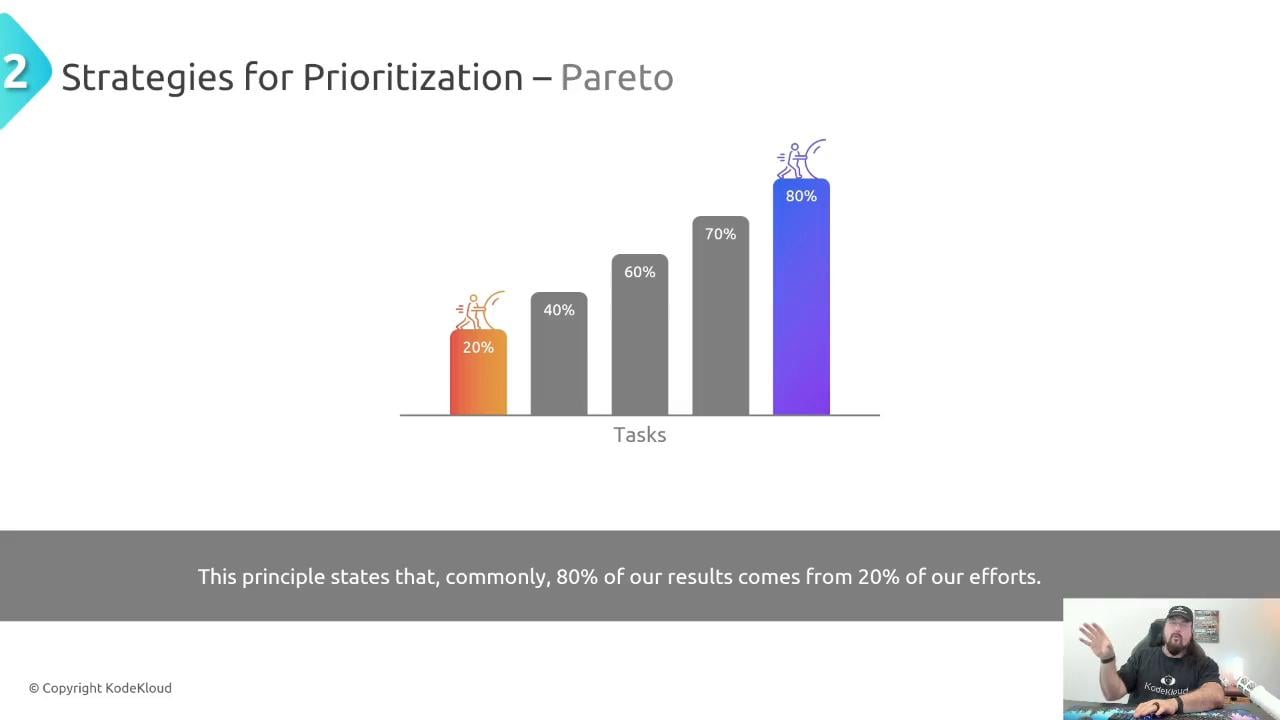
Choosing the right method
Try different approaches and adopt what fits your team and workflow. The table below summarizes strengths and trade-offs.Adapting to rapidly changing inputs
Priorities change — incidents happen and business needs shift. Adopt a mindset for a rapidly changing reality (RCR) and ensure changes are communicated clearly and immediately.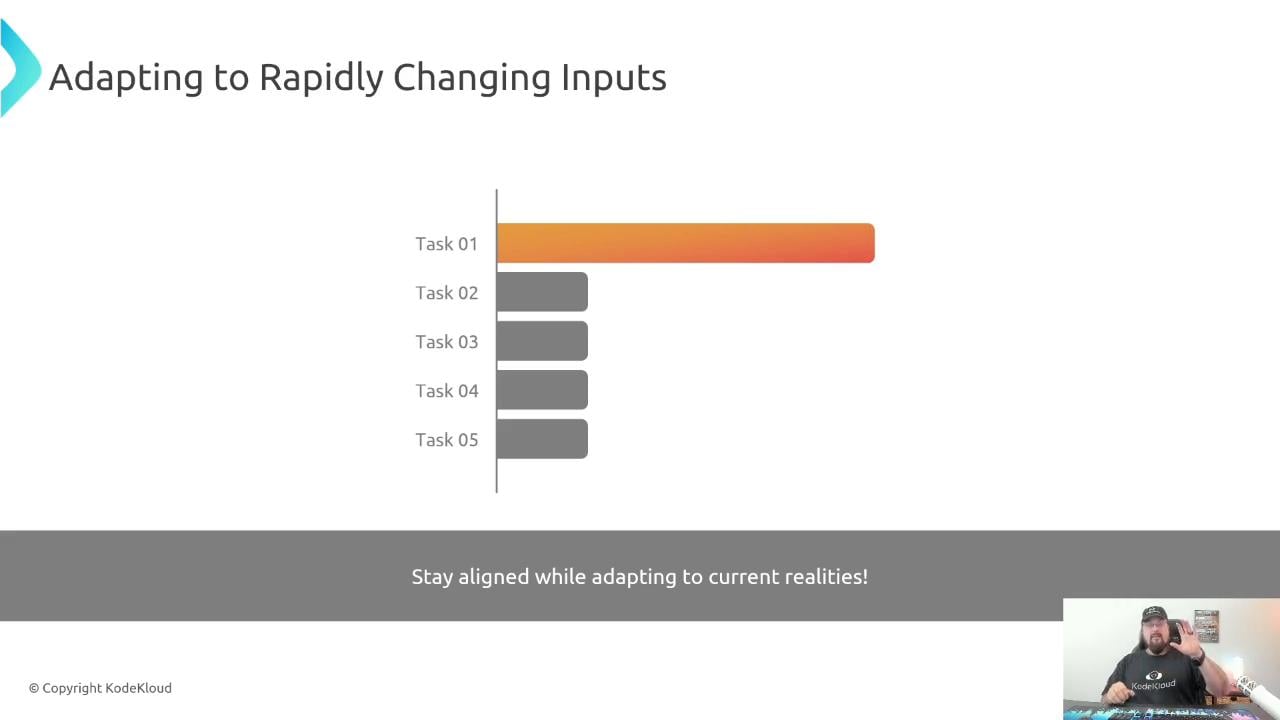
- Notify stakeholders immediately.
- If you demote someone else’s agreed task, engage affected parties to renegotiate. Silent reprioritization breaks agreements and erodes trust.
If you change an agreed priority and don’t communicate it, you effectively break your agreement with stakeholders — always notify and, when appropriate, involve them in the decision.
Separate interrupt-driven work from project work
Work generally falls into two buckets:- Interrupt-driven work: support tickets, incidents, ad hoc requests.
- Project or deep-focus work: planned feature development, research, or major deliverables.
- Example rotational schedule: 90 minutes for interrupts, 90 minutes for project work; repeat and adjust to fit SLAs and team needs.
- If continuous coverage is required, rotate the interrupt role to avoid burnout.
Visualize your work
Make work visible using a simple board (To Do → In Progress → Completed, with an optional Backlog). Visual boards reduce context switching and help stakeholders see priorities and progress.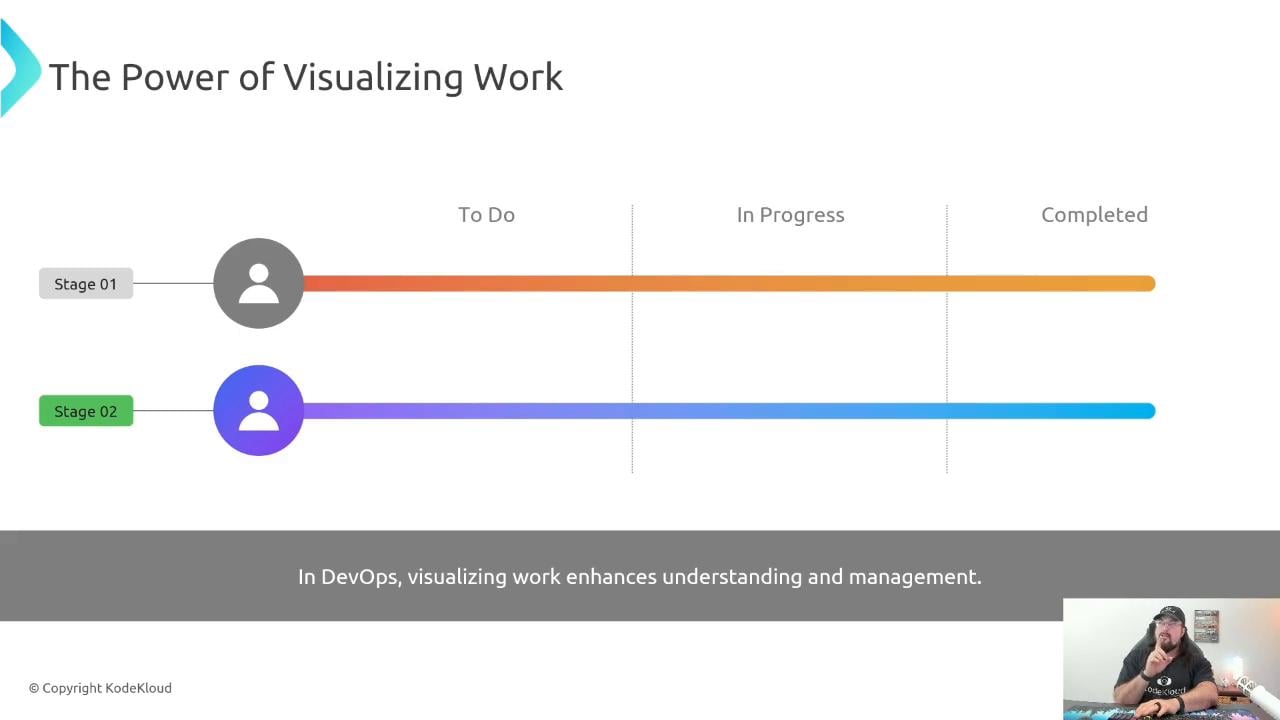
- Pull the top-priority item into “In Progress.”
- Focus on one item (or a very small number) until it’s done.
- Move it to “Completed” and pull the next item.
How prioritization ties into time management and capacity planning
These three disciplines are tightly connected:- Prioritization: What to do first.
- Time Management: When you will work on it (time-boxing).
- Capacity Planning: Who will do the work.
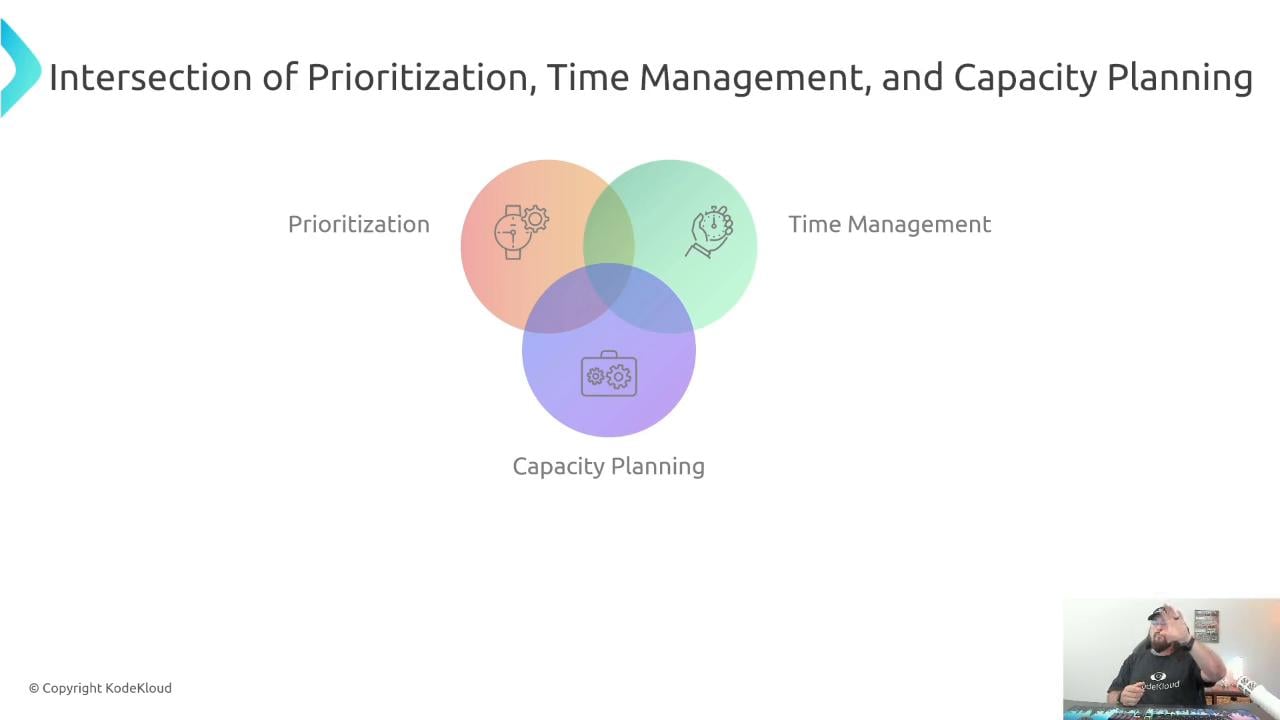
- What are we doing?
- When will we work on it?
- Who will do it?
Summary
- Prioritize work to maximize value for the least reasonable effort.
- Use WSJF, Pareto (80/20), FIFO, or the Eisenhower Matrix depending on your context.
- Define consistent rubrics for Business Value, Time Criticality, and Job Size; iterate on estimates using feedback.
- Communicate priority changes immediately to stakeholders.
- Separate interrupt-driven and project work to reduce context switching and missed deadlines.
- Visualize work to make priorities and progress visible.
- Combine prioritization with time management and capacity planning to set achievable plans.
Links and references
- Kubernetes Basics
- Prioritization techniques overview (external resource)
- Lean/Agile WSJF explanation (external resource)