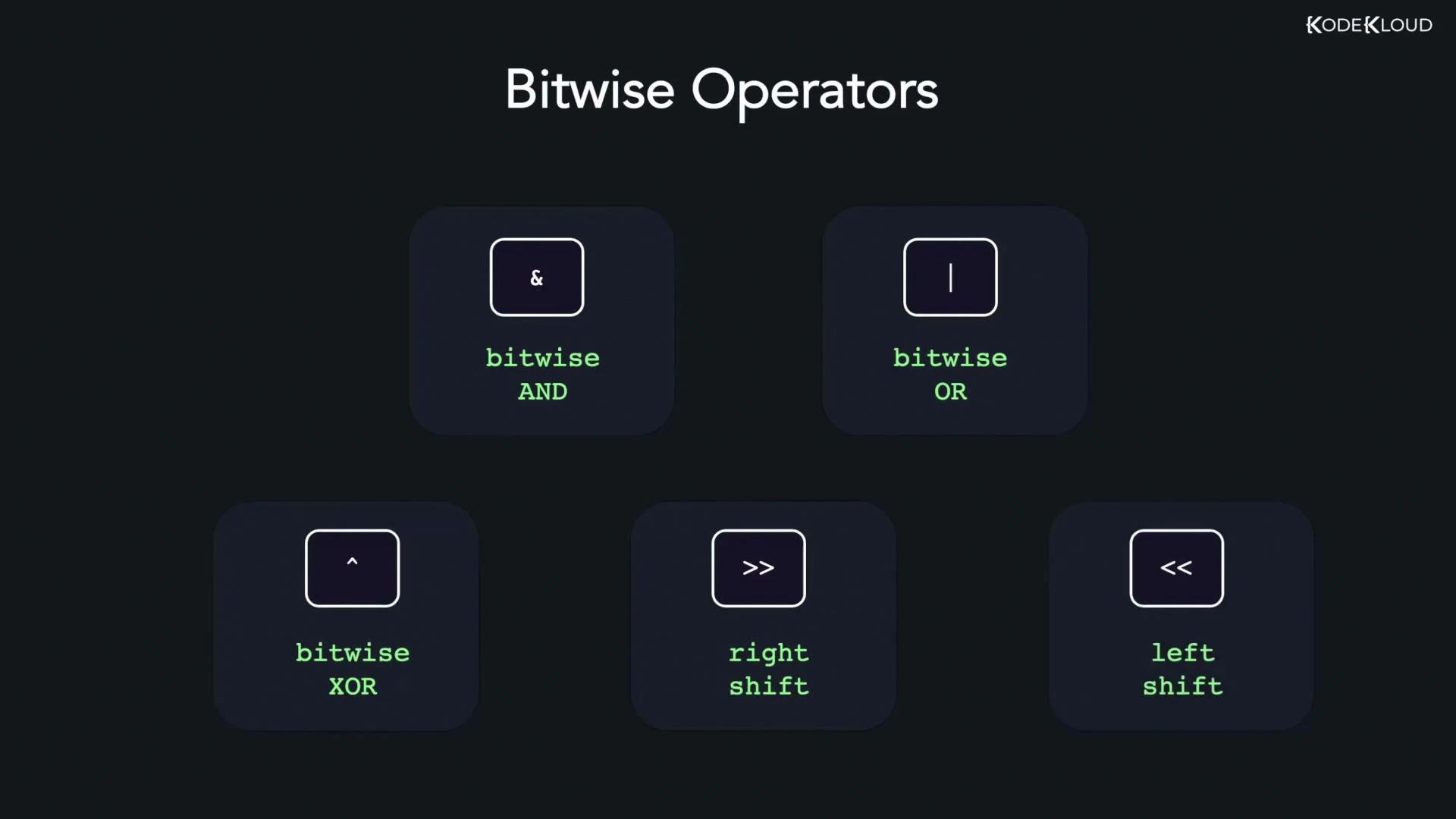
Bitwise operators work directly on the binary representation of integer values, manipulating one bit at a time. In Go, these operators are essential for low-level programming, bit masks, flags, and efficient arithmetic (shifts are equivalent to multiplying/dividing by powers of two for non-negative integers). This guide covers the Go bitwise operators with clear binary demonstrations and runnable examples.
  • Bitwise AND (&)
  • Bitwise OR (|)
  • Bitwise XOR (^)
  • Left shift (<<)
  • Right shift (>>)
A dark presentation slide titled "Bitwise Operators" showing five labeled tiles for & (bitwise AND), | (bitwise OR), ^ (bitwise XOR), >> (right shift) and << (left shift). The KodeKloud logo appears in the top-right corner.
Use cases
  • Flags and bit masks (packing multiple boolean flags into one integer)
  • Performance-sensitive arithmetic (shift-based multiply/divide by powers of two)
  • Low-level protocol parsing, embedded and systems programming
Operator quick reference
OperatorMeaningExample
&Bitwise AND — 1 if both bits are 112 & 25 // 8
|Bitwise OR — 1 if at least one bit is 112 | 25 // 29
^Bitwise XOR — 1 if bits differ12 ^ 25 // 21
<<Left shift — shift bits left (multiply by 2^n for non-negative)212 << 1 // 424
>>Right shift — shift bits right (divide by 2^n for non-negative)212 >> 2 // 53
Bitwise AND (&) Bitwise AND compares each bit of two operands and yields 1 only when both corresponding bits are 1; otherwise the result bit is 0. Example: 12 & 25
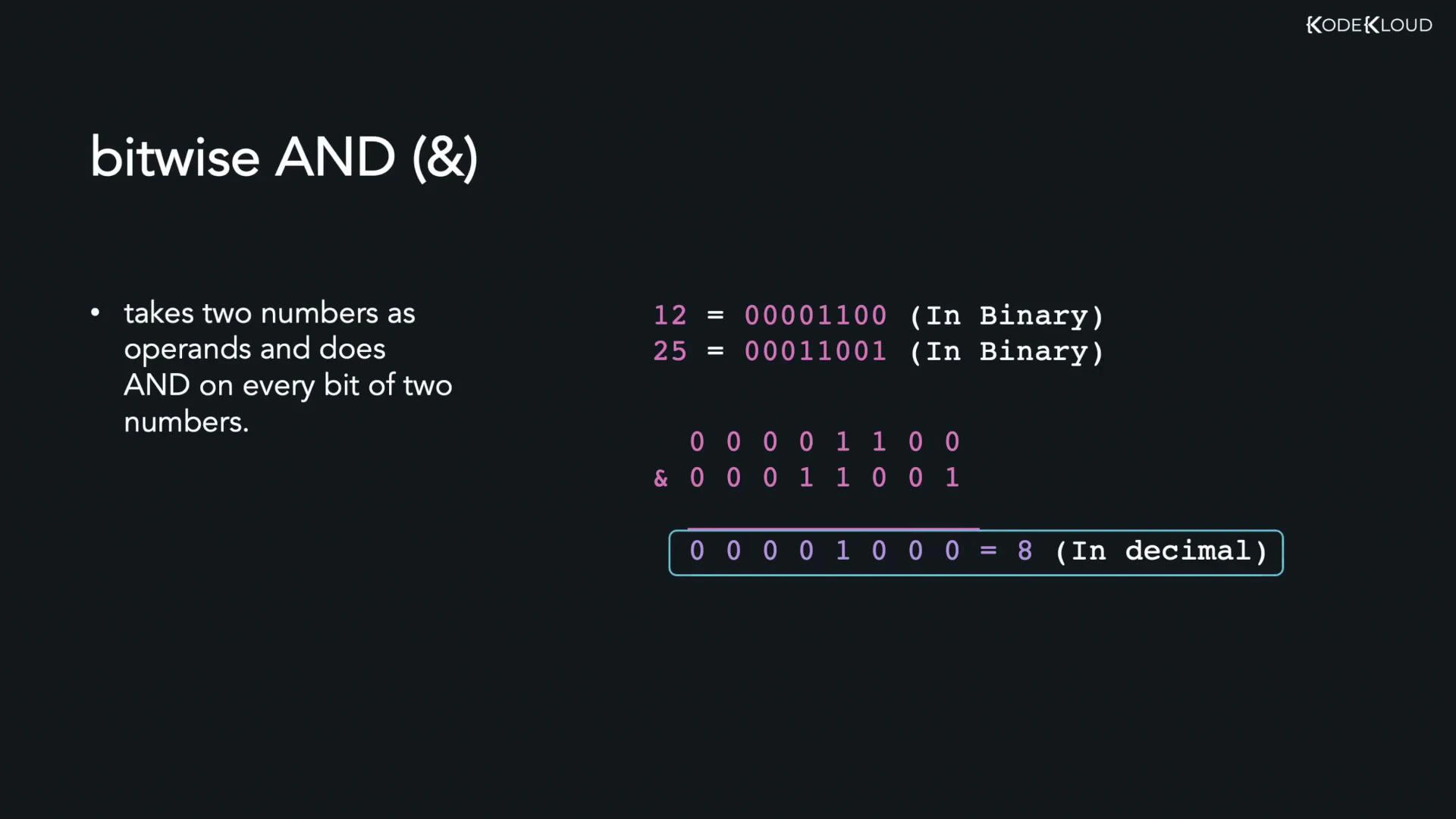
A presentation slide explaining the bitwise AND (&) operator. It shows the binary example 12 = 00001100 AND 25 = 00011001 resulting in 00001000, which equals 8.
Binary demonstration:
12 = 00001100
25 = 00011001
     --------
AND = 00001000 = 8
Go example:
package main

import "fmt"

func main() {
	var x, y int = 12, 25
	z := x & y
	fmt.Println(z) // 8
}
Bitwise OR (|) Bitwise OR yields 1 if at least one corresponding bit is 1; it yields 0 only if both bits are 0. Binary demonstration for 12 | 25:
12 = 00001100
25 = 00011001
     --------
 OR  = 00011101 = 29
Go example:
package main

import "fmt"

func main() {
	var x, y int = 12, 25
	z := x | y
	fmt.Println(z) // 29
}
Bitwise XOR (^) Bitwise XOR (exclusive OR) produces 1 when the corresponding bits differ, and 0 when they are the same. Binary demonstration for 12 ^ 25:
12 = 00001100
25 = 00011001
     --------
 XOR = 00010101 = 21
Go example:
package main

import "fmt"

func main() {
	var x, y int = 12, 25
	z := x ^ y
	fmt.Println(z) // 21
}
Note: In Go, ^ is also the unary bitwise NOT (complement) when used with a single operand (for example ^x flips all bits of x). In the examples above ^ is used as a binary XOR operator.
Left shift (<<) Left shifting moves bits to the left, inserting zeros on the right. For non-negative integers, shifting left by n is equivalent to multiplying by 2^n (subject to type limits and overflow). Example: 212 << 1 Binary demonstration:
212 = 11010100
212 << 1 = 110101000 = 424
Go example:
package main

import "fmt"

func main() {
	var x int = 212
	z := x << 1
	fmt.Println(z) // 424
}
Run the program:
go run main.go
# Output:
# 424
Right shift (>>) Right shifting moves bits to the right, discarding bits shifted out on the right. For unsigned or non-negative signed integers, right shifting by n is equivalent to integer division by 2^n, rounding down. Example: 212 >> 2 Binary demonstration:
212 = 11010100
212 >> 2 = 00110101 = 53
Go example:
package main

import "fmt"

func main() {
	var x int = 212
	z := x >> 2
	fmt.Println(z) // 53
}
Be careful with signed integers and right shifts: the fill behavior for the leftmost bits (sign extension vs. zero fill) depends on the type and implementation. For predictable behavior, use unsigned integers (uint, uint32, uint64) when performing bit-level shifts.
Further reading and references

Watch Video

Practice Lab