

Why Learn Linux?
Linux is the predominant server operating system worldwide. According to insights from Stack Overflow and other reputable sources:- Every flavor of Linux is widely utilized.
- All 500 of the fastest supercomputers run on Linux.
- 96.3% of the top 1 million websites operate on Linux.
- Approximately 86% of all smartphones are powered by Linux.
The Growing Demand for Linux Skills
The rapid rise of DevOps has created a significant need for professionals with strong Linux, cloud, and DevOps fundamentals. Almost every new job posting now demands a basic understanding of these areas. Engineers in organizations that leverage DevOps and cloud technologies need to be comfortable with:- Using the Linux command line
- Managing system configurations
- Maintaining security and networking practices in a Linux environment
This course features hands-on labs designed to help you practice and apply Linux fundamentals in real-world scenarios.
Course Structure and Learning Approach
Our course uses a story-driven format to contextualize important Linux concepts. Inspired by narrative styles in books like The Phoenix Project and The Unicorn Project, you’ll follow Bob, a new intern at Caleston Technologies. Bob faces challenges while building and deploying an application for a client demo, all while navigating a Linux-based environment across both his laptop and servers. Throughout the course, you will:- Follow Bob’s journey as he explores the Linux operating system.
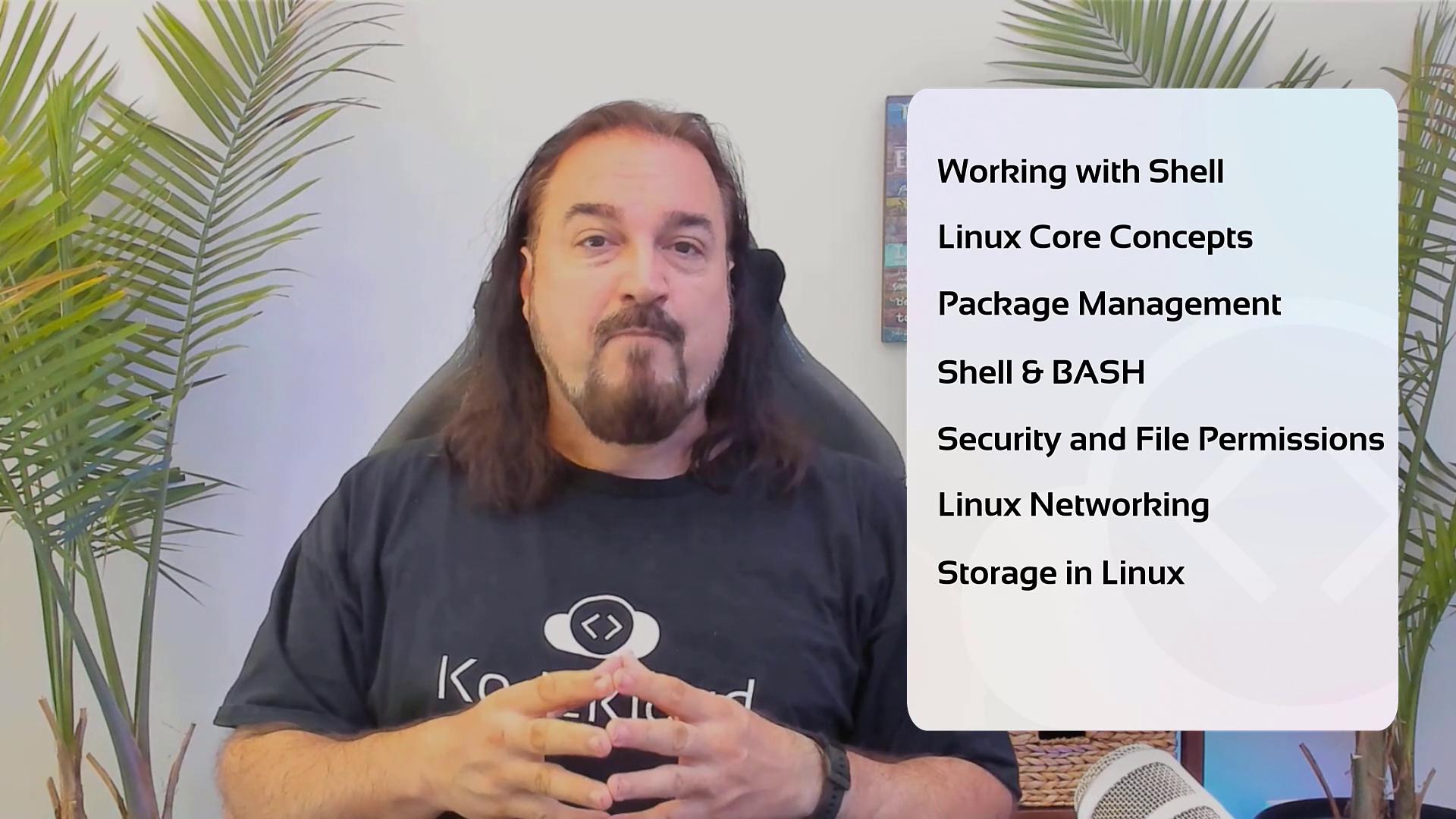
- Learn how to interact with the terminal and understand the shell, which serves as the gateway to the Linux kernel.
- Study core Linux concepts that help you understand how systems operate.
- Explore various package management methods used by different Linux distributions.
- Gain confidence in navigating the command line, manipulating files, and using a variety of text editors.
- Understand file-level security, configure permissions, and implement essential Linux security practices.
- Troubleshoot networking connectivity issues effectively.
- Configure storage options including disk formatting, mounting, and creating logical volume groups.
- Set up custom applications to start on boot using SYSTEMD, the primary initializer for Linux services.
All labs are executed directly in your browser, eliminating the need for local environment setup so you can start practicing immediately.