

Files, Inodes, and Link Counts
Every file on a Linux filesystem (ext4, XFS, etc.) is represented by an inode. The inode stores metadata—permissions, timestamps, and pointers to data blocks on disk. The “Links” count in thestat output shows how many directory entries (hard links) reference that inode.
Let’s simulate Aaron saving a photo of his dog:
Why Use Hard Links?
Copying files duplicates data and consumes extra space:Hard links only work on regular files within the same filesystem. See limitations below.
Inspecting Link Counts
After creating the hard link, check the link count again:Links: 2 confirms two directory entries point to the same inode.
Removing Hard Links
-
If Aaron removes his entry:
-
Only when all links are removed does the filesystem reclaim the inode and free the data blocks:
Limitations of Hard Links
You cannot:- Link directories (to prevent cycles in the filesystem tree).
- Cross filesystem boundaries (e.g., SSD → external drive).
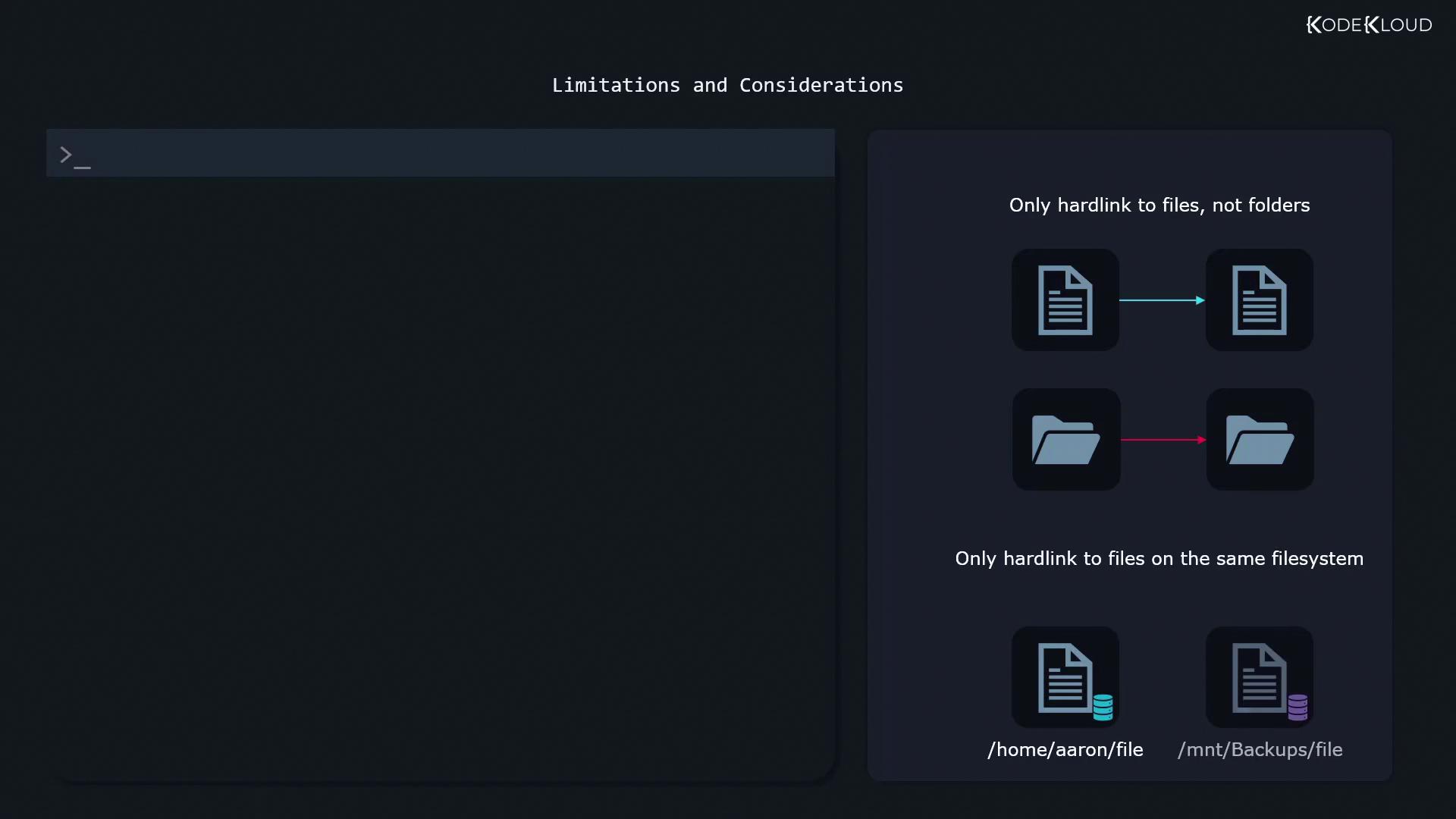
Attempting to
ln a file across different mounts will fail silently or return an error: