

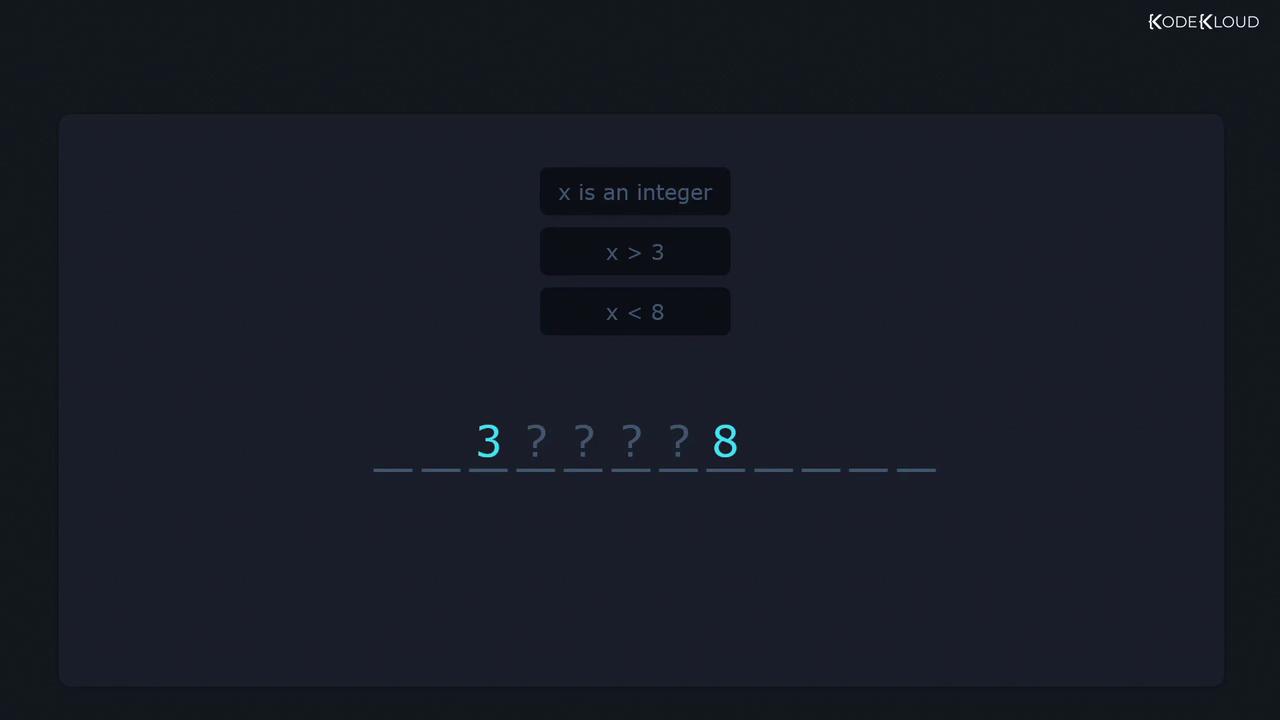
grep queries. For instance, when you need to extract all IP addresses (e.g., 203.102.3.5) from hundreds of scattered files, a basic search for numbers and dots may yield invalid matches like 1.2. Regex allows you to impose precise conditions—just as you specify “x > 3” and “x < 8” in a math puzzle to limit x to 4, 5, 6, or 7.
grep to filter and analyze text on Linux.
Core Regex Operators
![The image displays a set of regex operators, including symbols like ^, $, ., *, +, {}, ?, |, [], (), and [^].](https://kodekloud.com/kk-media/image/upload/v1752881463/notes-assets/images/Linux-System-Administration-for-Beginners-Analyze-text-using-basic-regular-expressions/regex-operators-symbols-set.jpg)
grep examples—starting simple and building in complexity.
The Caret (^) – Match Beginning of Line
Given a filenames.txt:
sam returns any line containing that substring:
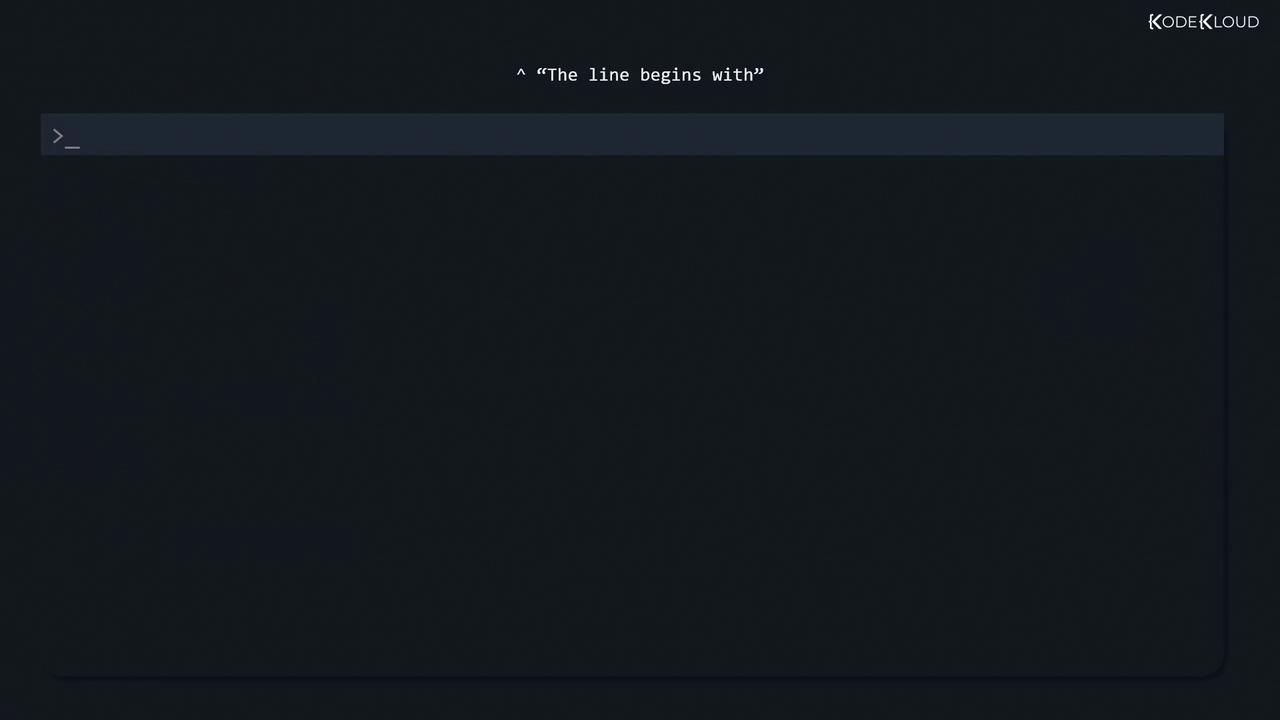
sam, anchor the pattern with ^:
The Dollar Sign ($) – Match End of Line
To find lines ending with a pattern, append$:
/etc/login.defs, search for lines containing the digit 7:
7:
mail:
The Dot (.) – Match Any Single Character
A dot (.) matches exactly one character. For example, c.t will match cat, cut, c1t, and even parts of longer strings:
-w option:
Escaping Special Characters
To match a literal dot instead of using. as a wildcard, escape it with a backslash:
The Asterisk (*) – Zero or More Occurrences
The asterisk (*) applies to the preceding element, allowing zero or more matches. For instance, let* matches le, let, lett, letttt, etc.:
The Plus (+) – One or More Occurrences
The plus operator requires at least one occurrence of the preceding element.Use
\+ in basic grep to enable the plus operator, or switch to extended regex with grep -E.grep -r '0+' /etc/), + is treated literally, not as a quantifier.
Extended Regular Expressions
To avoid escaping metacharacters like+, use extended regex with grep -E or egrep: