

Short-Lived vs. Long-Lived Processes
Short-Lived Processes
Commands likels spawn a process that exits immediately after running:
Long-Lived Processes
Daemons such assshd or long-running services remain active until explicitly stopped. To inspect active processes, the ps command is your first stop.
Inspecting Processes with ps
ps provides a snapshot of processes. It supports two option syntaxes:
Use
man ps to explore all options and compare Unix vs. BSD syntax.Common ps Usage
-
Show processes in the current terminal:
-
List all system processes in user-oriented format:
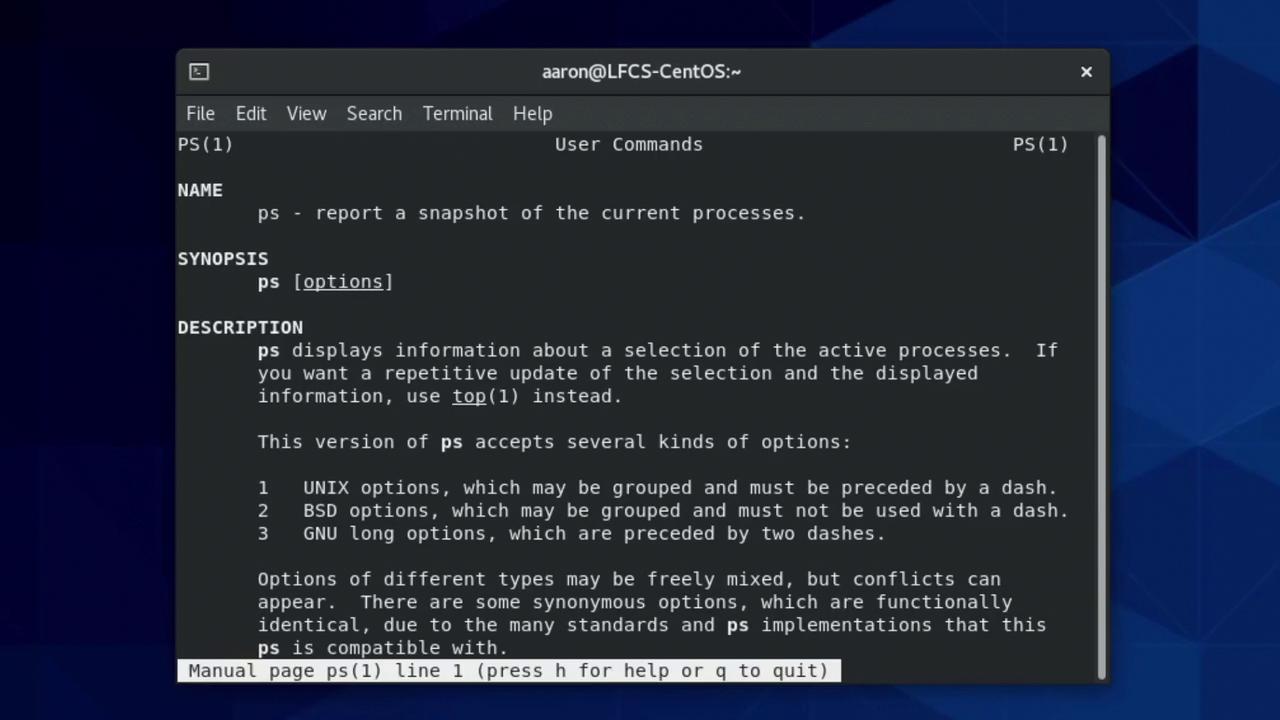
man ps:
Real-Time Monitoring with top
For continuous updates:
- Use Up/Down arrows or
Page Up/Page Downto scroll. - Press
qto exit.
Filtering Processes
Adjusting Niceness (Priority)
Process priority (nice value) ranges from –20 (highest) to +19 (lowest).
-
Launch with niceness 11:
-
View niceness:
-
Change niceness of an existing PID:
Parent/Child Process Trees
Display processes as a hierarchy: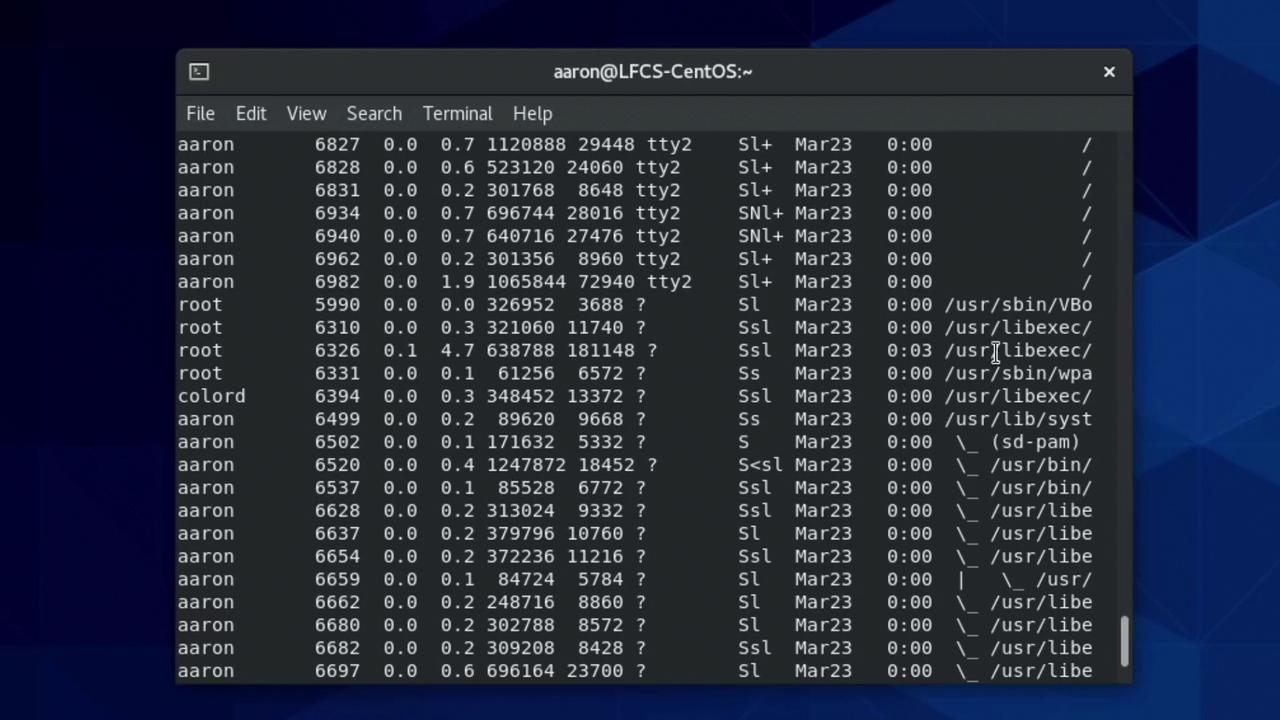
Sending Signals
Linux signals control process behavior. Common signals include:
List all signals:
Killing your login shell (e.g.,
bash) will close your terminal or SSH session.Job Control: Background & Foreground
- Ctrl+C: Interrupt
- Ctrl+Z: Suspend
- Start in background:
sleep 300 & - List jobs:
jobs - Bring to foreground:
fg %1 - Send to background:
bg %1