

Using grep -E vs egrep
Bothgrep -E and egrep enable ERE syntax, so you don’t need to escape +, ?, {}, or |:
Under the hood,
egrep is equivalent to grep -E. Future versions of GNU grep may deprecate egrep.Curly-Brace Quantifiers
Curly braces let you specify exact or range-based repetition counts:Examples
? and * Quantifiers
x?– zero or onexx*– zero or morex
disable and disabled, make the final d optional:
Character Classes and Ranges
Define a set or range of characters using square brackets:[abc]matchesa,b, orc[a-z]matches any lowercase letter[0-9]matches any digit
![The image shows a dark-themed interface with a command line prompt and examples of character ranges or sets, such as [a-z] and [0-9]. The text "KodeKloud" is visible in the corner.](https://kodekloud.com/kk-media/image/upload/v1752881478/notes-assets/images/Linux-System-Administration-for-Beginners-Extended-Regular-Expressions/dark-theme-command-line-character-sets.jpg)
Match cat or cut
Matching Device Files under /dev
A simple '/dev/.*' pattern is too greedy:
If device names include uppercase letters or multiple segments (e.g.,
/dev/tty0p0), use grouping and repetition to cover all cases.Sub-Expressions and Grouping
Parentheses() treat a group of tokens as a single unit. In arithmetic:
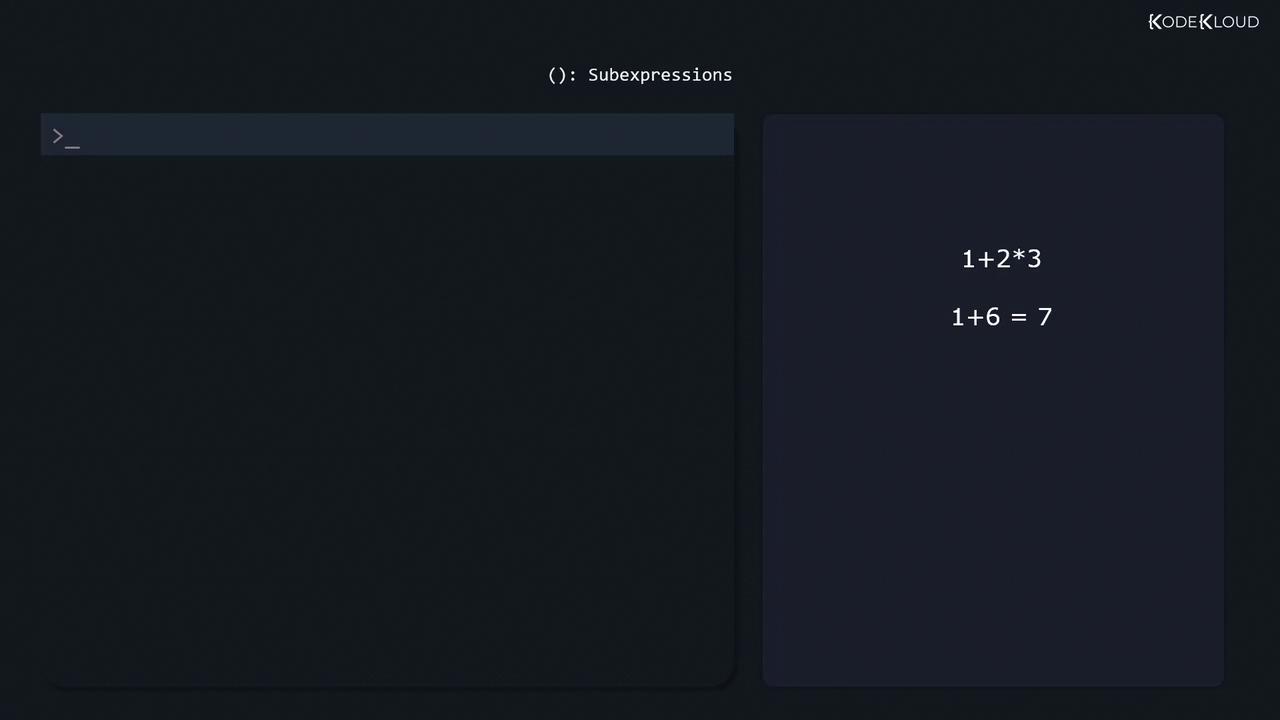
1 + 2 * 3 = 1 + (2×3) = 7(1 + 2) * 3 = 3×3 = 9
Alternation with |
Use | to match one pattern or another.
Negated Character Classes
Prefix a class with^ to invert it:
Beyond grep: Other Regex Tools
Most Linux utilities support ERE or similar syntax:
For interactive testing, try Regexr.