

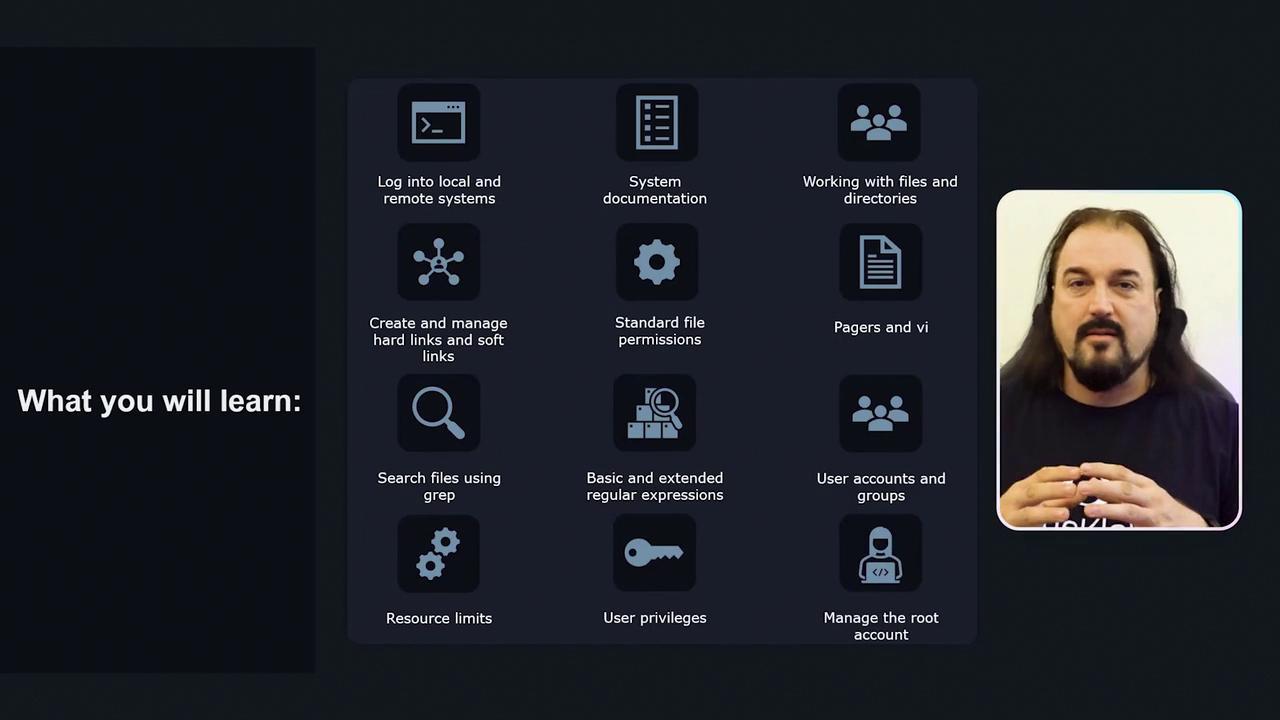
- Local and remote host login
- Reading and using system documentation
- Working with files and directories
- Creating and managing hard and soft symlinks
- Listing, setting, and changing file permissions
- Searching files with
grepand using regular expressions - Managing user accounts and privileges
- Controlling access to the root account
What You’ll Learn
| Topic | Description | Hands-On Practice |
|---|---|---|
| User & Group Management | Create, modify, and delete accounts | User management labs |
| File System Navigation | Traverse directories and manipulate files | Directory structure exercises |
| Permissions & Ownership | Set and change file modes and ownership | chmod & chown challenges |
| Symbolic & Hard Links | Link files for flexible references | Symlink creation tasks |
| SSH Server Configuration | Secure remote access via SSH | sshd_config editing |
| System Resource Monitoring | Inspect and manage processes, memory, and disks | top, free, lsblk hands-on scenarios |
| Advanced Text Processing | Search and analyze text with grep and regex | Pattern matching exercises |
Interactive Labs
Each concept includes a challenge-based lab with instant feedback. Try to solve each exercise yourself; hints and full solutions are available if you get stuck.Practice labs open directly in your browser—no installation needed. You can retry as many times as necessary before moving on.
Course Format
Hello! I’m Aaron Lockhart, your instructor for KodeKloud’s Linux tutorial. According to Stack Overflow’s Developer Survey, Linux is the most loved platform among developers. This course is hands-on, featuring:- Interactive articles with clear illustrations and animations
- Live demonstration videos for complex tasks
- Browser-based labs for real-world practice