

Why Save Your Models?
Training a model can take hours or even days. Saving your model allows you to:- Reuse it without retraining
- Share your work with collaborators
- Deploy it immediately for inference
- Resume training at a later time
torch.savetorch.loadload_state_dict
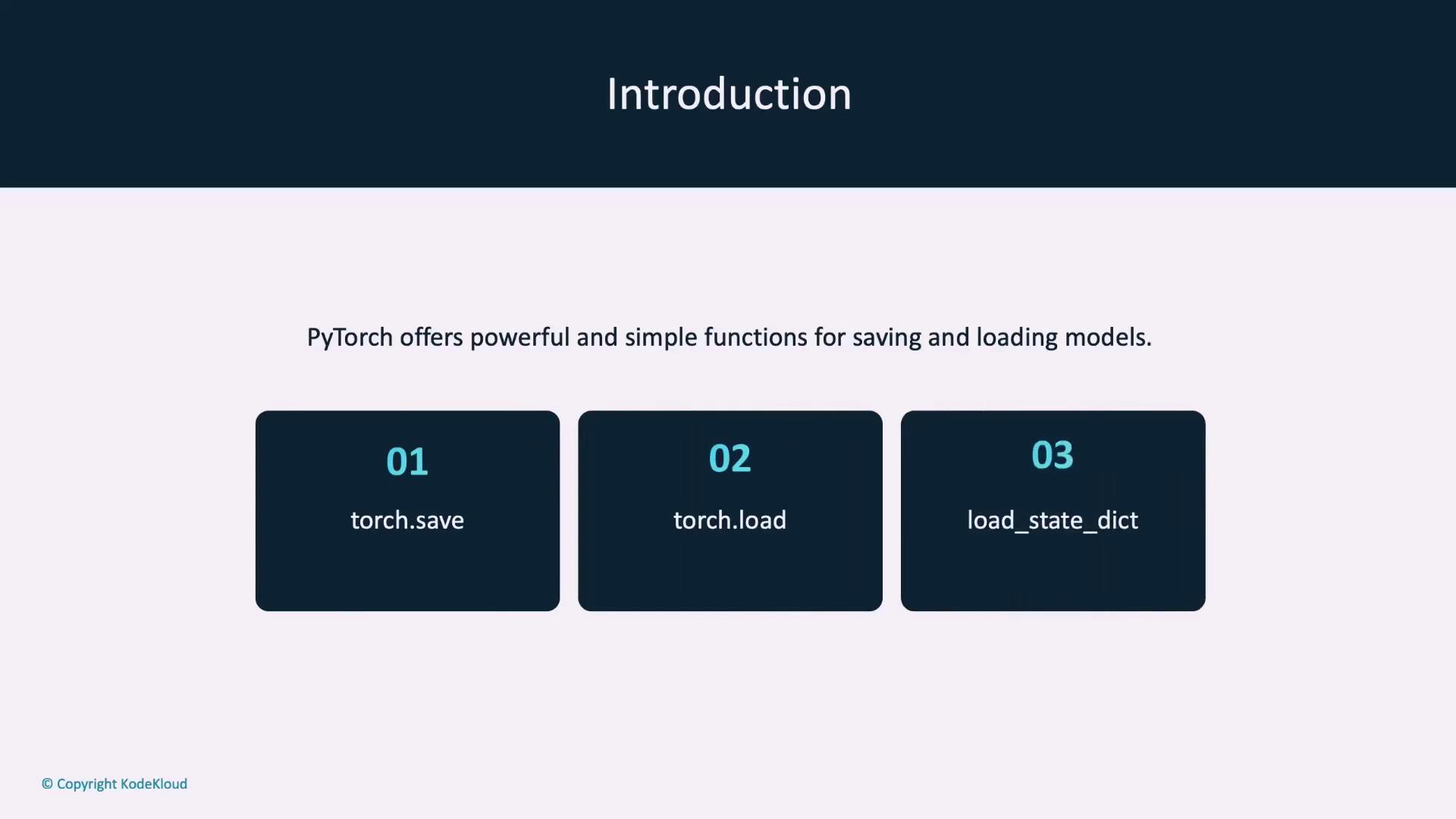
Core Saving and Loading Functions
1. Saving and Loading with torch.save and torch.load
• torch.save: Serialize various PyTorch objects (e.g., models, tensors, dictionaries) to a file using Python’s pickle module.torch.save, this function deserializes the saved data back into memory.
2. Using load_state_dict
Theload_state_dict function is used to load a model’s learnable parameters (weights and biases) from a previously saved state dictionary. Typically, you initialize a new model with the same architecture and then load the saved parameters into it.
Understanding state_dict
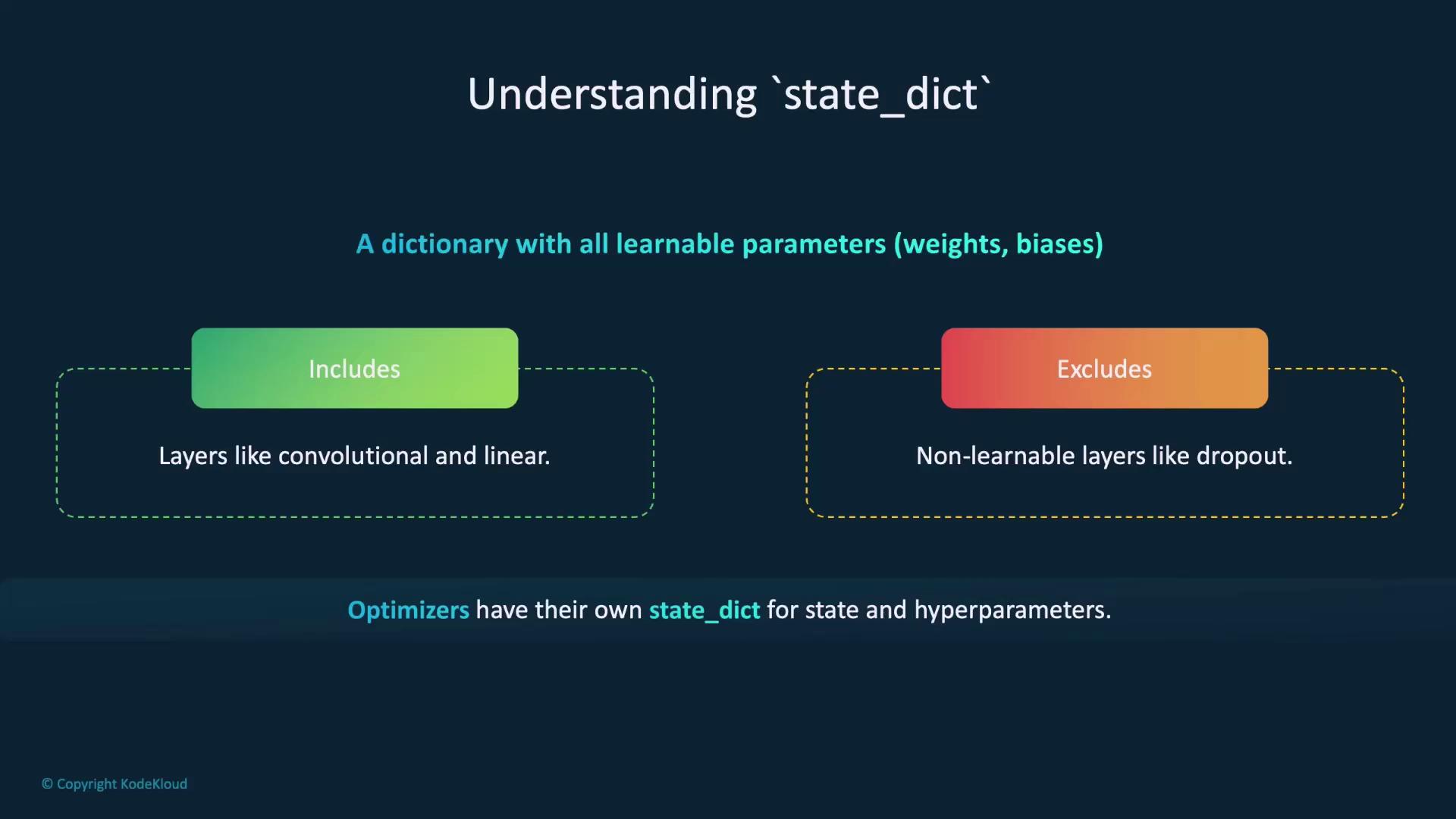
Astate_dict in PyTorch is a dictionary that holds all learnable parameters of a model, such as weights and biases. When saving a model, you usually serialize its state_dict because it contains the key information needed to restore the model later. Note that only layers with learnable parameters (like convolutional or linear layers) are included; non-learnable layers such as dropout are omitted.
Optimizers in PyTorch also maintain a state_dict that includes both their state and hyperparameters. The following image illustrates how state dictionaries capture essential parameters:
Saving Models for Inference
Inference involves using a trained model to make predictions on new, unseen data. The recommended approach in PyTorch is to save the model’sstate_dict, then load it and switch the model to evaluation mode.
Saving and Loading the Entire Model
You also have the option to save the entire model, which includes both its architecture and parameters. This method is convenient because you can reload the model without redefining its structure. However, one drawback is that the saved model is coupled with its original code and file paths, potentially causing issues when those change. This method is best suited for personal projects or stable codebases.Exporting Models with TorchScript
TorchScript allows you to export PyTorch models for high-performance deployment across various environments, including C++ or mobile devices. First, create a scripted version of your model usingtorch.jit.script, then export it with the save function. Later, you can load it with torch.jit.load and switch it to evaluation mode.
Checkpoints During Training
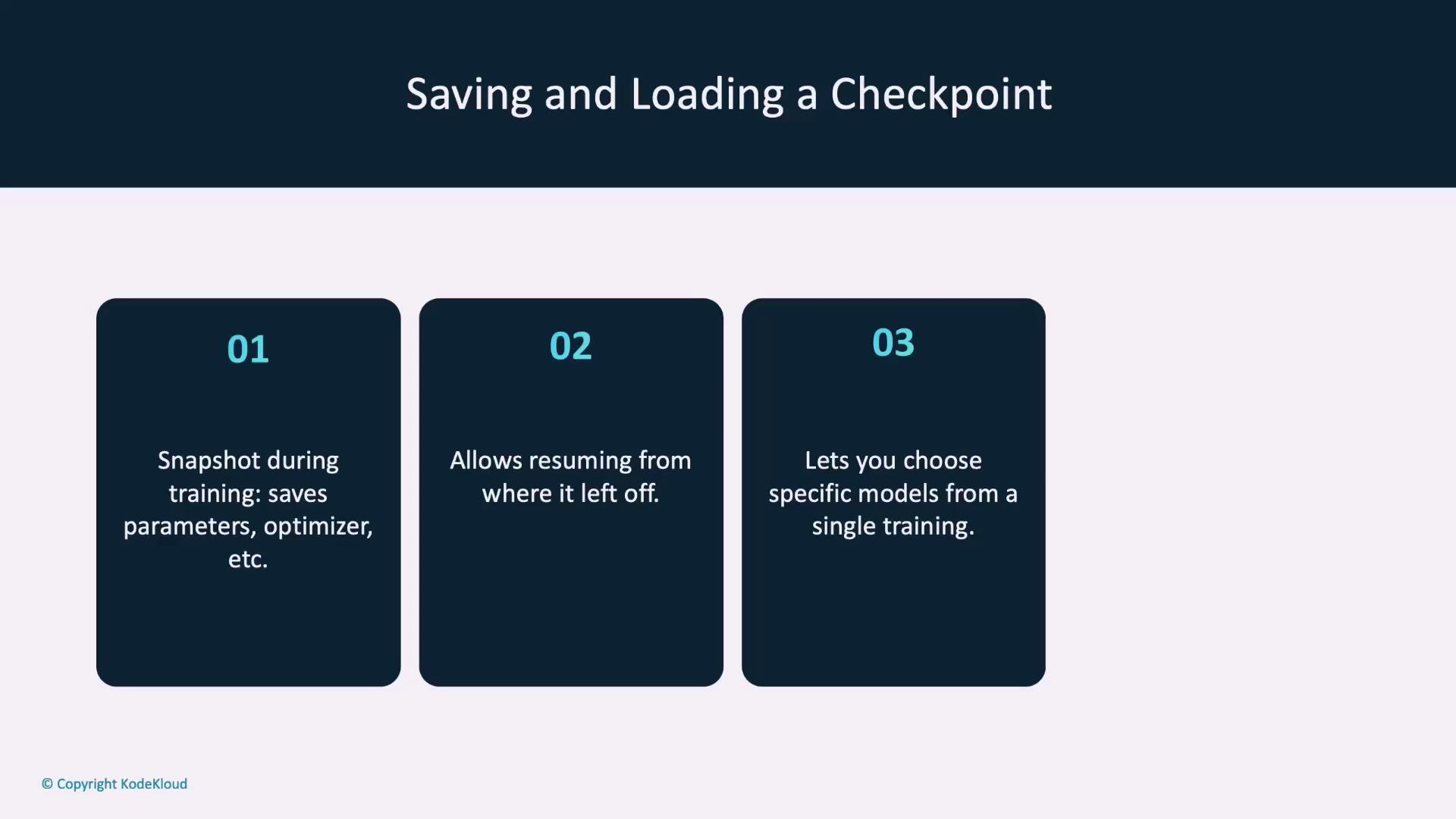
A checkpoint is a snapshot of your training state at a given time. It typically includes:- The model’s
state_dict - The optimizer’s
state_dict - Additional details like the current epoch and loss
Saving a Checkpoint
Organize the necessary components into a dictionary and save it with the.tar extension:
Reloading a Checkpoint
Initialize your model and optimizer first, then load their state dictionaries along with any additional saved components:Warm Starting Models
Warm starting means initializing a new model with parameters from a previously trained one rather than starting from scratch. This is particularly useful in transfer learning scenarios where a pre-trained model is adapted to a related task, leading to faster convergence and improved performance.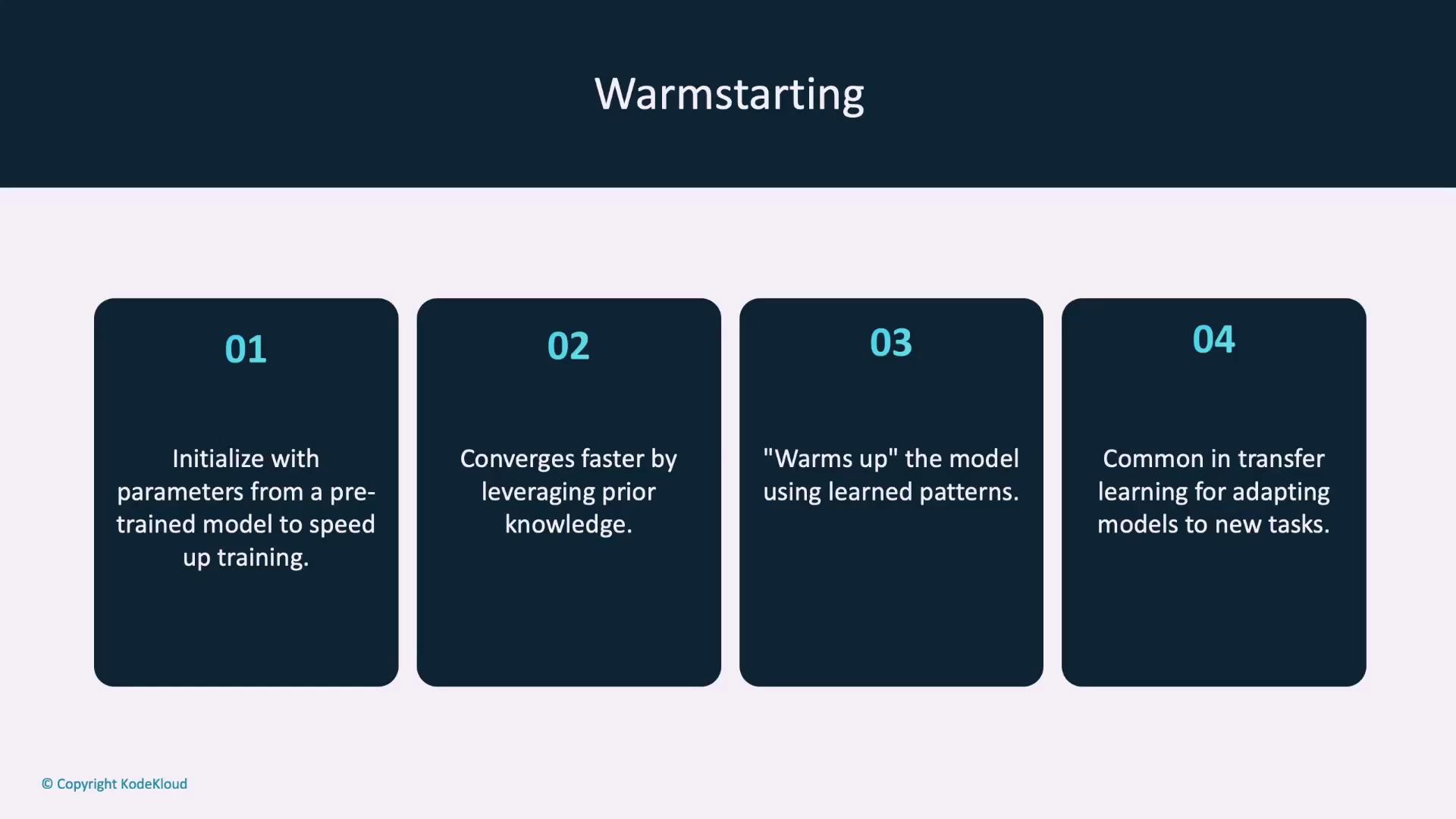
strict flag to False.
Moving Models Between Devices
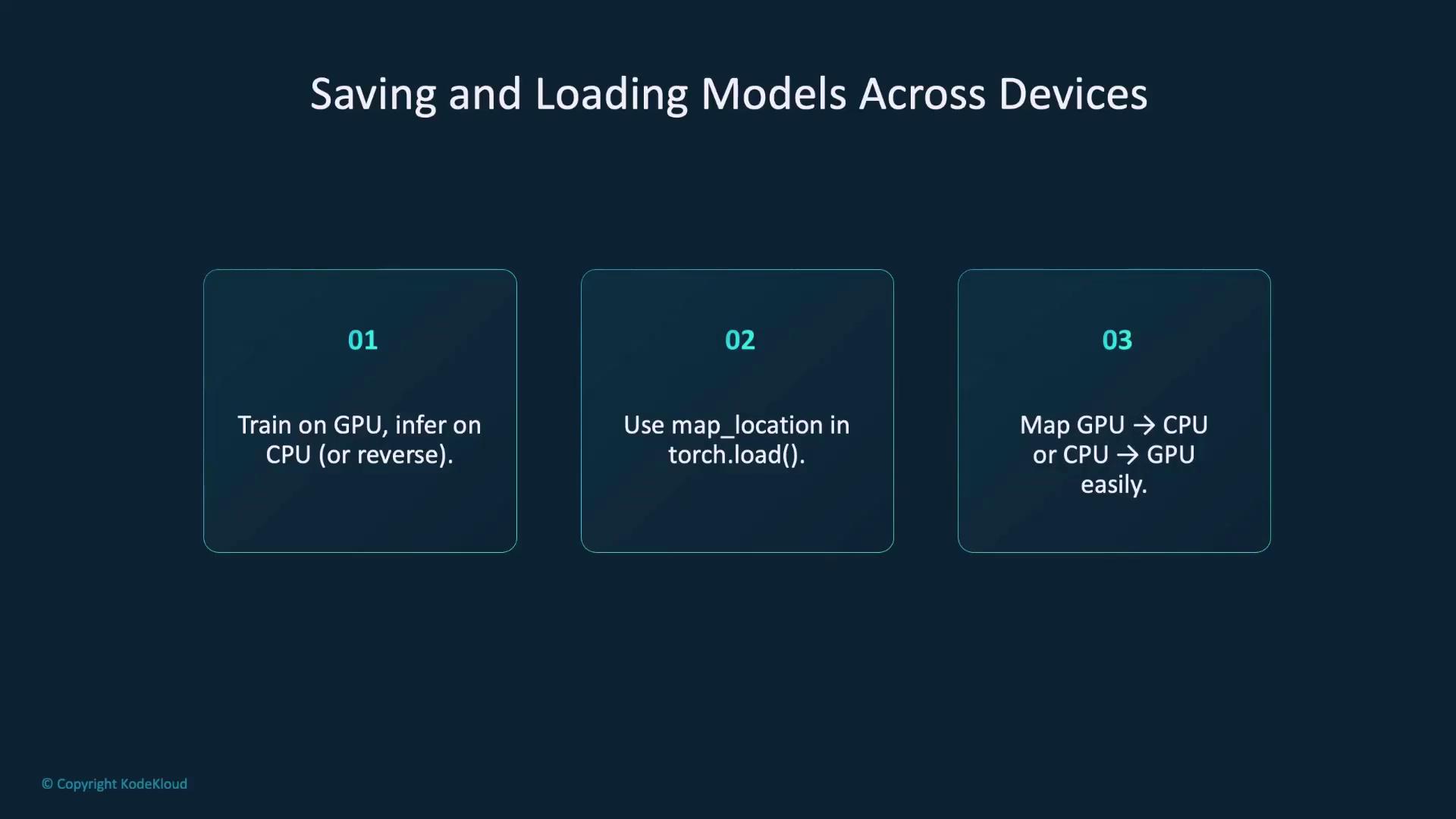
Models are often trained on GPUs and then deployed on CPUs or vice versa. PyTorch makes it easy to handle device differences through themap_location parameter in torch.load.
• Loading a GPU-Saved Model on a CPU:
Model Registries
A model registry is a centralized system to organize, store, and manage models. It simplifies tracking model versions, sharing across teams, and managing deployments. Popular solutions like MLflow, AWS SageMaker Model Registry, and Azure Machine Learning Model Registry integrate seamlessly with PyTorch. Although this guide doesn’t delve deeply into model registries, they are invaluable for efficient production workflows.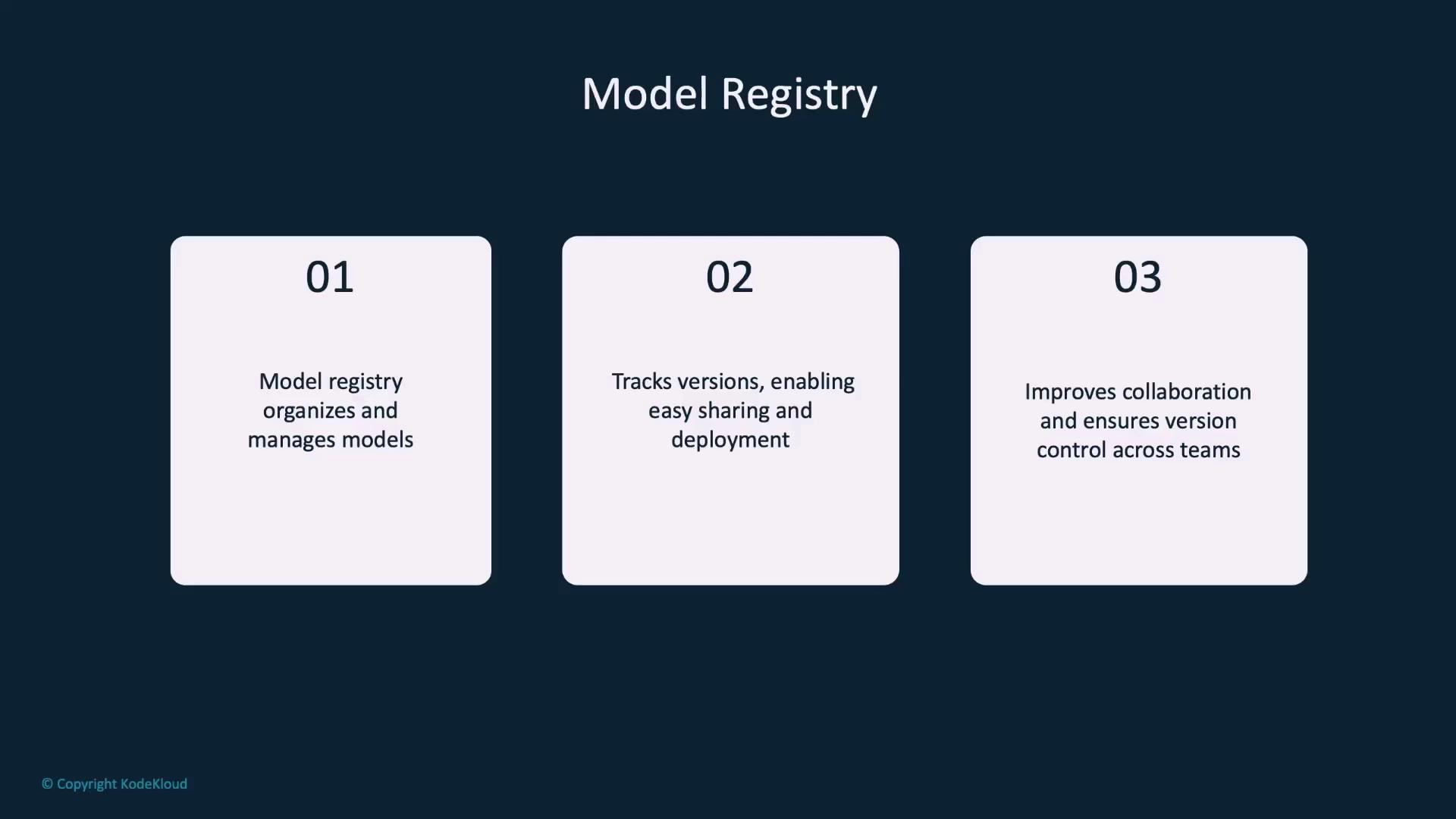
Summary
We’ve explored several methods for saving and loading models in PyTorch:- Using
torch.save/torch.loadandload_state_dictto preserve and restore model parameters. - Leveraging TorchScript to export models for deployment in non-Python environments.
- Creating checkpoints during training to resume work seamlessly.
- Employing warm starting to take advantage of pre-trained models in transfer learning.
- Handling device differences by using the
map_locationparameter. - Managing model versions through a centralized model registry.
Ensure that you save and load your models consistently with the same configuration and device mappings to avoid runtime errors.