
Installing Flask
To start using Flask, install it via pip. Open your terminal and run the following command:Remember to manage your Python environments effectively using tools like virtualenv or conda to keep dependencies organized.
Setting Up a Flask Application
Establishing a well-organized project structure is key for maintainability. Create a primary folder for your application that contains anapp.py file for your main logic, along with dedicated folders for models, static assets (CSS, images, JavaScript, etc.), templates, and tests.
Example project structure:
app.py, import Flask, set up an instance, and define routes with decorators. For example:
Integrating a PyTorch Model
To integrate a PyTorch model, load it into memory when the Flask app starts—this prevents redundant loading during inference. Usetorch.load to import your model and set it to evaluation mode:
Creating an Inference Endpoint
Next, define an endpoint (e.g.,/predict) that processes POST requests. This endpoint will accept JSON data, convert it to a PyTorch tensor, perform inference, and return the prediction as JSON. Consider the following example:
Running the Flask Server
After setting up your application, run the Flask development server locally by executing your Python file. For example, withapp.py as your main file:
The built-in server is intended for development only. For production environments, consider using a production-ready WSGI server.
Deploying with Gunicorn
For production deployments, use a WSGI server like Gunicorn. First, install Gunicorn:app:app tells Gunicorn to locate the Flask instance named app within the app.py file.
Best Practices for Flask Deployment
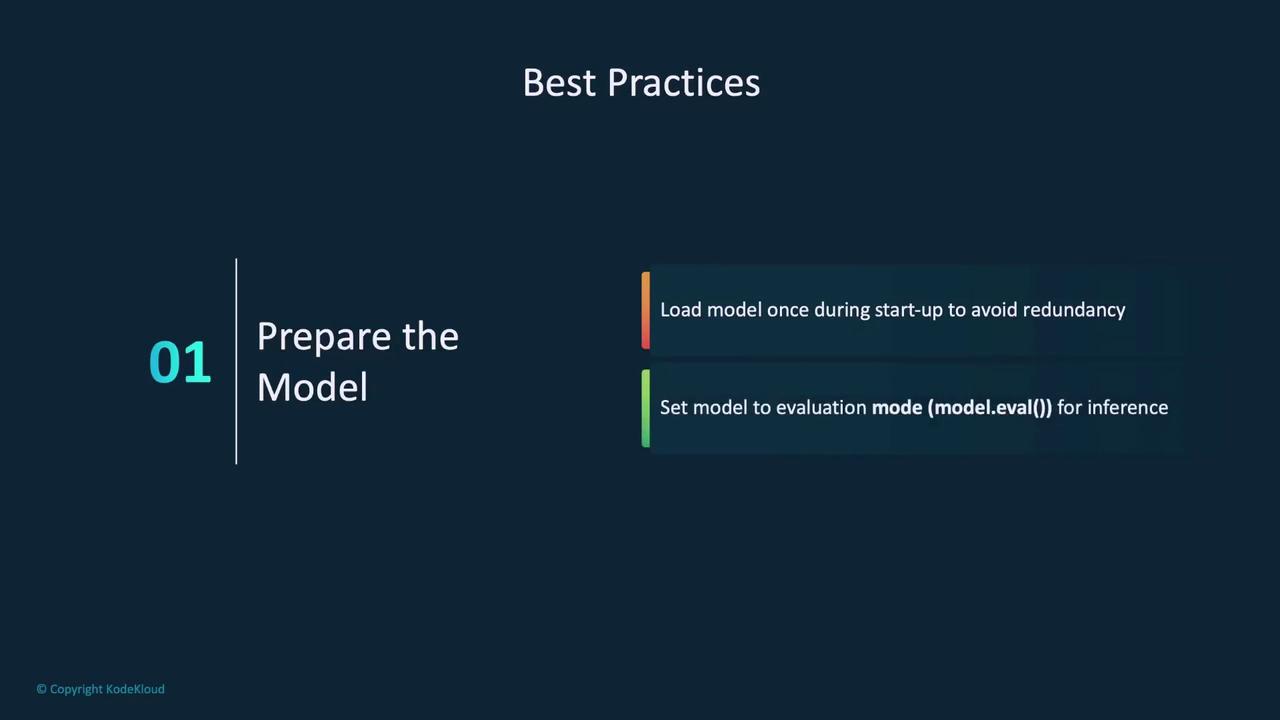
Adhering to best practices ensures your application is efficient, secure, and scalable:- Prepare the Model:
- Load the model once at startup to avoid repetitive loading.
- Set the model to evaluation mode for accurate predictions.
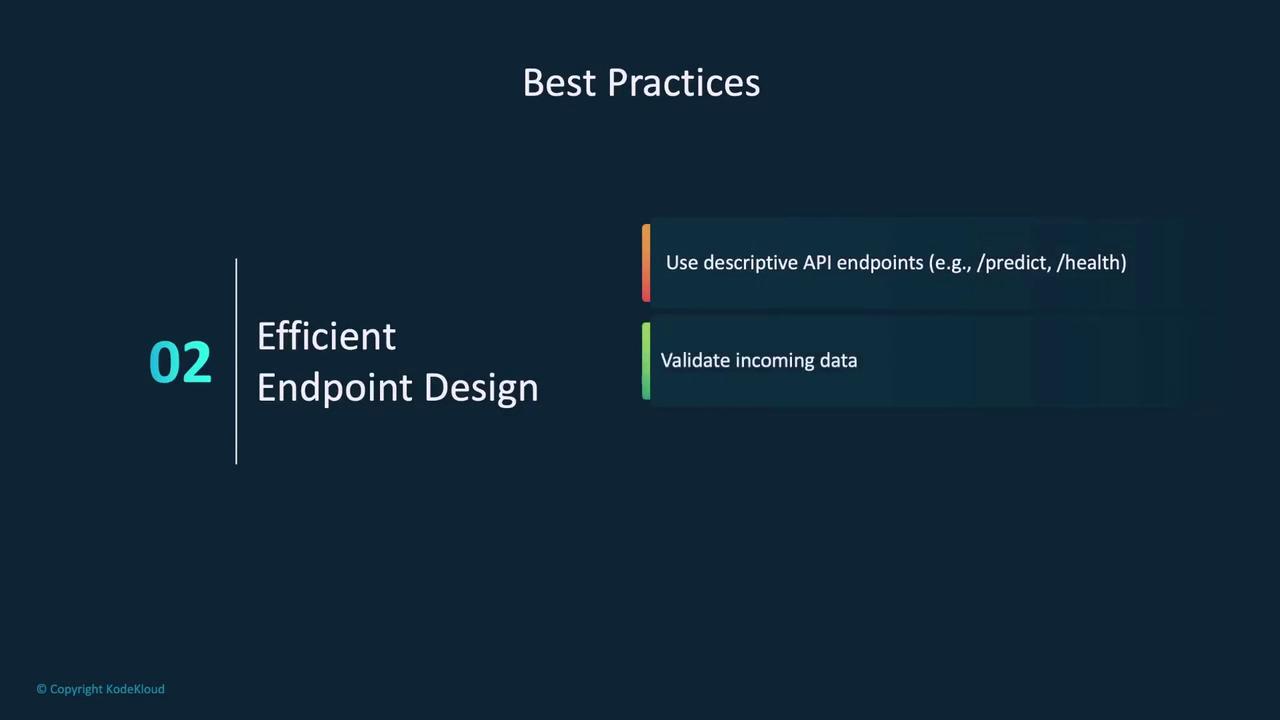
- Efficient Endpoint Design:
- Design clear and descriptive API endpoints.
- Validate incoming data to meet model requirements.
-
Error Handling:
- Implement robust error handling to return clear messages and proper HTTP status codes for invalid requests.
-
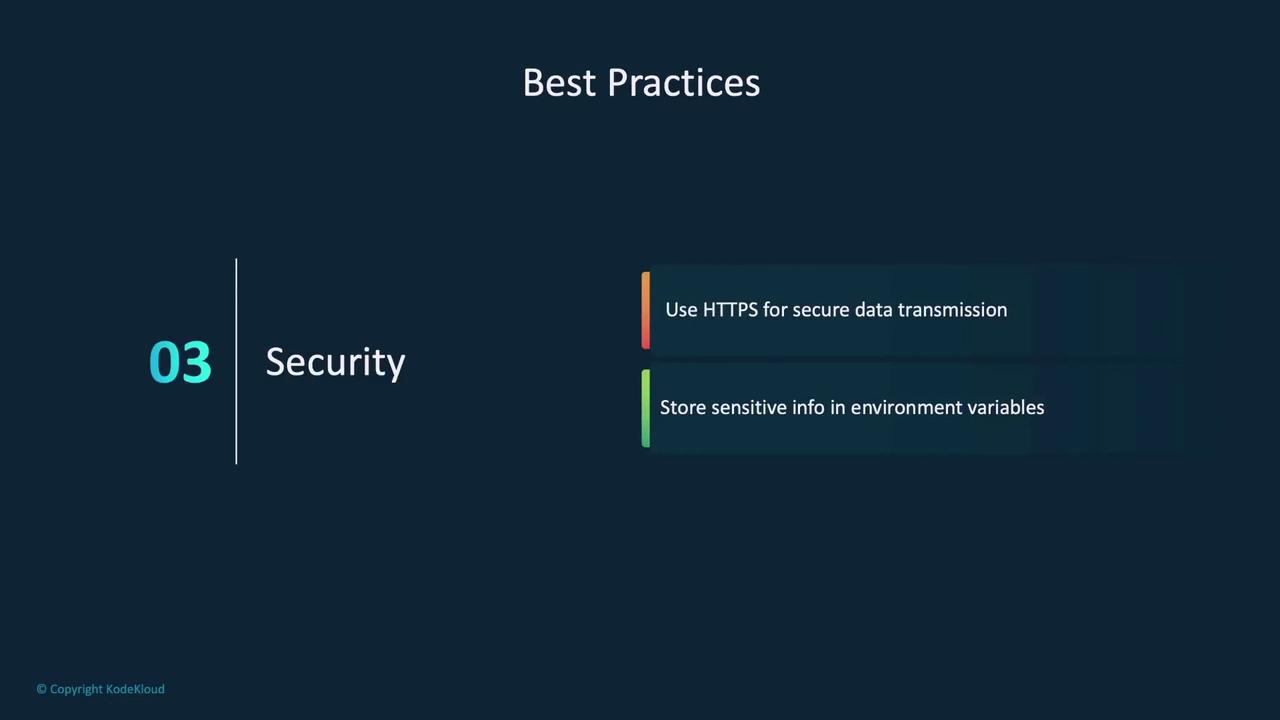
Security:
- Utilize HTTPS to secure data transmission.
- Store sensitive details like API keys or credentials in environment variables instead of hard-coding them.
- Monitoring and Logging:
- Log API usage, errors, and inference times to facilitate troubleshooting.
- Consider implementing a health endpoint to continuously monitor application status.
Summary
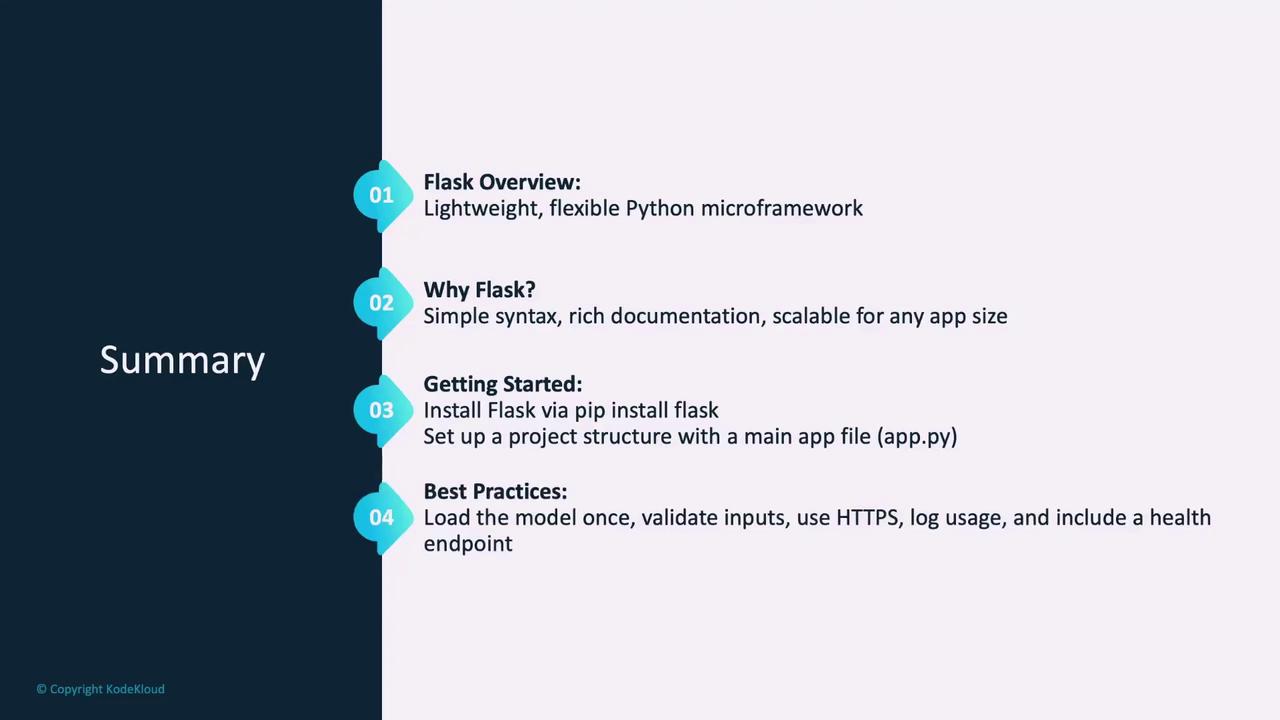
In summary, this article covered:- An introduction to Flask and its benefits for deploying PyTorch models.
- Steps to install Flask and organize your project structure.
- How to integrate a PyTorch model and create an inference API endpoint.
- Instructions for running your application using Flask’s built-in server and deploying it with Gunicorn.
- Best practices for efficient model preparation, API design, error handling, security, and monitoring.