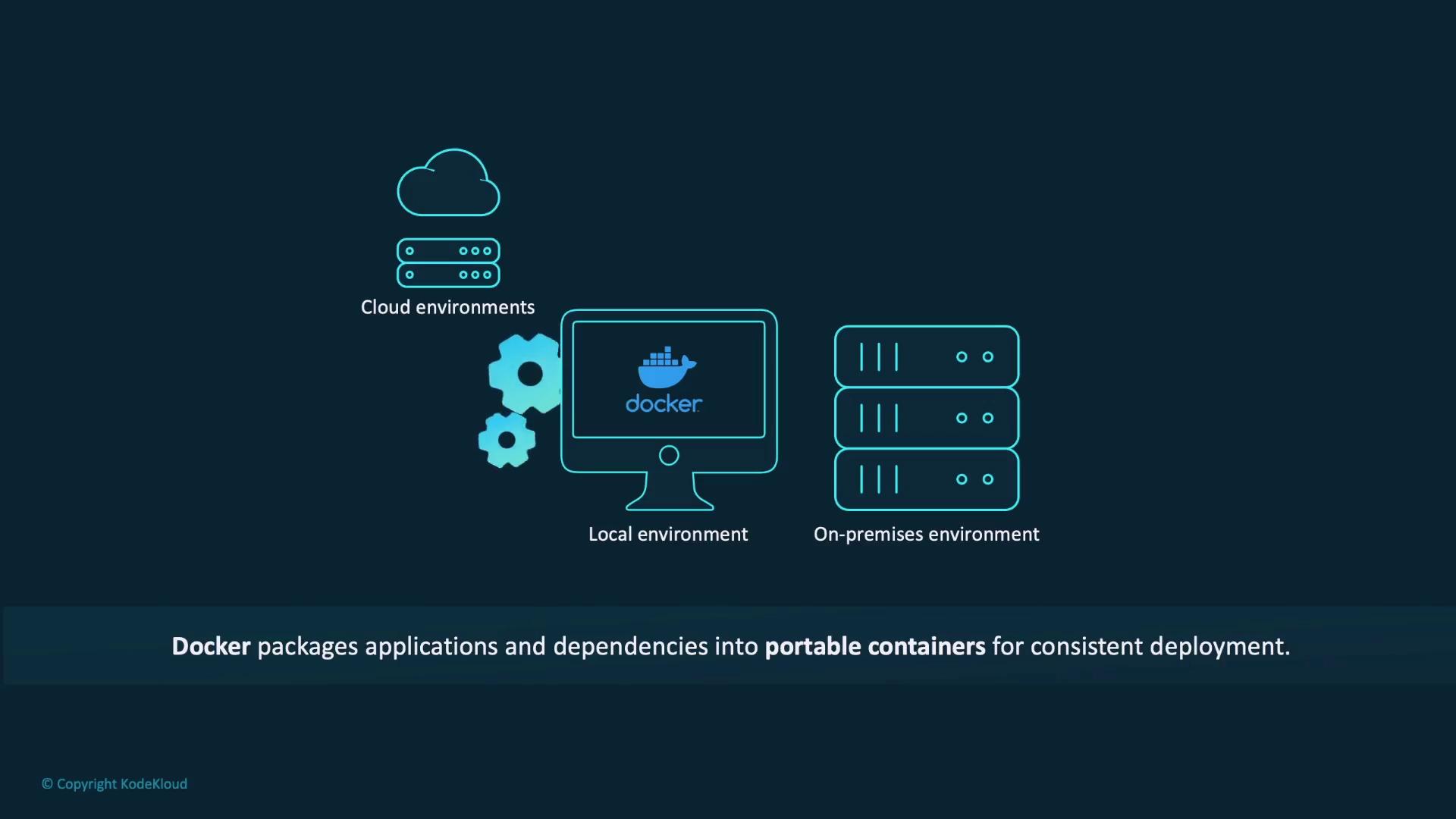
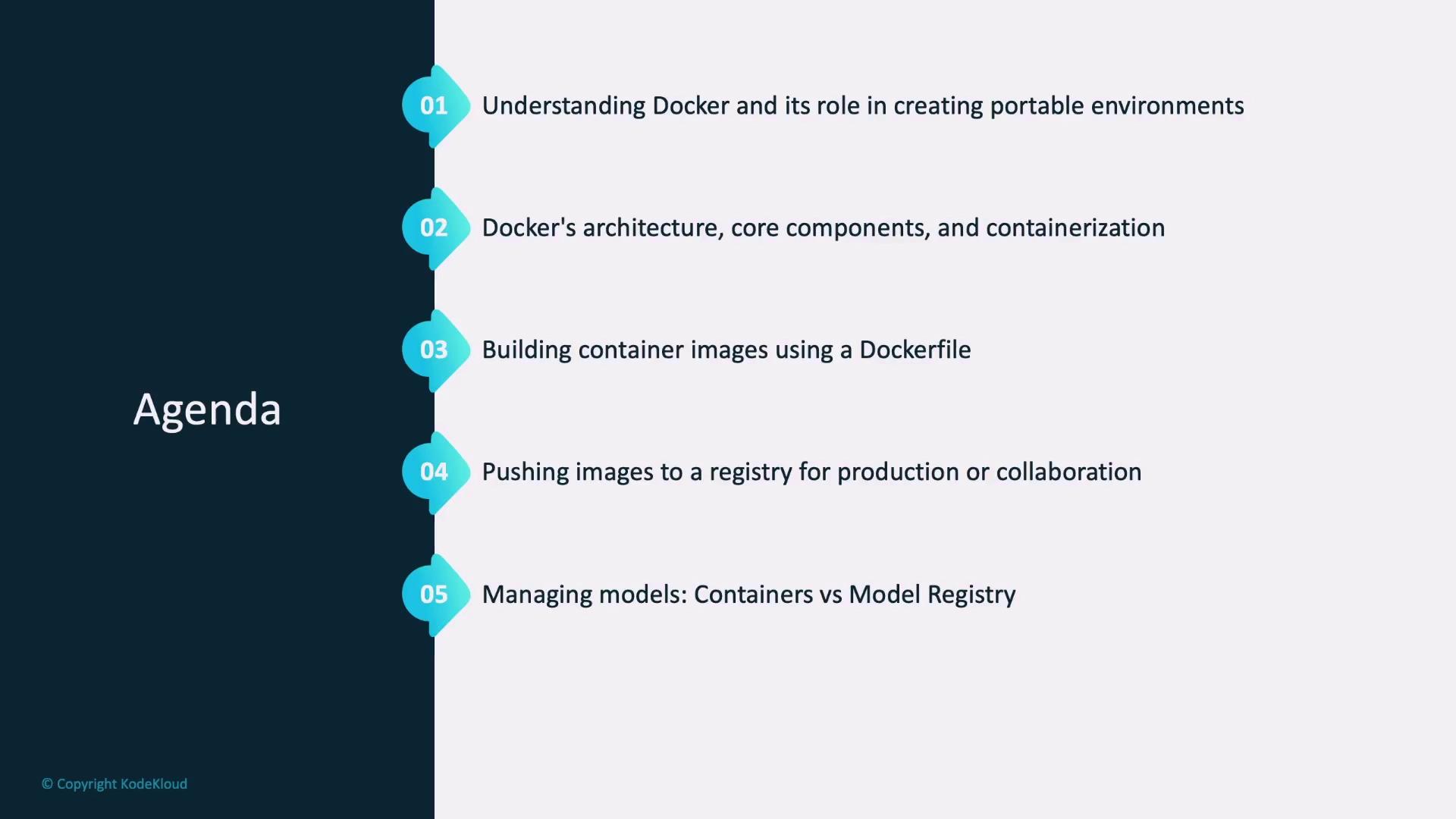
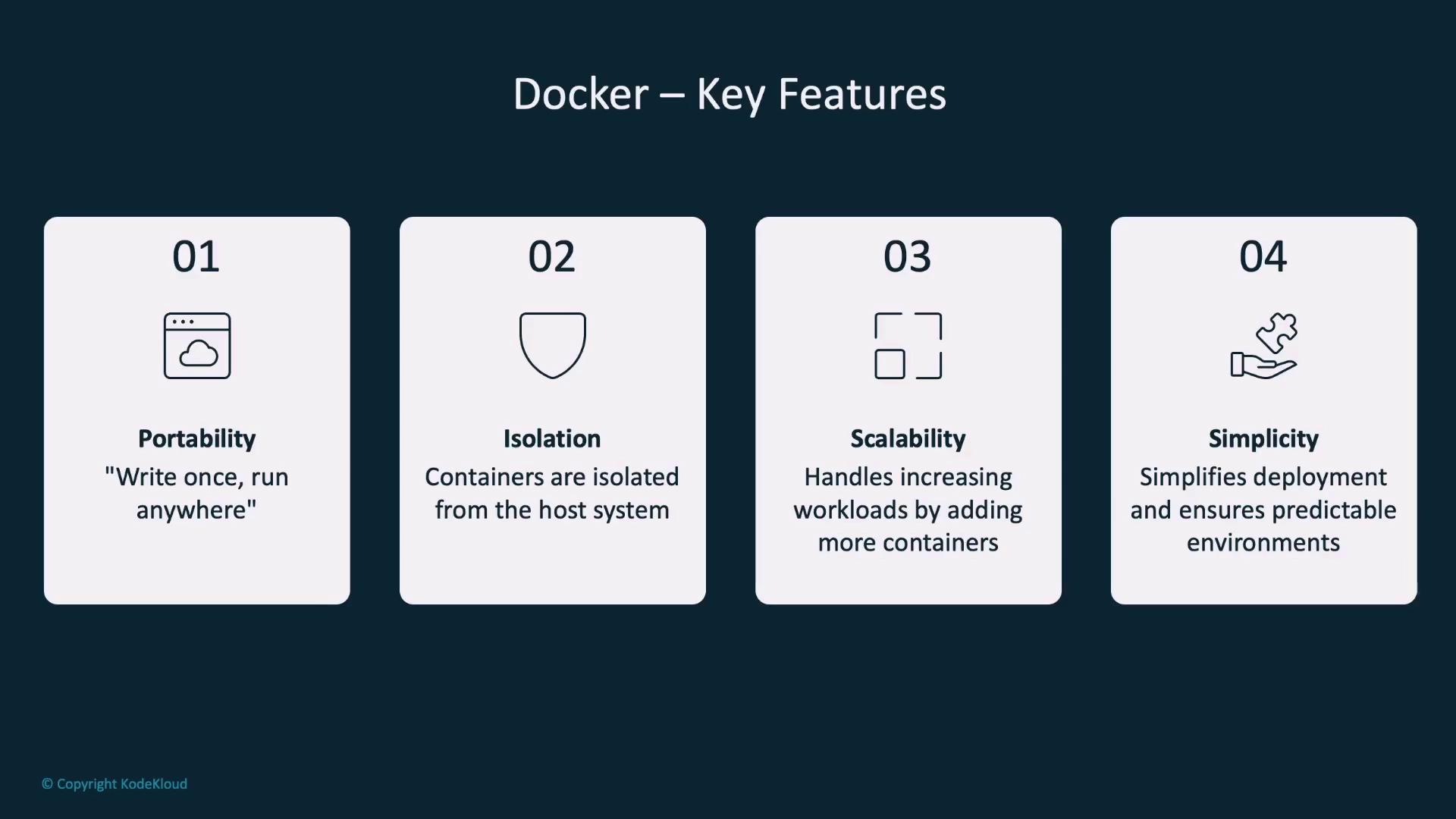
Docker is an open-source platform that enables consistent packaging and deployment of applications by using lightweight and portable containers. Each container bundles an application with all its dependencies, ensuring smooth operation across multiple environments, including development, testing, and production. Containers are isolated from the host system, eliminating conflicts with other applications, and offer scalability by easily handling increased workloads.
- Reproducibility:
The exact same environment is used during testing and production, minimizing environment-specific issues. - Efficiency:
Containers are lightweight and consume fewer resources compared to traditional virtual machines. - Collaboration:
Teams can share and reuse containers, ensuring a uniform setup throughout the development cycle.
Docker Architecture and Workflow
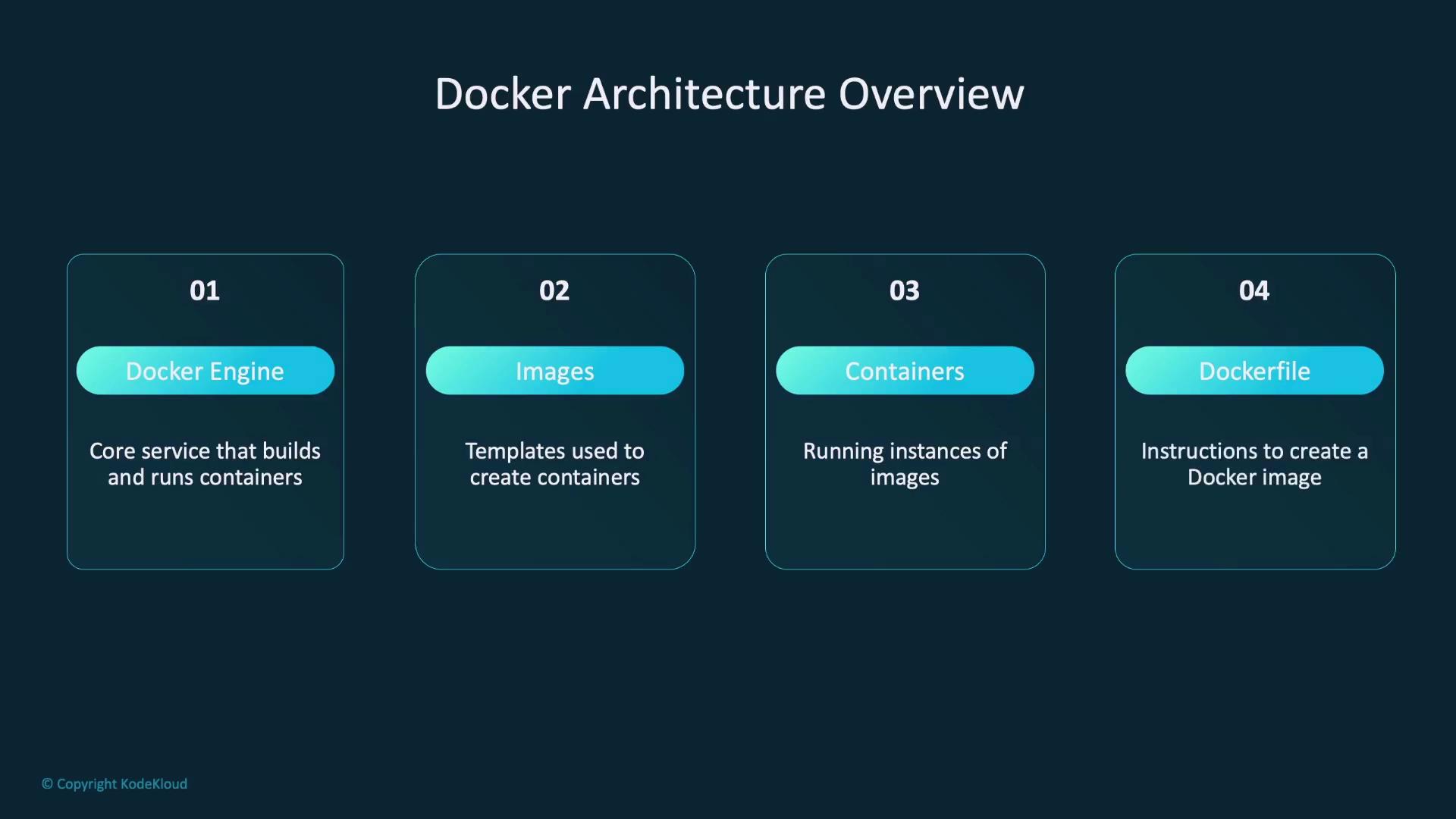
Docker’s architecture is built around several key components that simplify containerization:- Docker Engine:
Manages the building and running of containers. - Images:
Serve as templates that define the content and settings of a container. - Containers:
Are running instances derived from Docker images. - Dockerfile:
Contains a sequence of instructions to build a Docker image.
- Write a Dockerfile that specifies the container’s content.
- Build the image using the
docker buildcommand. - Launch the container with the
docker runcommand.
Ensure that your Dockerfile is organized logically to streamline troubleshooting and future updates.
Example Dockerfile for a Flask Application
A sample Dockerfile to deploy a Flask application that serves a model may include the following instructions:FROM: Specifies the base image (e.g., a lightweight Python 3.9 image).WORKDIR: Sets the working directory within the container.COPY: Transfers files (such asrequirements.txtor the application code) from your local machine to the container.RUN: Executes commands within the image, such as installing dependencies.EXPOSE: Declares the port (e.g., 5000) the application will use.CMD: Specifies the command to run the application, like starting the Flask server.
docker run command creates and starts a container, while docker image ls lists all available Docker images.
Images can then be pushed to a registry for production deployment or team collaboration. When using Docker Hub, the workflow typically follows this sequence:
Model Deployment Approaches
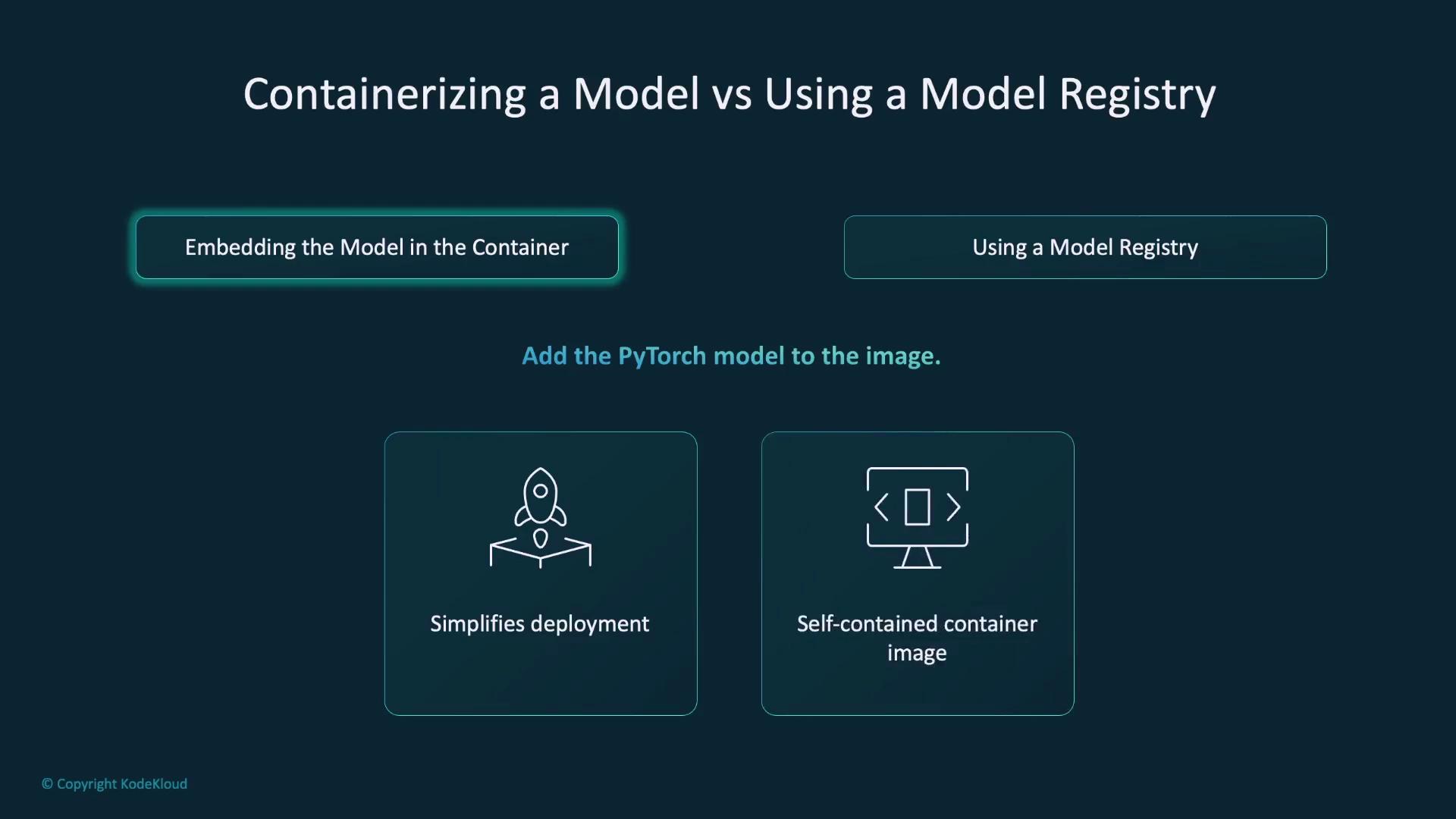
When deploying models with Docker, there are two popular approaches:-
Embedding the Model Directly into the Container
The model is incorporated during the build process, simplifying deployment because every component is bundled together. However, this method can lead to larger container sizes and reduced flexibility for updating the model. -
Using a Model Registry
The model is stored externally (e.g., on AWS S3, Google Cloud Storage, or managed via MLflow) and is downloaded at runtime. This reduces the container size and allows for easier updates without rebuilding the image.
Best Practices for Docker Deployment
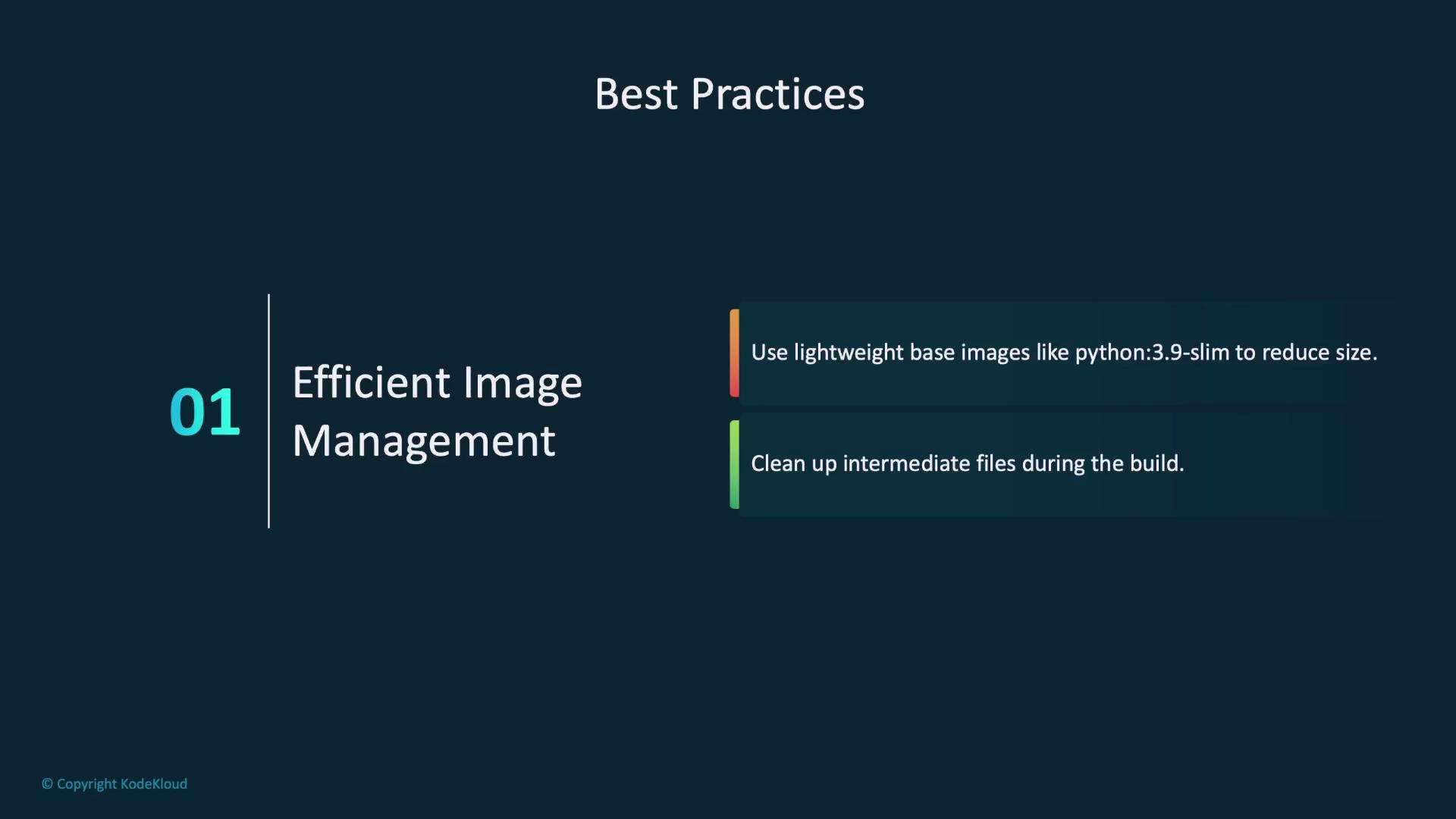
Adhering to best practices when deploying models or applications using Docker can significantly improve efficiency, security, and scalability:- Efficient Image Management:
Use lightweight base images such as Python 3.9 Slim to reduce image size. Remove intermediate files during the build process to keep your images lean.
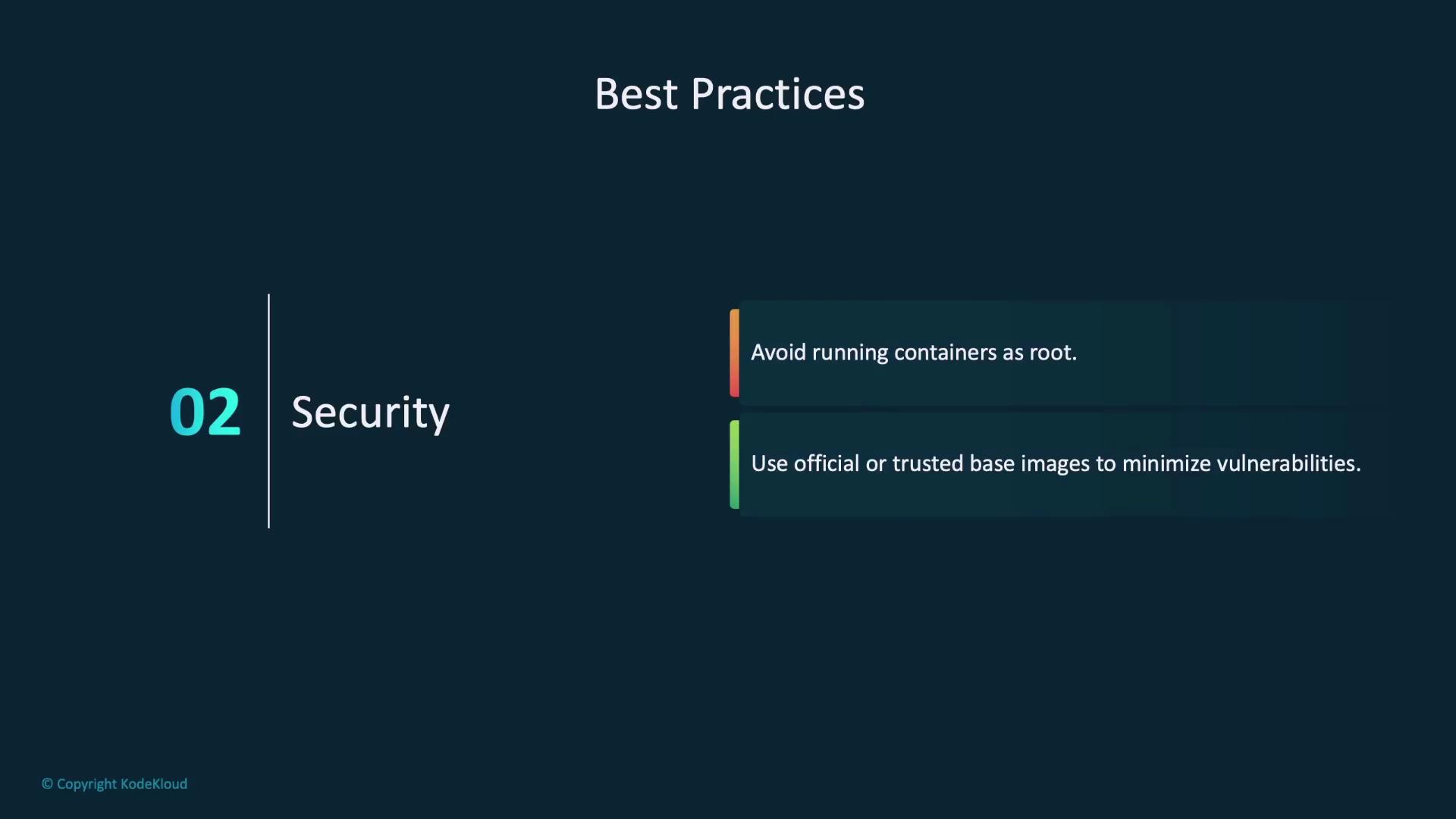
- Security:
Avoid running containers as the root user and opt for official or trusted base images to minimize vulnerabilities.
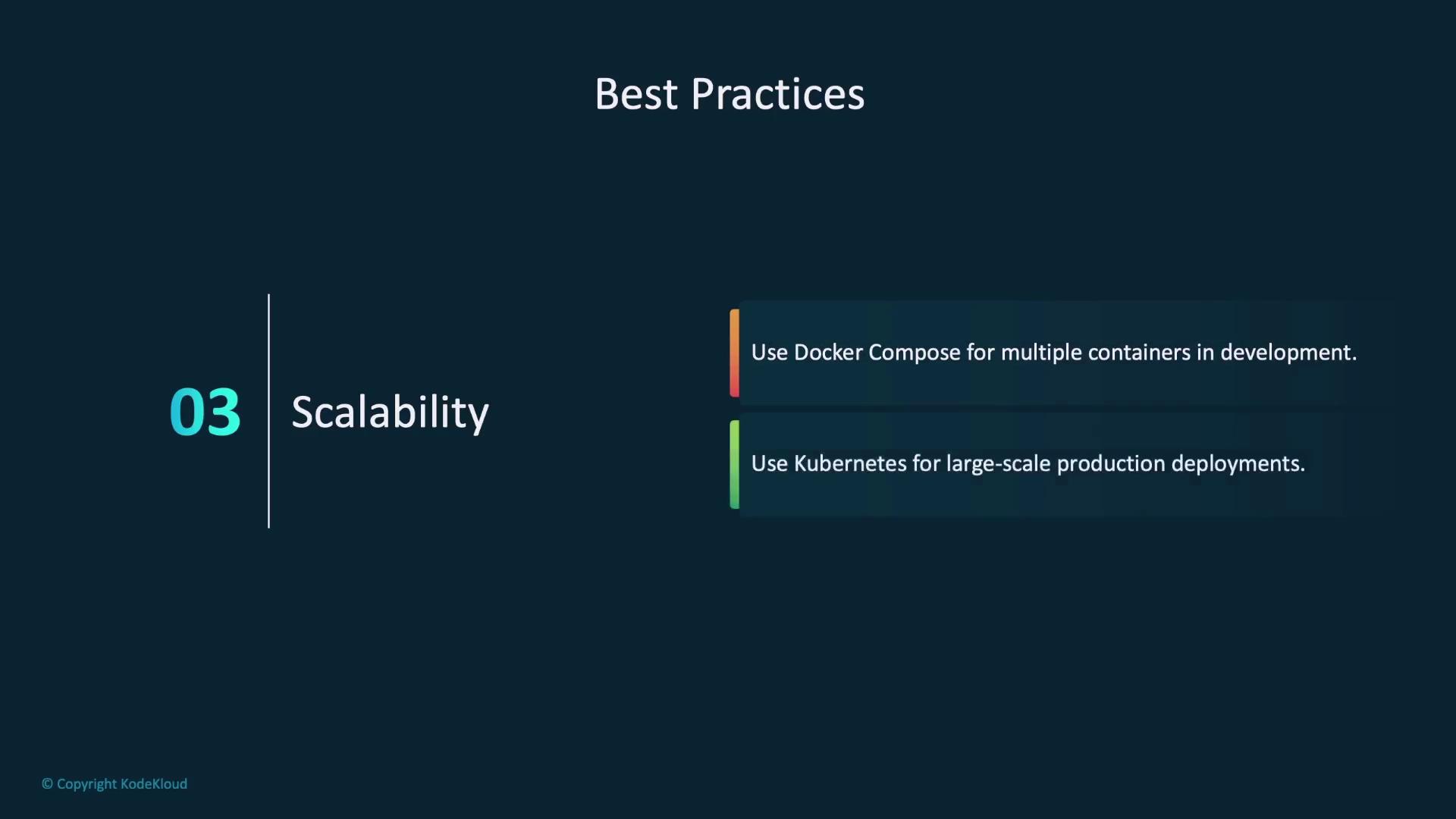
- Scalability:
Utilize tools like Docker Compose to manage multiple containers during development, and consider orchestration solutions such as Kubernetes for scaling production deployments.
Summary
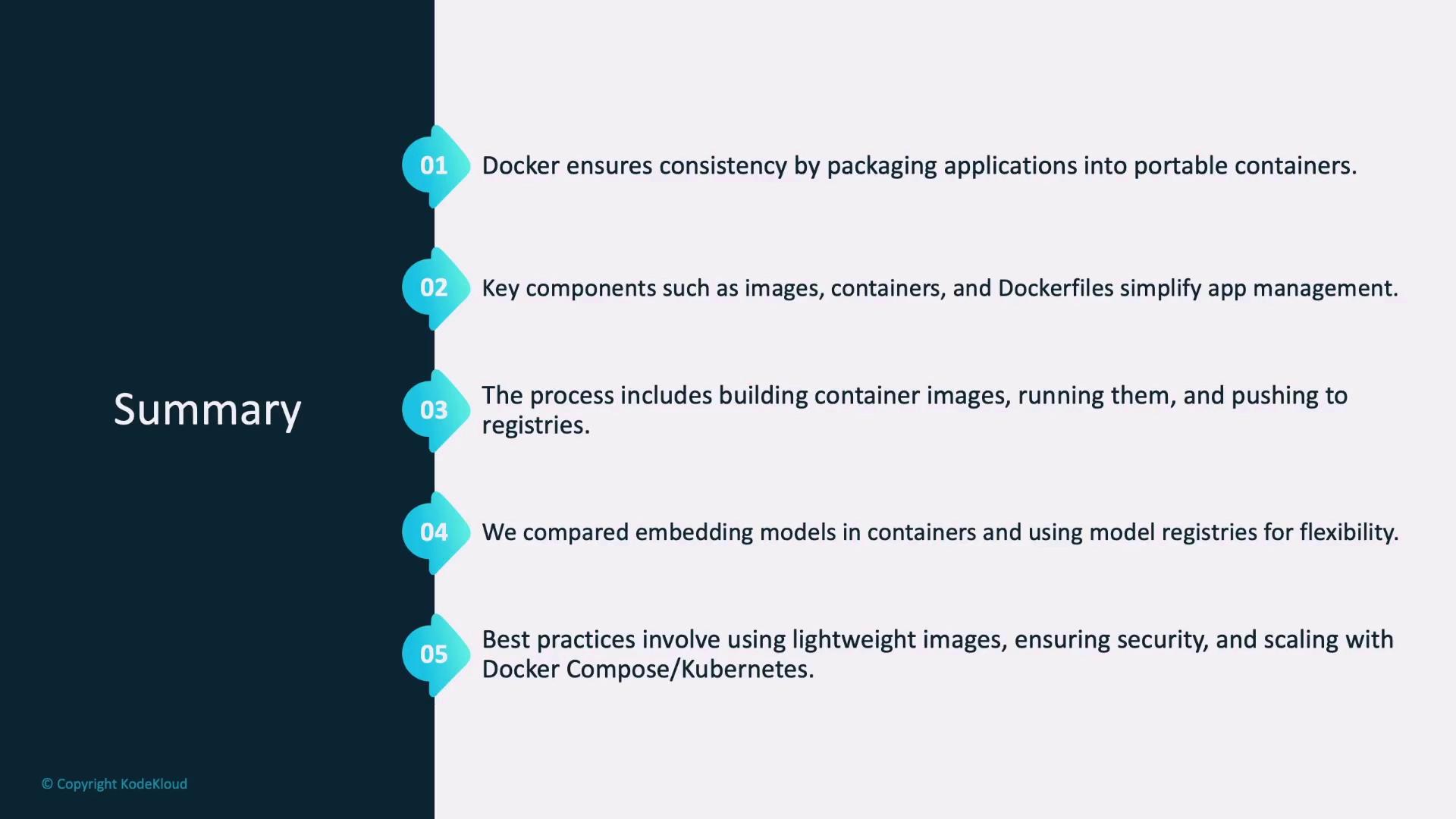
In this article, we covered the essentials of Docker and its significance in model deployment. Key takeaways include:- Docker facilitates packaging applications into portable containers, ensuring consistency and reliability across diverse environments.
- The Docker architecture comprises vital components such as the Docker Engine, images, containers, and Dockerfiles.
- Containerization involves writing a Dockerfile, building an image, and running a container, with the option to push the image to a registry.
- Two primary approaches to model deployment with Docker include embedding the model directly into the container or leveraging an external model registry.
- Best practices for Docker deployment focus on maintaining lean images, ensuring security, and scaling effectively using tools like Docker Compose and Kubernetes.