

- AWS launched in 2006, when Amazon began offering its internal infrastructure as a service.
- Azure launched in 2010, extending Microsoft’s enterprise reach into the cloud.
- Google Cloud launched in 2011, building on Google’s strengths in search, data, and machine learning.
- AWS leads in market share and breadth of services.
- Azure is strong in enterprise integration and Microsoft ecosystems.
- GCP focuses on data, analytics, and machine learning capabilities.
Start with the cloud platform you can access. Compute, storage, database, and networking concepts carry across providers—even if the service names differ.
Compute — where your code runs
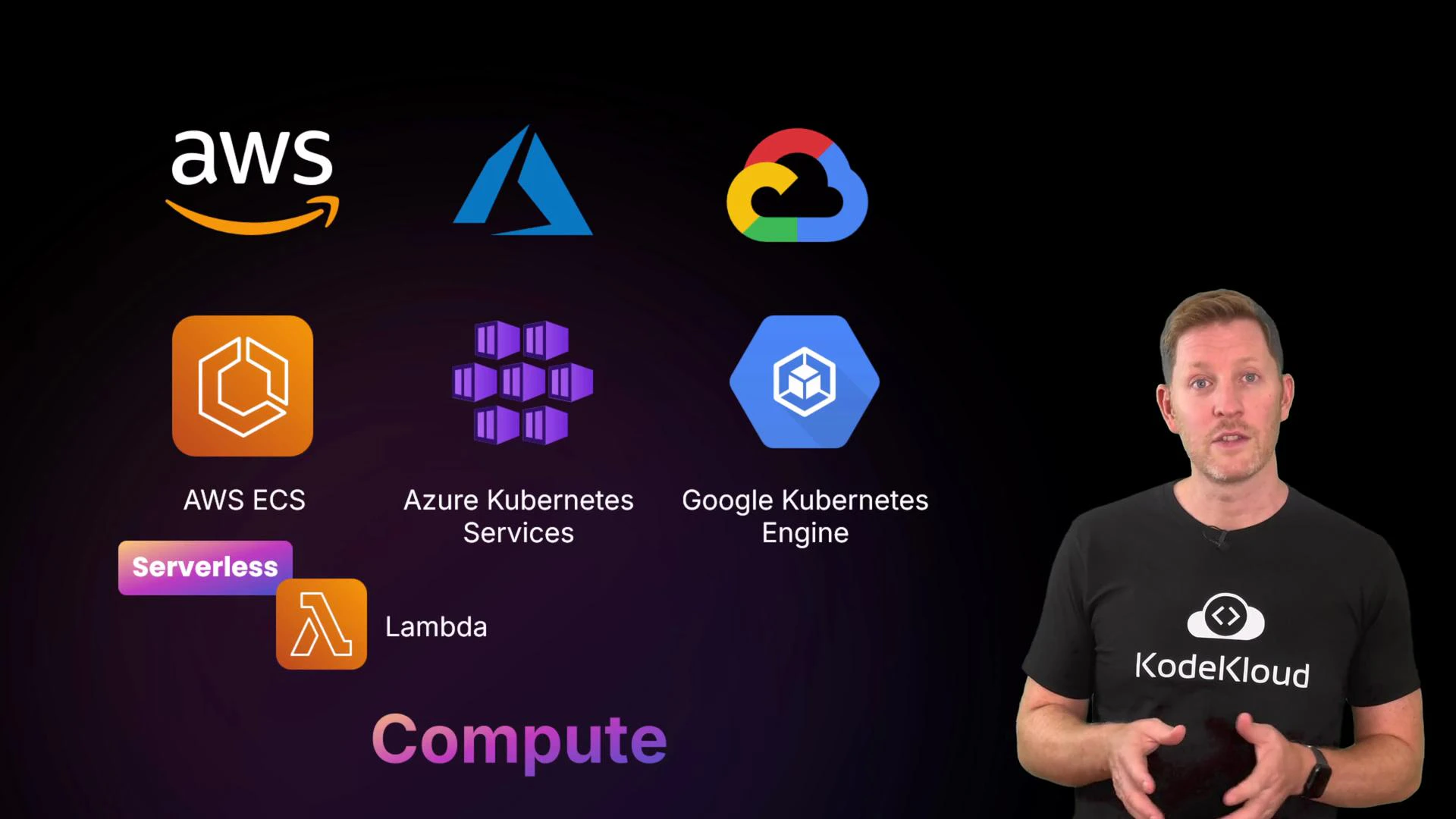
Compute services run your workloads: virtual machines, containers, or serverless functions.
- Virtual machines (VMs): Pick OS, CPU, memory, and storage; you pay while the machine runs.
- Container services (ECS/EKS, AKS, GKE): Manage containers at scale, orchestrate deployments, and integrate with CI/CD.
- Serverless (Lambda, Azure Functions, Cloud Functions): Run code without provisioning servers; billing often based on requests and consumed resources rather than uptime.
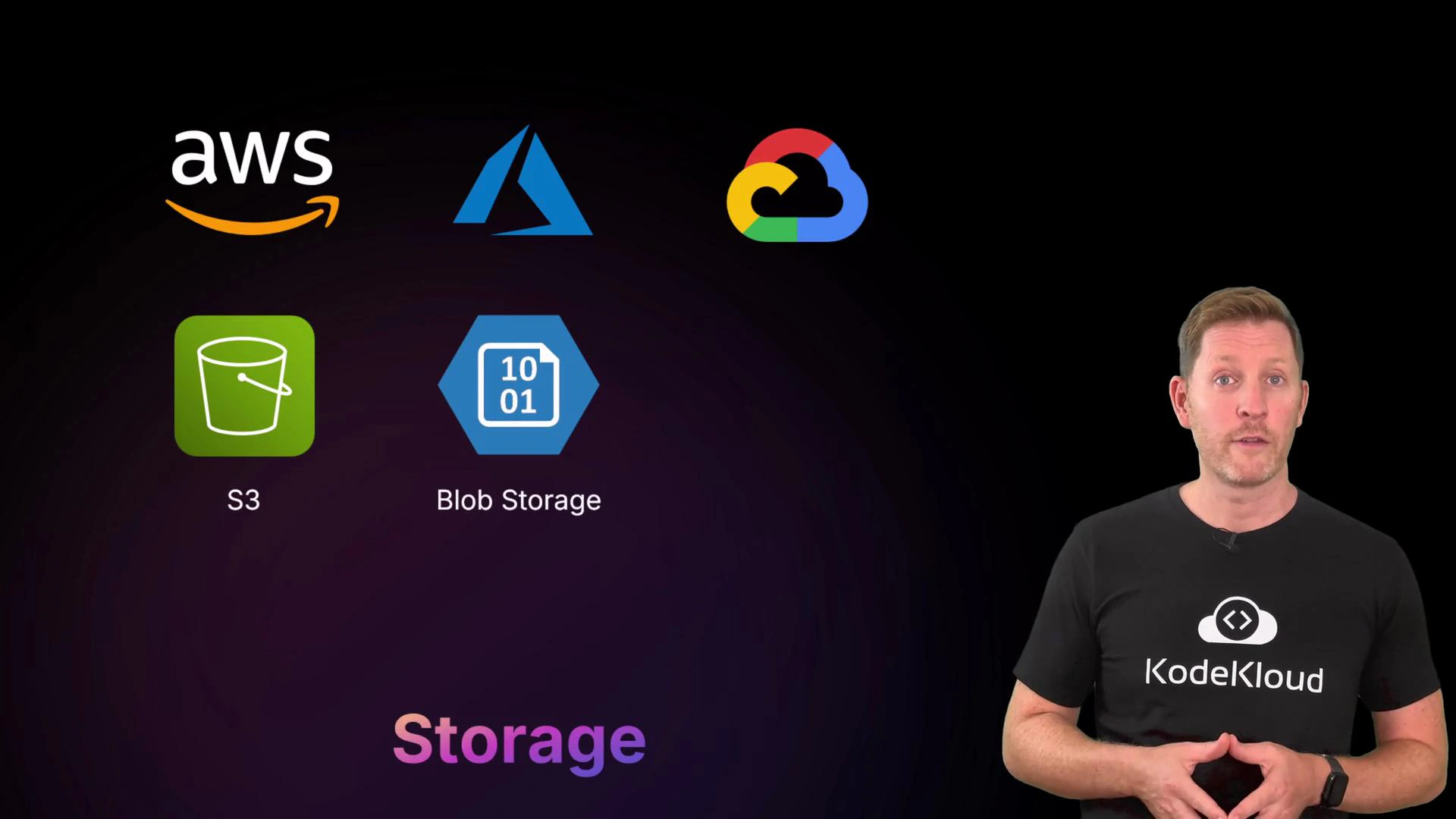
- Object storage (S3, Blob Storage, Cloud Storage): Best for files, backups, logs, and media. Often supports multiple storage classes (hot, cold, archival) to balance cost and access speed.
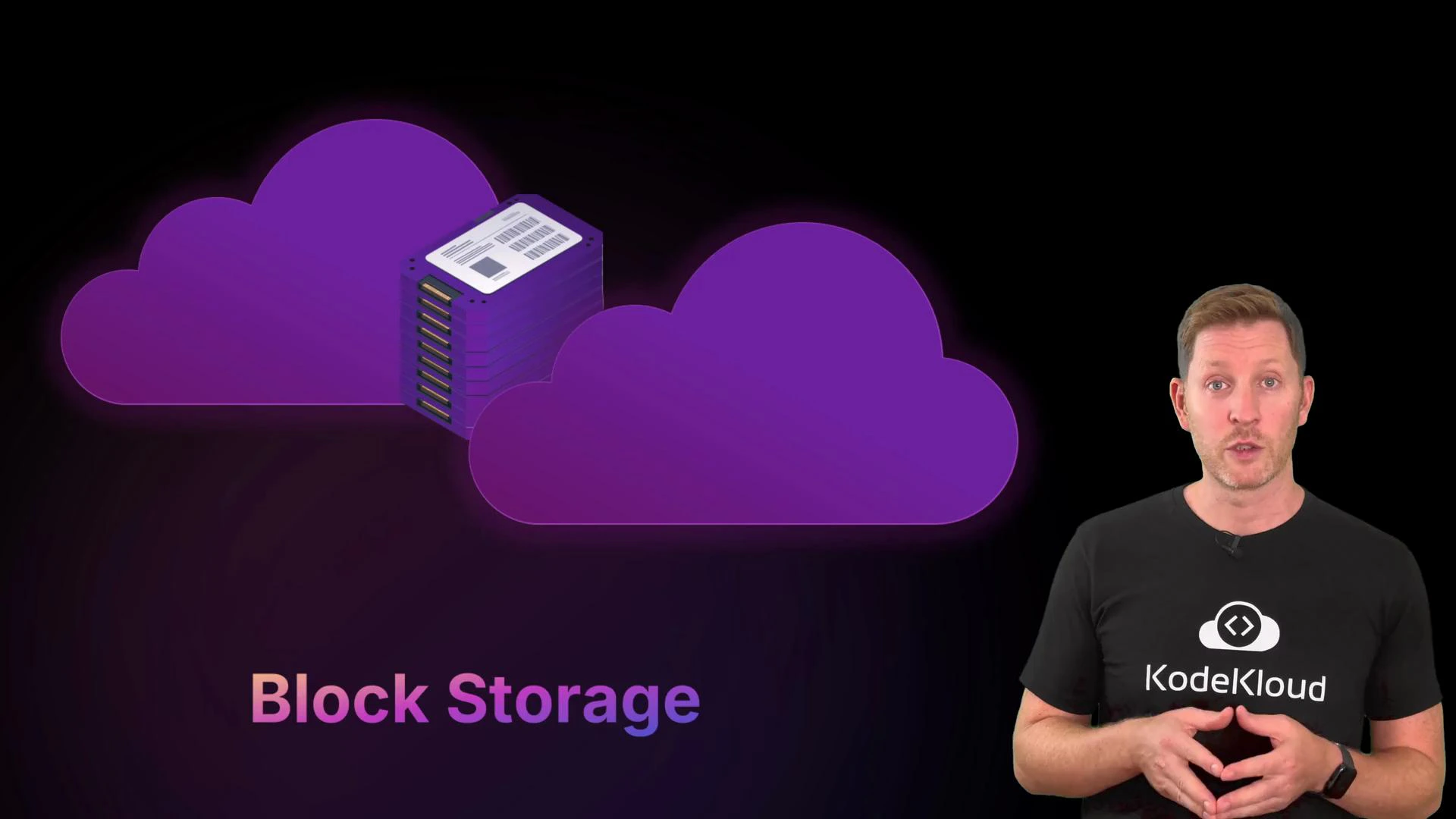
- Block storage (EBS, Managed Disks, Persistent Disk): Virtual disks attached to VMs for OS and application data.
- File storage (EFS, Azure Files, Filestore): Managed network filesystems for shared access across instances.
- Create an S3 bucket (AWS CLI):
aws s3 mb s3://my-bucket --region us-east-1 - Remove an S3 bucket and its contents:
aws s3 rb s3://my-bucket --force - Create a Cloud Storage bucket (gcloud):
gsutil mb gs://my-bucket - Remove a Cloud Storage bucket and contents:
gsutil rm -r gs://my-bucket - Create a Blob container (Azure CLI):
az storage container create --name mycontainer --account-name mystorageaccount - Delete a Blob container (Azure CLI):
az storage container delete --name mycontainer --account-name mystorageaccount
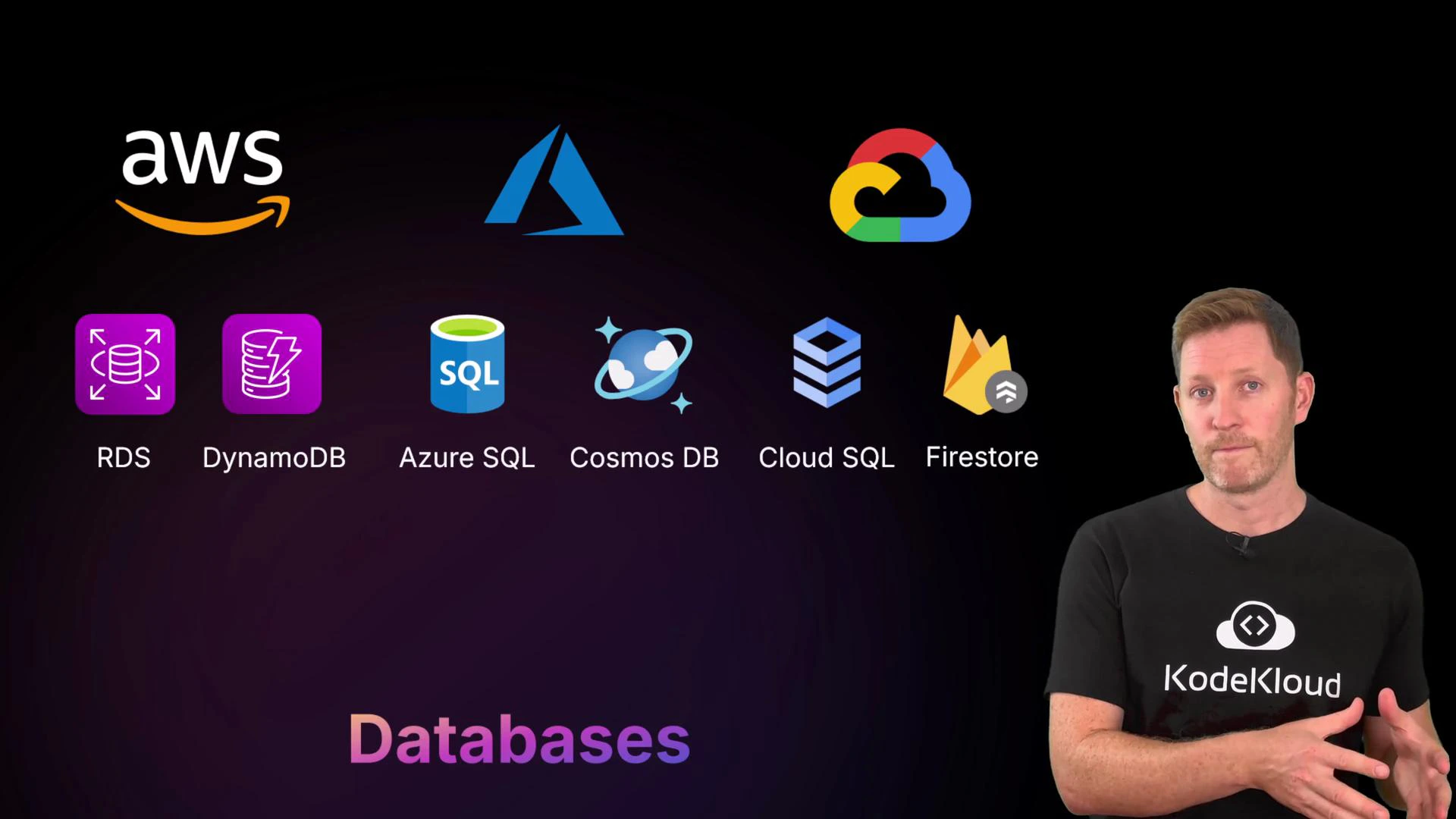
- Relational (managed SQL): RDS (AWS), Azure SQL, Cloud SQL (GCP).
- NoSQL / multi-model: DynamoDB (AWS), Cosmos DB (Azure), Firestore (GCP).
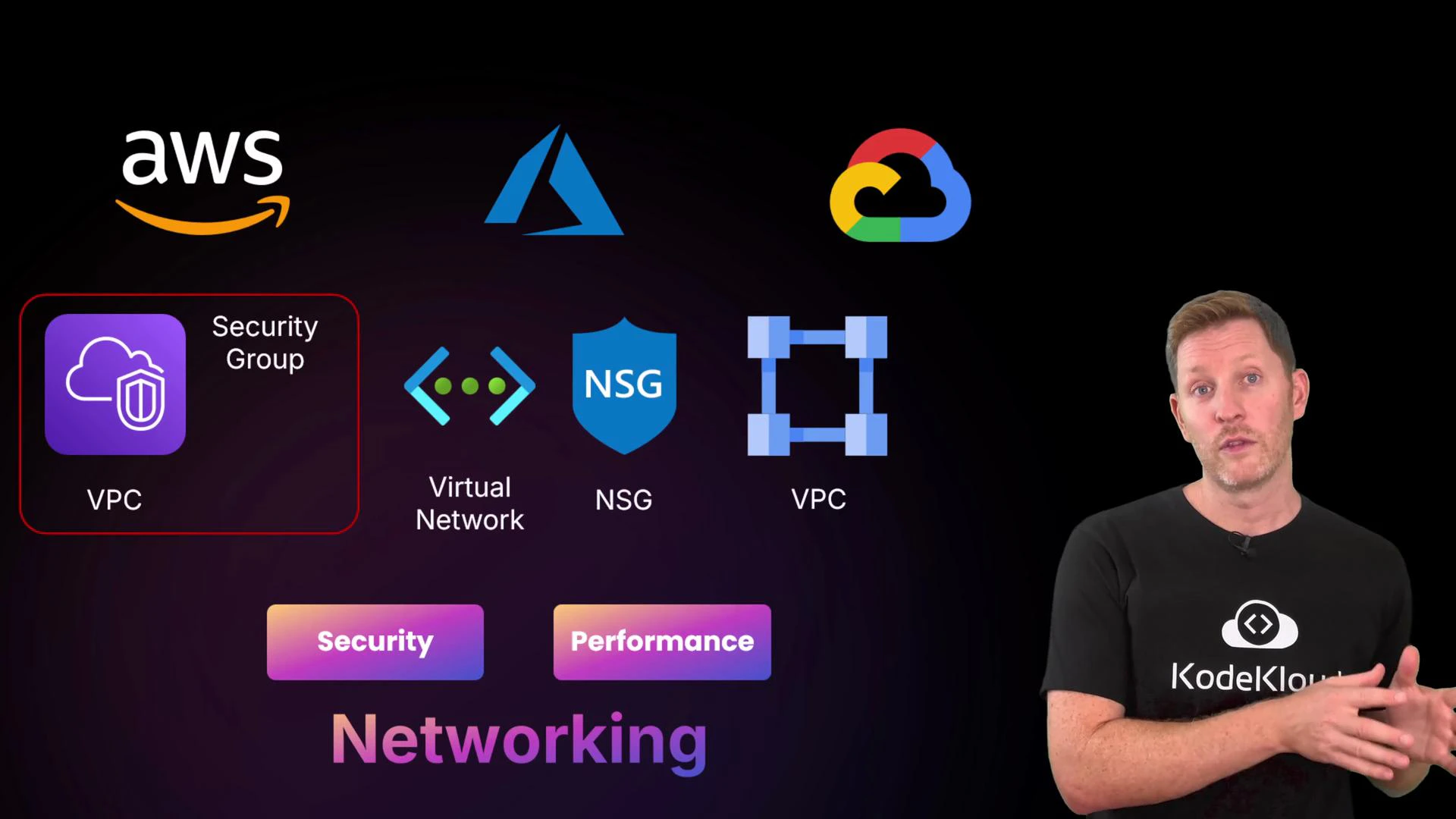
- AWS: VPC (Virtual Private Cloud), security groups, network ACLs.
- Azure: Virtual Network, Network Security Groups (NSGs).
- GCP: VPC with firewall rules and IAM networking controls.
- Learn by doing: create a VM, a storage bucket, a managed database instance, and a simple VPC/subnet to see how pieces connect.
- Track costs: resources incur charges while provisioned—always clean up demo resources.
- Use provider documentation for service-specific limits and features.
Remember: names vary but core concepts are consistent. Focus first on compute, storage, databases, and networking—provider-specific details come next.