Yahoo’s new Remix feature just went viral. Millions of users upload clips, edit videos in the browser, and watch content around the world simultaneously — with no buffering and no late-night calls to IT. How does that scale? The secret isn’t a single super-server. It’s a whole factory of cloud services working together: scaling compute, storing durable media, organizing metadata in databases, and delivering content over optimized networks. This article follows the typical steps a Remix video takes — from upload to global playback — and explains the core cloud building blocks that make it possible.
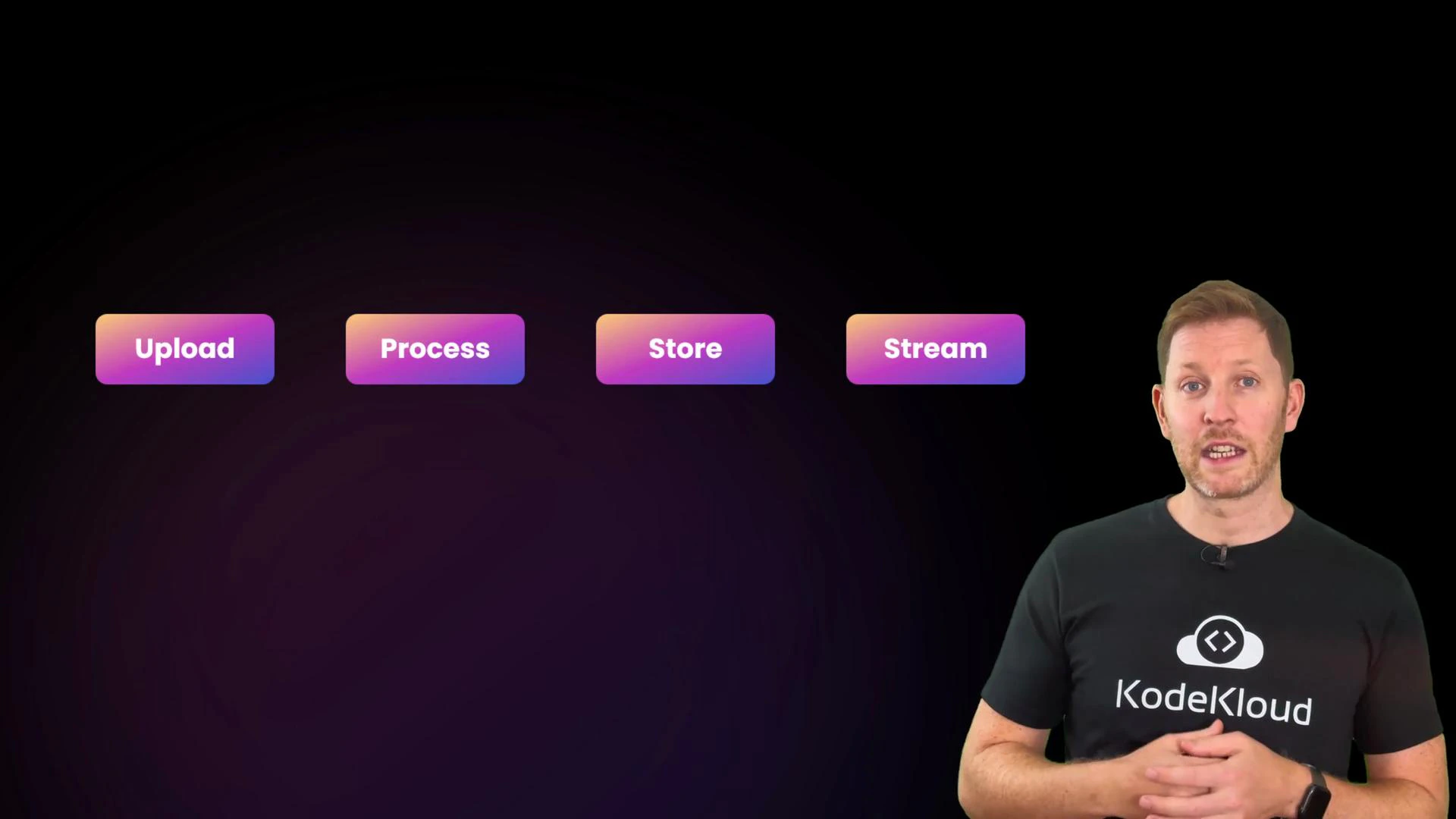
A presenter wearing a KodeKloud t-shirt stands on the right against a dark background. To the left are four colorful buttons labeled "Upload," "Process," "Store," and "Stream."
Cloud dashboards can look like a jungle of services,
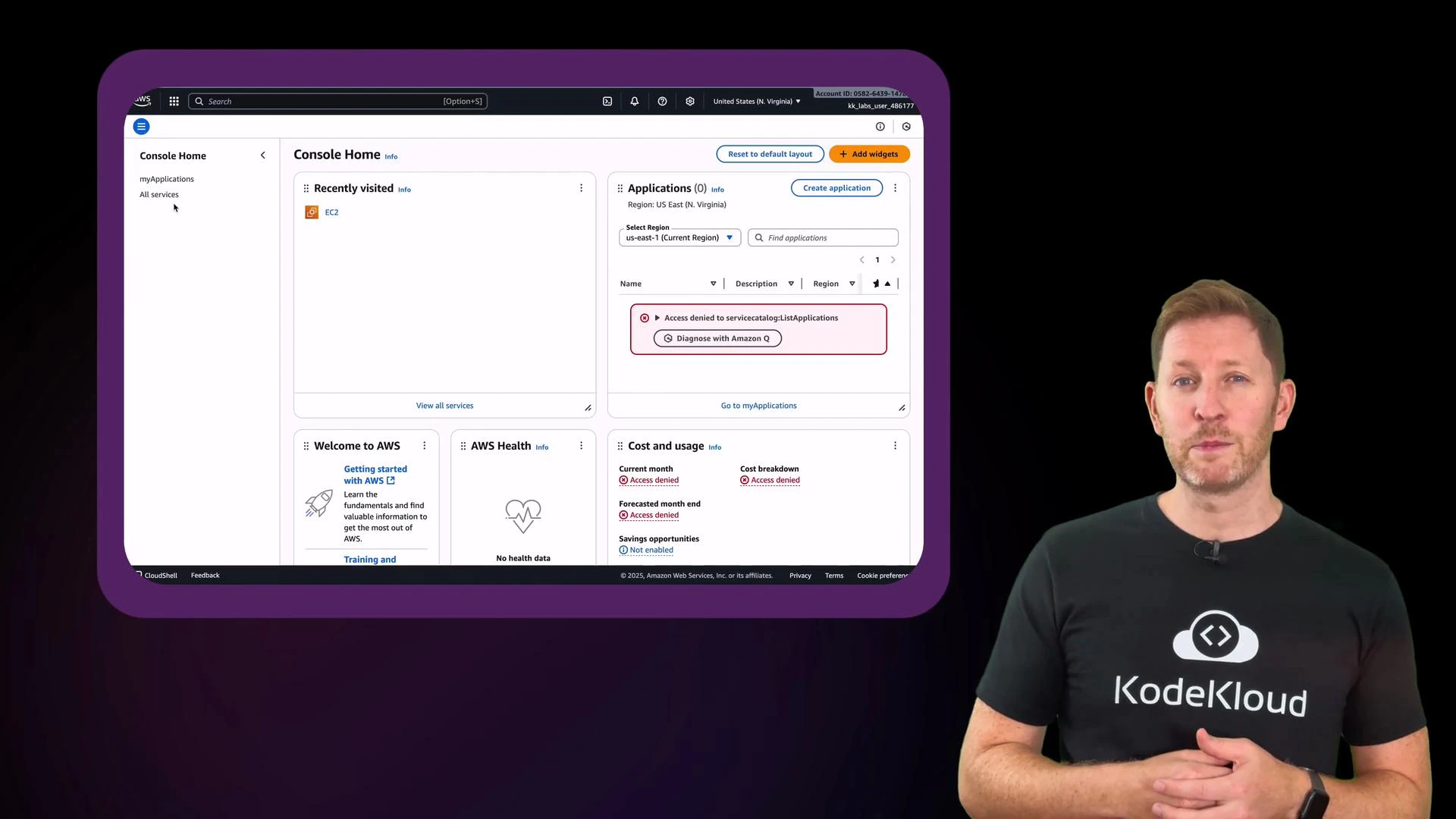
A person stands on the right wearing a black KodeKloud t-shirt, appearing to present. On the left is a large framed screen showing an AWS Console dashboard with "Access denied" messages.
but most systems are built from four repeatable building blocks: Compute, Storage, Databases, and Networking. These foundations power modern platforms and keep front-end experiences smooth and responsive. After reading this article, you’ll be able to describe how compute, storage, databases, and networking work together to run, store, manage, and deliver applications at scale.

1. Compute — the brain that runs the work

When Remix launched, millions began editing, cropping, and rendering videos in the browser. That processing doesn’t all run on each user’s device — cloud compute services perform the heavy lifting. Cloud compute executes tasks, processes data, and makes fast decisions. In practice, this means launching virtual machines (VMs) or containers to run code.
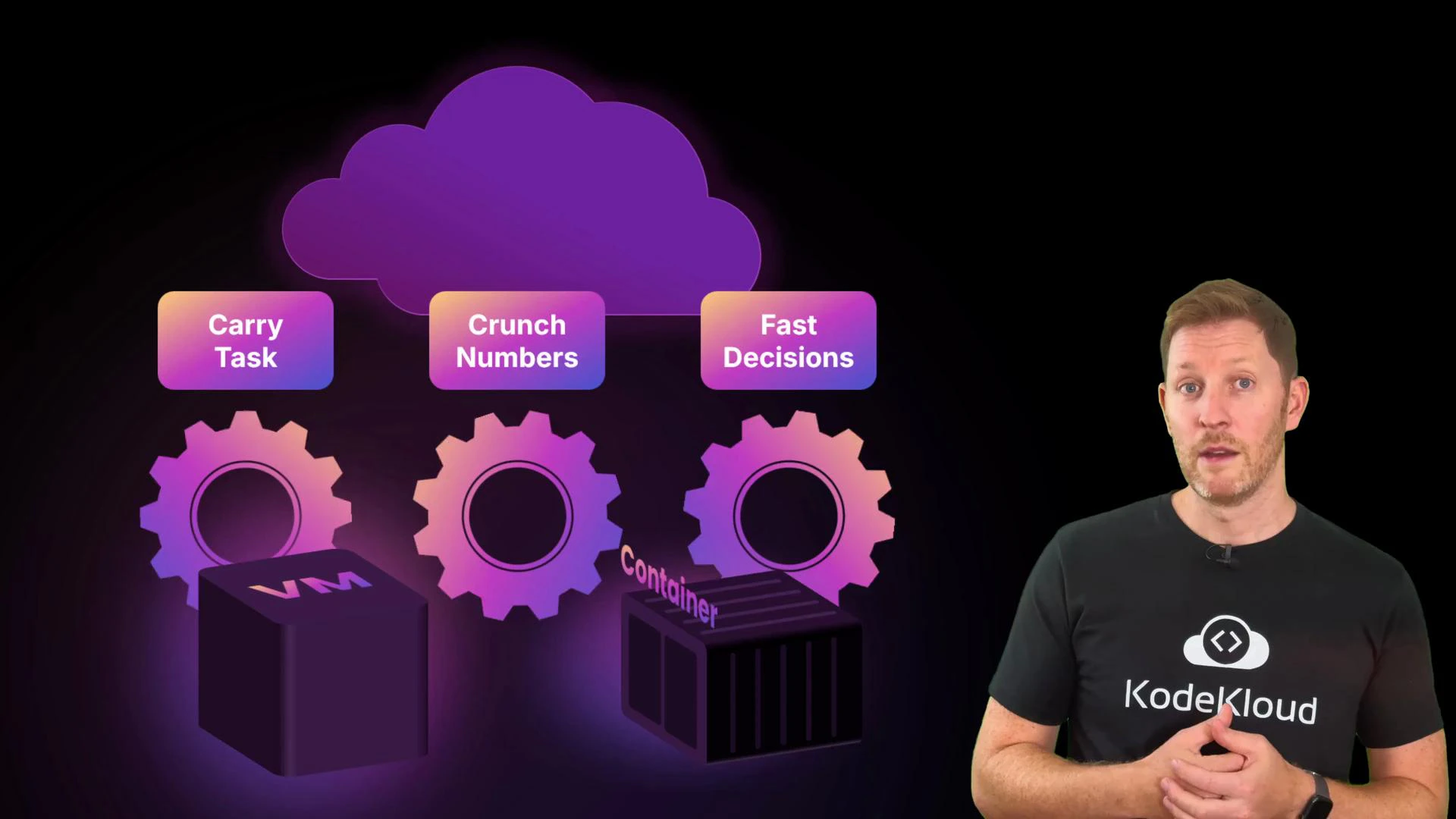
A presenter wearing a KodeKloud T‑shirt stands on the right beside a stylized purple cloud infographic. The graphic shows gears, a VM cube and a container box with labels reading "Carry Task", "Crunch Numbers", and "Fast Decisions."
  • Virtual machines (VMs) simulate a full computer with their own OS. Use VMs for strong isolation, custom OS-level configuration, or long-running tasks like large video transcodes or scheduled batch jobs.
  • Containers package an app and its dependencies while sharing the host kernel. They start quickly and scale horizontally, making them ideal for short-lived micro-tasks: trimming clips, applying filters, or handling uploads.
MiaoTube (the Remix backend example) typically uses containers for interactive editing and fast autoscaling. For heavier workloads (long transcoding runs or large batch jobs), VMs can be used in the background so the UI stays responsive even under peak load.

2. Storage — the cloud’s filing cabinet

Once a user finishes editing, the results must be saved safely and durably. Cloud storage provides that persistence.
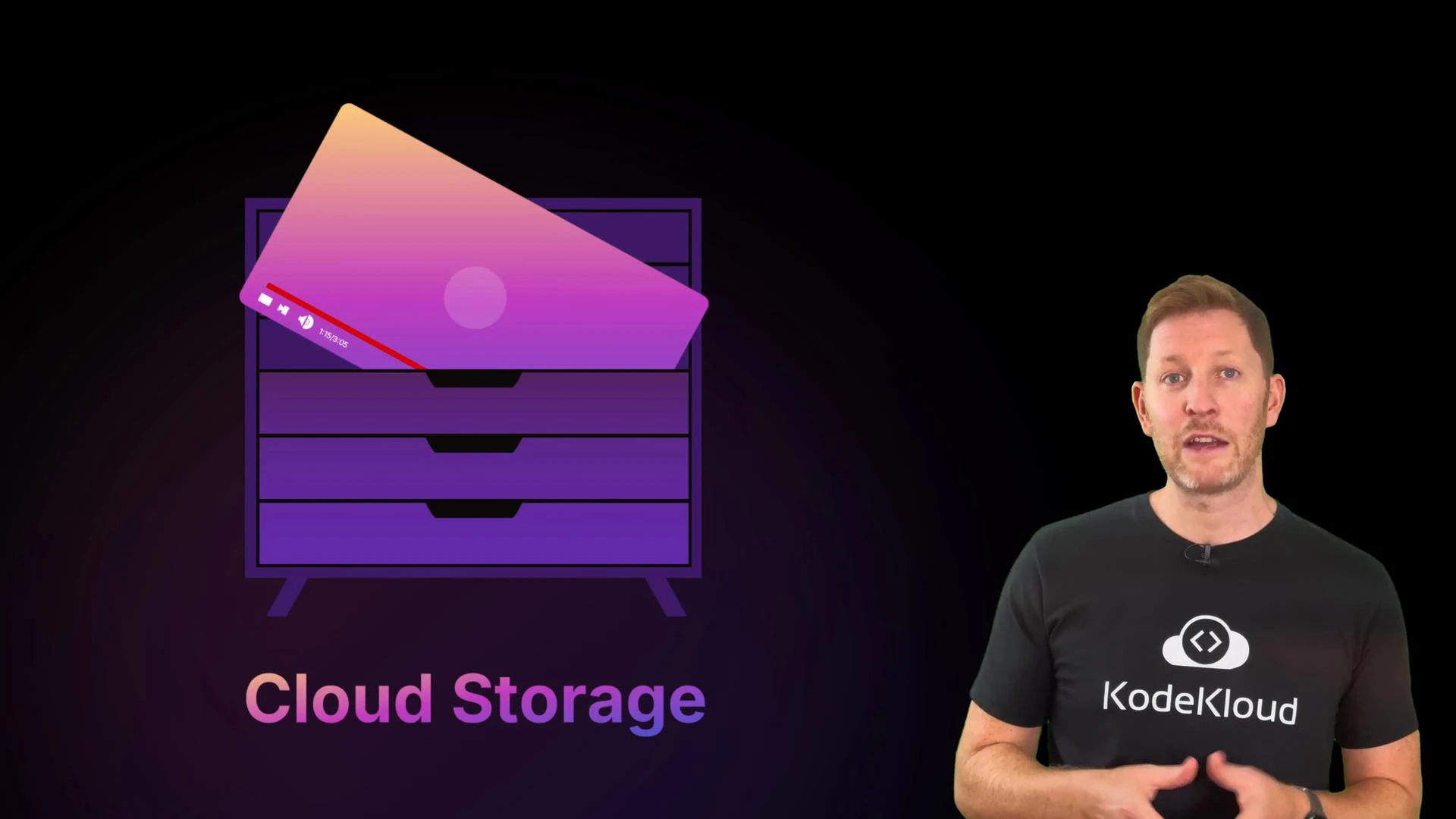
A presenter wearing a KodeKloud t-shirt stands against a black background. To his left is a purple stylized drawer icon with a gradient file and the label "Cloud Storage."
Although we say “the cloud,” storage is still physical disks and SSDs in data centers. The cloud abstracts that hardware behind APIs, letting you focus on files and objects instead of rack-level maintenance. Common cloud storage types:
Storage TypeCharacteristicsBest for
Block storageFixed-size blocks, low latency, presented as volumesVM disks, active databases
File storageHierarchical filesystem with folders and pathsShared workloads, legacy apps expecting POSIX filesystems
Object storageFlat namespace, objects with metadata and keys, highly scalableLarge media files, thumbnails, static assets, archives
Example file path (file storage):
/projects/remix/video1.mov
In object storage, the media is accessed by a key and metadata, not a nested path. Object stores are the common choice for media-heavy apps because they scale cheaply and integrate well with CDNs and metadata-based searches.
Object storage is optimized for durability and scale. Use block storage for fast random I/O and file storage when an application expects a filesystem interface.

3. Databases — the cloud’s working memory

Every time a user likes a video, saves a draft, or edits a remix, those actions must be recorded and available across devices. Databases provide the structured and unstructured data stores that keep the app consistent and searchable.
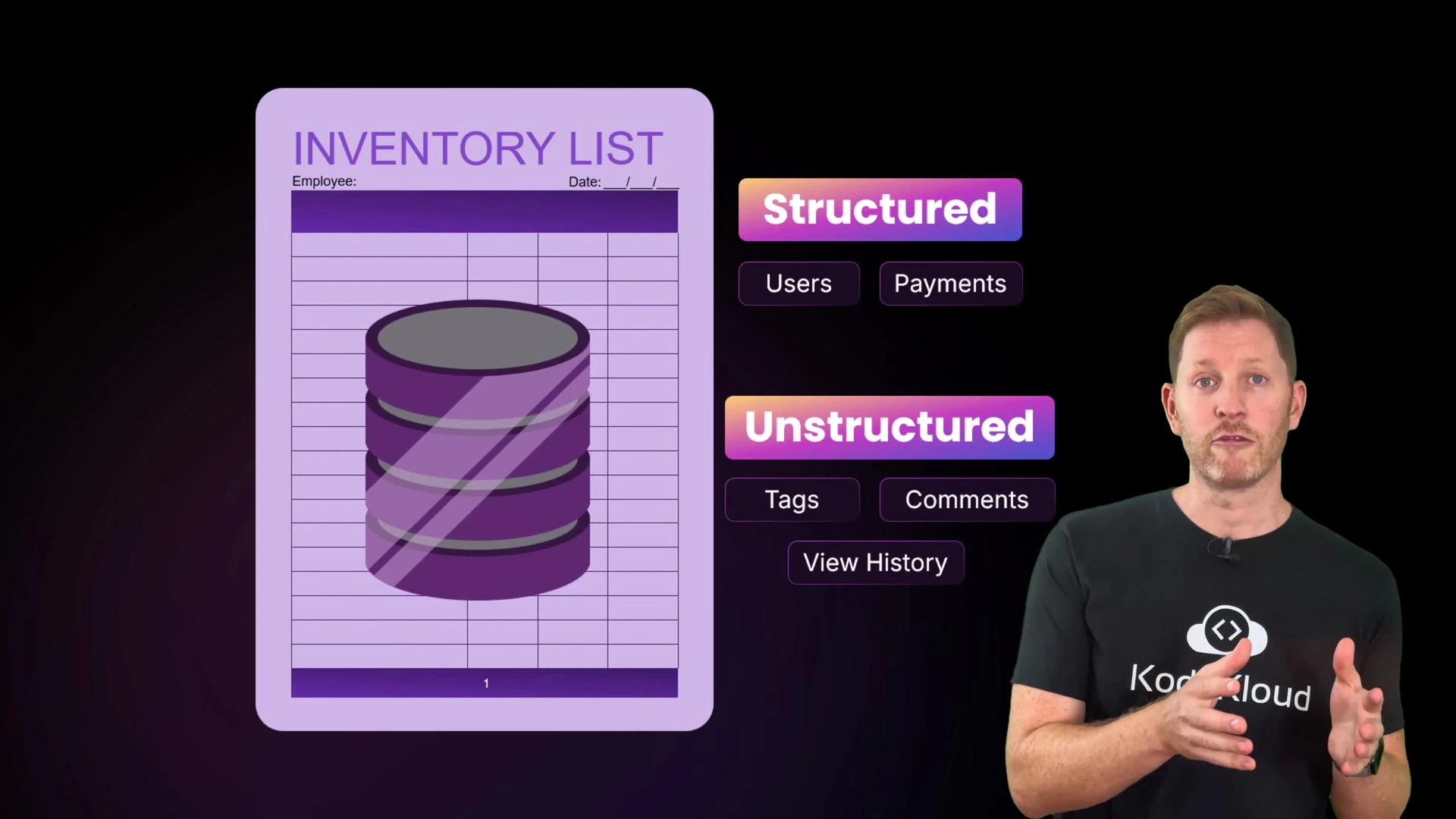
A purple "Inventory List" graphic with a stacked database icon and labeled boxes for "Structured" (e.g., Users, Payments) and "Unstructured" (e.g., Tags, Comments, View History). A presenter stands on the right, gesturing toward the visual.
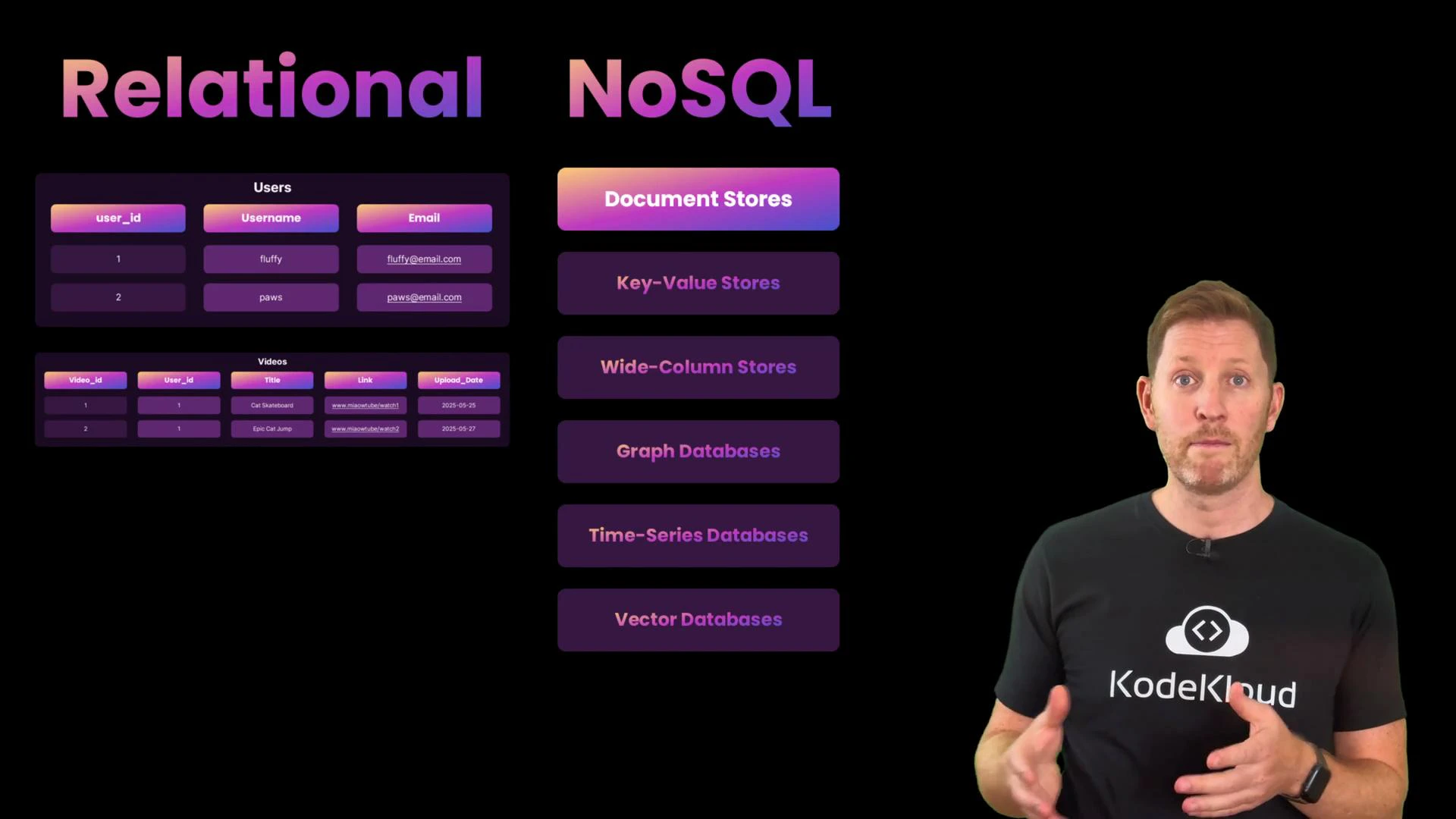
Relational (SQL) databases are great for structured data, strong consistency, and complex queries — for example, user accounts and payments. NoSQL stores are designed for flexible schemas, massive scale, and fast writes — useful for feeds, metadata, session data, and edit histories.
A slide comparing "Relational" databases (example Users and Videos tables) on the left with various "NoSQL" store types listed on the right. A presenter stands to the right wearing a black KodeKloud t-shirt.
In modern cloud architectures, databases are commonly provided as managed services. That means the provider handles provisioning, scaling, replication, monitoring, and backups so developers can focus on schema design and queries.
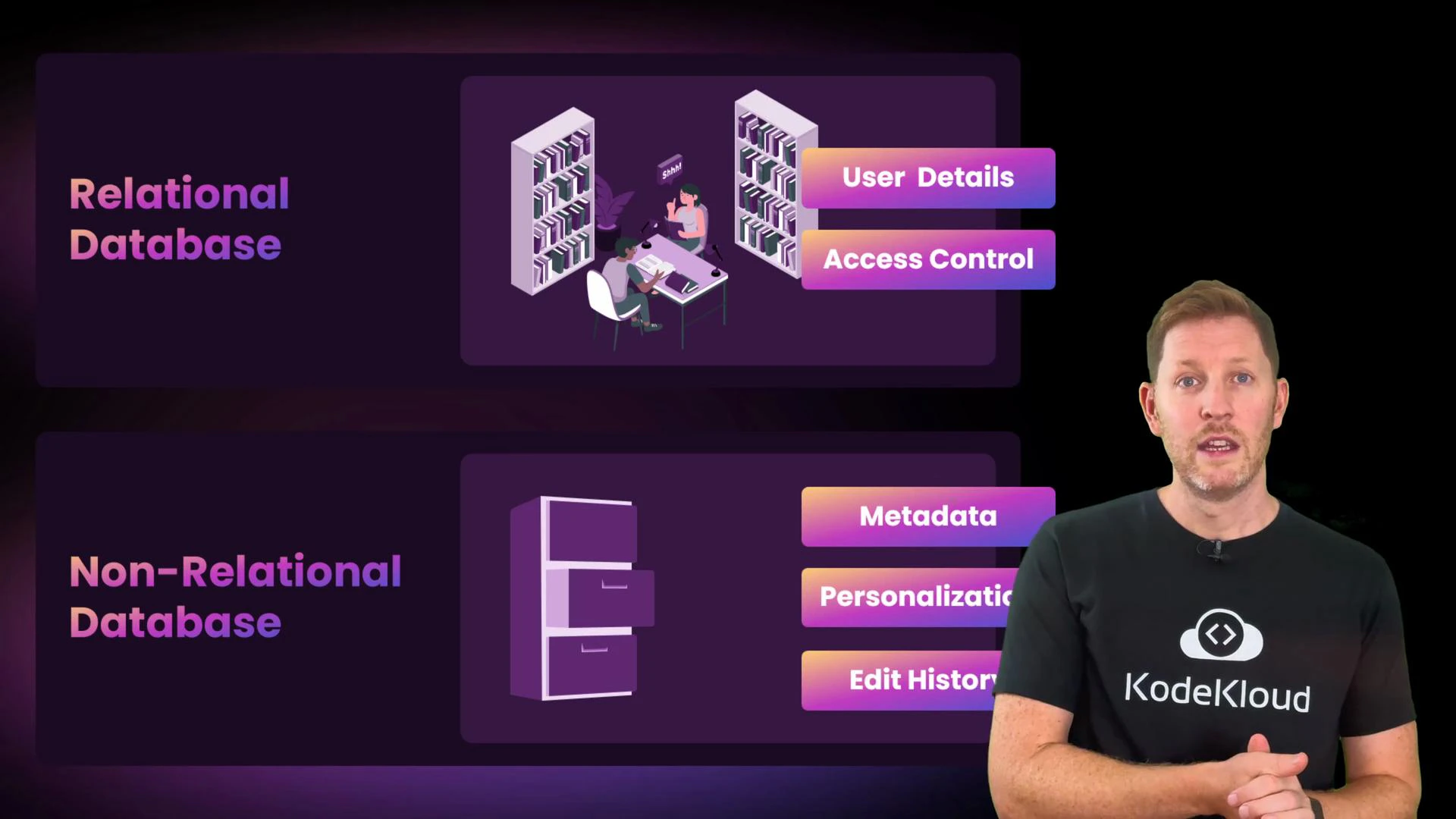
A presenter wearing a KodeKloud T-shirt stands to the right of a slide. The slide compares "Relational Database" (user details, access control) and "Non-Relational Database" (metadata, personalization, edit history) with accompanying icons.
MiaoTube uses both: a relational DB for user accounts and access control, and a flexible NoSQL store for Remix metadata, personalization, and edit history. Managed databases reduce operational burden and make it easier to scale safely.

4. Networking — routing, balancing, and delivering content

After processing and storage, media must be delivered worldwide. Cloud networking is a system of smart highways: routing requests, balancing load, and delivering cached content from the closest edge. Think about these four networking responsibilities:
  • Availability: Multiple regions and availability zones provide geographic distribution and fault tolerance.
  • Routing: Traffic is directed to healthy, nearby, and lightly loaded servers for optimal latency.
  • Load balancing: Distributes incoming requests across server instances and reroutes traffic when instances fail.
  • Delivery: CDNs cache popular assets at edge locations to serve content quickly to users worldwide.
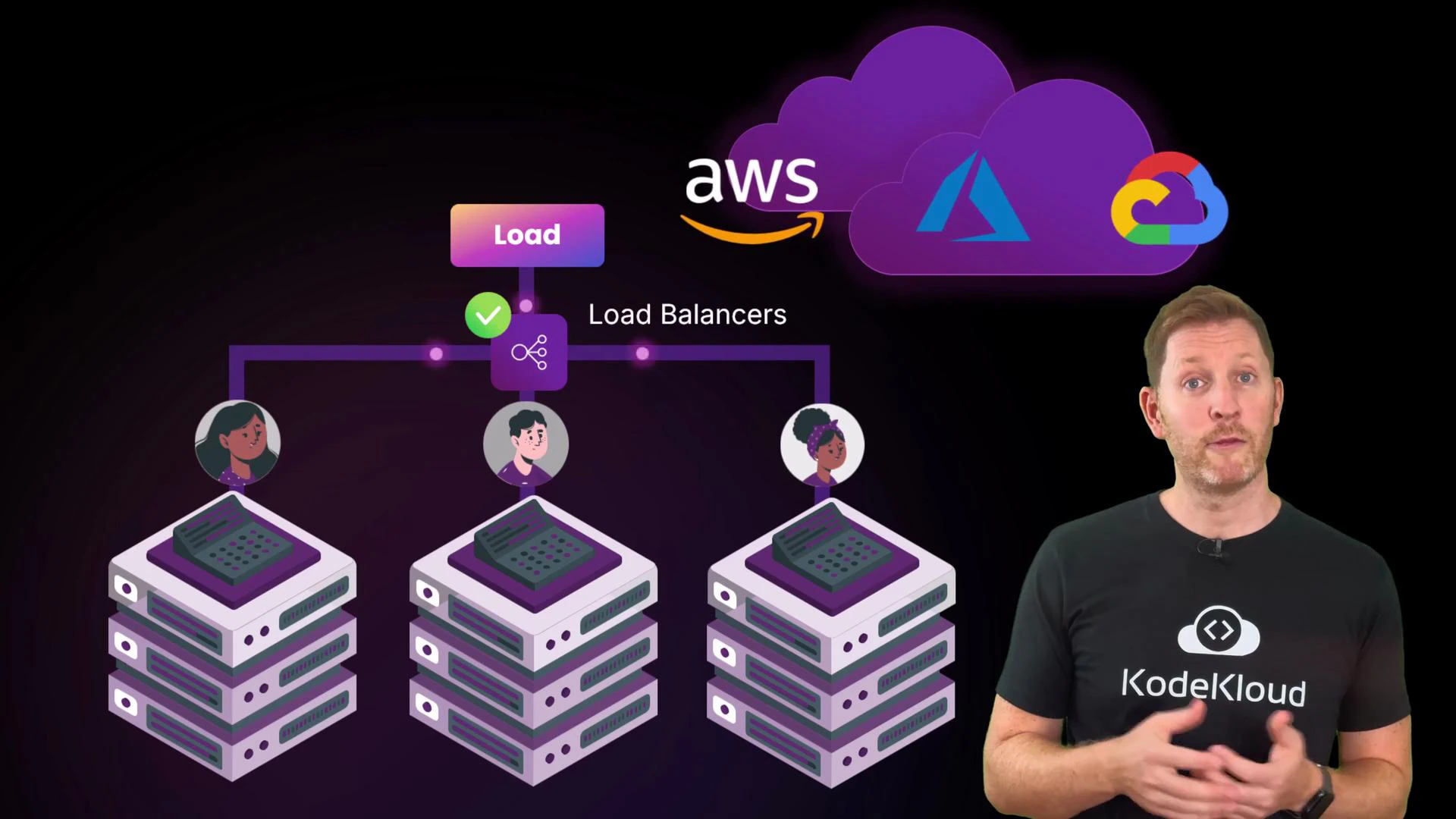
A presenter stands beside an illustrated diagram of load balancers routing traffic to three stacks of servers, with user avatars above each stack. Cloud provider logos for AWS, Azure and Google Cloud appear in a purple cloud at the top.
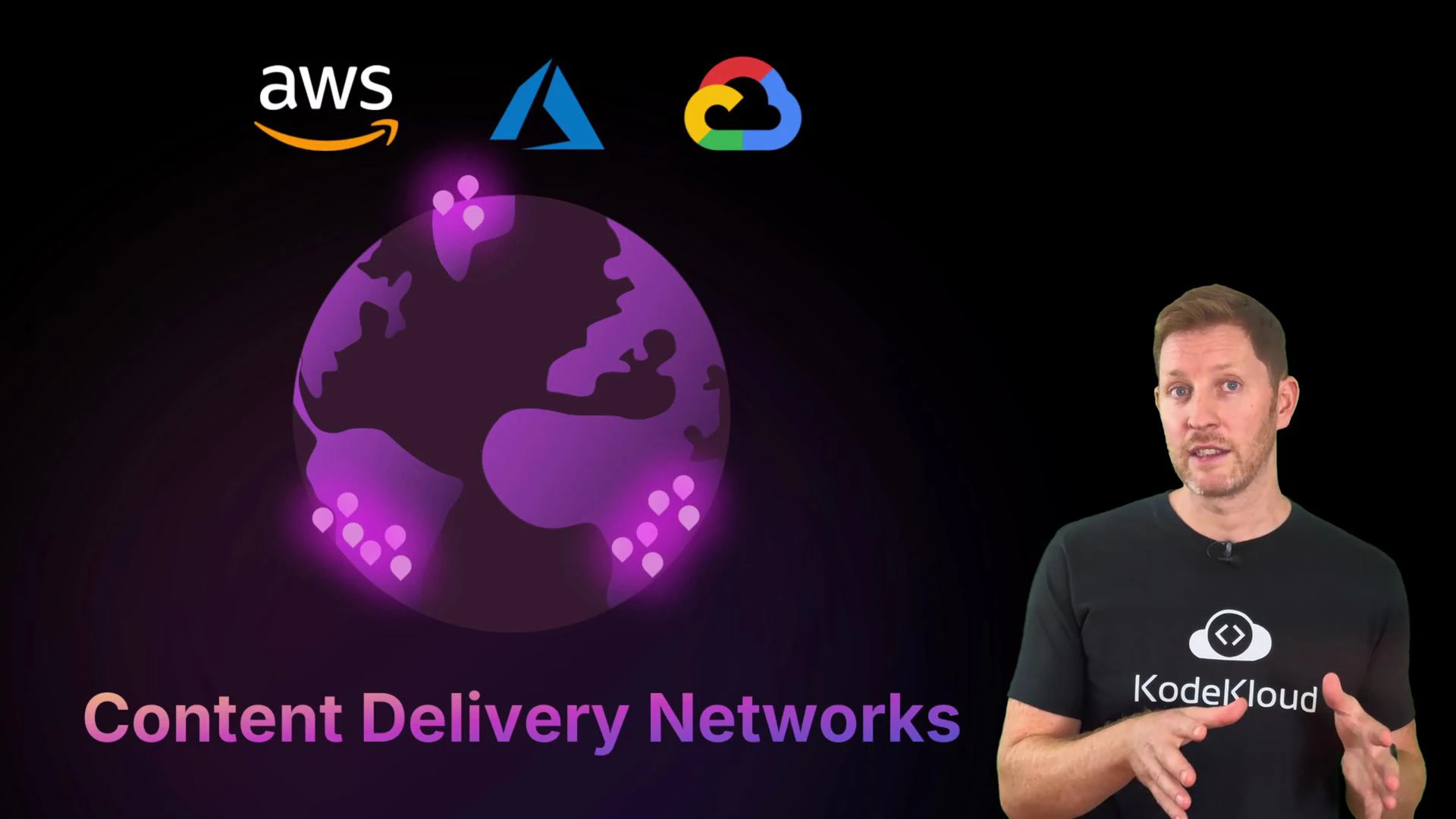
CDNs (Content Delivery Networks) are particularly important for media-heavy platforms: they cache videos, thumbnails, and static assets closer to users to reduce startup latency and improve streaming quality.
A purple stylized globe with glowing location pins and the text "Content Delivery Networks" sits on the left, with AWS, Azure, and Google Cloud logos above. On the right, a person wearing a KodeKloud t‑shirt gestures against a black background.
Bringing the pieces together:
  • Compute runs Remix at scale (containers for quick tasks, VMs for heavy jobs).
  • Storage keeps files safe and accessible (block, file, and object options).
  • Databases manage metadata, user preferences, and transactional records.
  • Networking connects users and accelerates delivery with load balancers and CDNs.
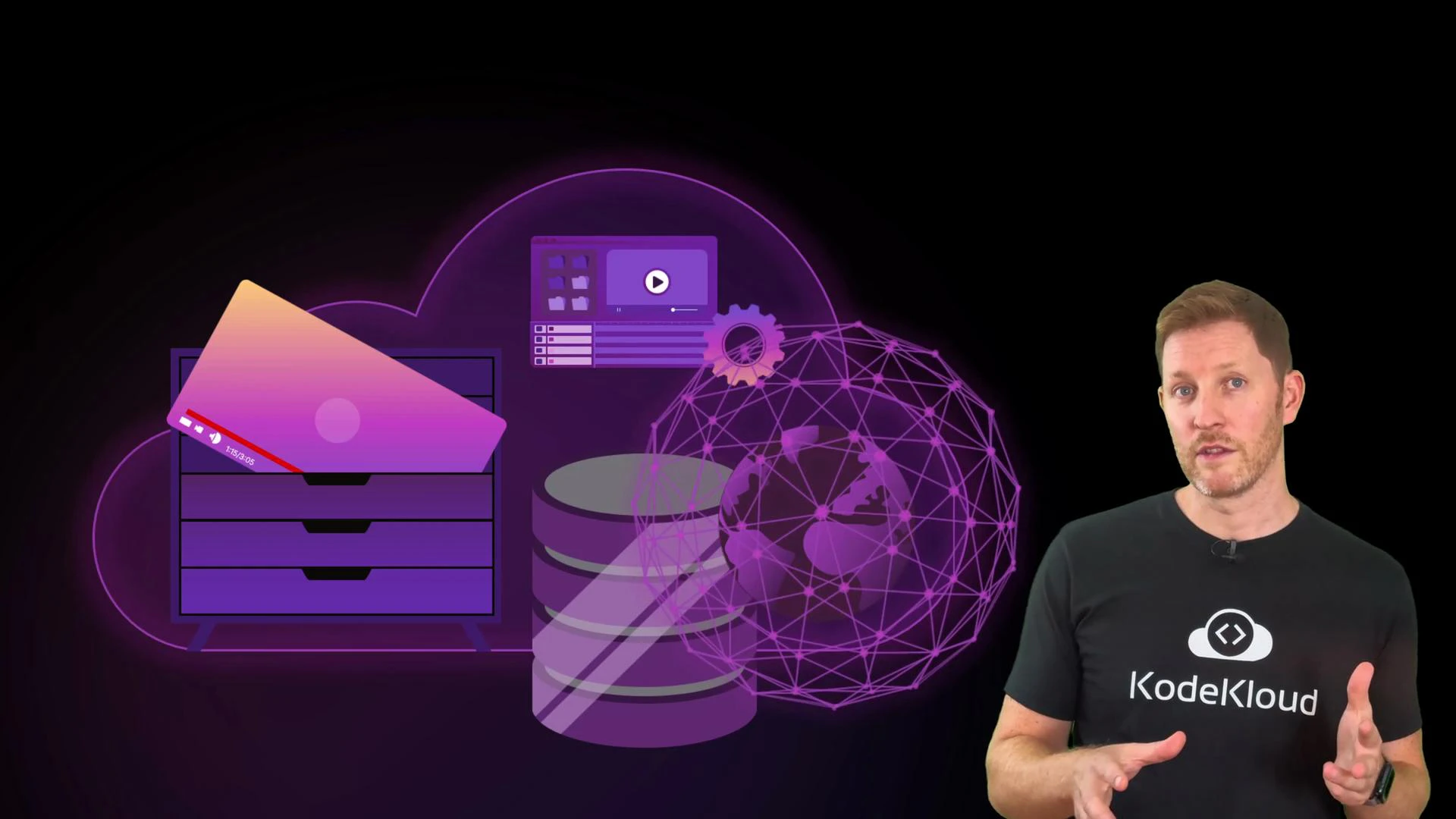
A person wearing a KodeKloud t-shirt stands on the right, gesturing as if explaining something. On the left are purple cloud-computing graphics including a server drawer, stacked disks, a globe-style network, and UI icons.

Quick quiz

Which of the following statements is true? A. Compute services provide virtual machines and containers to store application data.
B. Storage services run your application logic and automatically scale based on demand.
C. Database services help organize and query structured data, like video titles and tags.
D. Networking services are only used to connect internal cloud components, not end users.
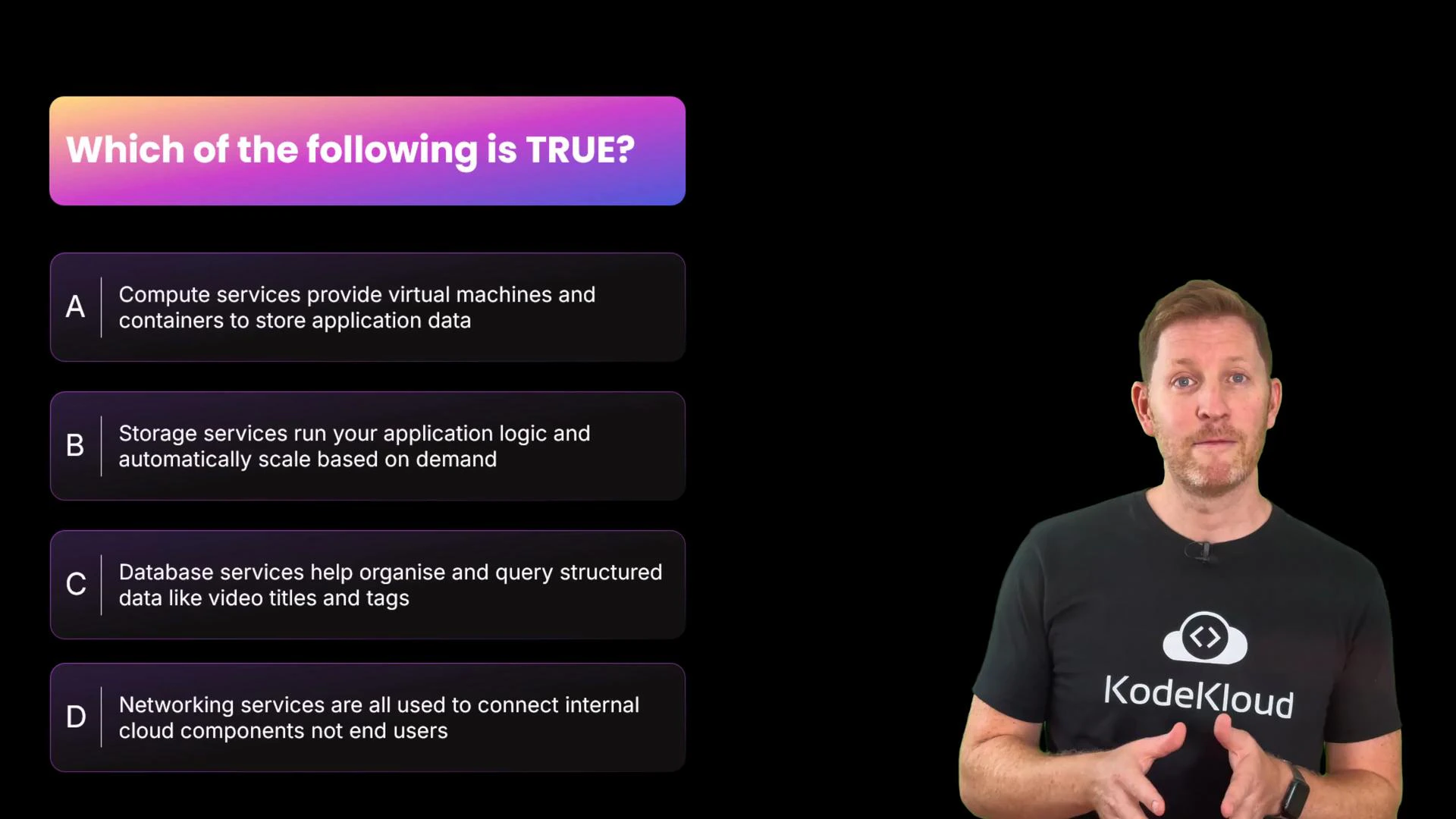
A quiz slide titled "Which of the following is TRUE?" lists four multiple-choice statements about cloud services (compute, storage, database, networking). A presenter wearing a KodeKloud t-shirt stands to the right against a black background.
Pause now. Welcome back. The correct answer is C.
  • Why C is true: Databases are designed to store and query structured data such as video titles, tags, and user records.
  • Why the others are false:
    • A is false: Compute runs code (VMs and containers); storage is used for persistent data.
    • B is false: Storage persists data; compute handles running logic and scaling.
    • D is false: Networking handles both internal and external traffic, including user-facing delivery.
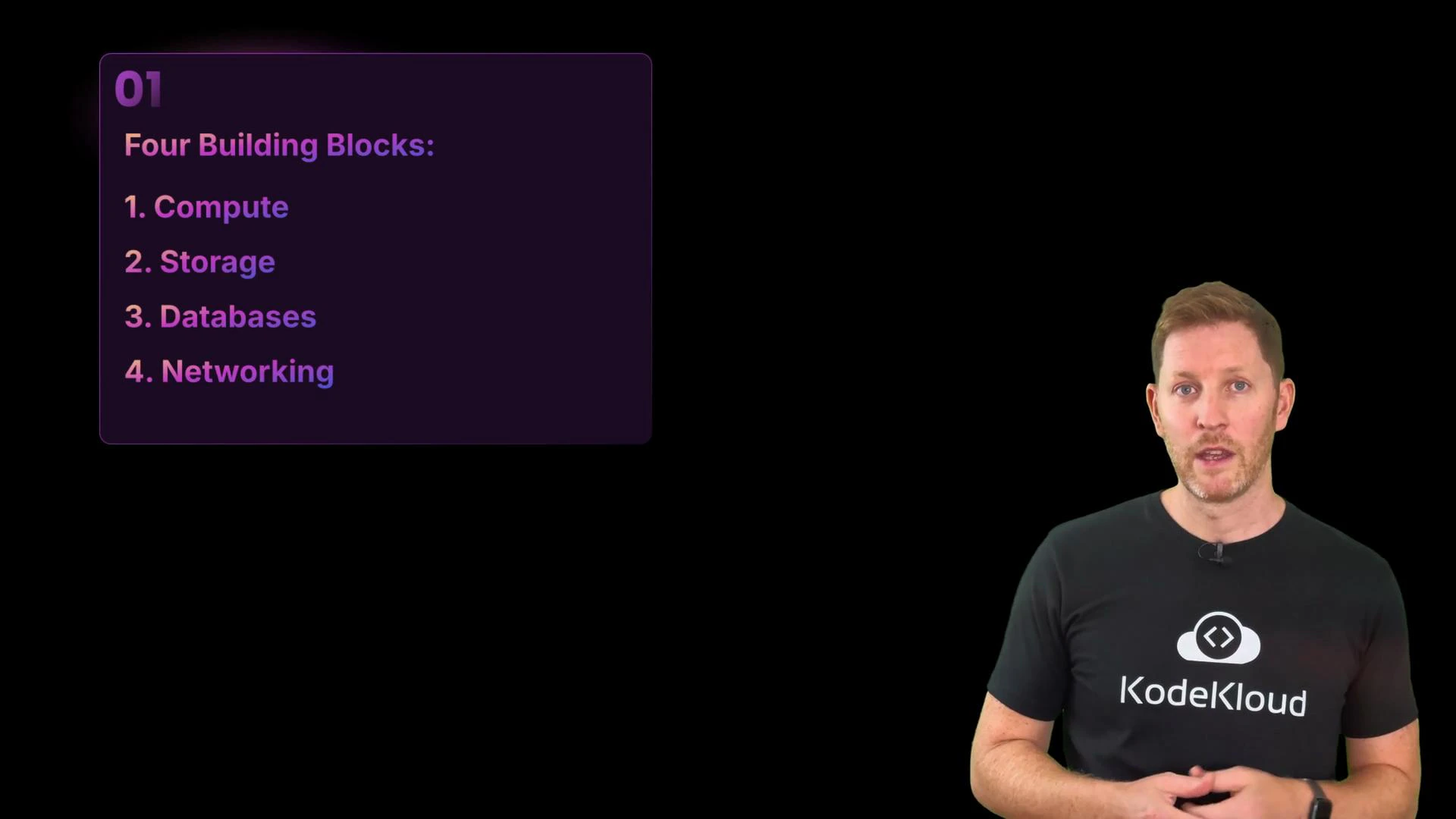
A presenter stands on the right wearing a black "KodeKloud" T-shirt, speaking against a black background. To the left is a purple slide titled "Four Building Blocks" listing: Compute, Storage, Databases, and Networking.
Storage systems persist files, backups, and media (block for low-latency disk, file for compatibility, object for scale). Databases manage structured and unstructured data with managed services that scale on demand. Networking connects everything, routes traffic across regions, and uses CDNs to accelerate global delivery.
Cloud architecture also needs security controls and cost management. We’ll cover cloud security and cost control in a dedicated follow-up article.
You’ve now seen the end-to-end flow: upload → compute → store → index in a database → deliver via networking. These four building blocks — Compute, Storage, Databases, and Networking — form the backbone of modern cloud-native applications.

Watch Video