

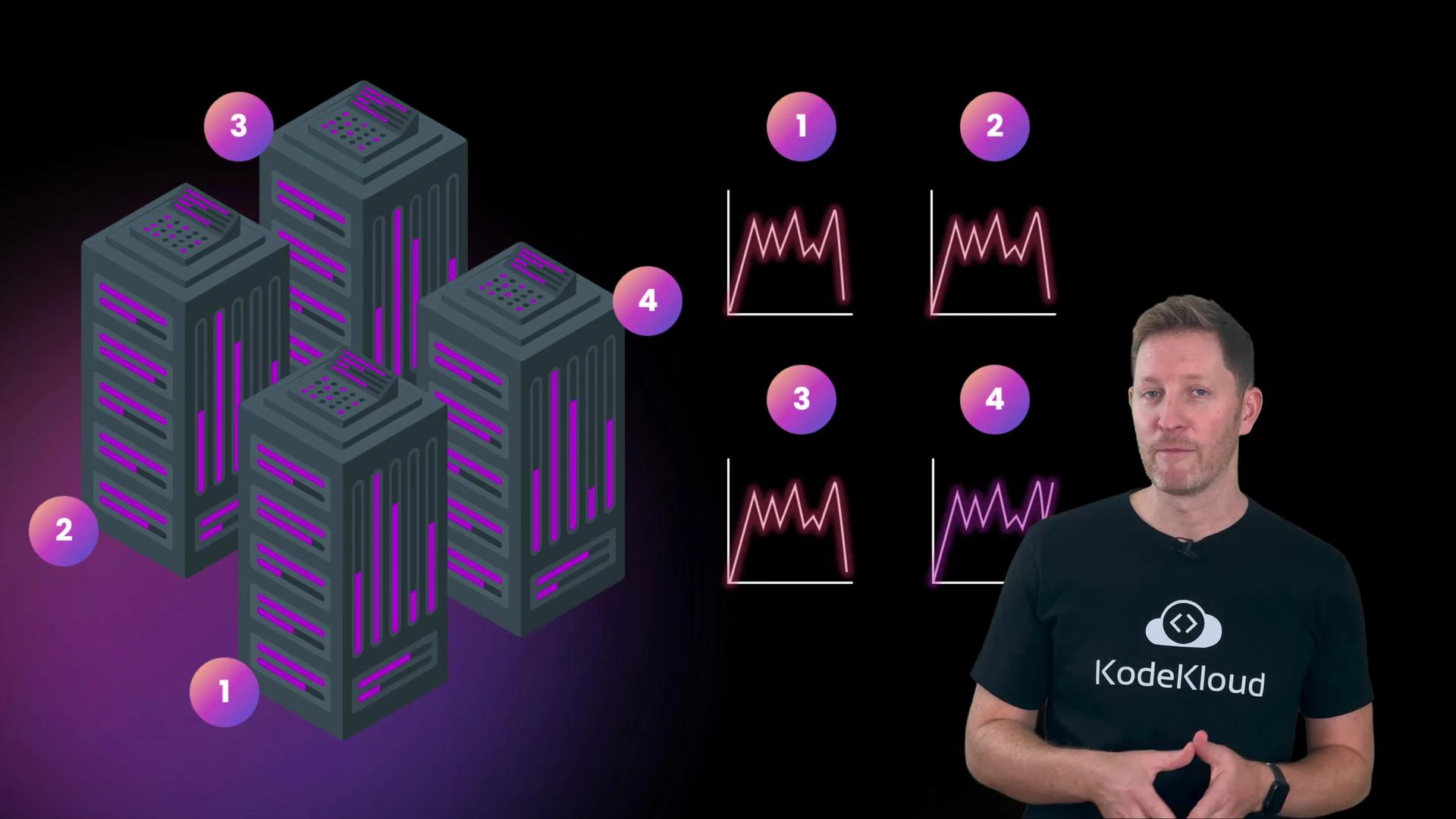
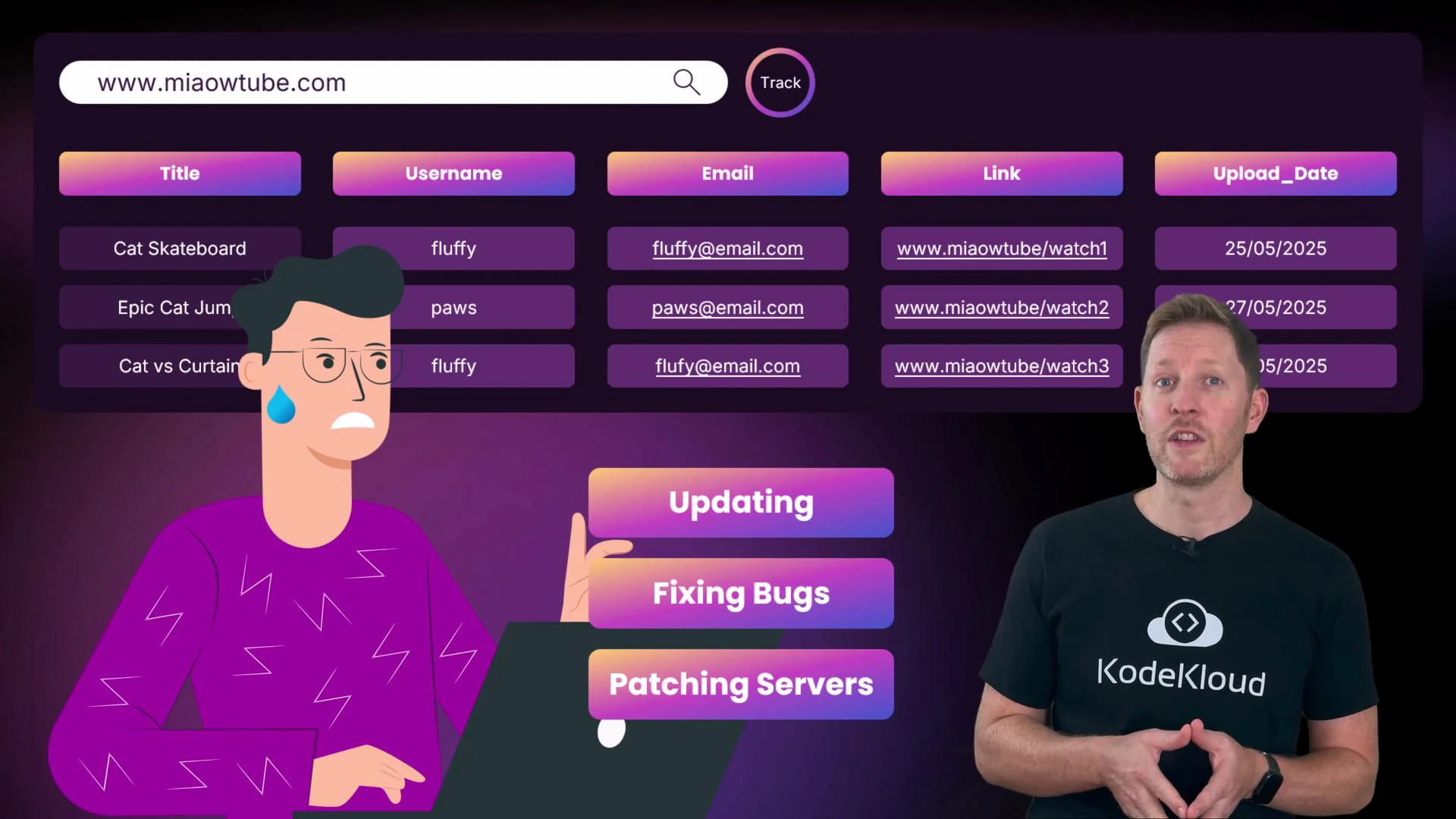
- Explain how cloud computing differs from traditional on-premises infrastructure.
- Evaluate the core benefits and trade-offs of cloud computing.
- Identify everyday examples of cloud computing in consumer and business contexts.
This lesson covers cloud fundamentals: what cloud computing is, its essential characteristics, the basic service and deployment models, and common real-world examples.
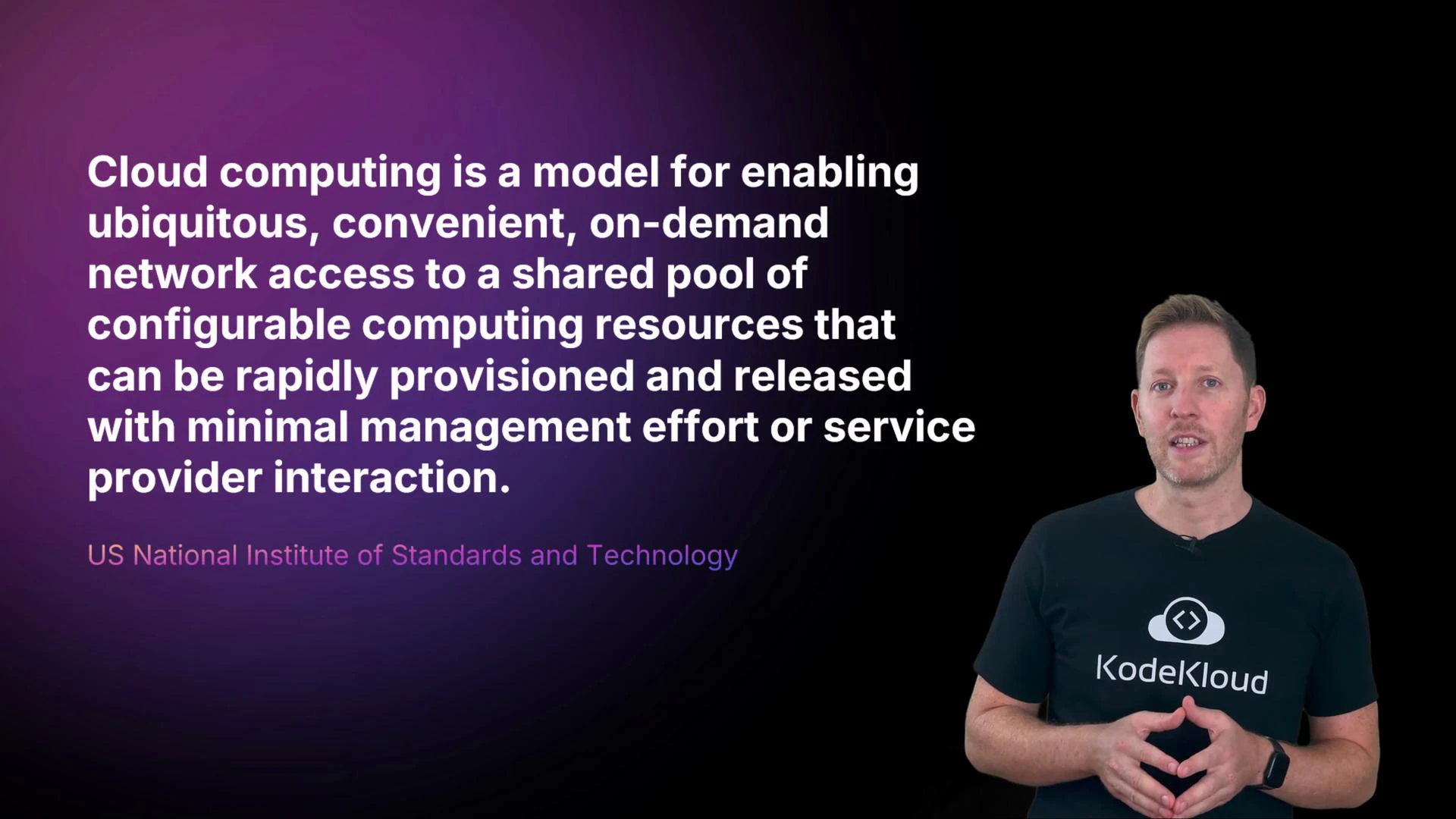
-
On-demand self-service
Kody can provision MeowTube’s resources — a server, a database, or a container — instantly without human intervention from the provider. Provisioning is fast and self-directed. -
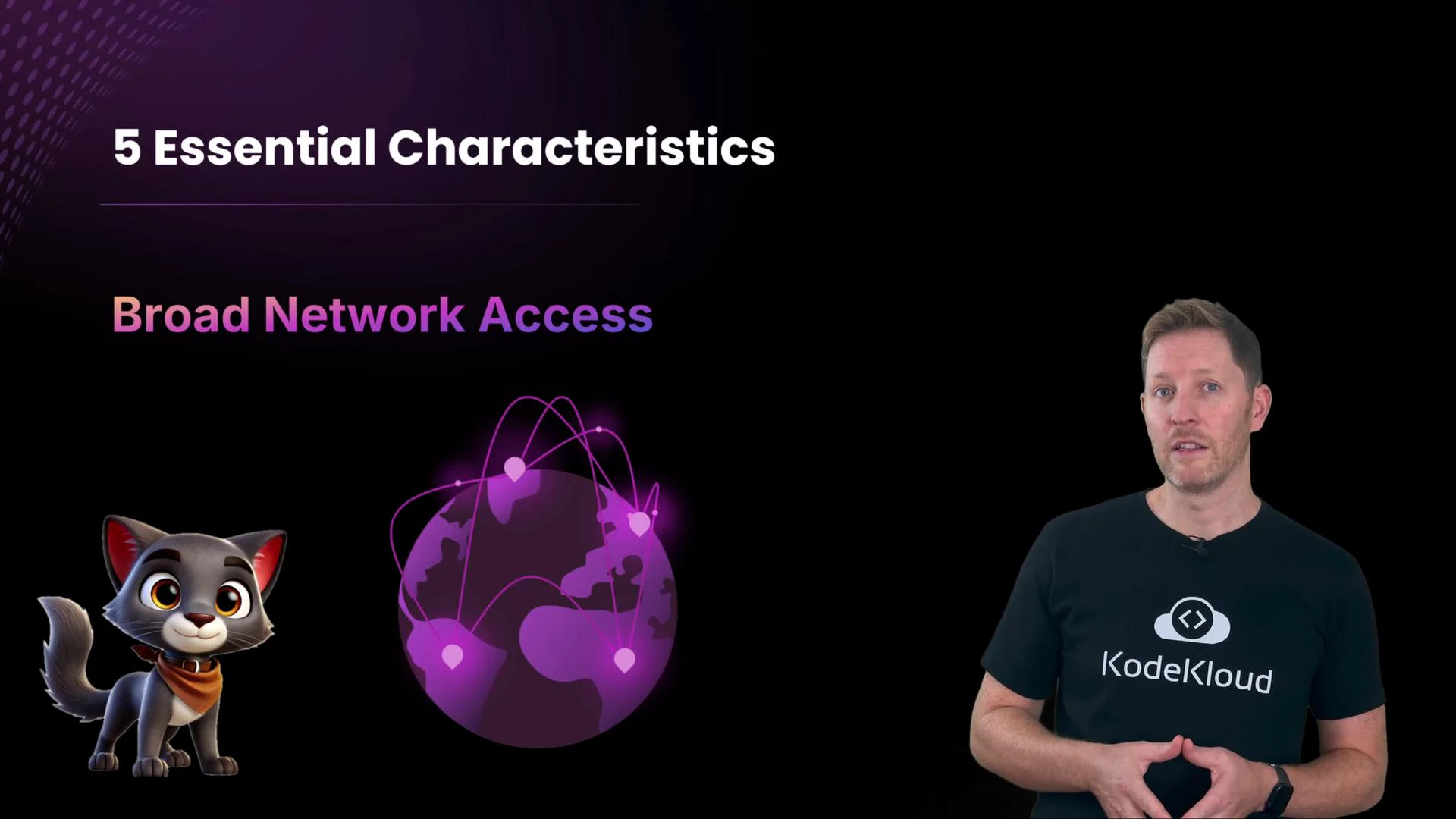
Broad network access
Cloud services are available over the internet (not just across internal networks), so Kody and her team can access resources from anywhere and on many device types.
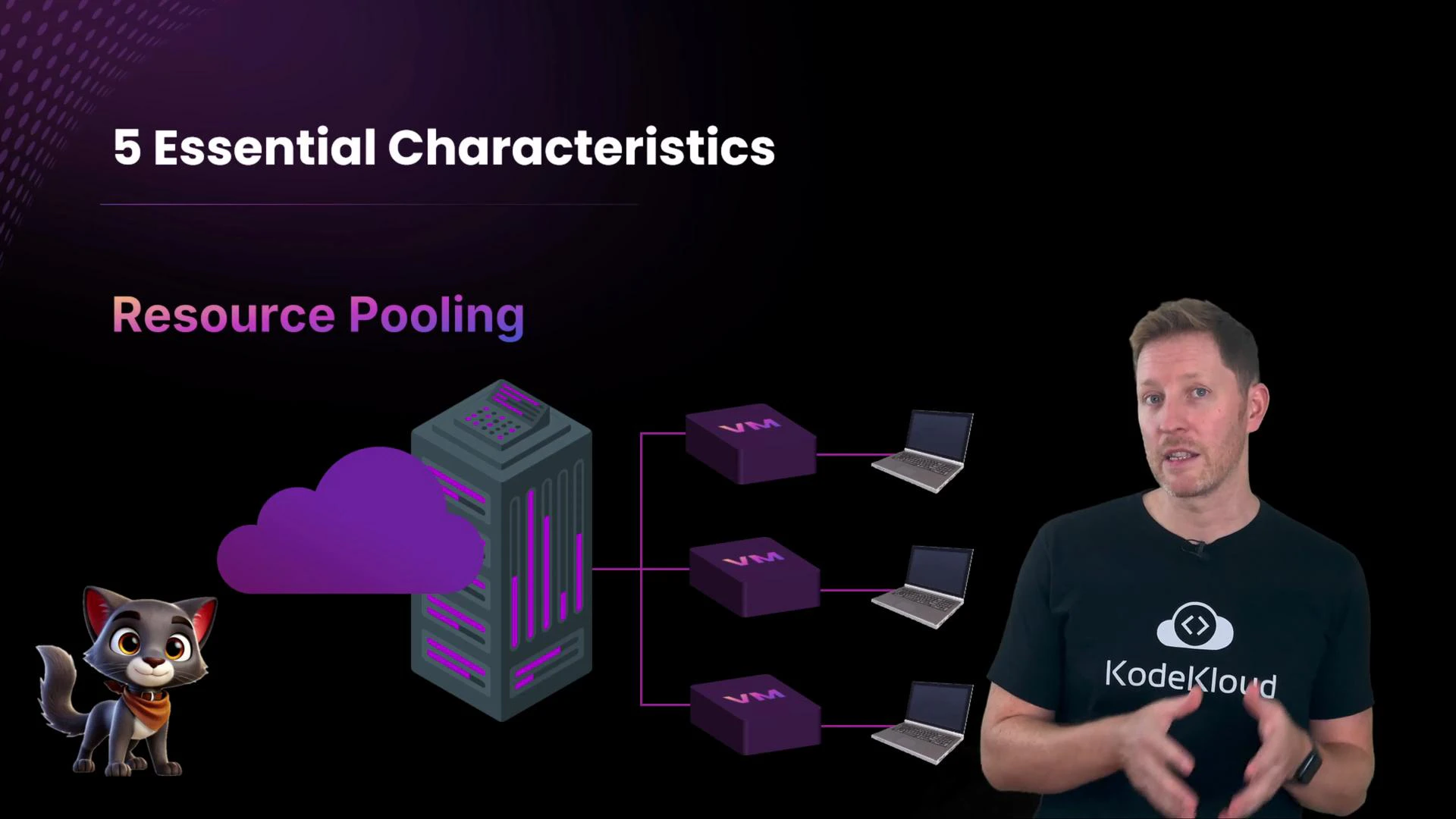
- Resource pooling
Cloud providers pool hardware across many customers. Virtualization and isolation mechanisms ensure each customer’s compute and storage remain logically separated while benefiting from shared, enterprise-grade infrastructure.
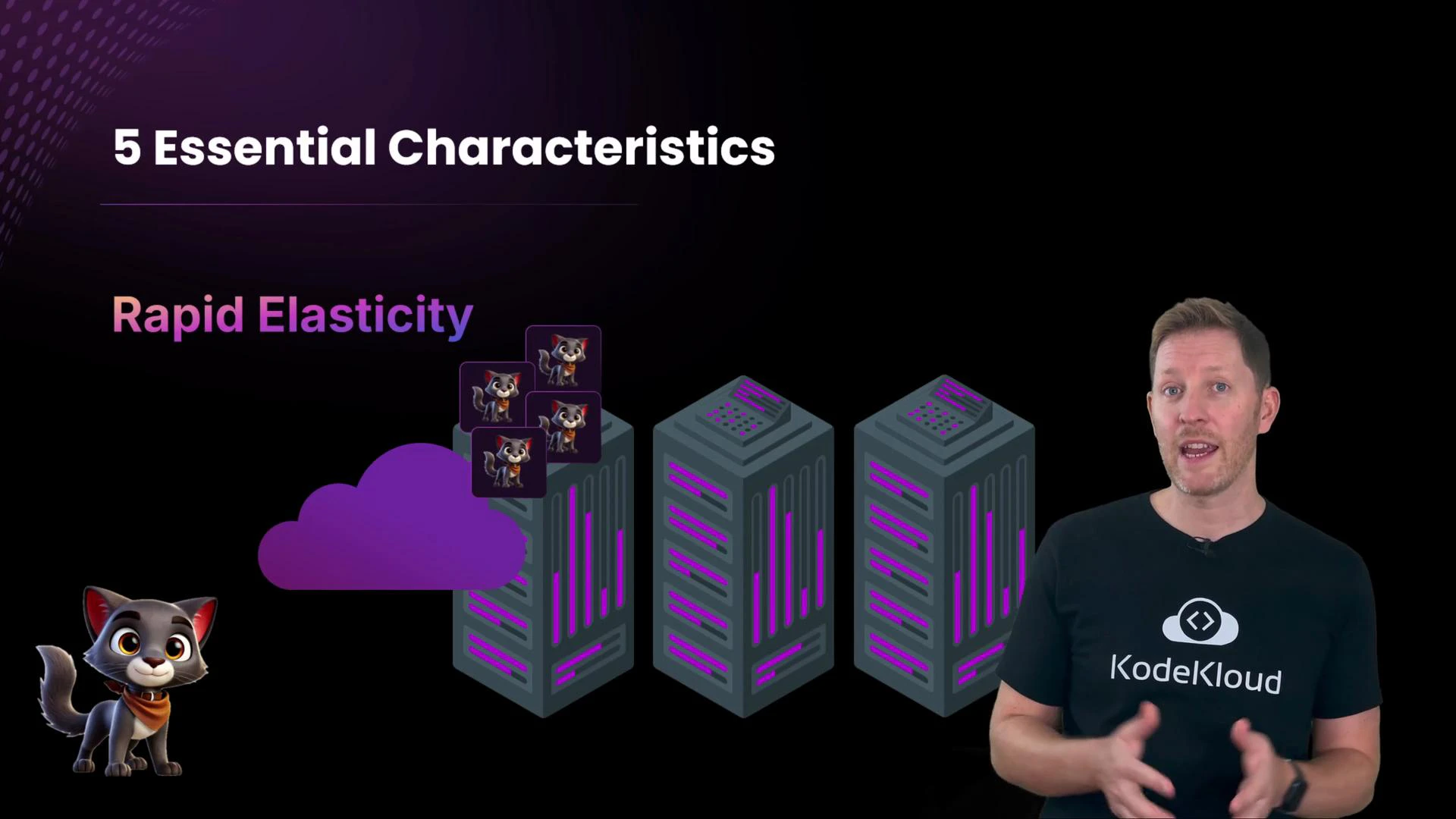
- Rapid elasticity
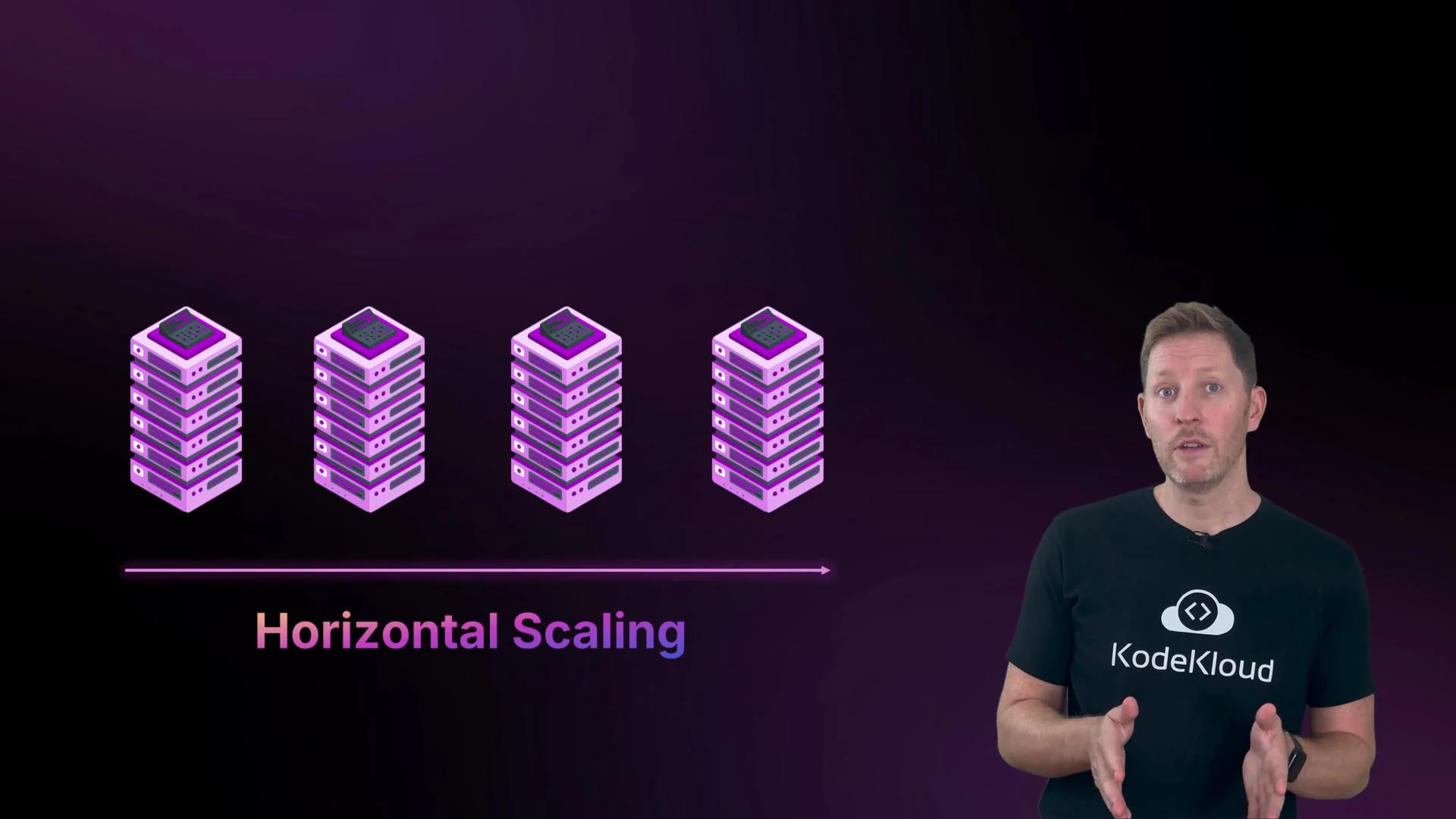
Cloud platforms support quick horizontal scaling — adding more machines to share load — and fast vertical scaling when needed. When a kitten video goes viral, additional servers can spin up in seconds and be torn down when traffic drops.
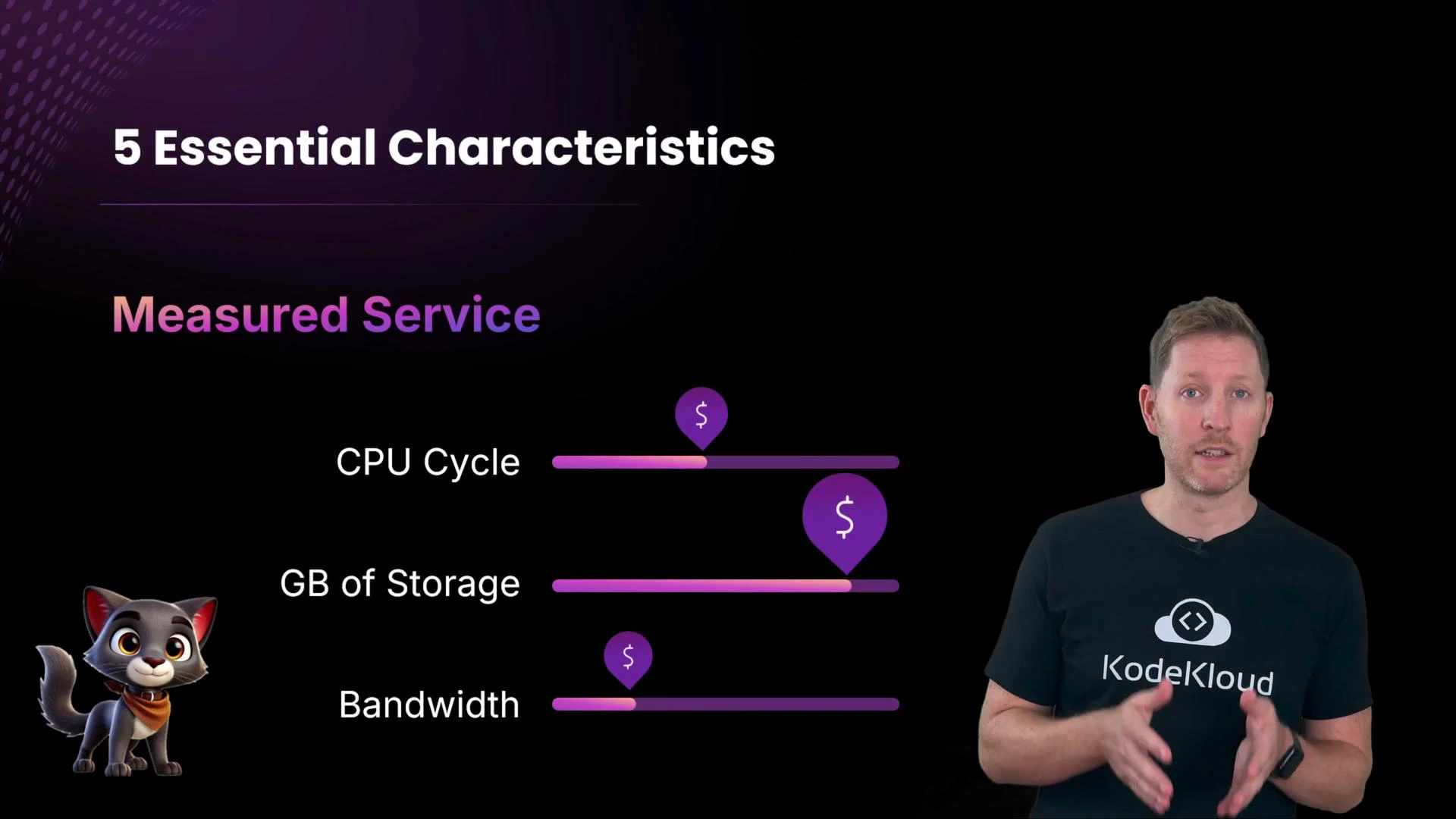
- Measured service
Cloud usage is metered: CPU cycles, storage GBs, and network bandwidth are tracked and billed. Usage reports, metrics, and logs make consumption visible and actionable.
As you move from IaaS → PaaS → SaaS, the provider assumes more responsibility for maintenance and operations.
Pros and cons of the five characteristics (practical view)
On-demand self-service
- Pros: Rapid provisioning speeds development, testing, and recovery. No long hardware procurement cycles.
- Cons: Without governance, it’s easy to lose track of resources and incur unexpected costs.
- Pros: Enables remote work, multi-device access, and distributed teams.
- Cons: Reliance on network connectivity — outages or poor links affect access.
- Pros: Access to enterprise-grade hardware and managed services without capital expense.
- Cons: Shared infrastructure introduces multi-tenant risk; misconfigurations can create exposure.
- Pros: Automatically match capacity to demand; horizontal scaling increases fault tolerance.
- Cons: Applications not designed for scaling can be costly to autoscale or fail to scale properly.
- Pros: Detailed metrics and billing help optimize costs and improve security/operations.
- Cons: You must actively monitor usage and configure alerts or cost controls to avoid surprises.
Cloud is powerful, but poor governance or architecture can lead to cost overruns, security gaps, or availability issues. Plan resource lifecycle and monitoring from day one.
- Travel booking sites (e.g., Booking.com) fetch reservations from cloud backends rather than local device storage.
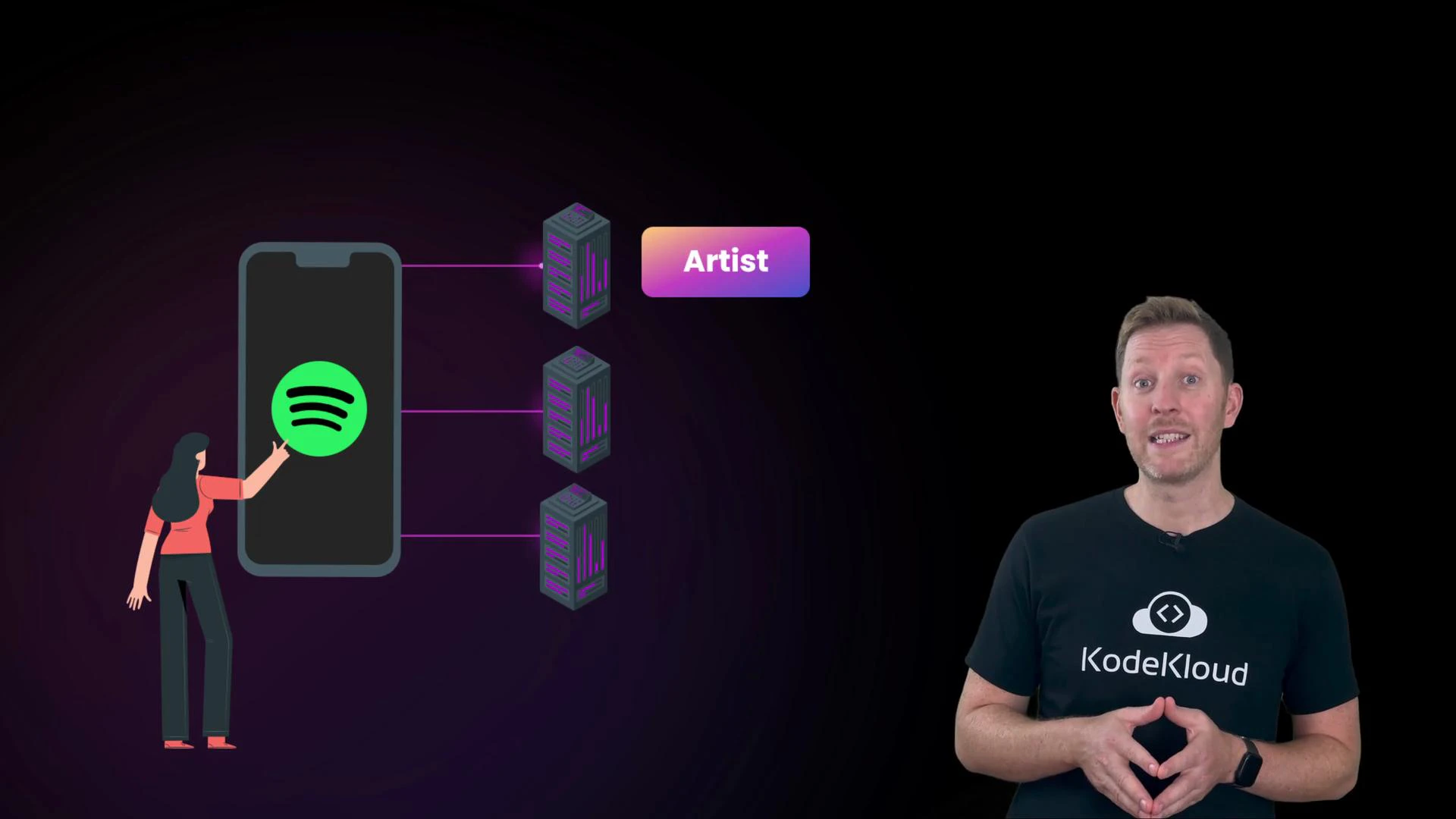
- Music streaming (e.g., Spotify) streams tracks and metadata from cloud servers on demand rather than storing everything locally.
- Food delivery apps coordinate menus, payments, and courier locations in real time through cloud systems.
- Collaboration tools (e.g., Google Docs) enable simultaneous editing because the document state lives in the cloud.
- Many business databases and managed services now run in the cloud — see the Database Fundamentals course for examples.
B. The biggest benefit of cloud is that it’s always cheaper than on-premises.
C. Everyday apps like Spotify and Booking.com mostly run on your phone, not in the cloud. Pause now. Welcome back. Correct answer: A. Cloud resources are delivered from providers’ data centers, so you don’t own the hardware.
B is a myth — total cost depends on design, usage patterns, and management. C is misleading — user devices provide the interface, but heavy compute and storage are typically in the cloud. Recap Before cloud adoption, organizations depended on slow, expensive on-premises infrastructure. NIST’s definition and the five essential characteristics capture why cloud changed the game:
- On-demand self-service
- Broad network access
- Resource pooling
- Rapid elasticity
- Measured service
- NIST Cloud Definition: https://nvlpubs.nist.gov/nistpubs/Legacy/SP/nistspecialpublication800-145.pdf
- Database Fundamentals — KodeKloud course