

- Core differences between cloud and traditional IT: renting compute and storage vs. owning hardware.
- Cloud service models (IaaS, PaaS, SaaS) and how each shifts control and responsibility.
- Deployment approaches (public, private, hybrid, multi-cloud) and real-world use cases.
- How cloud providers run code at scale, store and distribute data globally, and support different database types.
- Security responsibilities, common threats, and practical cost-management techniques.
- Hands-on experience creating, monitoring, and cleaning up cloud resources on major providers.
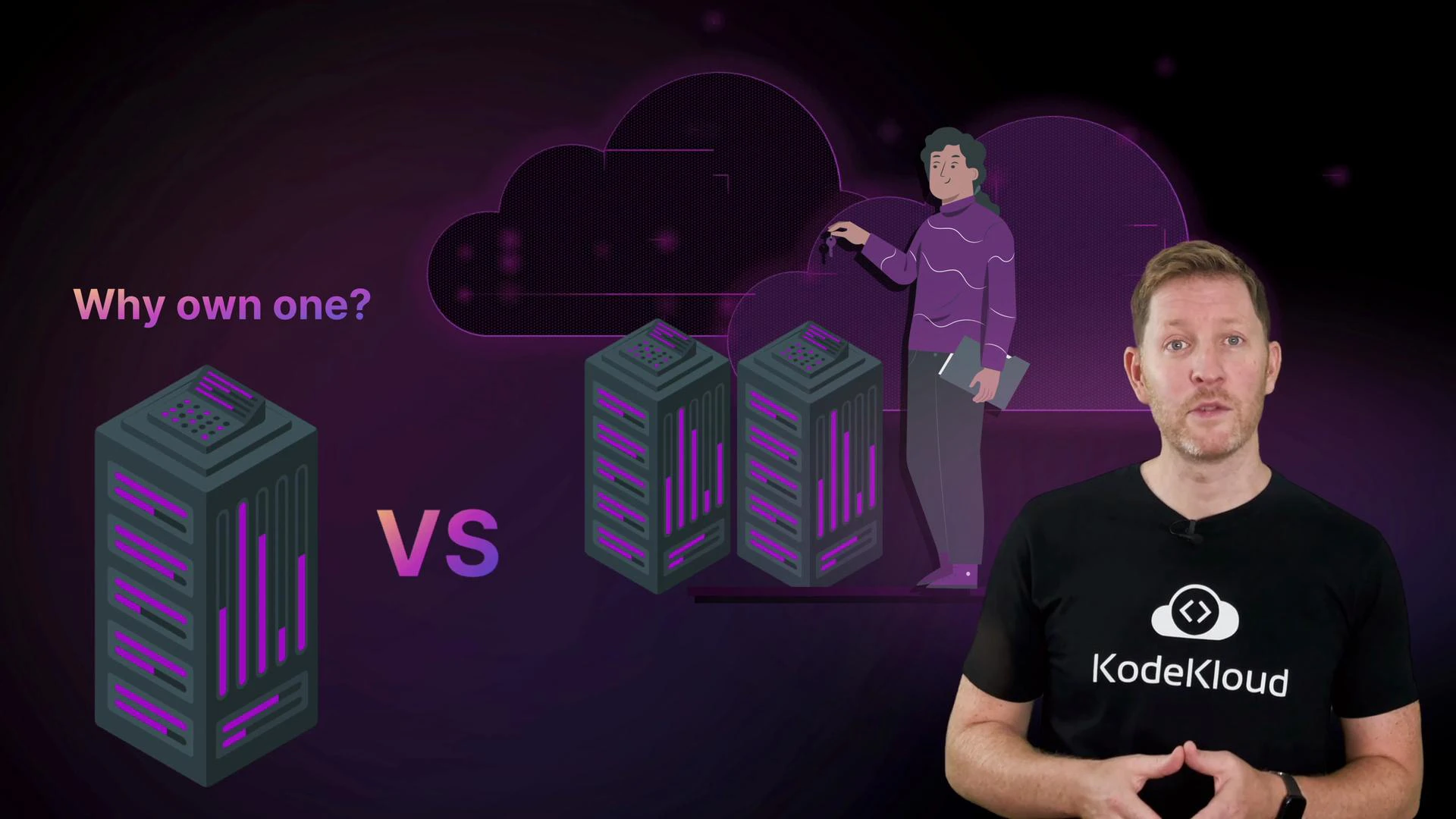
- Rent vs own: Cloud lets you pay for capacity when you need it rather than buying and maintaining physical servers.
- Elasticity: Scale up or down quickly to match demand.
- Operational trade-offs: You trade some direct control for faster provisioning, managed services, and operational simplicity.
- Business impact: Faster iteration, reduced time-to-market, and often better cost-efficiency when workloads are variable.
Deployment approaches and when to choose them
Next, we’ll break down the main cloud service models and show how each shifts the balance between user control and provider convenience, with practical examples.
You’ll also learn the key approaches to deploying cloud environments and how each fits different needs, with quick examples of where and why organizations choose them.
Then we’ll peek behind the scenes. You’ll see how the cloud runs code at scale, stores massive amounts of data, distributes it globally with low latency, and supports a range of database types.
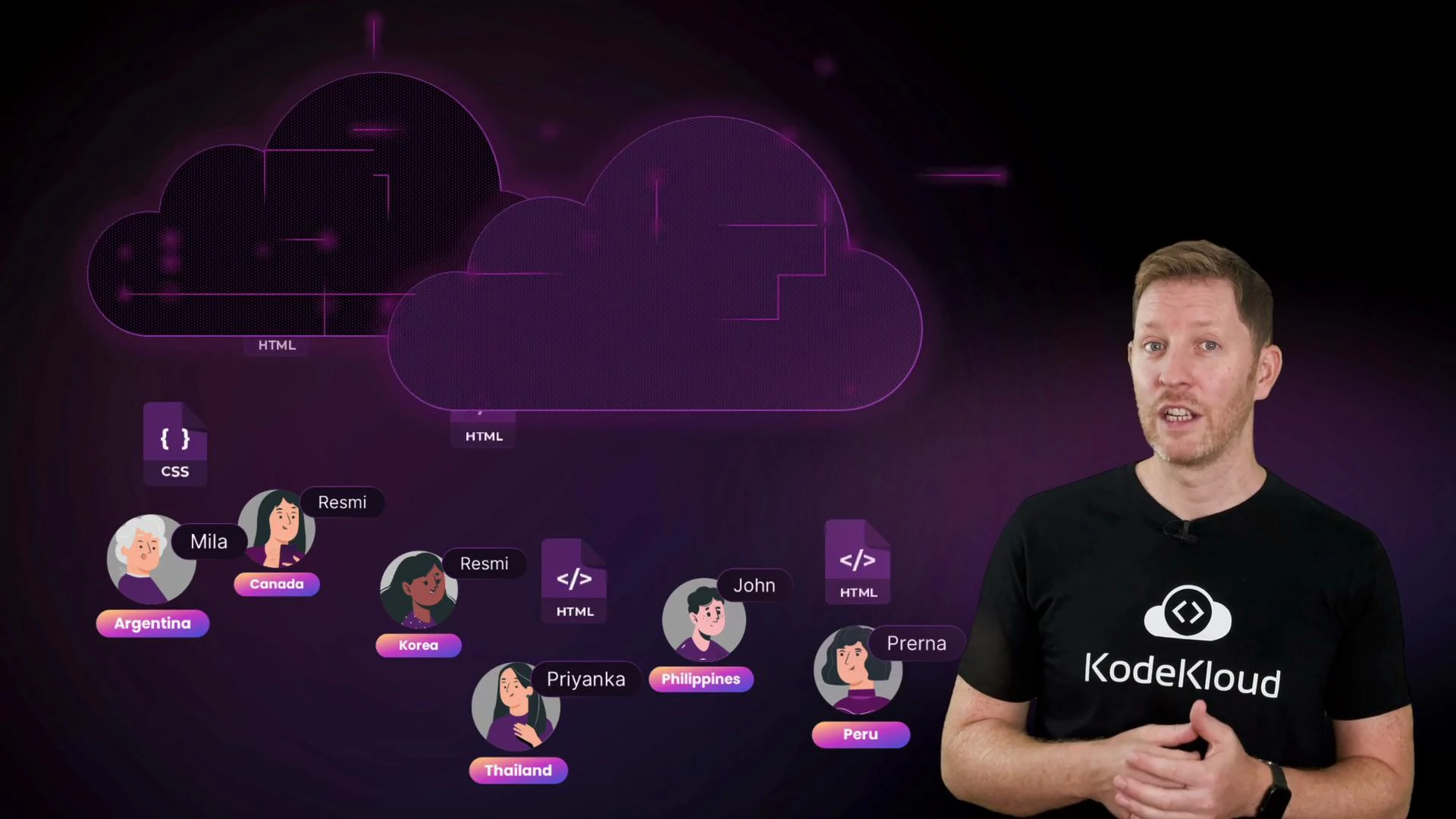
- Compute: Auto-scaling groups, serverless functions, and container orchestration run ephemeral workloads and long-lived services.
- Storage: Object storage for large, durable files; block storage for VM disks; file systems for shared access.
- Networking & delivery: CDNs and global load balancers minimize latency for distributed users.
- Data & databases: Relational databases, NoSQL stores, data warehouses, and analytics pipelines support different workloads and SLAs.
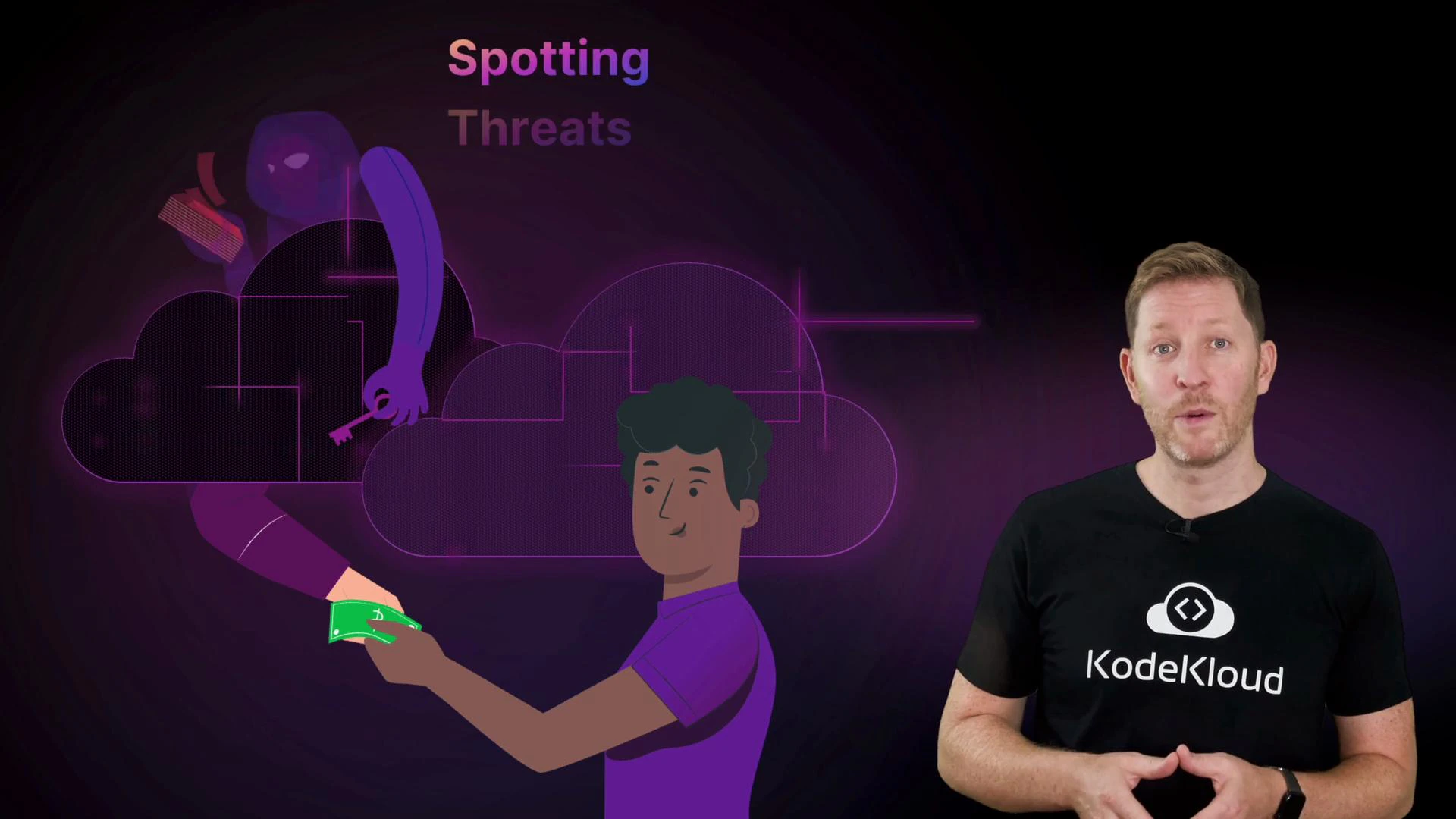
- Shared responsibility: Cloud providers secure the infrastructure; customers secure their data, identities, and configurations.
- Common threats: Misconfigured storage, exposed credentials, insecure network rules.
- Cost techniques: Right-sizing, reserved instances or savings plans, scheduling non-production shutdowns, and monitoring spend with alerts and budgets.
Cloud resources can incur real costs if left running. Always practice creating and cleaning up resources during labs, and use provider cost controls (budgets, alerts, shutdown schedules) to avoid surprises.
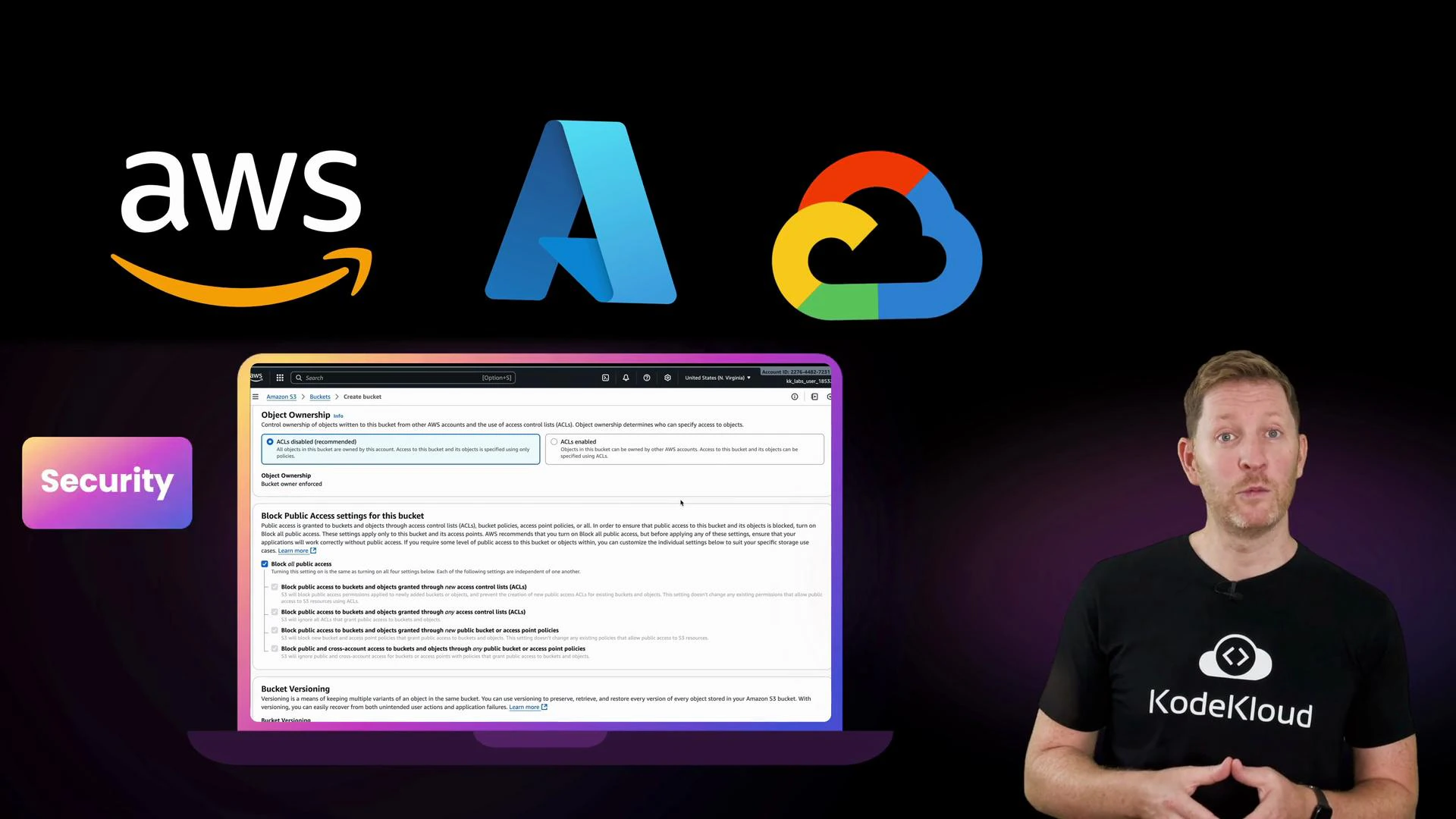
To get the most from the labs: create a free-tier account (if available), follow the cleanup instructions after each lab, and ask questions in the KodeKloud community — hands-on practice is the fastest path to confidence.