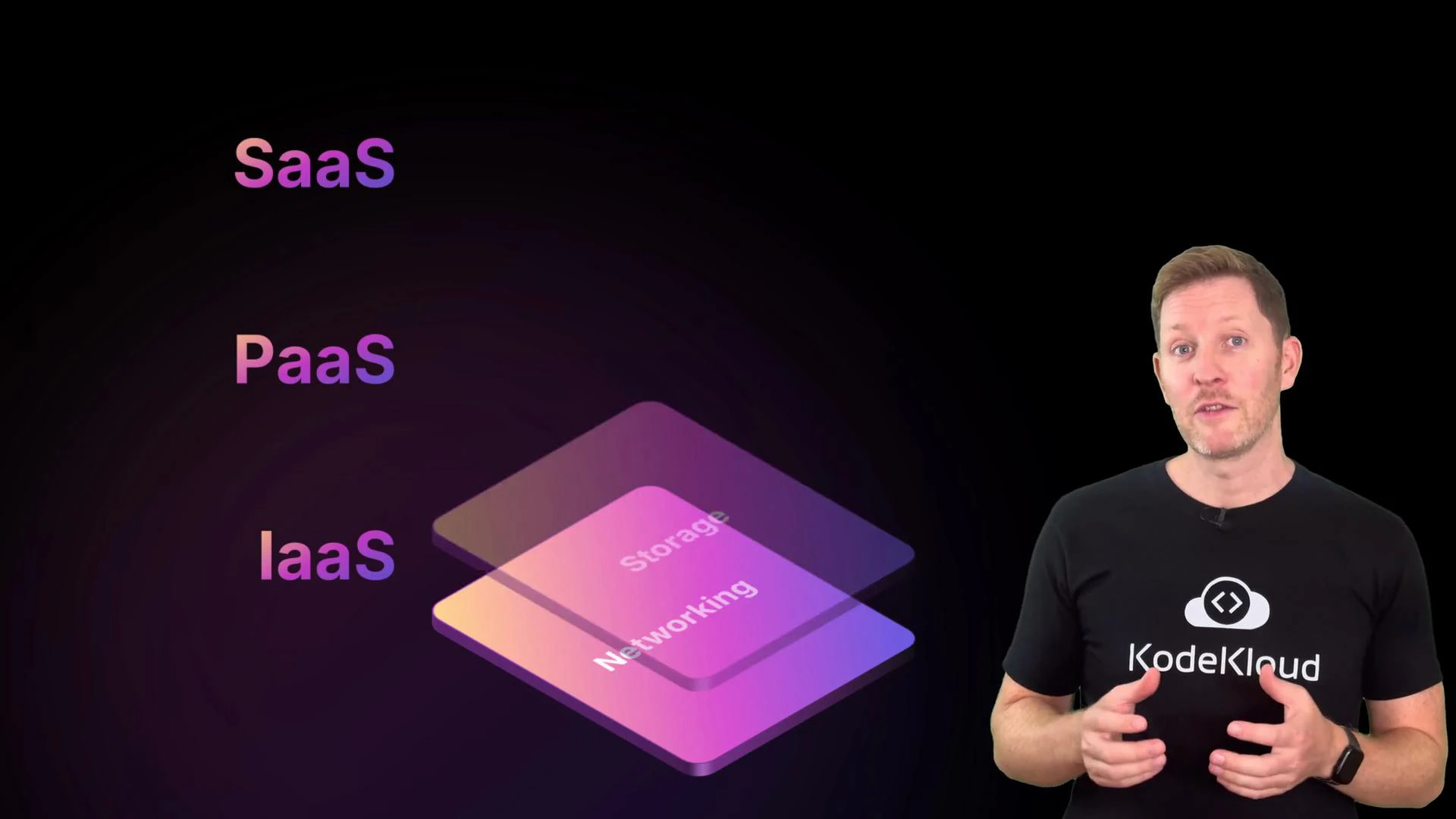
Now let’s cover two things people often forget until it’s too late: security and cost. You’ve already seen how cloud services are structured and where responsibility splits between you and the provider. Security and cost are cross-cutting concerns — they run through everything you build in the cloud. One misplaced permission, one misconfigured storage bucket, or one oversized database can turn a small issue into a production incident or a large monthly bill. In this lesson we’ll zoom in on cloud security fundamentals you must get right (shared responsibility, network controls, IAM, and the CIA triad) and set up the right mindset before switching to cost-management techniques.
A presenter in a black KodeKloud t-shirt gestures at the camera. Beside him is a colorful layered graphic labeling IaaS, PaaS, and SaaS with storage and networking layers.
Cloud providers (AWS, Azure, GCP) secure the infrastructure — the physical data centers, hypervisors, and managed platform services. You are responsible for securing your workloads, data, and access policies running on top of that infrastructure. This is the shared responsibility model. For reference, see AWS Shared Responsibility, Azure shared responsibility and GCP shared responsibility.
When you run services in the cloud, the provider secures the platform while you secure your applications and data. Providers give foundational networking primitives such as virtual private clouds (VPCs), which are private, isolated networks where your cloud resources live. These building blocks are managed by the provider and are isolated from other customers. Once your workload and data run on top of that foundation, you must decide who can log in, who can access which resources, and what actions each identity can perform. Two primary controls help you enforce that:
  • Security groups (network controls): Virtual firewalls that let you define which ports and IP ranges or services can connect to a given resource.
  • IAM (identity and access management): Policies and roles that define who can read, write, create, or delete cloud resources.
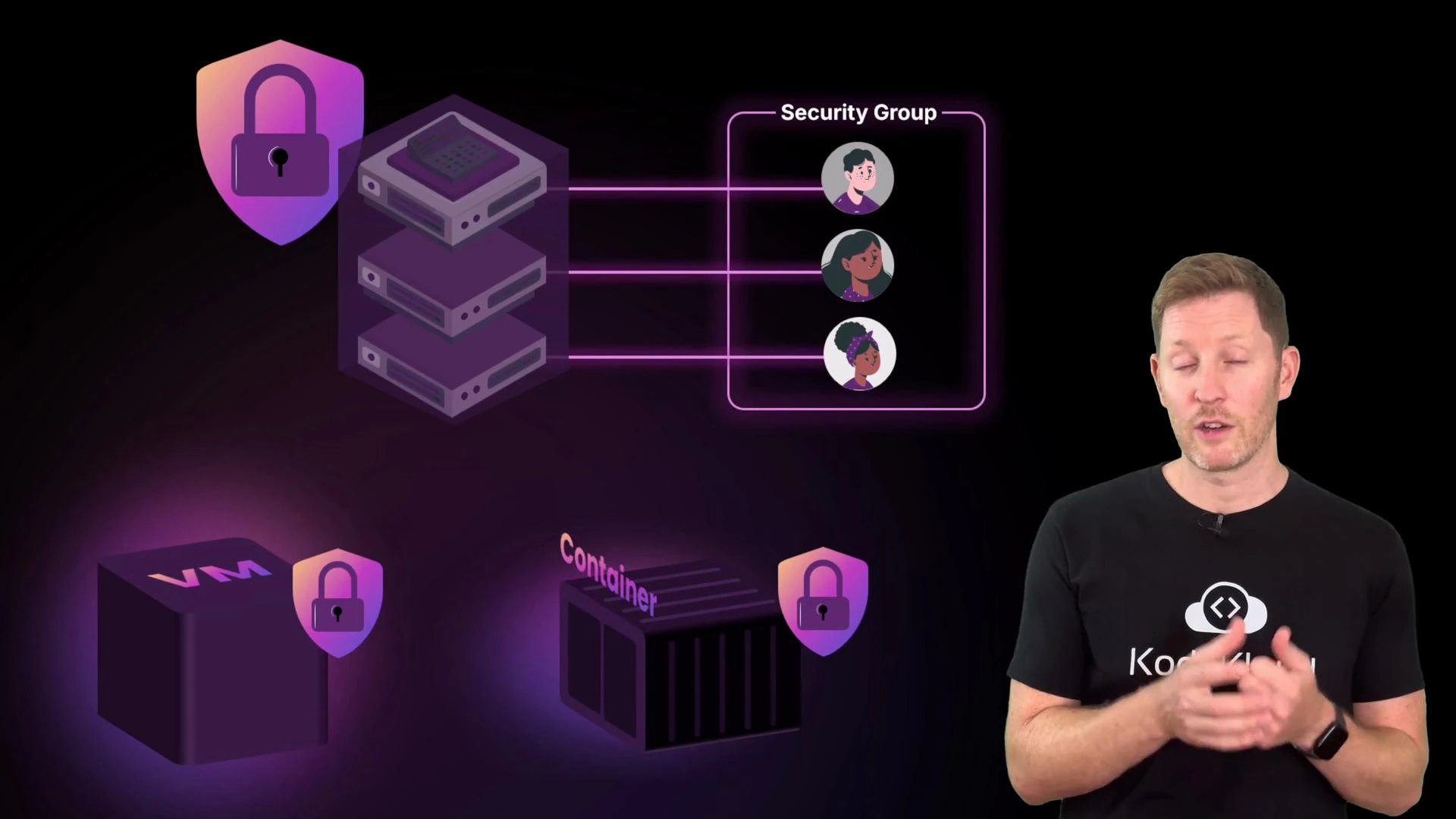
A presenter stands to the right of a stylized network/security diagram showing stacked servers connected to a "Security Group" with user avatars. Below are icons for a secured VM and a secured container, each marked with a padlock.
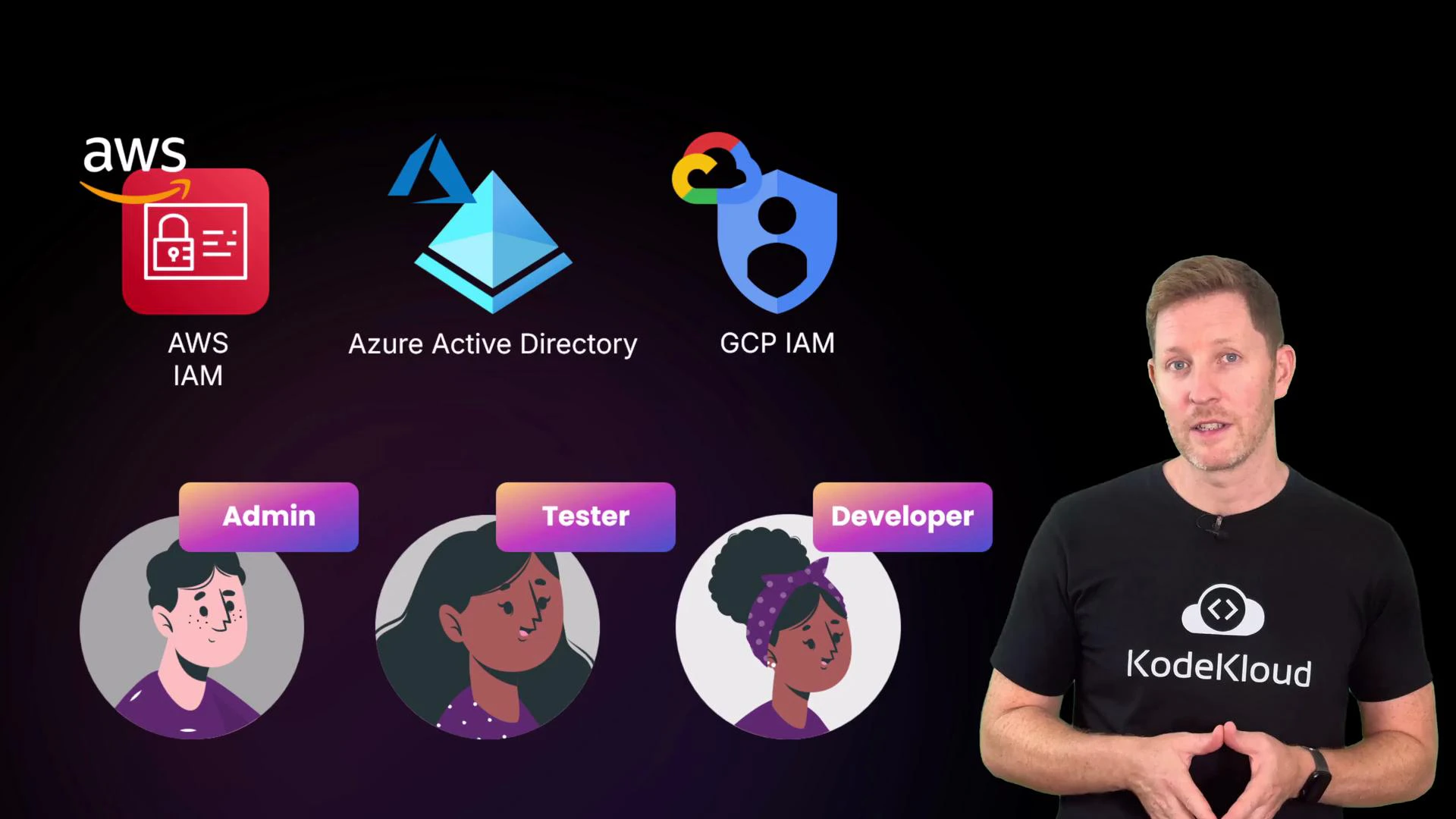
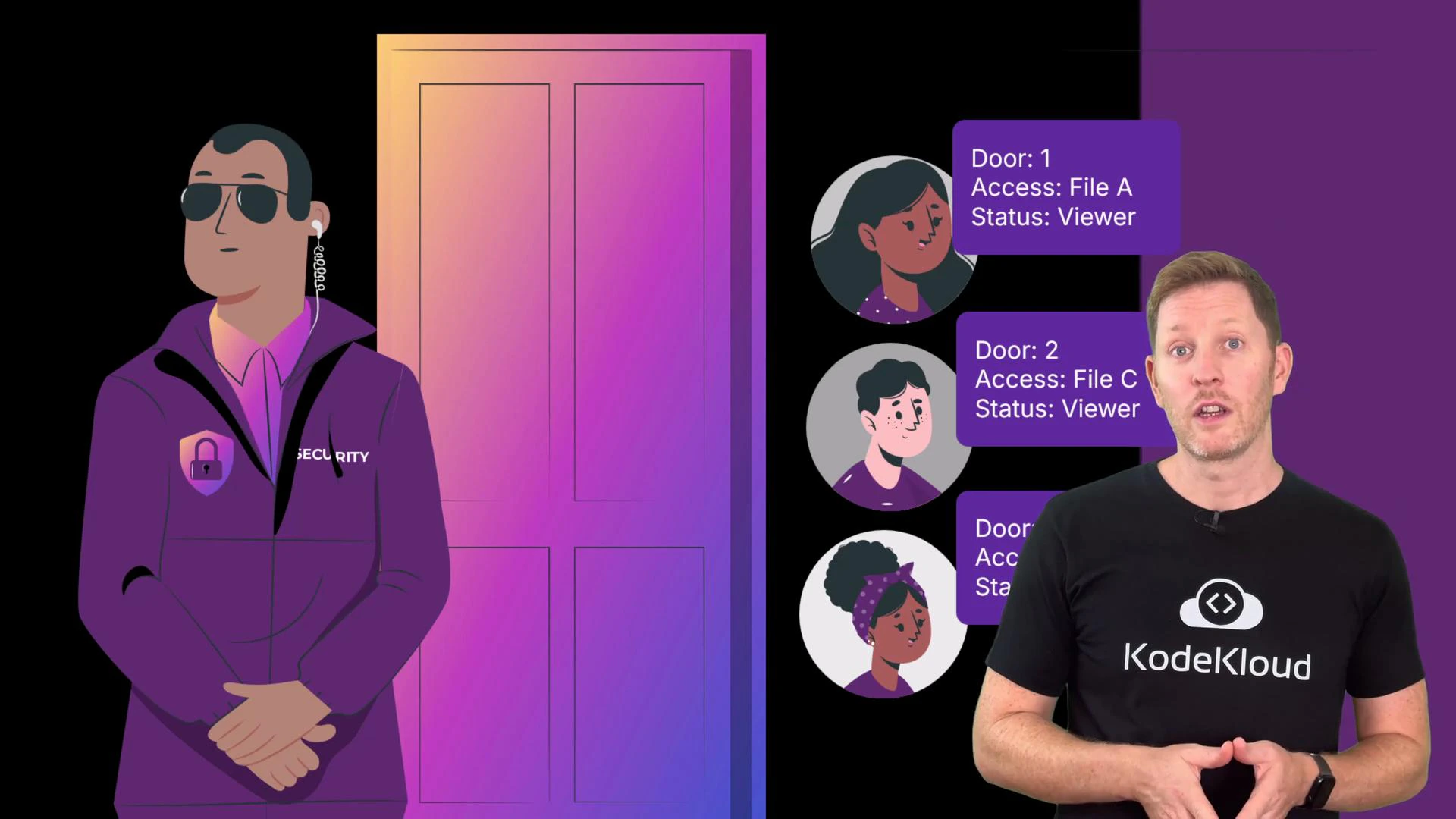
Think of it like an office building: security groups are the reception desk deciding who gets through which entrance; IAM controls what people can do once inside — which doors they can open, which files they can read, and which systems they can modify.
A presenter wearing a KodeKloud shirt stands on the right while a slide shows cloud IAM logos (AWS IAM, Azure Active Directory, GCP IAM) at the top. Below are three illustrated user avatars labeled Admin, Tester, and Developer.
Neither security groups nor IAM are pre-configured to your use case — the provider supplies the tools, you create the rules. Leaving security groups wide open or granting everyone administrative rights is a common misstep; the provider will not reconfigure those settings for you.
A presenter wearing a KodeKloud t-shirt stands on the right while a slide shows security guard and door metaphors next to user avatars.
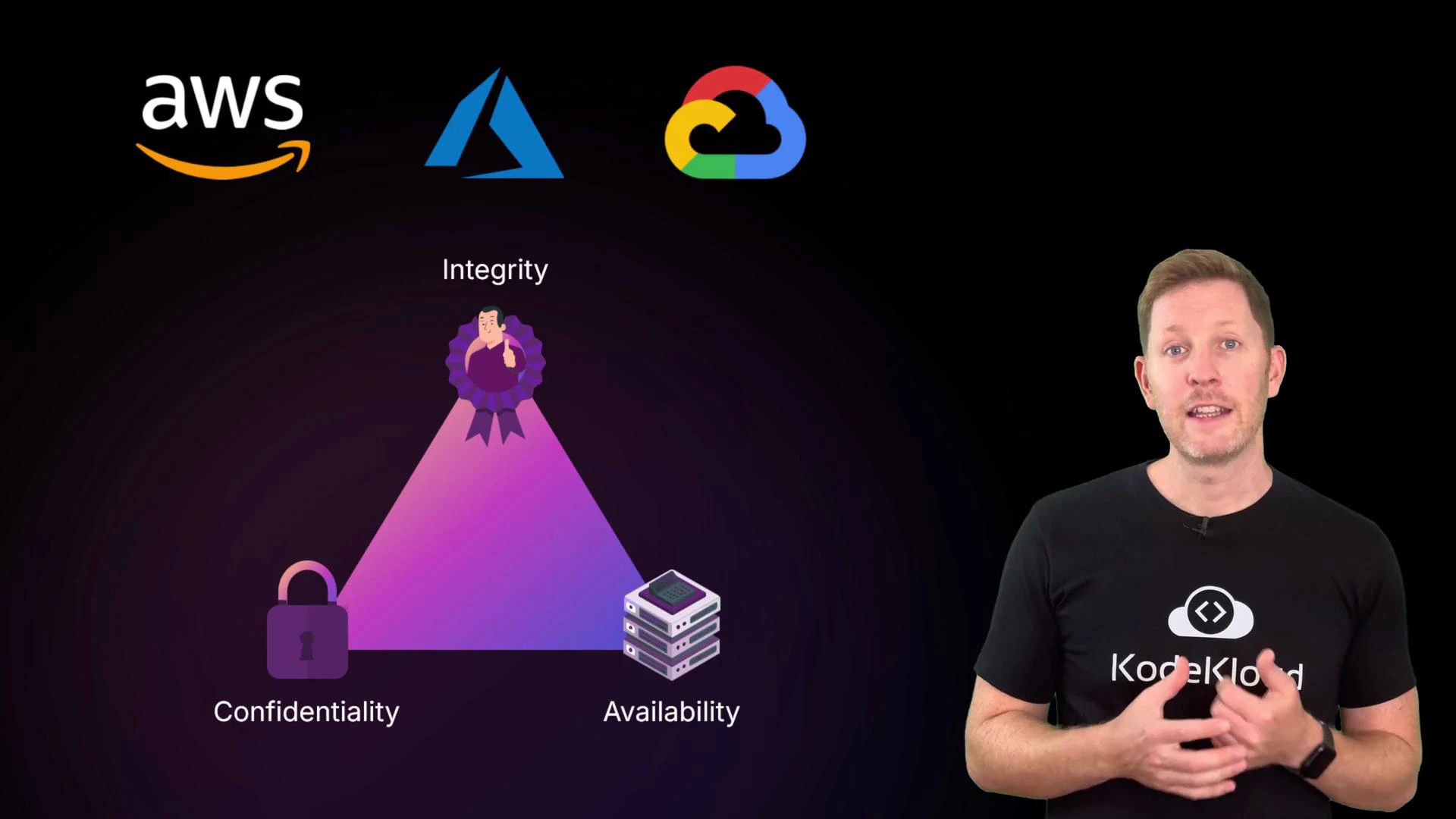
Industry security thinking is often summarized by the CIA triad: Confidentiality, Integrity, Availability. Use this framework to classify threats and plan mitigations.
The image shows a slide illustrating the CIA triad (Confidentiality, Integrity, Availability) with AWS, Azure, and Google Cloud logos across the top. A presenter wearing a black "KodeKloud" t‑shirt stands to the right speaking.
Below is a concise mapping of common risks to practical mitigations — useful as a checklist when designing secure cloud systems.
CIA PillarTypical RisksPractical Mitigations
ConfidentialityMisconfigured storage, secrets leaked in code, phishingDefault storage to private, apply least privilege with IAM, enable automated scans/audit logs, use a secrets manager, enforce MFA, run phishing awareness training.
IntegrityUnauthorized edits, accidental deletes, rogue scriptsSeparate read/write roles, enable detailed audit logging, use versioning/immutable backups, restrict admin actions with just-in-time or approval workflows.
AvailabilitySingle-server failure, AZ/region outage, traffic spikesArchitect across availability zones/regions, use load balancers, configure auto scaling with clear thresholds (e.g., scale if CPU > 70% for N minutes), run health checks, and automate instance recovery.
Confidentiality risks explained
  • Misconfigured storage: Example — a team uploads customer invoices to a cloud folder but leaves sharing public. Mitigation: default to private, restrict access with IAM, and enable automated public-exposure scanners and audit logs.
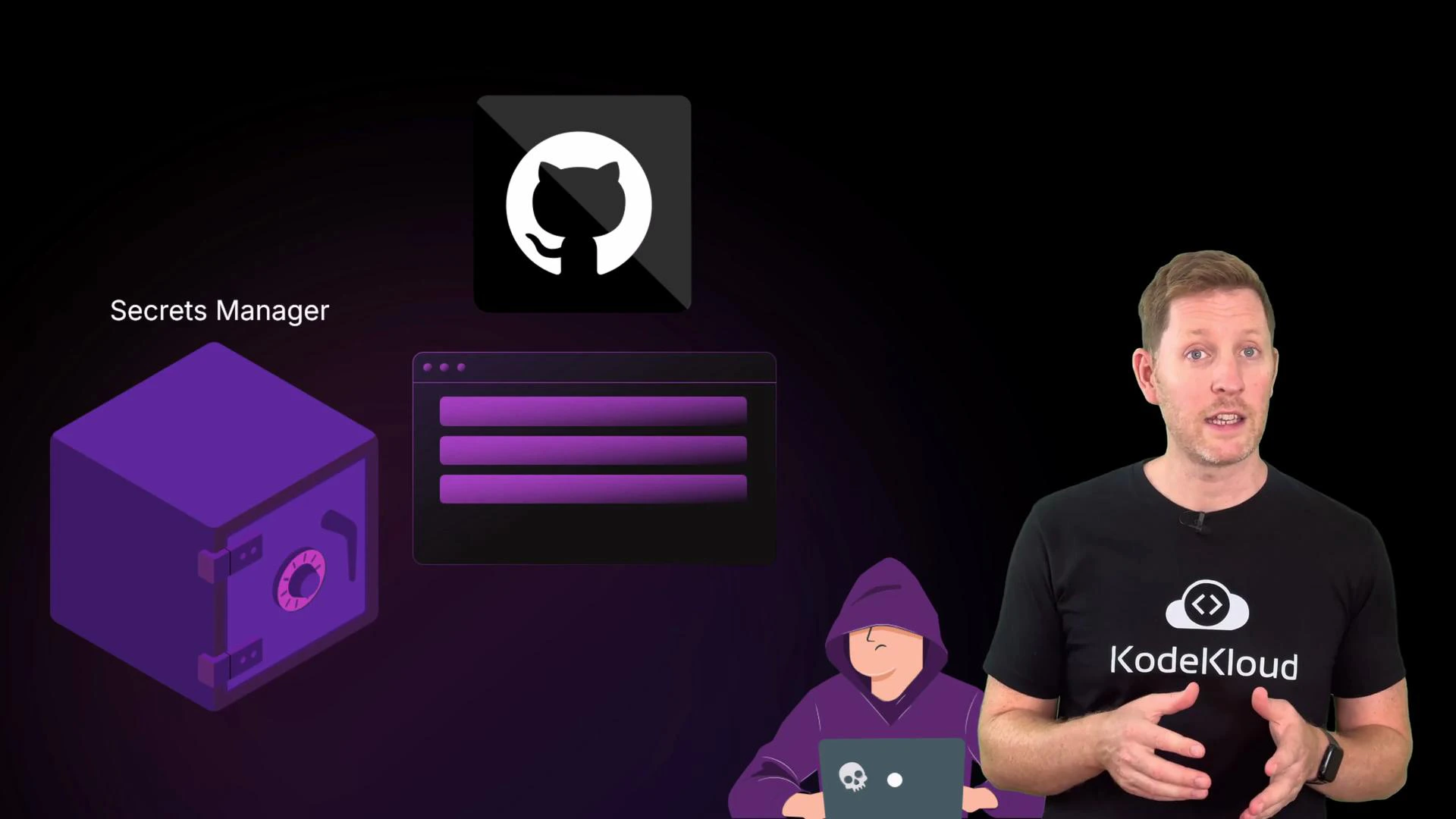
  • Secrets in code: Example — an API key committed to a public repo. Mitigation: never store credentials in code; use a secrets manager (inject secrets at runtime or via secure CI/CD).
  • Phishing: Example — stolen credentials via a fake login. Mitigation: user training and phishing-resistant authentication like multi-factor authentication (MFA).
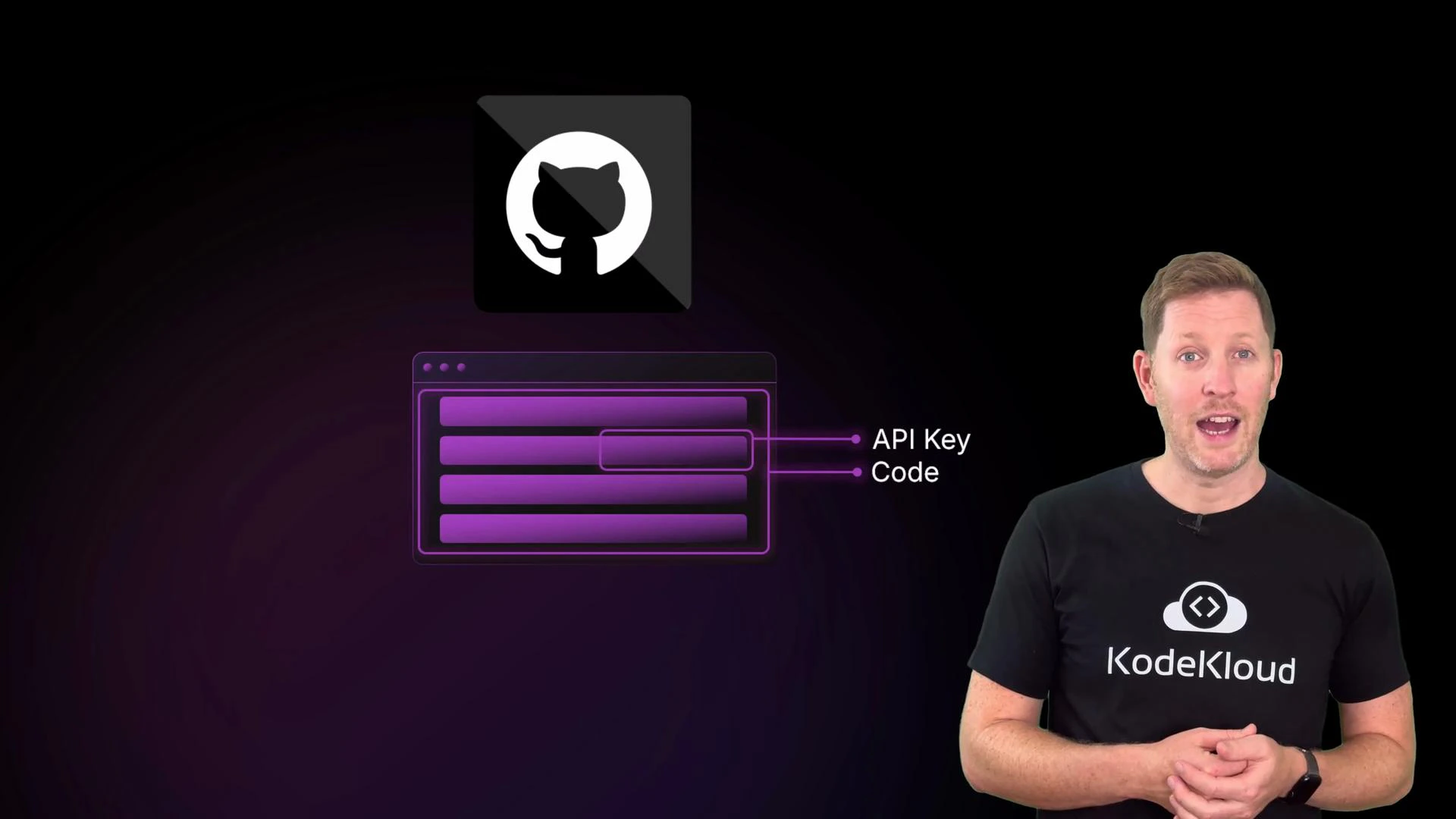
A presenter wearing a KodeKloud T‑shirt stands on the right next to a graphic showing the GitHub logo above a stylized browser window with highlighted fields labeled "API Key" and "Code." The background is a dark purple/black gradient.
A presenter wearing a black KodeKloud T‑shirt stands on the right, speaking and gesturing. On the left are purple-themed graphics: a safe labeled "Secrets Manager," a web UI, a hooded hacker with a laptop, and a GitHub logo.
Never commit secrets (API keys, credentials) to source control. Use a managed secrets store and integrate secrets into CI/CD pipelines securely. If a secret is exposed, rotate it immediately and audit any usage.
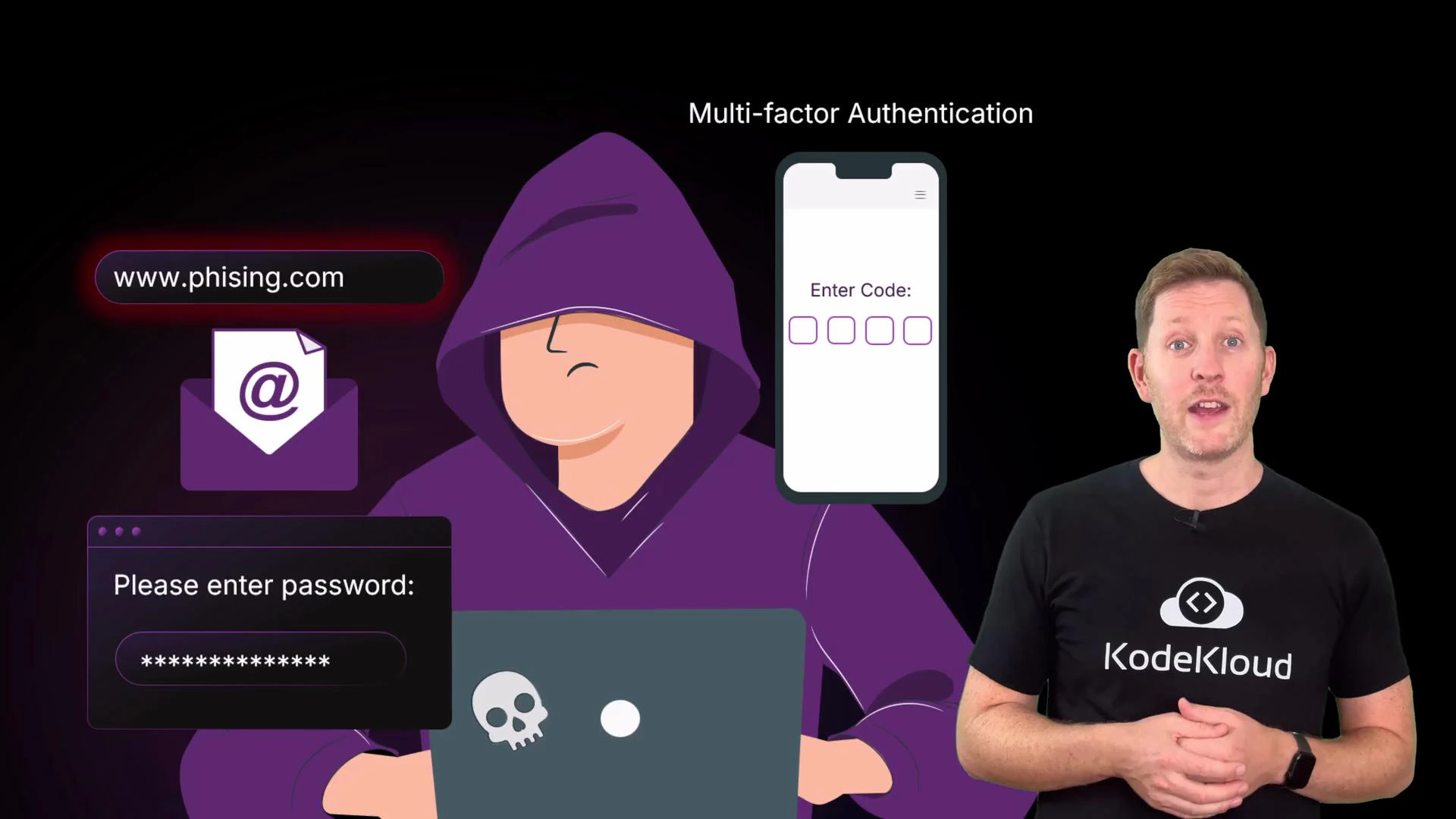
An illustration of a hooded hacker at a laptop surrounded by phishing, email, password prompt, and multi-factor authentication graphics. A presenter wearing a KodeKloud t-shirt stands to the right, speaking about the topic.
Integrity risks
  • Tampering or accidental edits: A rogue script or an unauthorized user could modify or delete records, making data inaccurate. Mitigations: least-privilege IAM roles (separate read-only from write/admin), detailed audit logging, and versioning or immutable backups so you can trace and roll back changes.
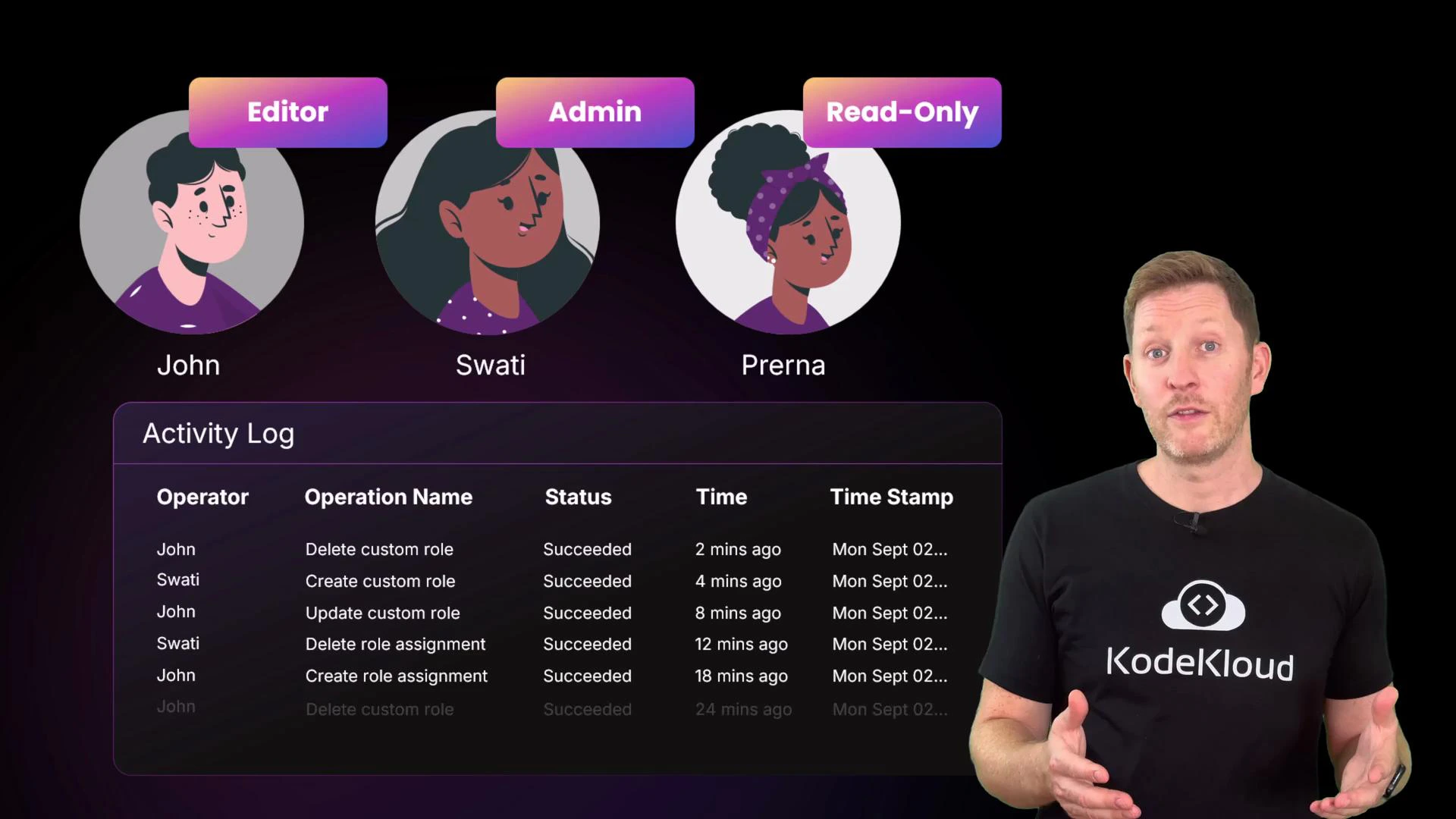
Three illustrated user avatars labeled Editor (John), Admin (Swati), and Read-Only (Prerna) appear above an activity log table showing recent operations. On the right, a man wearing a KodeKloud T-shirt gestures as if presenting.
Availability risks
  • Downtime and capacity issues: Even if data is confidential and intact, users still need the service to be available. Outages can result from a single-server failure, an availability zone or regional outage, or sudden traffic spikes. Cloud providers design infrastructure across regions and availability zones, but you must architect your applications to leverage that redundancy.
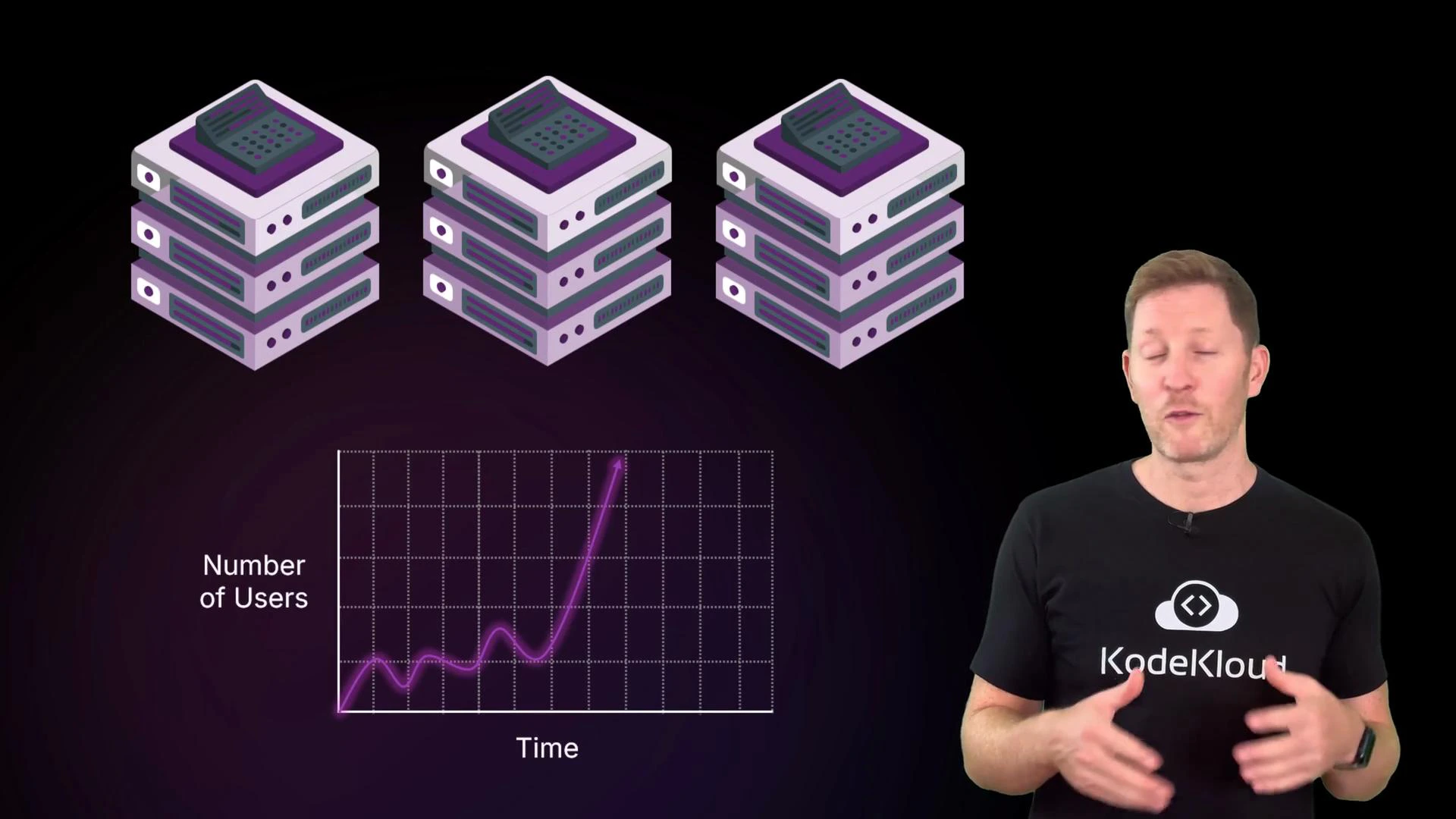
A presenter stands on the right wearing a black "KodeKloud" t-shirt. On the left are three illustrated server stacks above a purple line chart (Number of Users vs Time) showing a sharp upward spike.
Design for failure (best practices)
  • Spread resources across multiple availability zones and, when appropriate, across regions.
  • Use load balancers to distribute traffic to healthy instances.
  • Configure auto scaling with clear rules (for example, scale out when average CPU > 70% for N minutes).
  • Implement health checks and automated recovery policies so unhealthy instances are replaced without manual intervention.
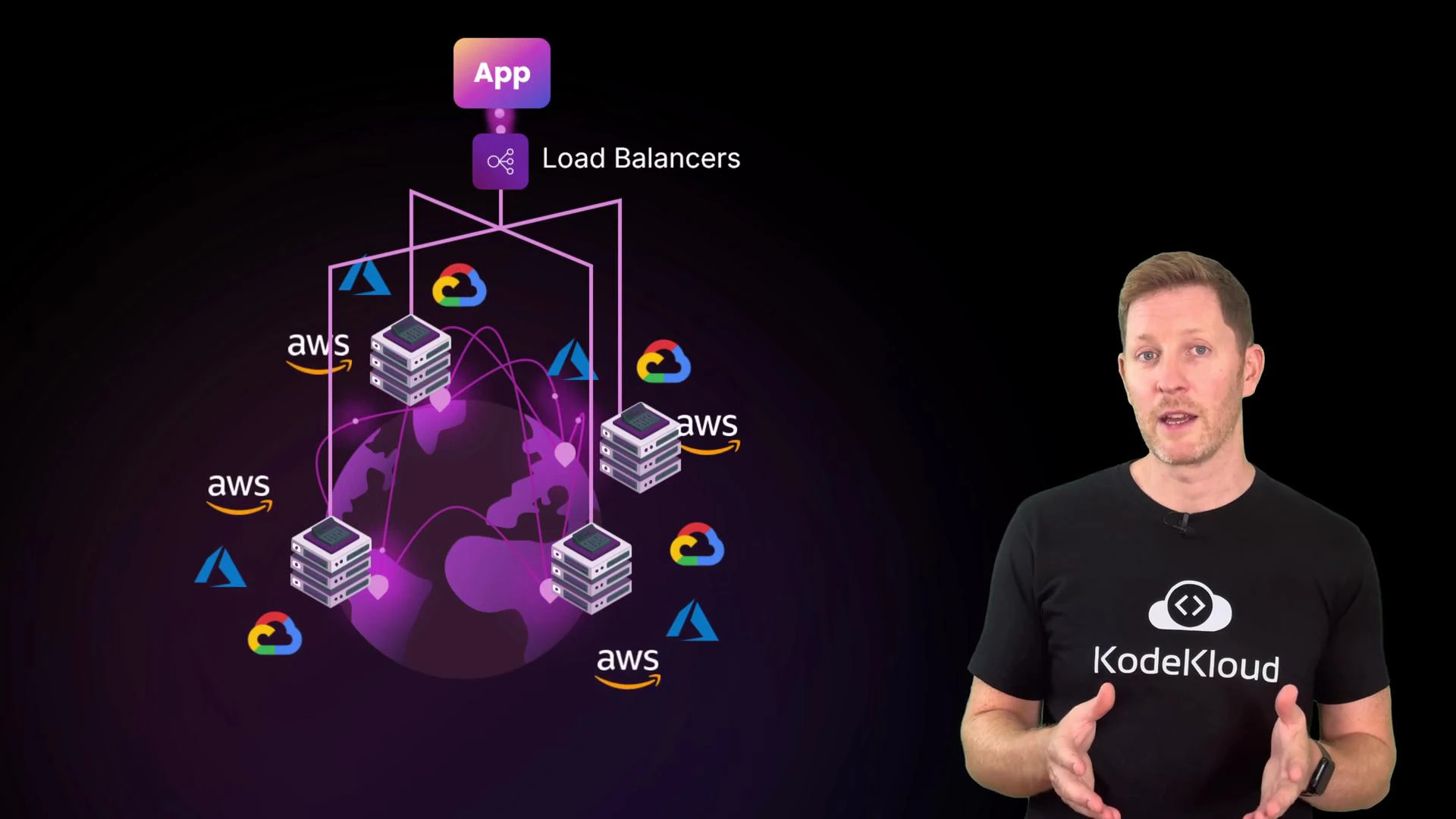
A presenter wearing a KodeKloud t‑shirt stands on the right. To the left is a stylized multi‑cloud architecture diagram showing an App icon, load balancers, server stacks around a globe and AWS/Azure/Google Cloud logos.
Cloud providers supply tools like load balancers, auto scaling, and multi-zone deployments — but they must be configured to match your availability goals and failure modes. Quick check (pop quiz) Which of the following statements is true? A. Cloud providers always handle access permissions.
B. Integrity means only authorized users can access data.
C. Users are responsible for securing their own data and code.
D. CDNs are the best fix for confidentiality issues.
Pause to think, then continue. The correct answer is C.
  • Why: A is false — providers provide the tools, but you configure access.
  • Why: B is false — integrity is about preventing unauthorized modification (accuracy), while confidentiality is about preventing unauthorized reading.
  • Why: D is false — CDNs help performance and availability (and can provide DDoS protection), but they’re not the primary solution for confidentiality.
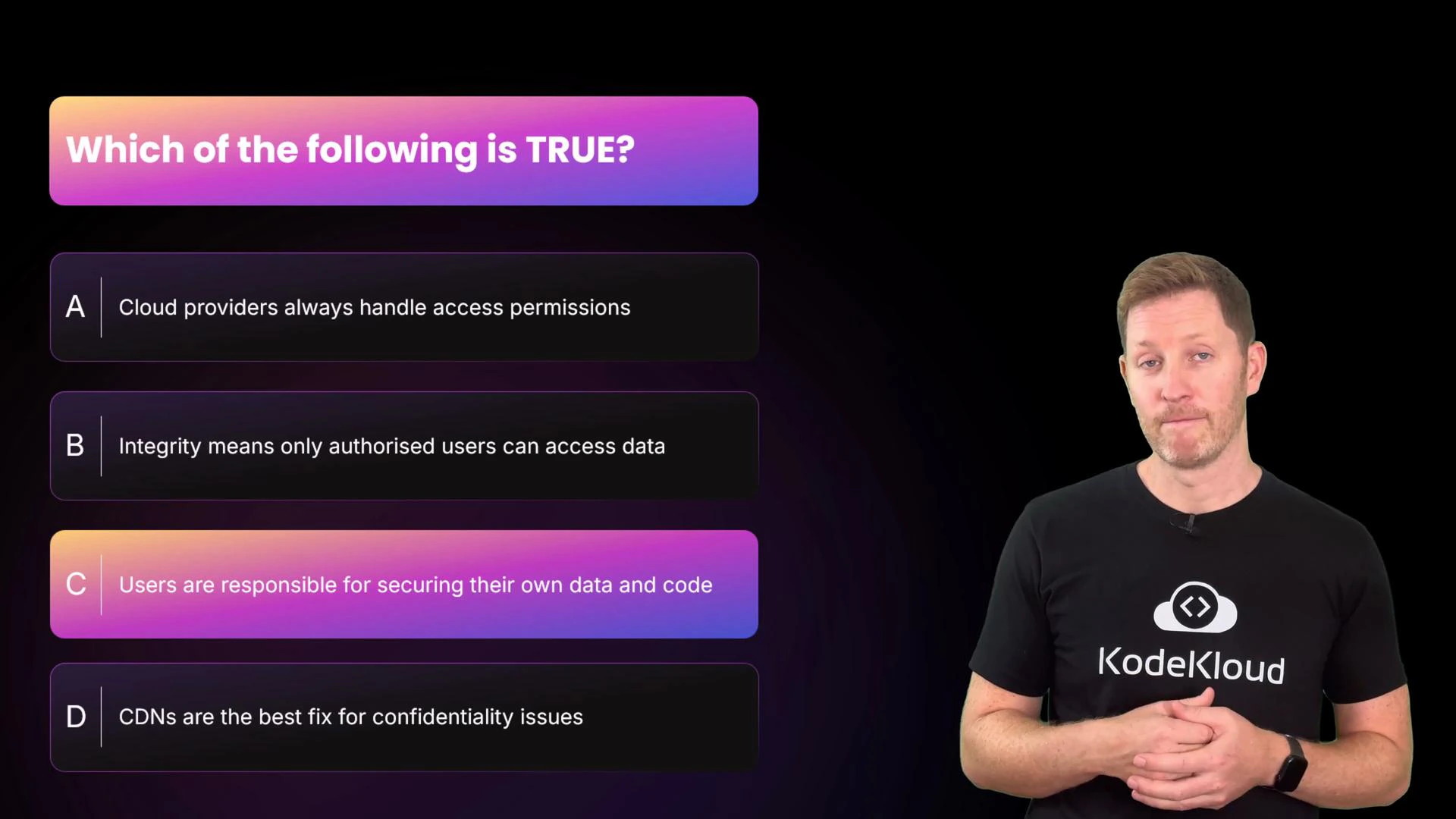
A slide displays a multiple-choice question "Which of the following is TRUE?" with four options (A–D), option C highlighted. A presenter stands to the right wearing a black KodeKloud T‑shirt.
Recap — key takeaways
  • Shared responsibility model: cloud providers secure the platform; you secure workloads, data, and access policies.
  • Map threats to the CIA triad: Confidentiality (data leaks), Integrity (tampering or accidental edits), Availability (outages and capacity failures).
  • Mitigate threats with correct configuration (security groups, IAM), cloud-native features (secrets managers, logging, versioning, multi-zone architectures), and operational practices (least privilege, MFA, training, automation).
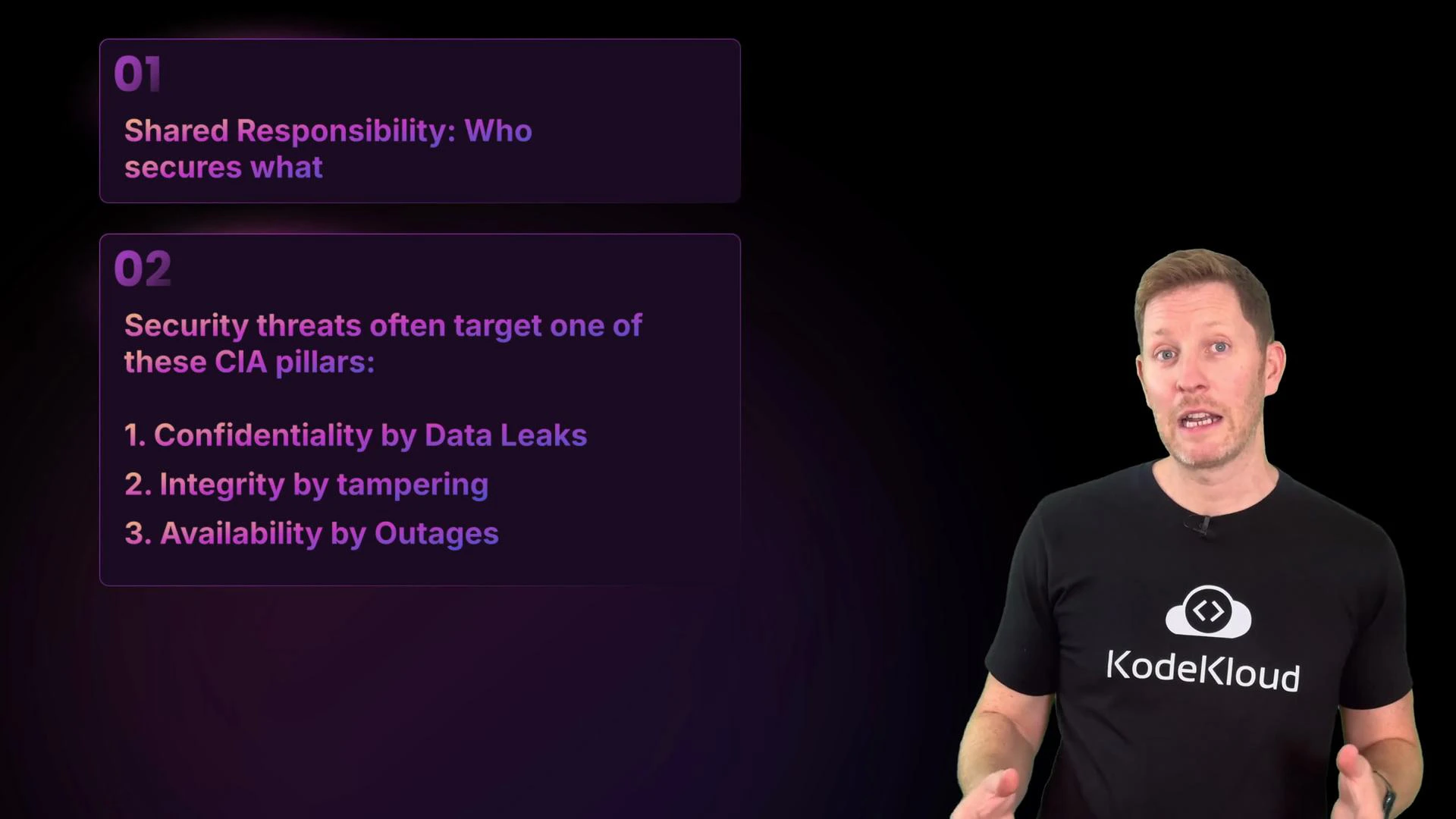
A presenter in a black KodeKloud t-shirt stands to the right of a dark slide. The slide discusses shared responsibility and lists the CIA security pillars: confidentiality, integrity, and availability.
What’s next In the next section we’ll shift focus to cost management: how cloud economics differ from on-prem, rightsizing and automated shutdowns to reduce waste, and how commitment plans or reserved capacity can lower bills when used effectively. We’ll cover practical steps to monitor, analyze, and optimize cloud spend.

Watch Video